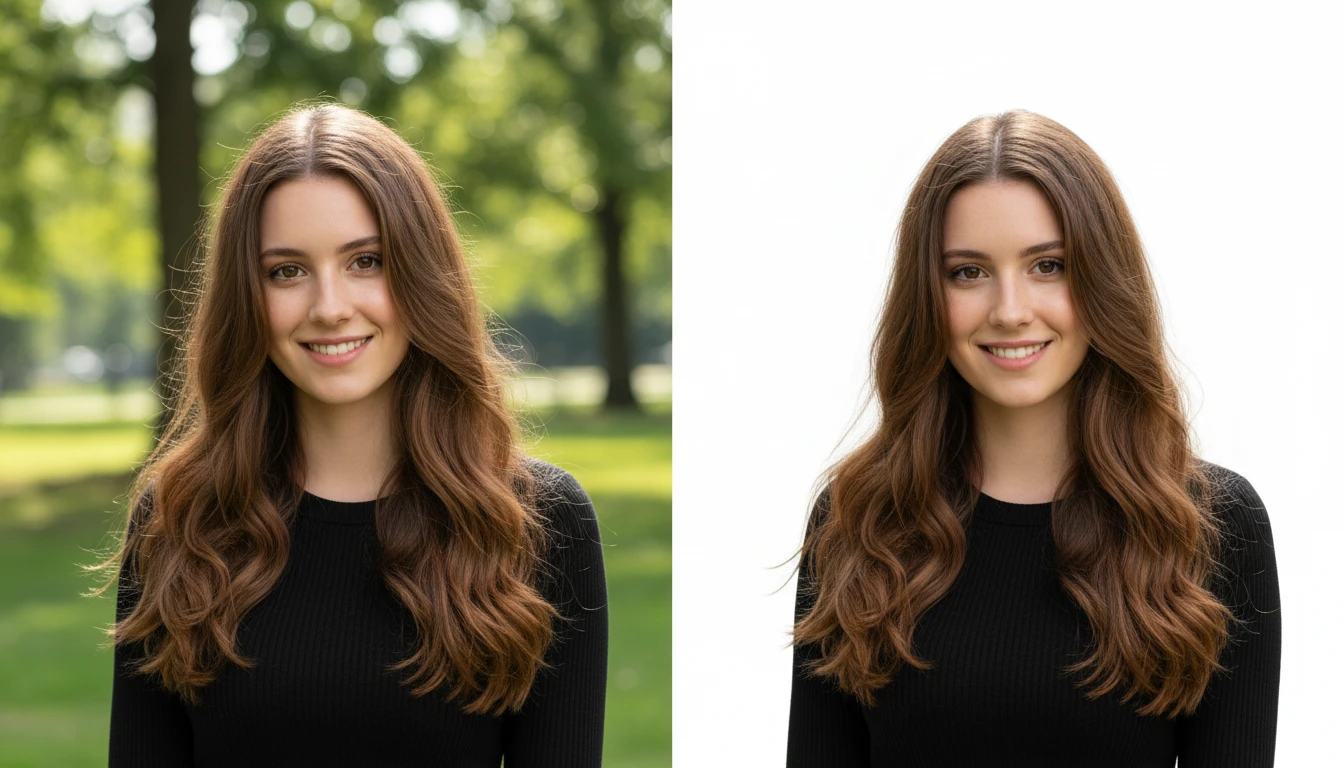
Add White Background to Photo
Add a free white background to any photo instantly with AI. Perfect as a white background maker for product photos, portraits, and professional images.
How to Add a Free White Background to Your Photo?
Upload Your Photo
Upload the image you want to place on a white background. Supports JPG, PNG, and WEBP formats.
AI Applies White Background
Click Generate. The AI detects your subject, removes the existing background, and replaces it with a clean white background automatically.
Download Your Image
Download your white background photo in high resolution, ready to use for listings, documents, or social media.
Key Features of White Background
Perfect Product Photo Background
Upload your product image and our AI instantly swaps the background to clean white. Ideal for Amazon, Shopify, eBay, and any ecommerce platform that requires a white background photo for product listings.

One-Click Background Swap
White background maker use advanced AI to detect the subject in your photo, separate it from the background, and place it on a crisp white canvas. Edges come out smooth and natural, even with tricky details like hair, fur, or transparent objects.
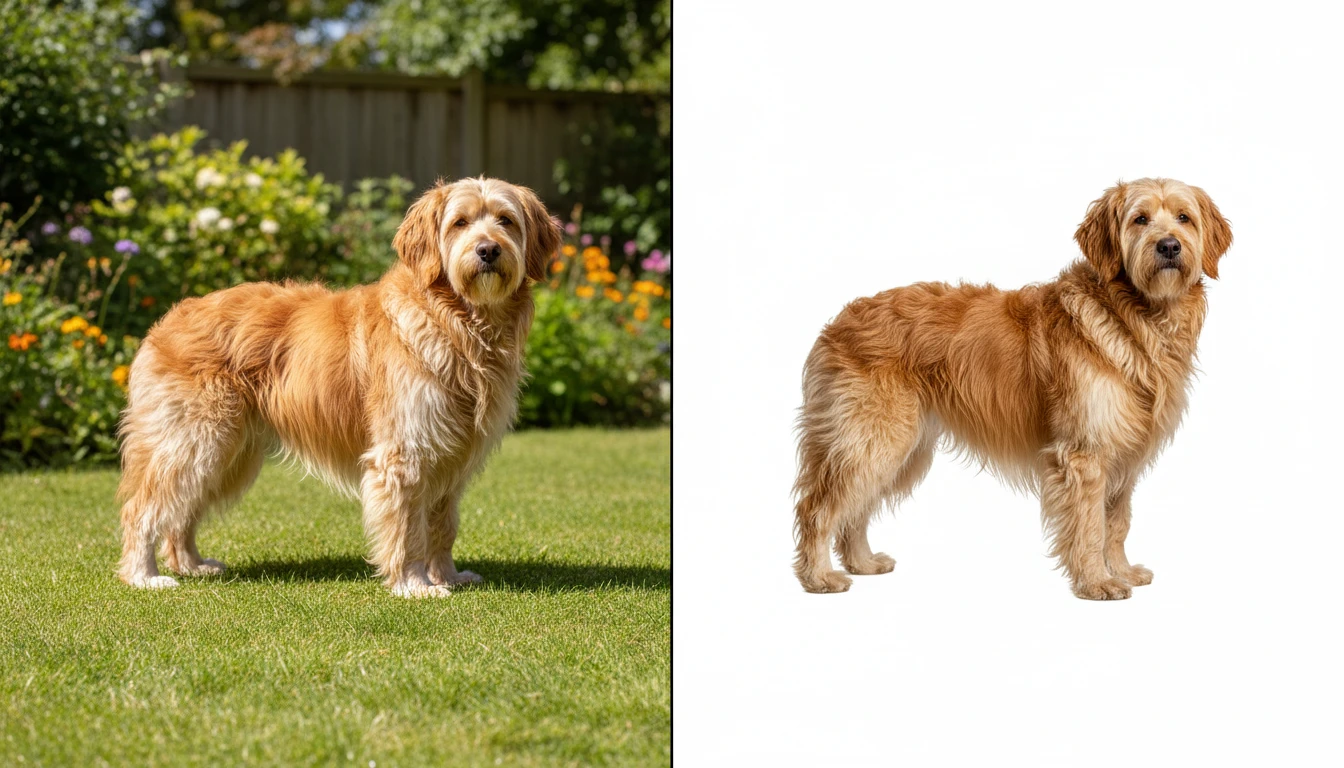
Works for Any Photo Type
Whether you want to add white background to photo for a passport, headshot, social media profile, or school project, this tool handles it all. Upload portraits, product shots, logos, or any image and get a polished white background photo ready to download in seconds.