Image Enhancer
Improve image quality with AI. Enhance clarity, color, sharpness, and overall visual appeal automatically.
How to Use Image Enhancer?
Upload Your Image
Select the image you want to enhance. Ensure it's clear enough for the AI to analyze and improve effectively.
Enhance the Image
Click the enhance button. The AI will automatically improve clarity, sharpness, color, and overall visual quality.
Preview and Download
Once the enhancement is complete, preview the results and download the improved image in high quality.
Key Features of AI Image Enhancer
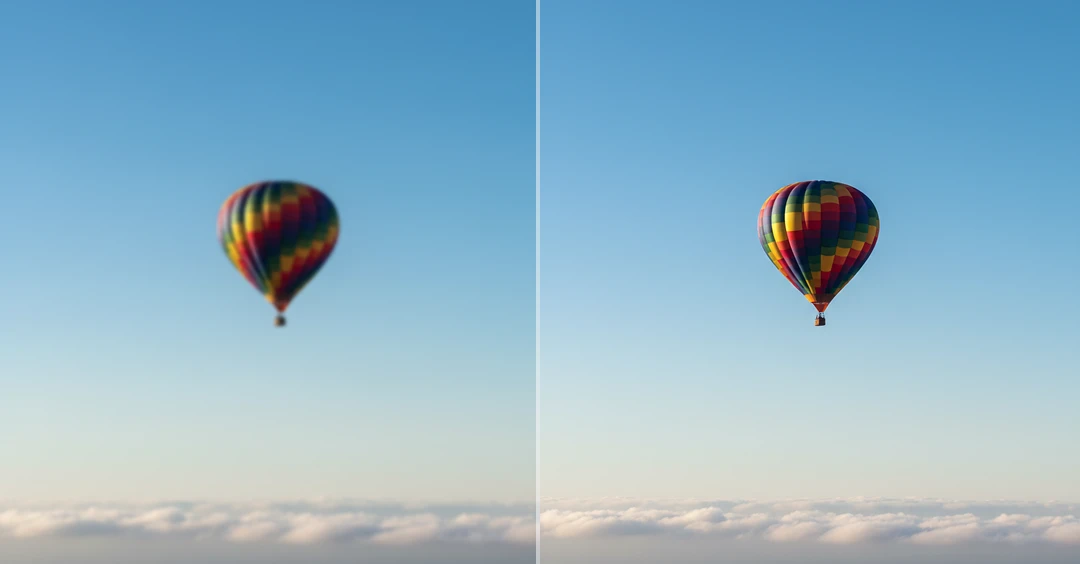
Improve Image Clarity
AI Image Enhancer improves the overall clarity of your photo by refining edges, balancing contrast, and enhancing important visual details. It analyzes different parts of the image and applies intelligent adjustments to make objects, faces, and backgrounds appear sharper without affecting the original image.
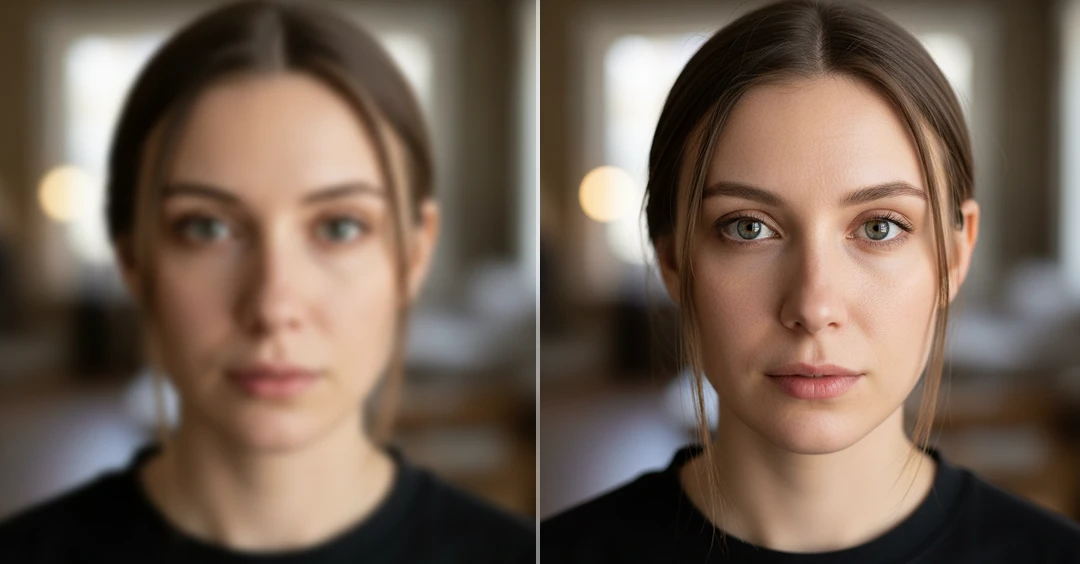
Fix Blurry Photos
AI detects blur caused by motion, camera shake, or focus issues and restores sharpness by improving edge accuracy and fine details. This helps make soft or slightly out-of-focus images look clearer and more visually appealing while maintaining realistic textures.
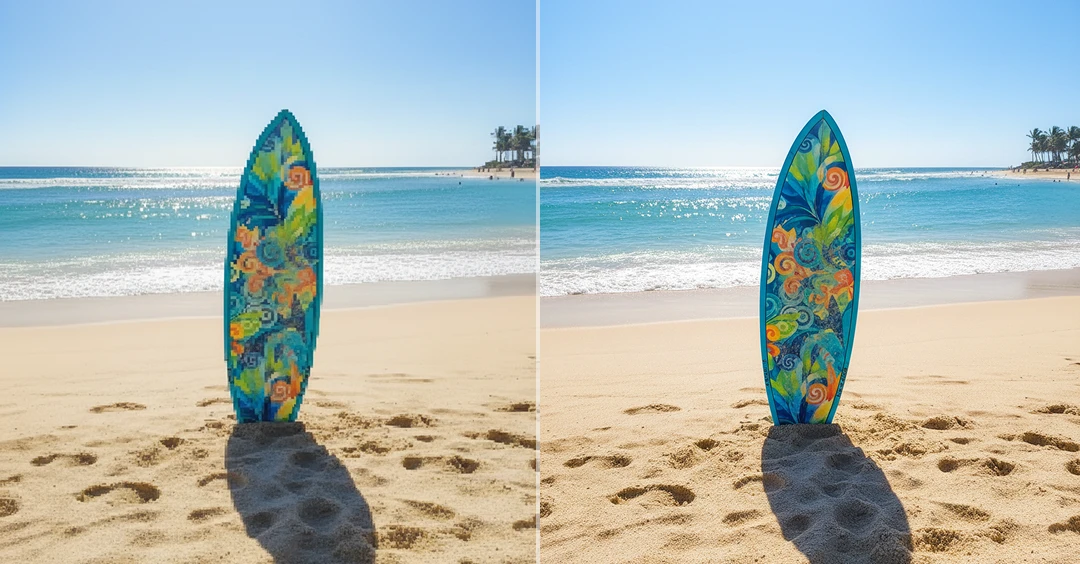
Clear Up Pixelated Images
Low-resolution or compressed images often appear blocky or pixelated. AI enhances these images by reconstructing missing pixel data and smoothing rough edges, turning pixelated visuals into cleaner, high-quality results suitable for digital use or printing.
Color Enhancement
Enhances faded or dull colors by adjusting brightness, contrast, saturation, and white balance. The AI improves vibrancy and color consistency across the image while maintaining natural skin tones and realistic lighting conditions.
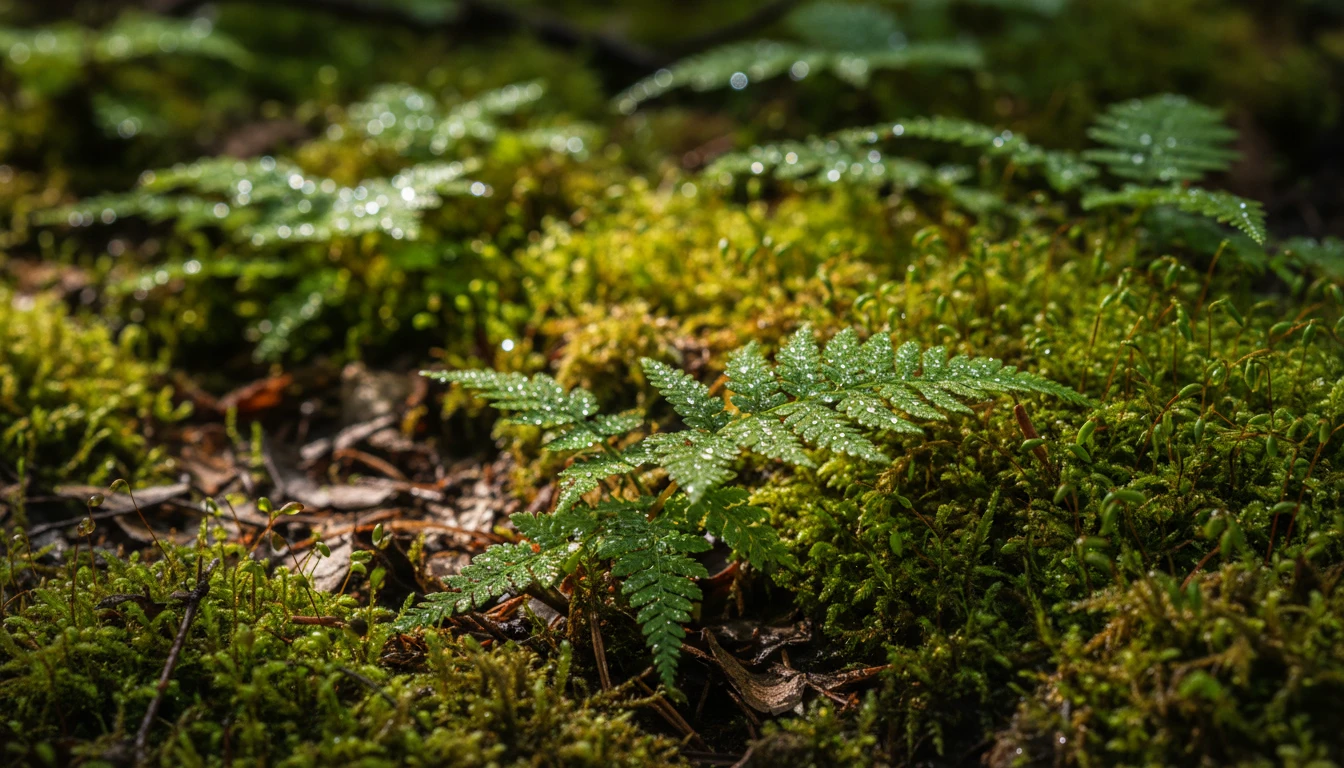
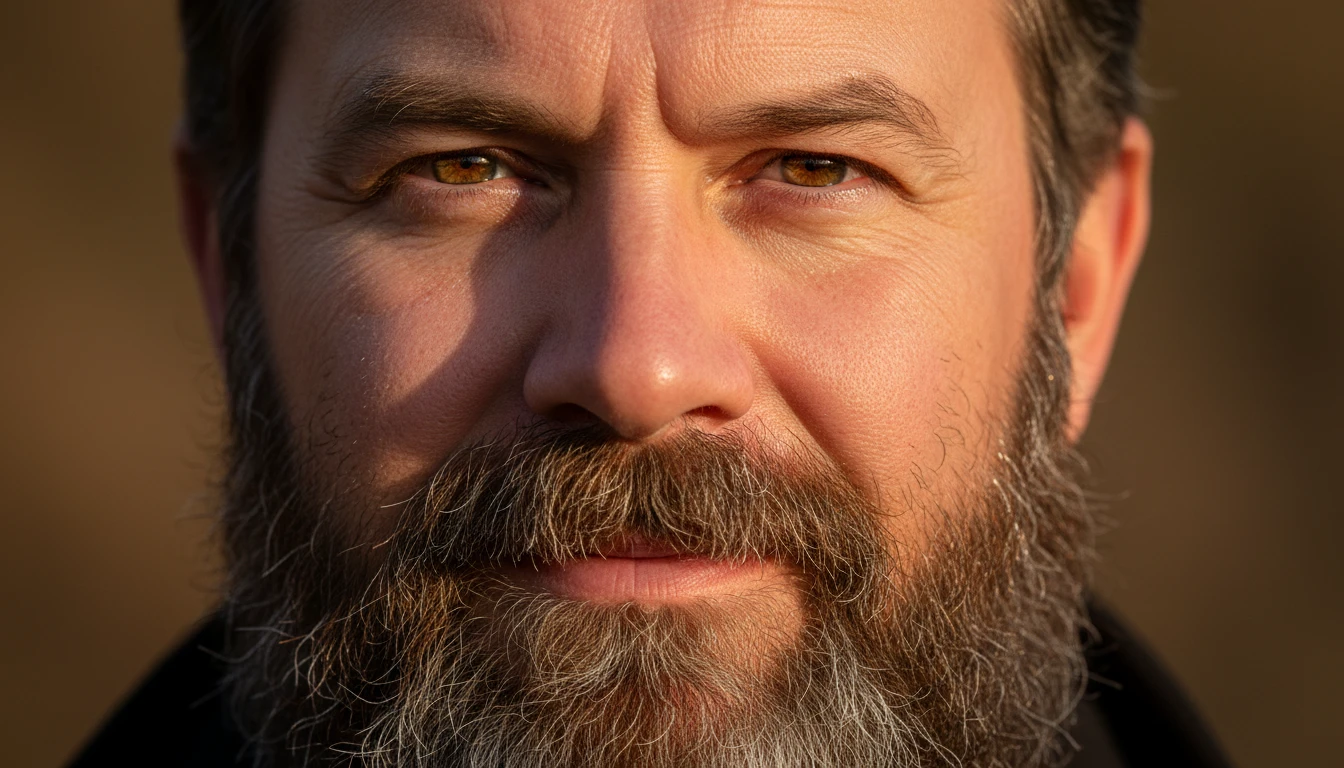
Texture & Detail Recovery
AI restores fine textures in areas such as hair, fabric, surfaces, and backgrounds by analyzing image patterns. This process helps recover lost details and improves overall sharpness, making the enhanced image look more refined and professional.