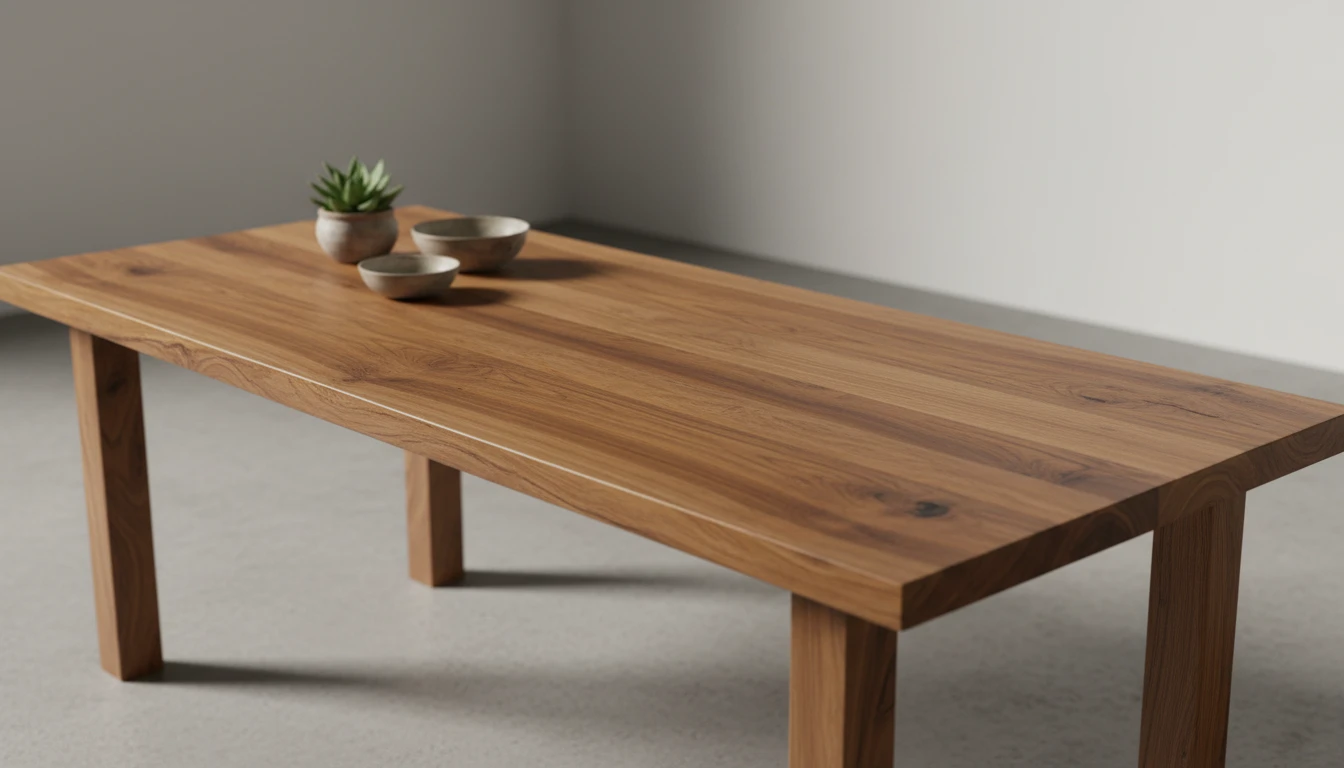
Image Upscaler
Increase image resolution with AI. Make your images sharper, clearer, and higher quality with 2x or 4x upscaling.
How to Use Image Upscaler?
Upload Your Image
Select the image you want to enhance. Make sure it's clear enough for the AI to analyze and improve effectively.
Choose Upscale Level
Pick the desired upscale factor, such as 2x or 4x, depending on how much you want to increase the image resolution.
Generate and Download
Click the generate button. Once the AI finishes processing, preview the enhanced image and download it in high resolution.
Key Features of AI Image Upscaler
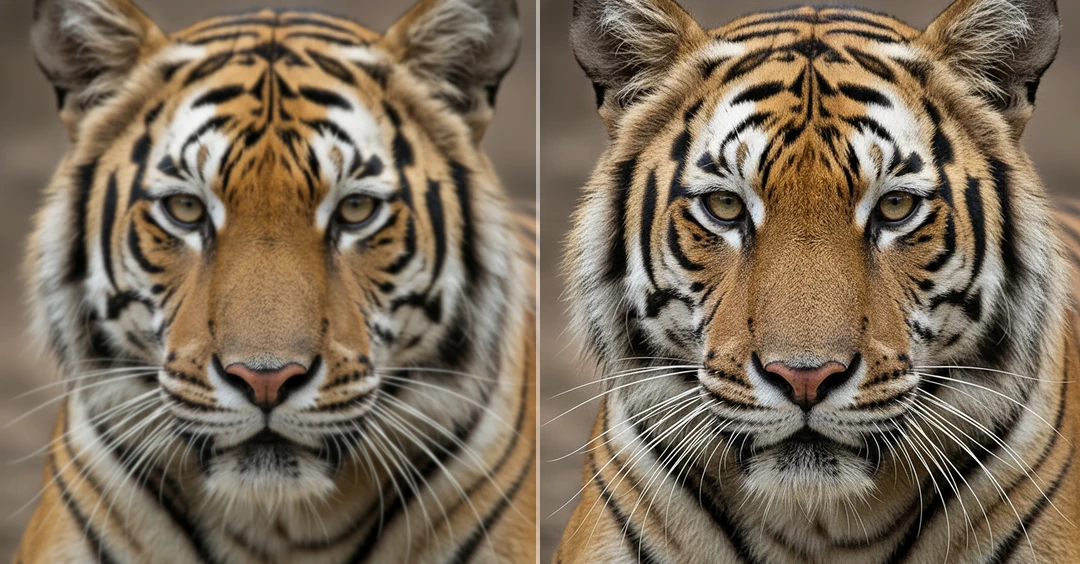
AI Smart Resolution Scaling
AI Smart Resolution Scaling increases the resolution of your image by AI analyzing patterns, textures, and structures within the original photo. AI reconstructs new pixel data to enhance sharpness and clarity.
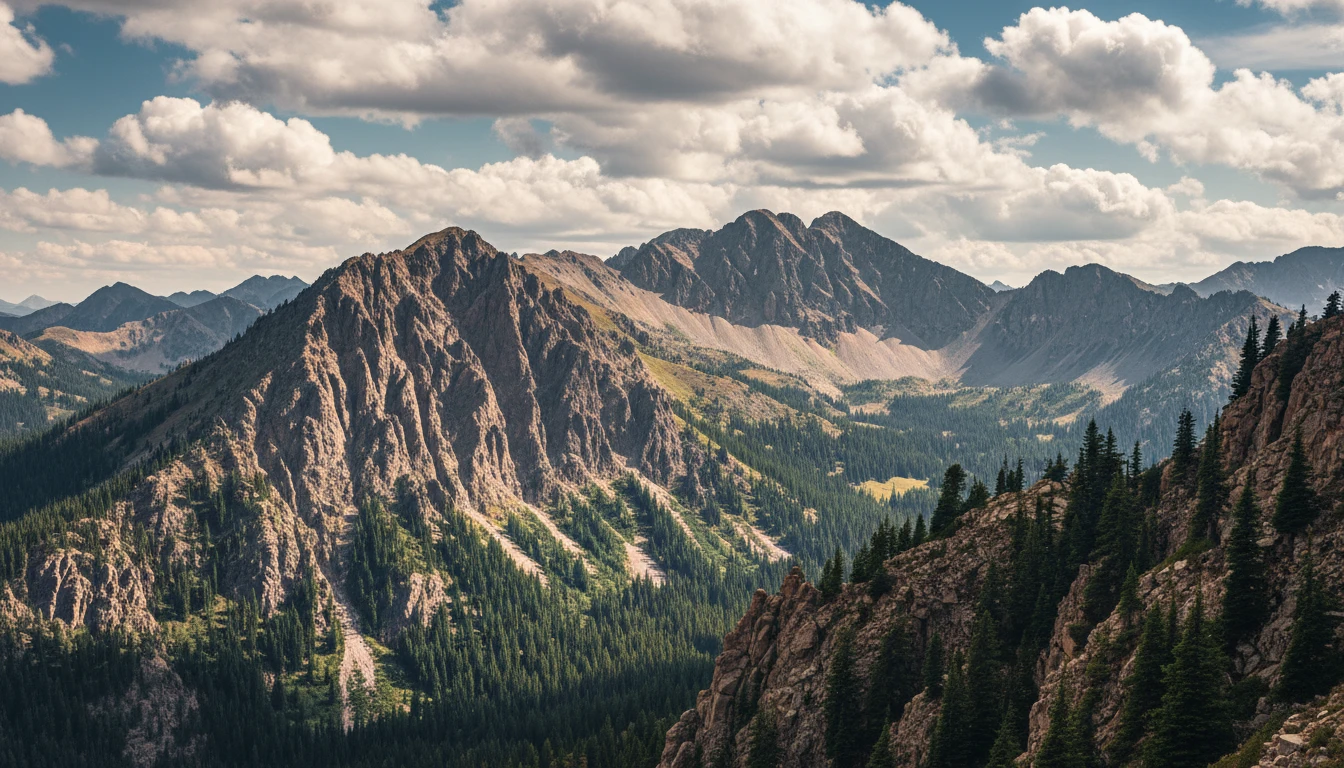
Image Enlargement
You can upscale images to multiple levels such as 2x or 4x while maintaining visual quality. AI preserves important structures and textures during enlargement, helping convert low-resolution images into high-resolution outputs that look clear and natural even on larger screens or printed materials.
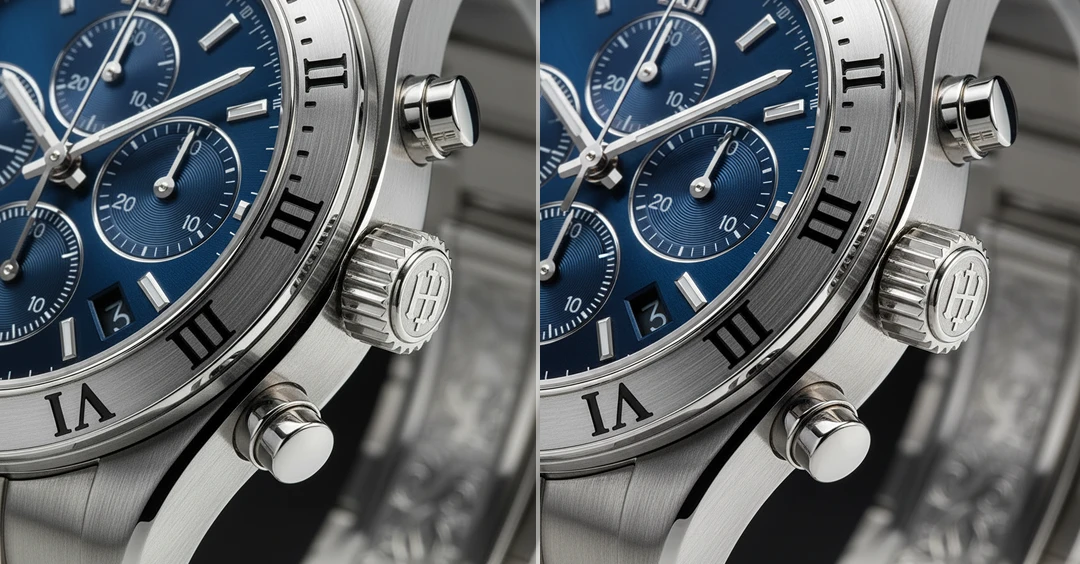
Texture & Edge Sharpening
During the upscaling process, AI enhances edges and restores fine textures in areas such as hair, fabric, and surfaces. This helps prevent soft outlines or jagged edges, ensuring that the enlarged image remains sharp, clean, and visually refined.
Color and Tone Accuracy
AI maintains the original color balance and lighting of the image while increasing resolution. It ensures that brightness, contrast, and tones remain consistent, preventing color shifts or unnatural saturation in the upscaled output.