GPT Image 2 AI Image Generator
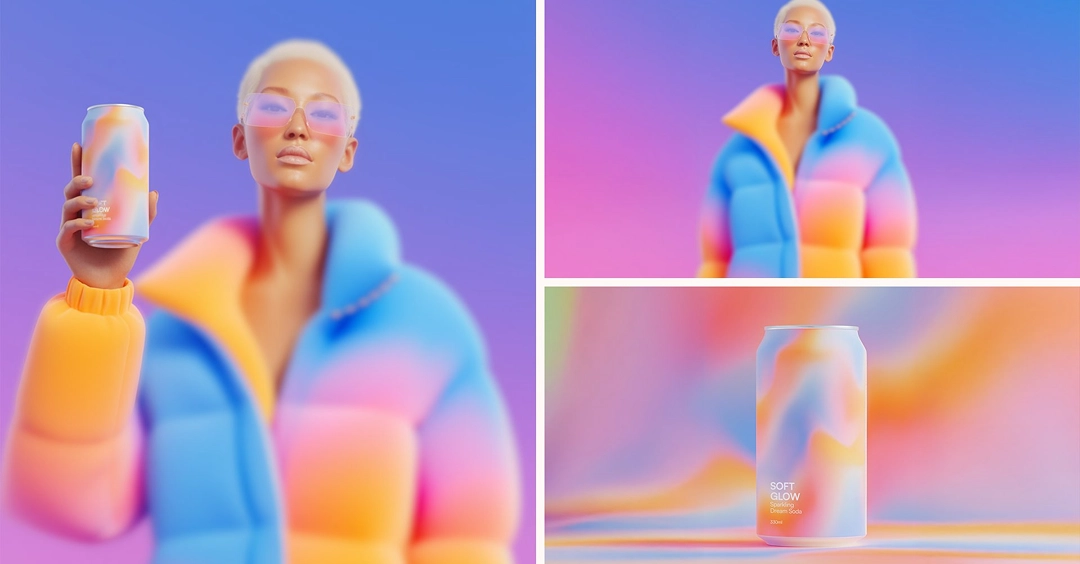
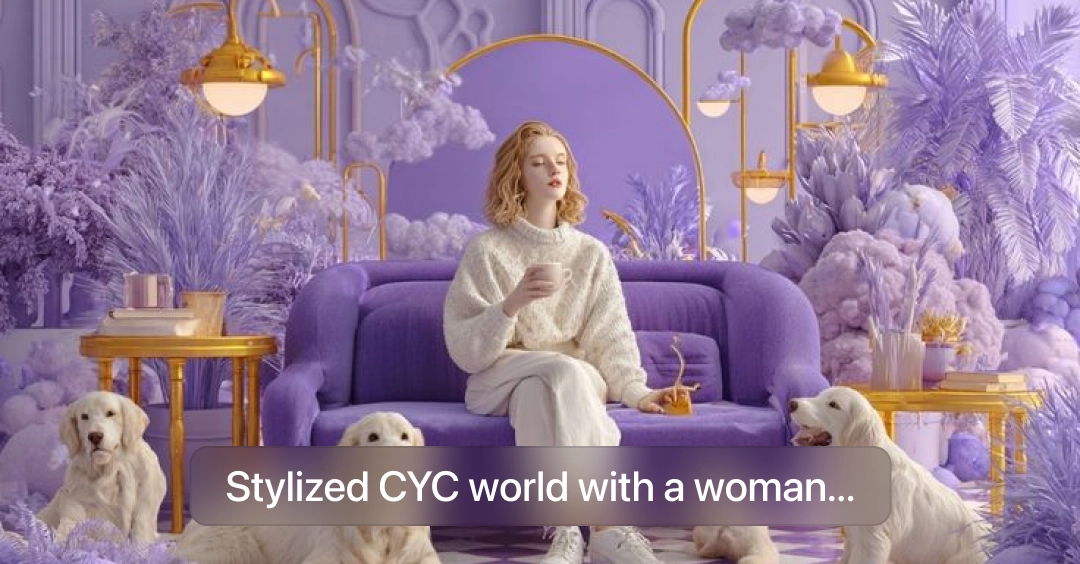
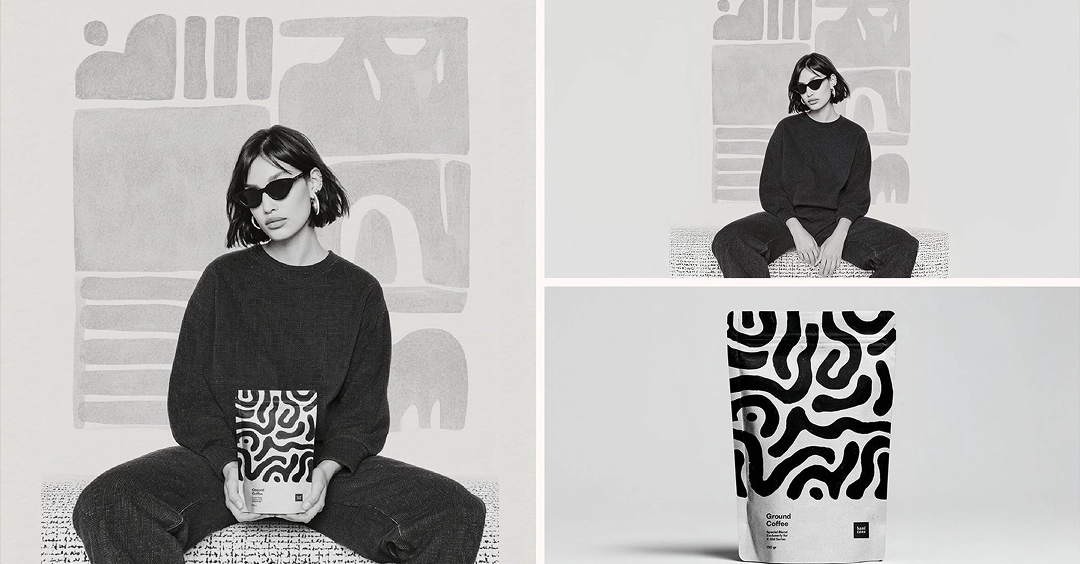
GPT Image 2 is OpenAI’s image generation and editing experience for creating visuals from prompts and reference images. It works well for posters, graphics, comics, and other design-focused content.
Upload Image
Explore More GPT Image Models
Key Features of GPT Image 2
Better Prompt Understanding
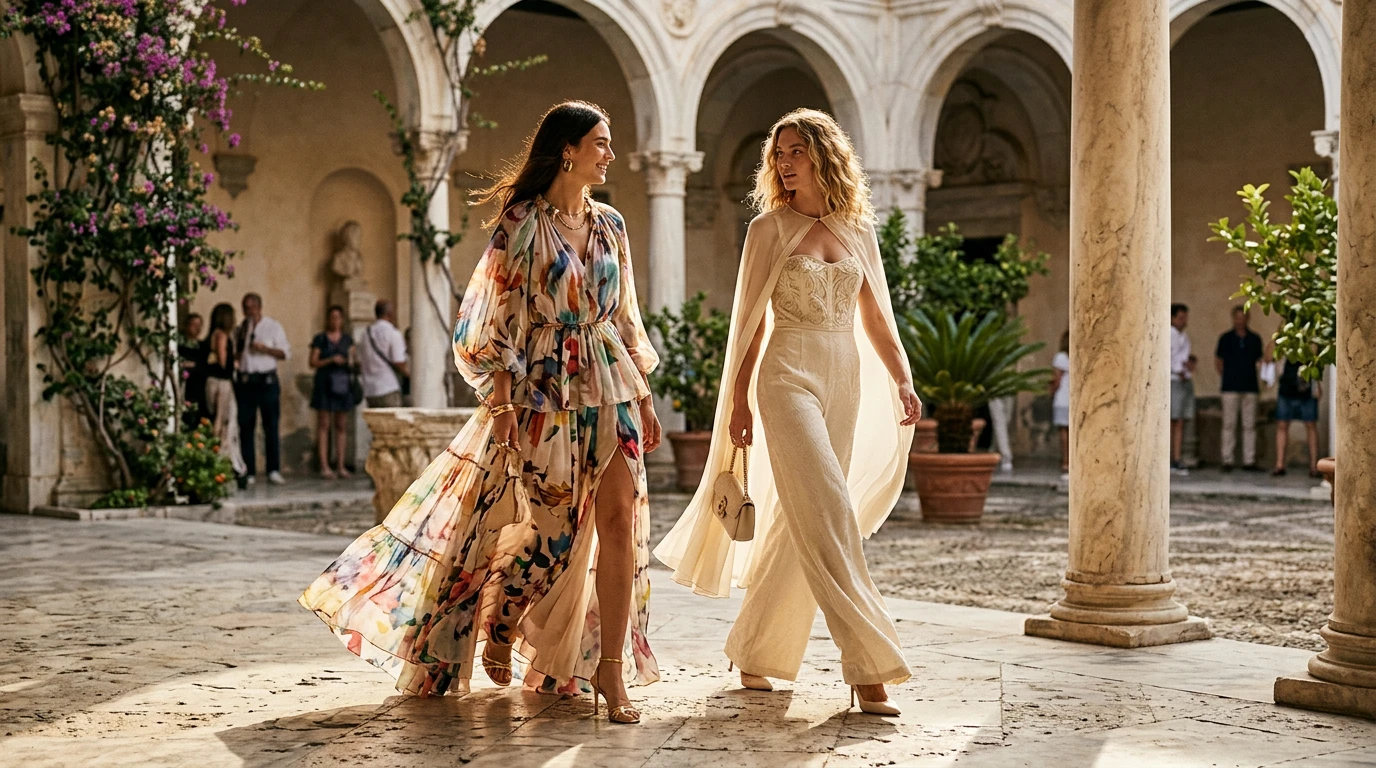
GPT Images 2 is built to respond more clearly to detailed instructions, giving users more say over the final style, composition, and visual direction. This helps the output feel more aligned with the image you had in mind.
Useful for Creative and Design Projects
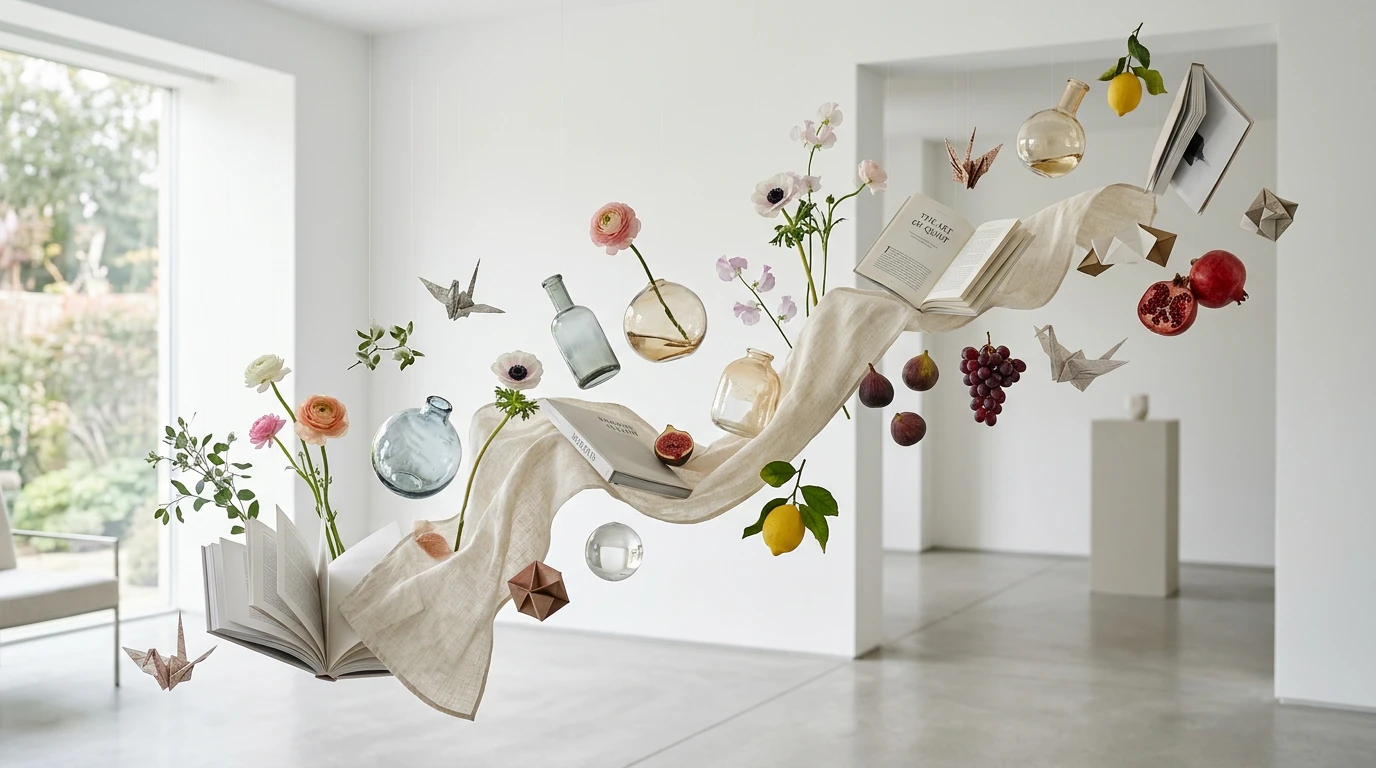
It works well for making posters, infographics, comics, educational visuals, and other polished content. This makes it a strong option for users who need visuals for content creation, storytelling, design tasks, or promotional work.
Better for Multilingual Visual Content
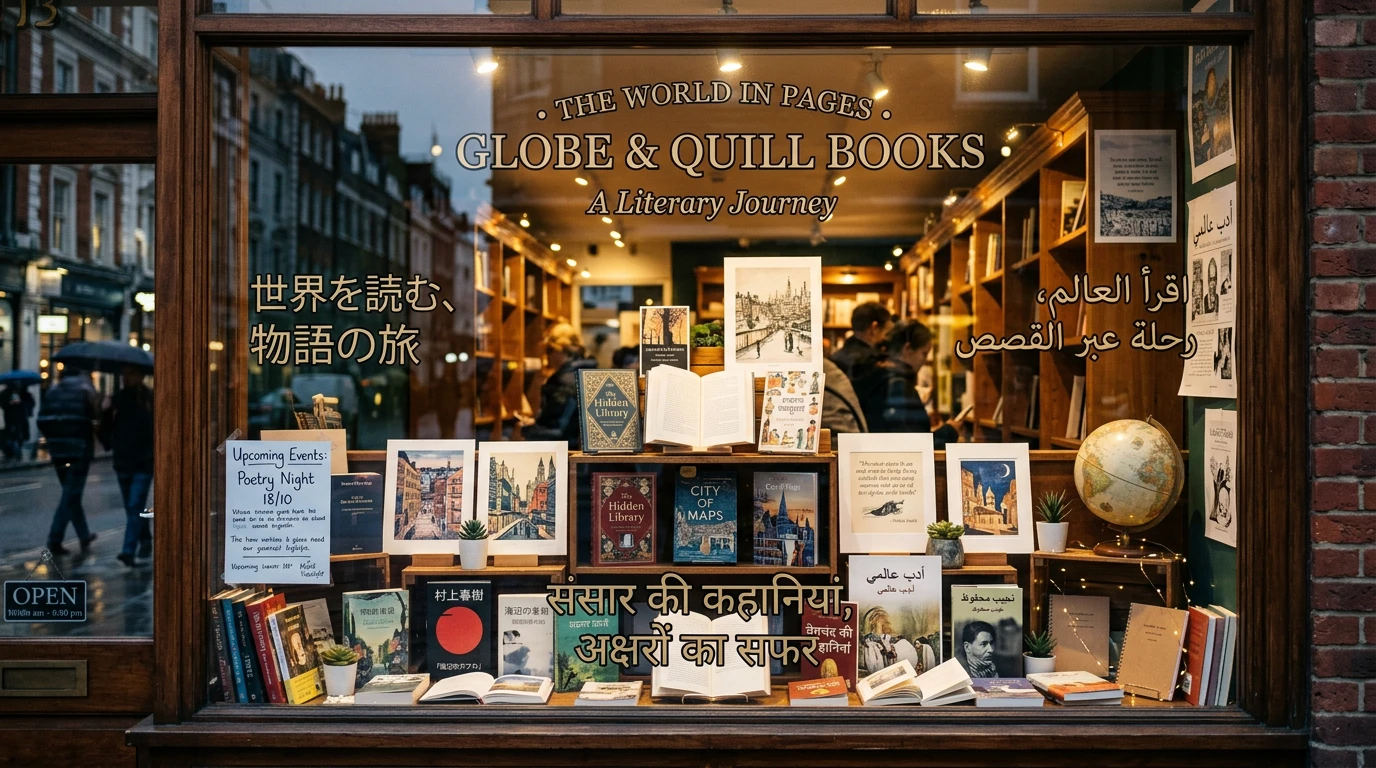
The model handles a wider range of languages and scripts more effectively, which is helpful for global content and text-based image designs. This makes it more practical for social creatives, posters, and visuals that include language as part of the design.
Easier to Refine in Different Formats
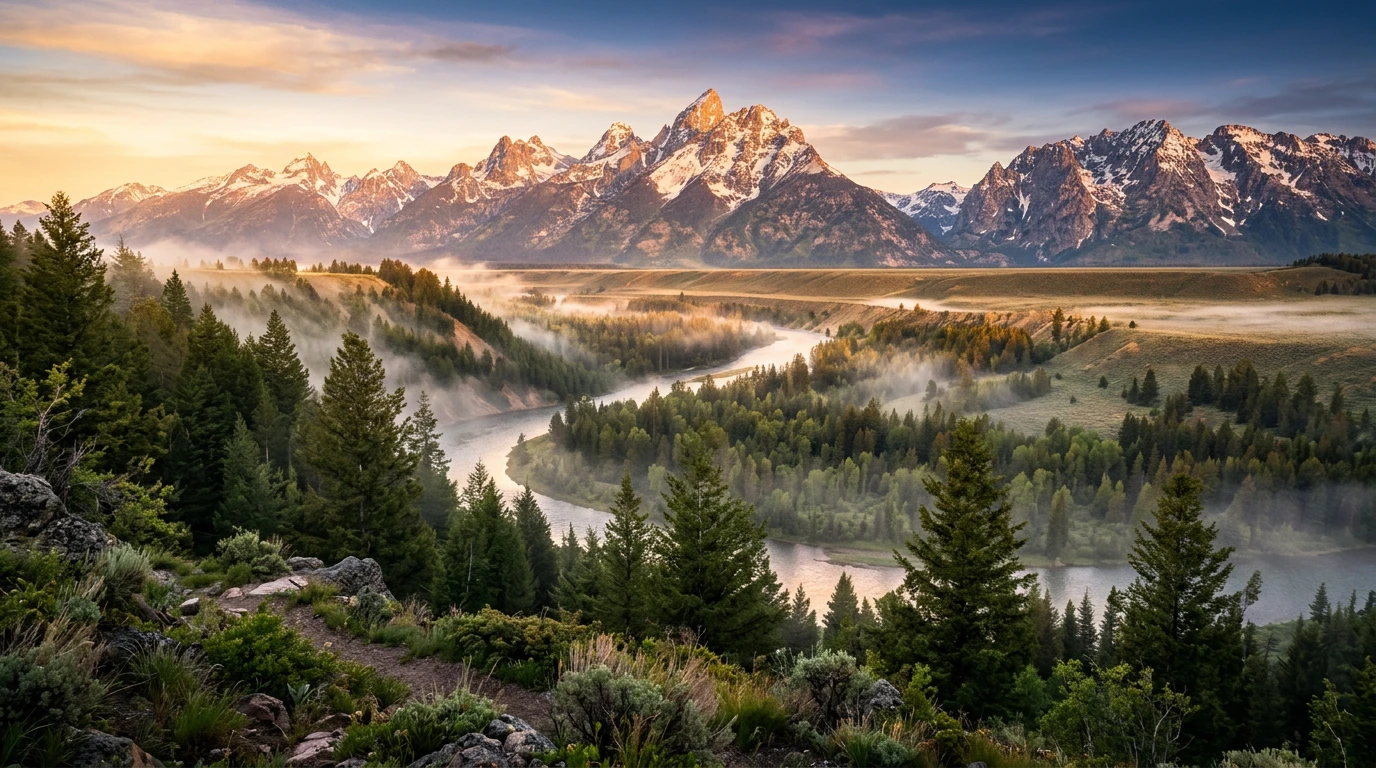
You can create images in multiple formats and continue improving them with reference images and follow-up edits. This makes the process more flexible and helps users shape the final result over time.
How GPT Image 2 Works
Add Your Image Idea
Begin with a prompt that explains what you want to create. You can mention the subject, visual style, mood, scene, or layout, and you can also include reference images to guide the result.
Create a New Image or Update One
The model can generate a fresh image from your prompt or help adjust an existing one. This gives users a simple way to handle both image creation and image improvement in one workflow.
Adjust and Download
After the first result appears, you can keep refining it with more instructions. This lets you update details, test variations, and improve the final image before downloading it.
Examples of GPT Image 2