
GPT Image 1.5
GPT Image 1.5 is an AI image generator that creates realistic images from text prompts and edits images to produce high-quality visuals for creative and marketing projects.
Upload Image
Explore More GPT Image Models
Key Features of GPT Image 1.5
Faster Image Generation
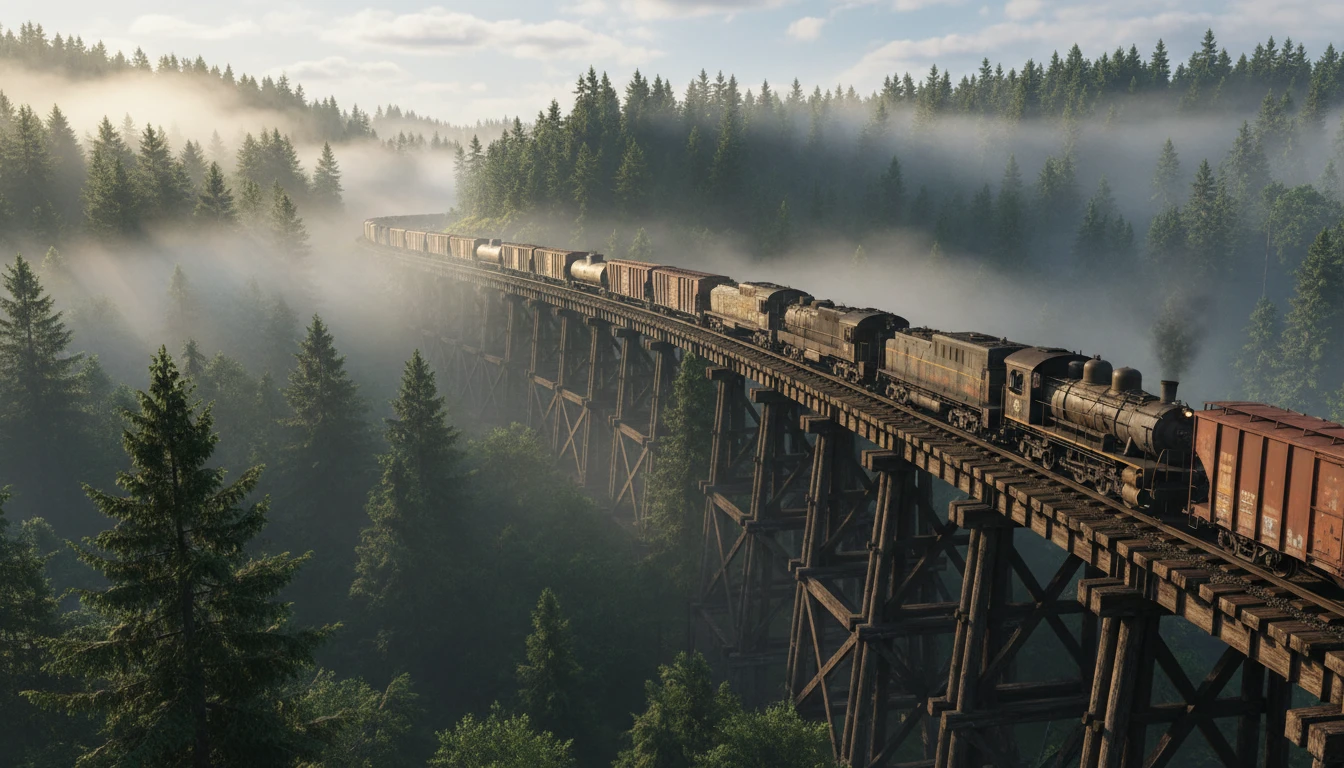
GPT Image 1.5 can generate images quickly, allowing users to turn ideas into visuals in seconds. Faster generation helps creators experiment with different prompts and produce multiple image variations without long waiting times.
Advanced Image Editing
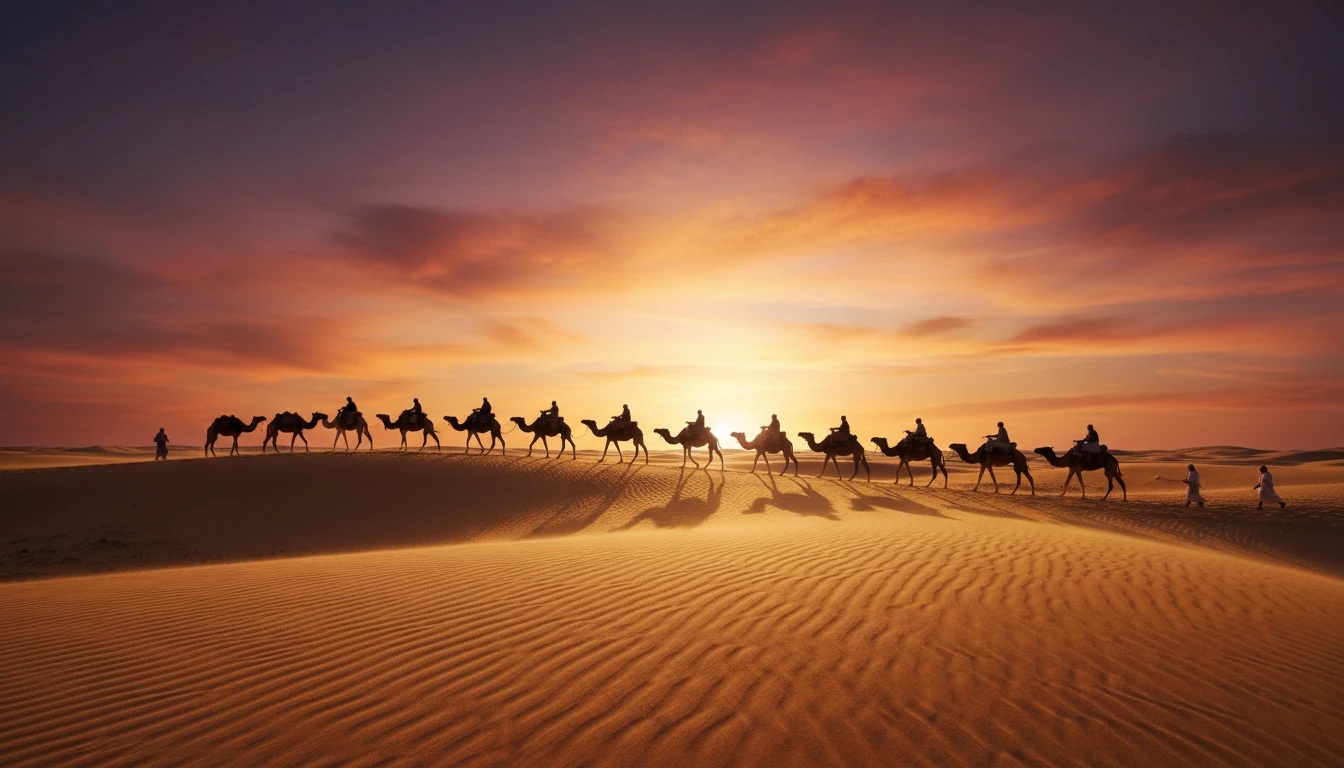
GPT Image 1.5 allows users to edit specific parts of an image using simple text instructions. You can change colors, replace backgrounds, remove objects, or adjust lighting while keeping the rest of the image unchanged.
Accurate Text Rendering
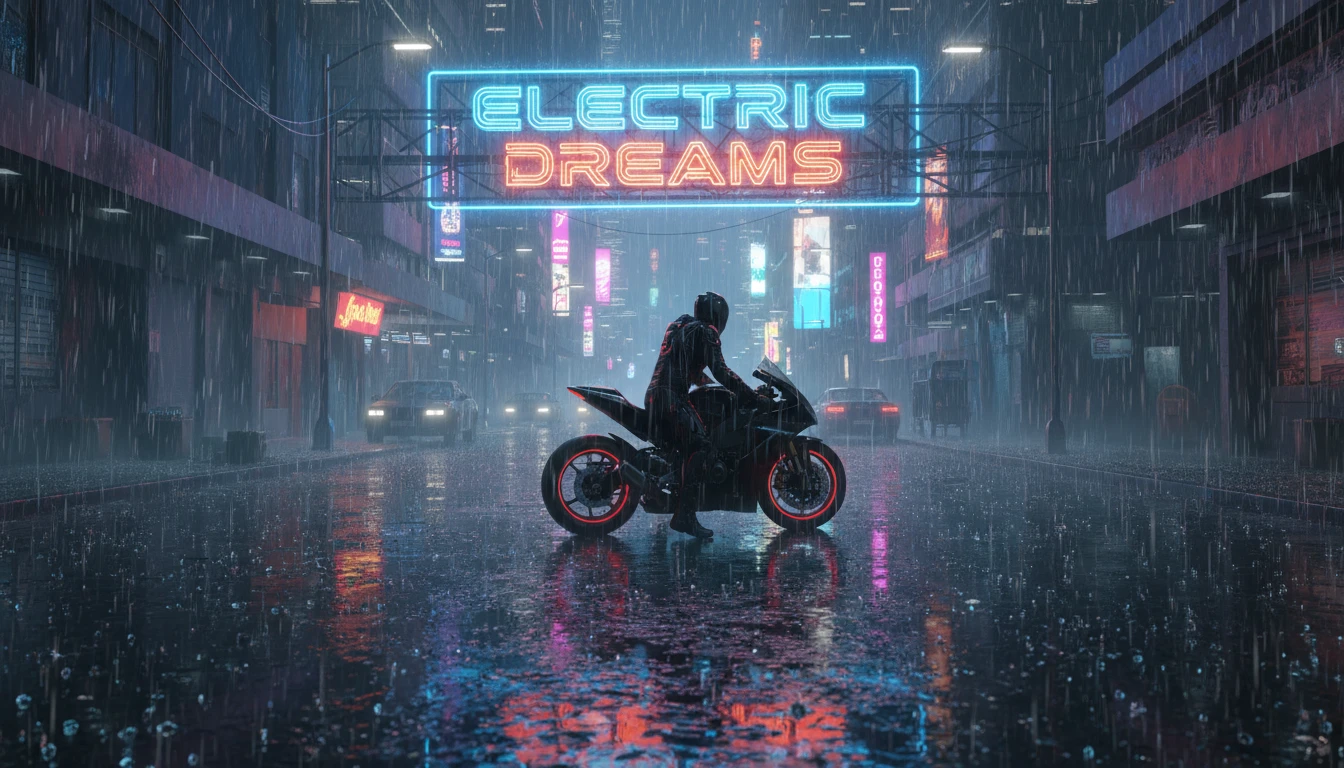
The model can generate clear and readable text inside images. This makes it useful for creating posters, banners, infographics, and marketing visuals where proper spelling and text alignment are important.
Character and Style Consistency
GPT Image 1.5 maintains consistent characters, objects, and visual styles across multiple images. This helps keep the same look and identity when generating different scenes or variations of the same concept.

Real-World Knowledge
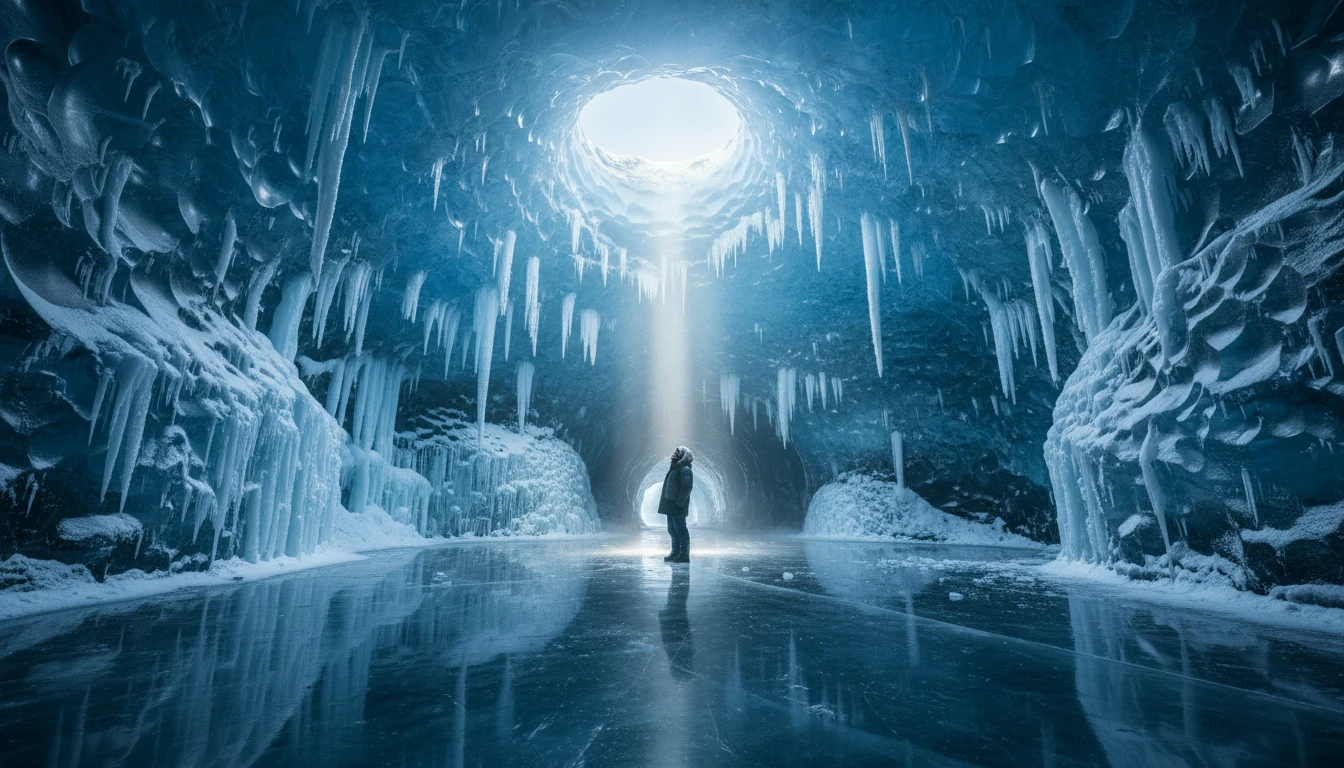
GPT Image 1.5 understands real-world environments, objects, and cultural context. This helps the model generate images that look natural, realistic, and closely match the details described in prompts.
How To Use GPT Image 1.5?
Enter Your Prompt or Image
Start by typing a clear description of the image you want to create. You can describe the scene, objects, style, or colors. You can also upload an existing image if you want to edit or transform it.
Generate the Image
Click the generate button to start the process. GPT Image 1.5 will analyze your prompt or uploaded image and create high-quality visuals based on your instructions.
Download and Use
Once the image is generated, review the results and choose the image you like. You can then download it and use it for creative projects, marketing, design work, or social media.