
Grok Imagine AI Image Model
Grok Imagine is an AI image generation model that turns text prompts into high-resolution visuals. It supports image editing, batch creation, and flexible style control for creators, designers, and businesses.
Upload Image
Key Features of Grok Imagine AI Image Model
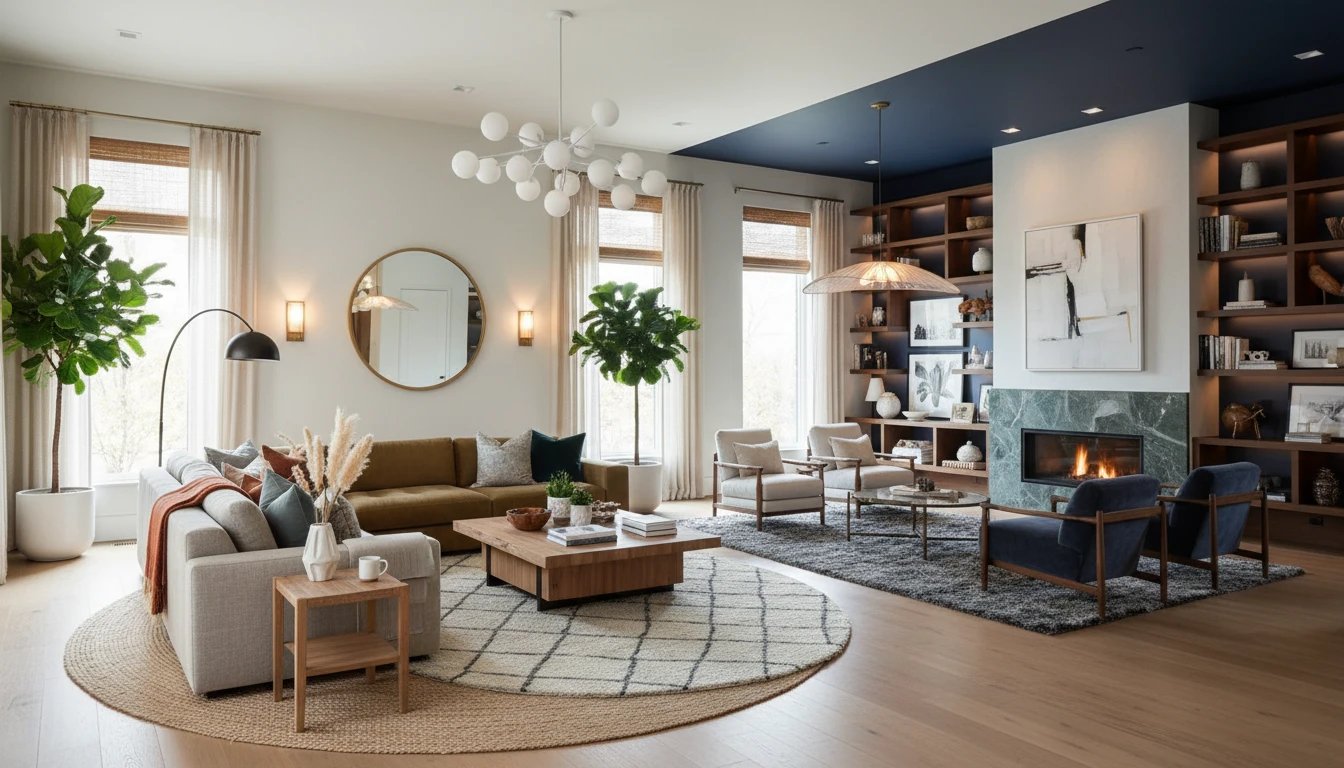
Batch Image Generation
Generate multiple image variations from a single prompt within one request. This feature helps users quickly explore different creative directions, compositions, lighting styles, and visual interpretations without starting from scratch each time.
Image Editing and Refinement
Upload an existing image and enhance or modify it using natural language instructions. You can adjust backgrounds, lighting, colors, style elements, or specific objects while maintaining the core structure of the original image for consistent and controlled results.
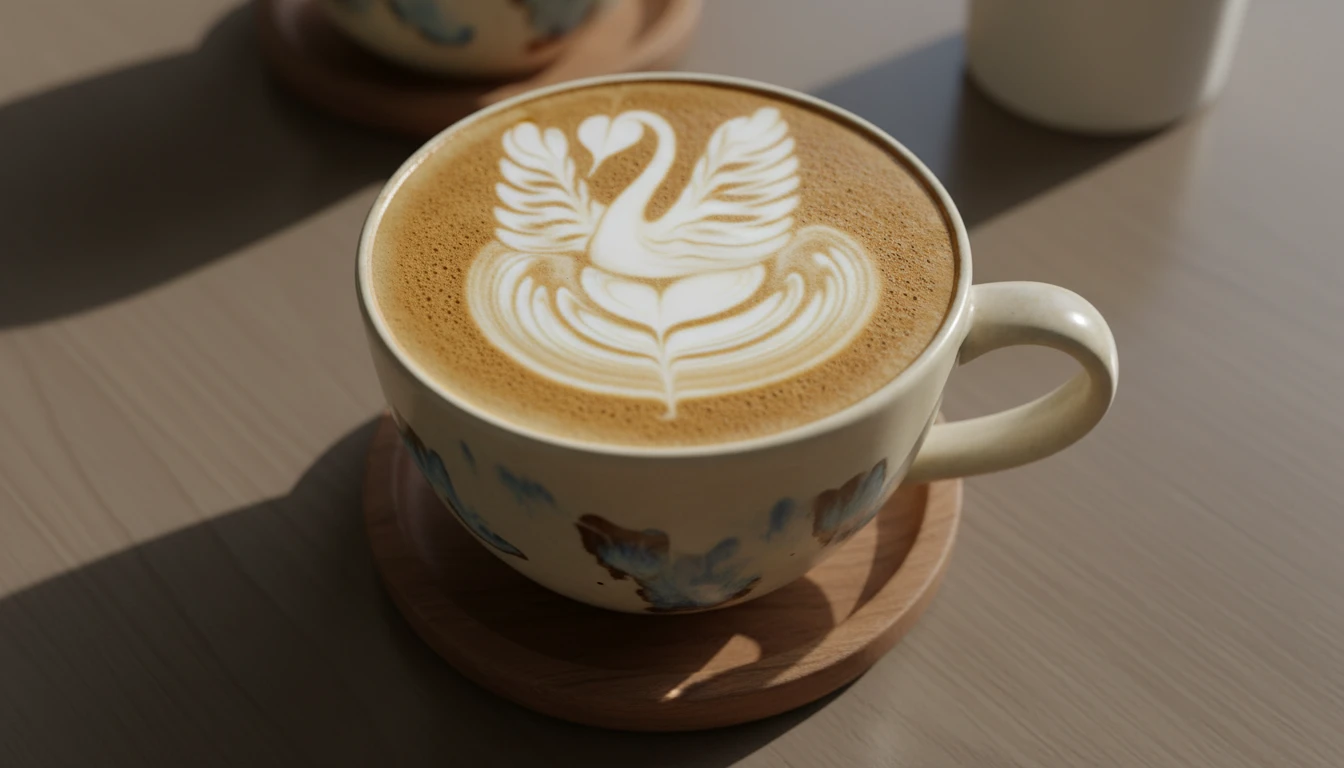
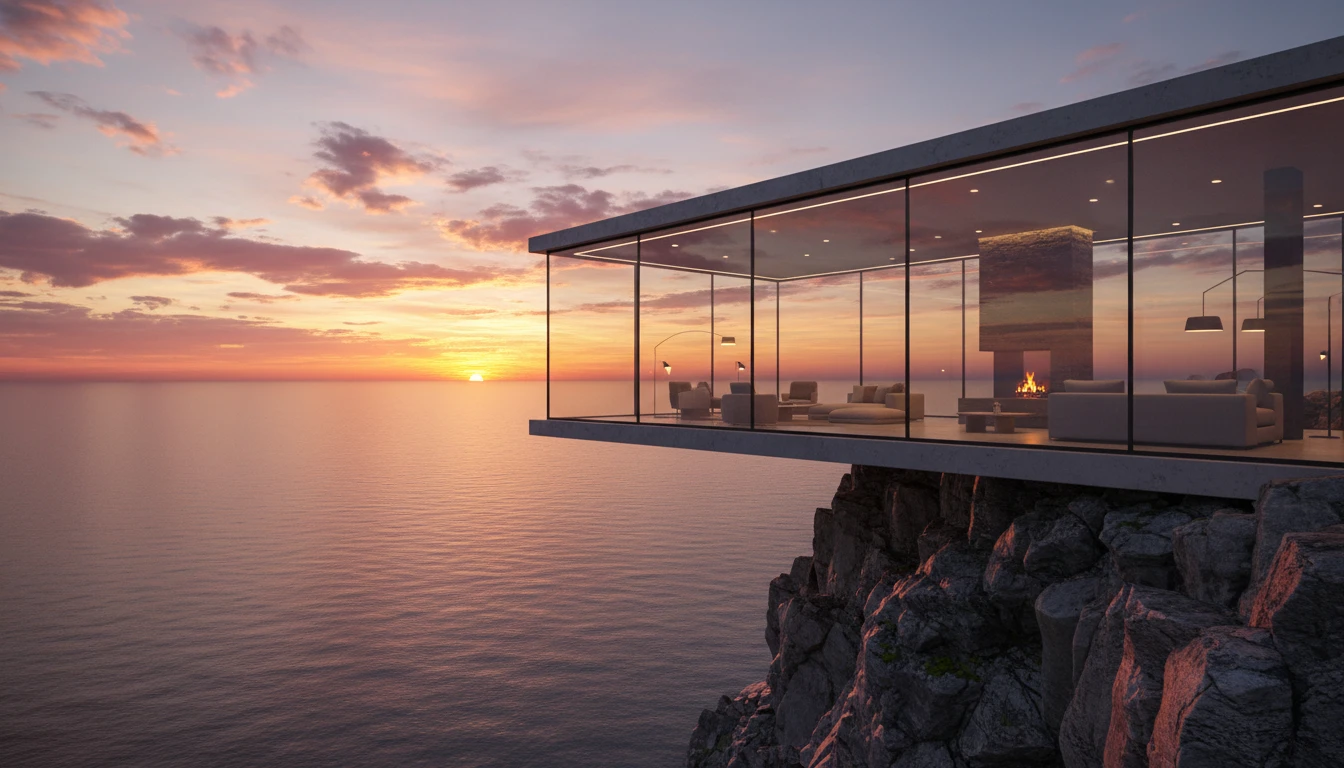
Text-to-Image Generation
Create high-resolution images directly from text descriptions. The model interprets subject details, artistic style, mood, and composition to produce visually accurate and expressive outputs tailored to your prompt.
Flexible Visual Style Control
Generate visuals across a wide range of styles, including photorealistic imagery, artistic illustrations, stylized graphics, and conceptual designs. The model adapts to different creative needs based on prompt guidance for greater artistic flexibility.
How to Use Grok Imagine AI Image Model?
Enter Prompt or Upload an Image
Start by writing a detailed text prompt describing the image you want to create. If you want to edit an existing visual, upload a reference image and describe the changes you’d like to apply.
Customize Your Settings
Choose your preferred output size, aspect ratio, and the number of images to generate. Adjust style cues in your prompt to control lighting, composition, and artistic direction.
Generate and Download
Click the generate button and let the model process your input. Once the images are generated, review the results and download your image.