Image Background Remover
Remove backgrounds from images automatically with AI. Get clean, transparent backgrounds in seconds without any manual editing.
How to Use Image Background Remover?
Upload Your Image
Select the image from which you want to remove the background. Make sure the subject is clearly visible for best results.
Process the Image
Click the remove background button. The AI will automatically detect and separate the subject from the background.
Download the Result
Once the process is complete, preview the image and download it with a transparent or plain background, ready for use.
Key Features of Image Background Remover

Transparent Background for Any Image
AI automatically removes the background from your image and replaces it with a transparent layer. This allows you to easily place the subject onto new backgrounds for designs, presentations, product listings, or creative projects without needing manual editing.
Precise Edge Detection
AI detects the boundaries between the subject and the background with high accuracy. It ensures clean cutouts around complex areas like hair, clothing edges, or curved shapes to avoid rough outlines or unwanted background remnants.

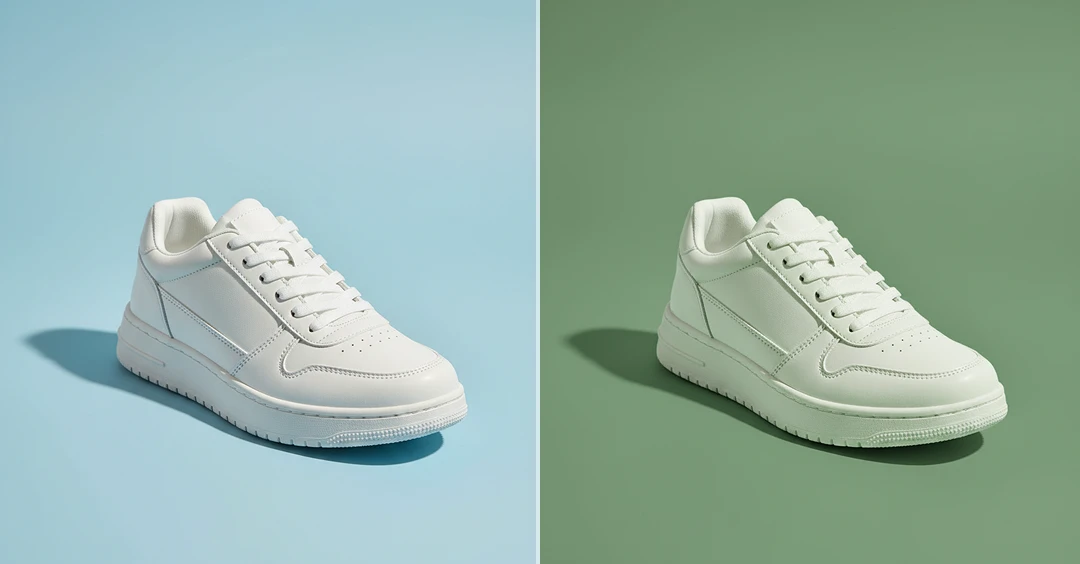
Change the Background Color
After removing the original background, you can replace it with any solid color of your choice. This helps create consistent visuals for product photos, profile pictures, or marketing images without needing advanced design tools.
Fine Detail Preservation
AI background remover preserves important details such as hair strands, shadows, and soft edges. This helps maintain a natural appearance and prevents the subject from looking cut out or artificial after background removal.