
Nano Banana 2
Nano Banana 2 is an AI image generation and editing model powered by Gemini 3.1 Flash. It provides high-quality visuals, fast performance, precise editing, and accurate text rendering for professional results.
Upload Image
Explore More Nano Banana AI's Models
Key Features of Nano Banana 2
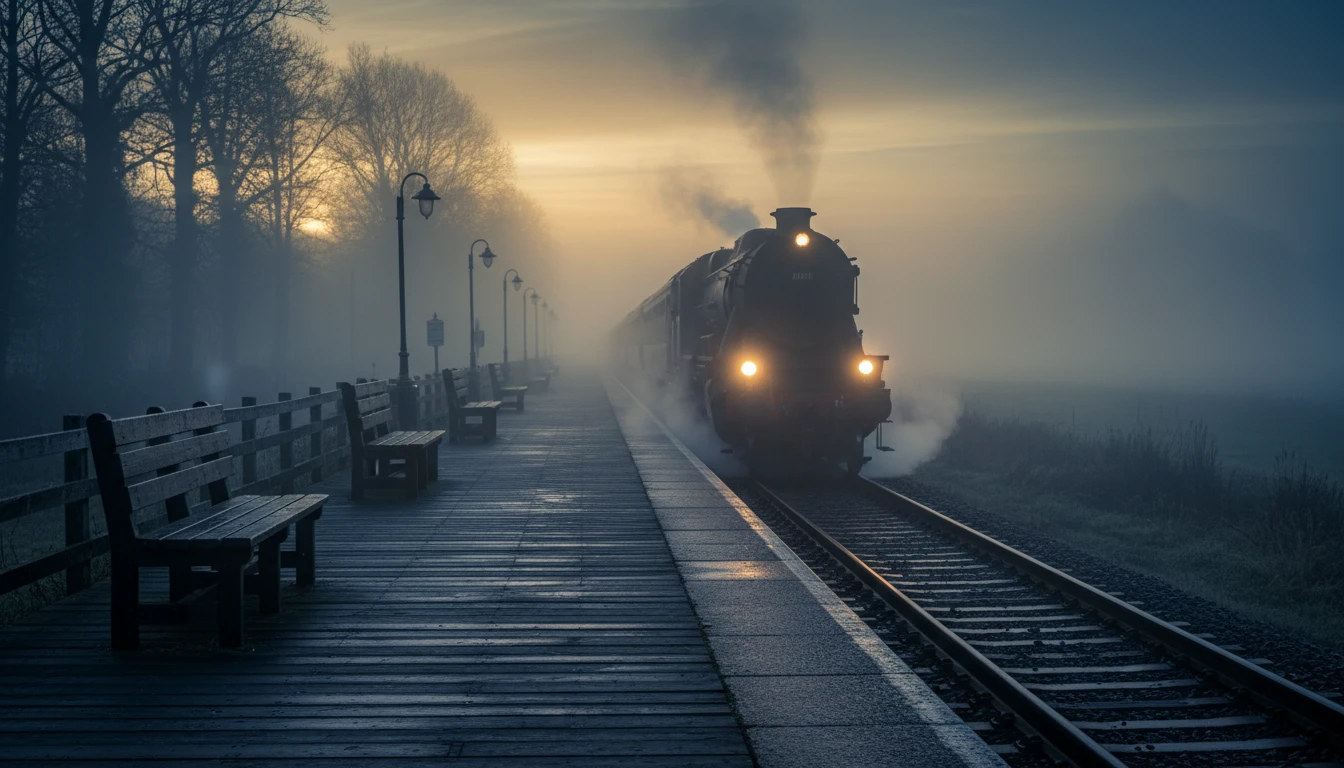
Smart Real-World Understanding
Nano Banana 2 uses real-world knowledge and web-based grounding to create more accurate and context-aware images. It can better understand landmarks, environments, objects, and structured information, making it useful for infographics, diagrams, and realistic scene generation.
Lightning-Fast Image Generation
Nano Banana 2 delivers high-quality images at exceptional speed. It allows rapid generation and quick edits, making it ideal for fast creative workflows, content production, and real-time experimentation.
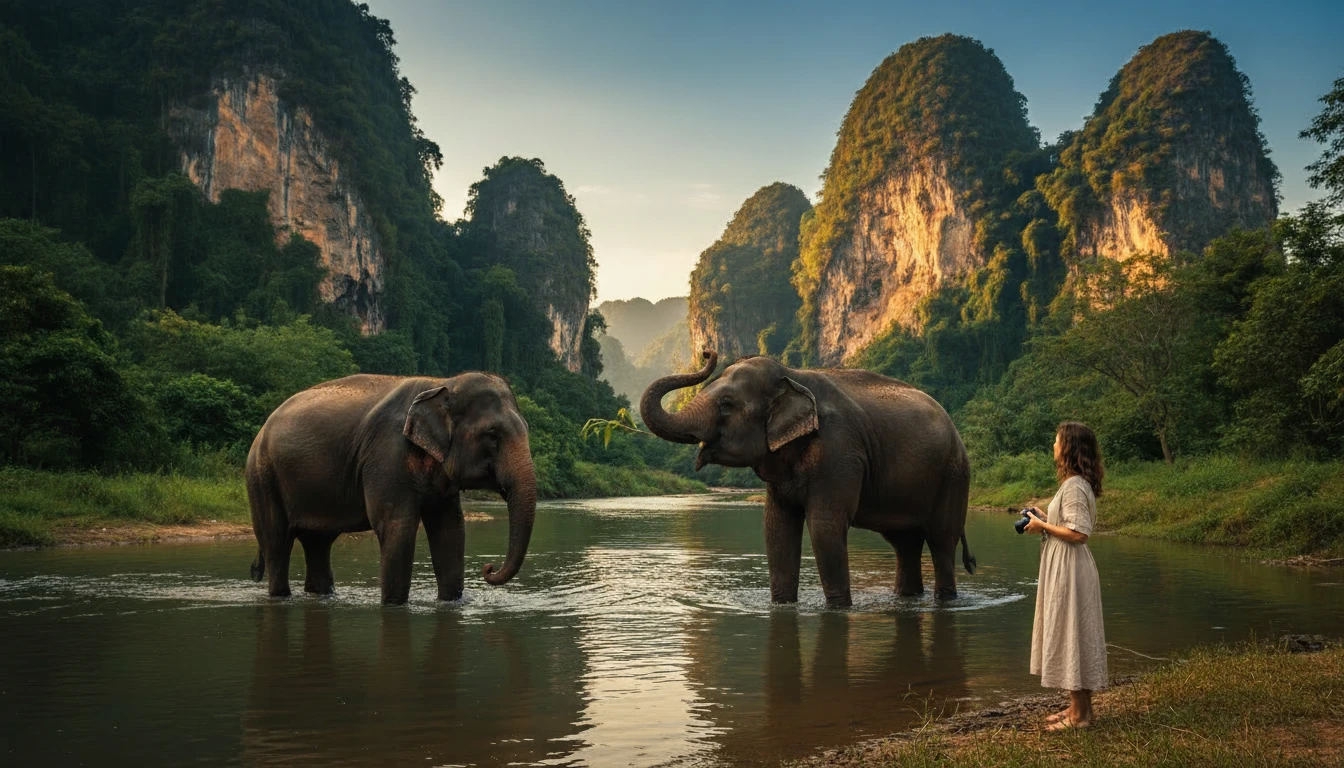
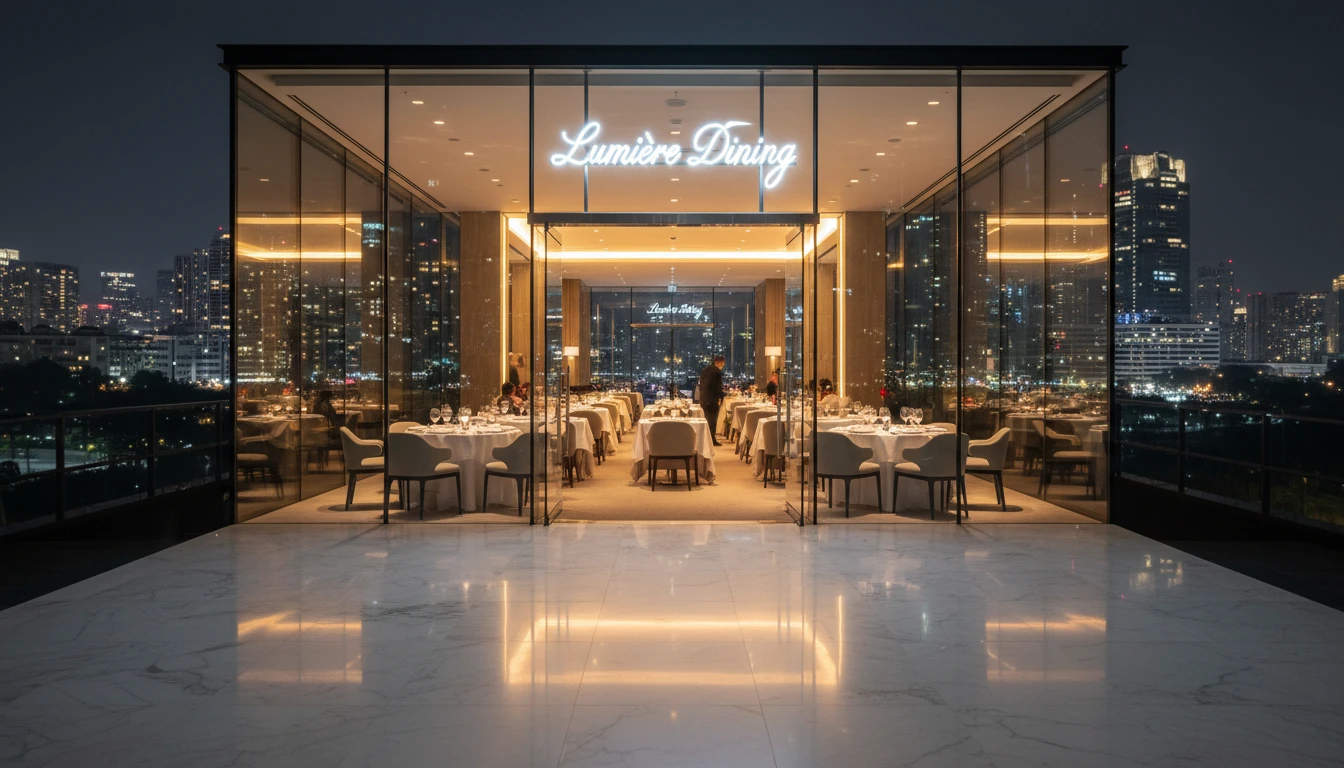
Precise Text Rendering
Nano Banana 2 generates clear, accurate, and text directly inside images. It is suitable for marketing materials, UI mockups, posters, greeting cards, and branded visuals where readable and properly placed text is essential.
Subject Consistency Across Images
The model maintains character resemblance (up to 5 characters) and object consistency (up to 14 objects) within a workflow. This enables storytelling, campaign creation, and multi-scene projects without altering key visual elements.
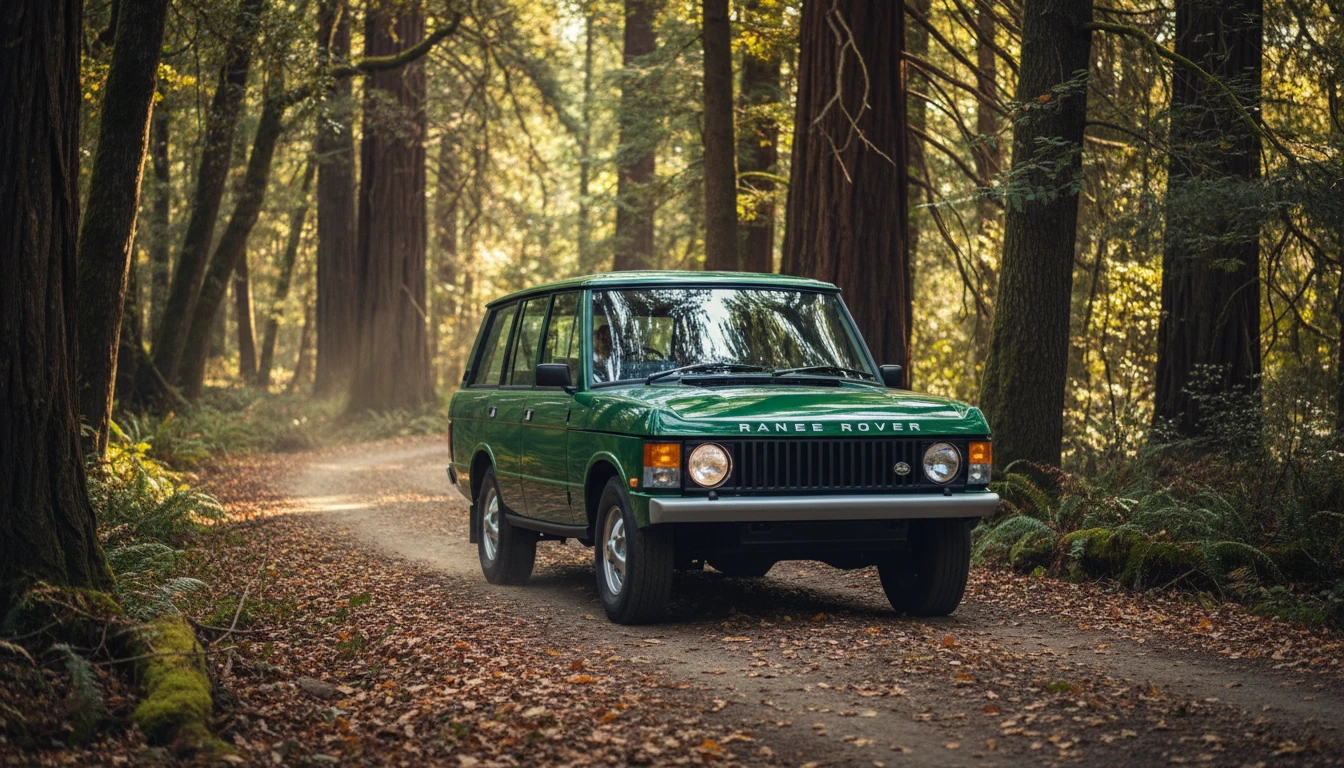
Better Instruction Following
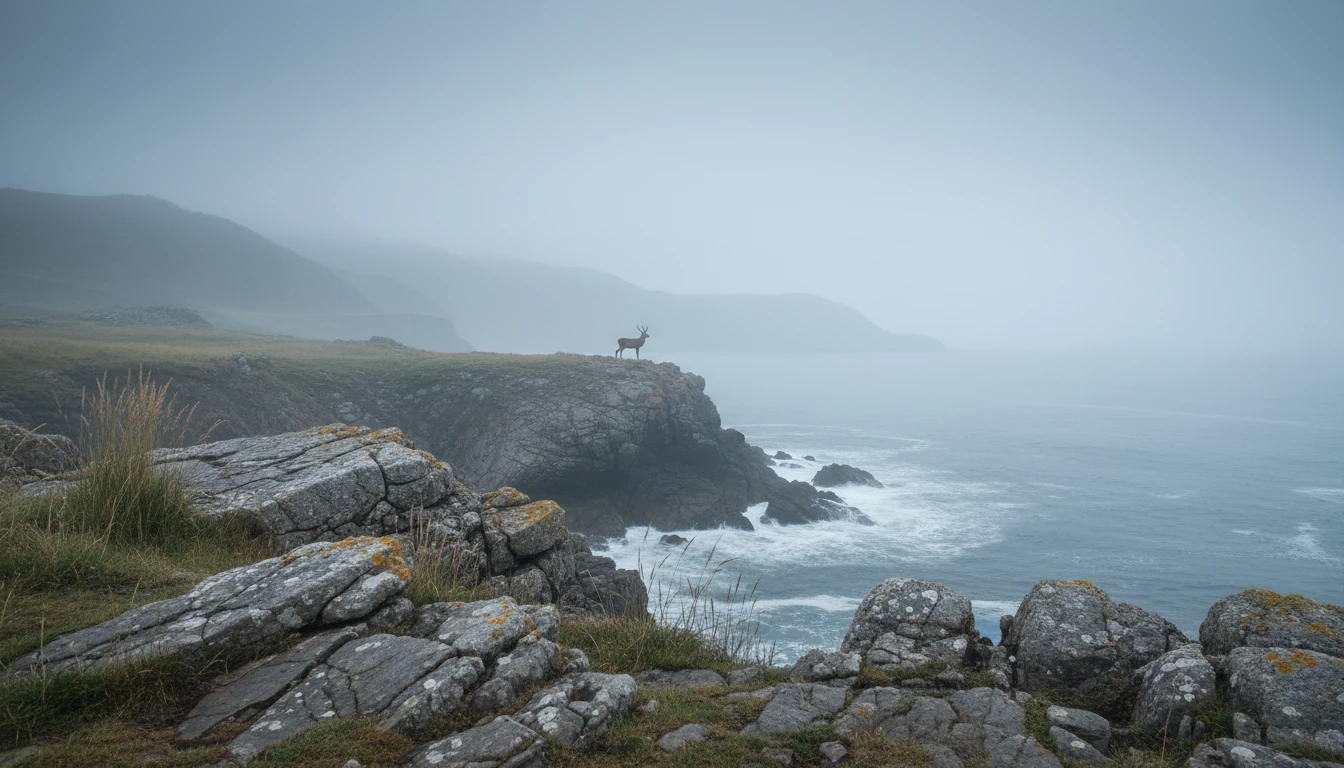
Nano Banana 2 follows complex, multi-layered prompts more accurately than previous Flash models. It captures detailed creative requirements and adheres closely to user instructions, resulting in outputs that better match the requested vision.
How To Use Nano Banana 2?
Enter Prompt or Upload an Image
Describe the image you want to create, including style, lighting, text, or specific elements. You can also upload an existing photo to edit or transform.
Adjust Settings and Refine
Choose your preferred aspect ratio and resolution (up to 4K). Add clear text, translate content, or refine your prompt to improve accuracy and maintain subject consistency.
Generate and Download
Click generate to create your image instantly. Review the result, make quick edits if needed, and download your final high-quality image for use anywhere.