Animate Photos with AI Image Animator
Use ChromaStudio's AI Image Animator to turn your images into videos. Animate your old photos, sketches, and portraits to bring them to life.
How to Animate a Photo?
Upload an Image
Select an image that you want to animate.
Enter a Prompt to Animate Photo
Write a prompt to describe how you want the animation transformation to your image. If there are elements you want to avoid or specific motions to include, you can describe them here.
Download & Share
Click the "Generate" button, and in just a few minutes, you'll receive your AI-generated animated video. You can download and share it directly.
Animate Your Photo into a Video with Image Animator
Our AI Image Animator turns your photos into dynamic videos. Bring your old photos, sketches, portraits, or childhood memories to life by animating them with our tool.
Animate Any Element for Versatile Creative Uses
Running an ad campaign? Building a presentation? Need content for your feed? A still image gets scrolled past — an animated one stops people mid-scroll. Use it for product showcases, storytelling clips, or just making your Instagram grid way more interesting than everyone else's.
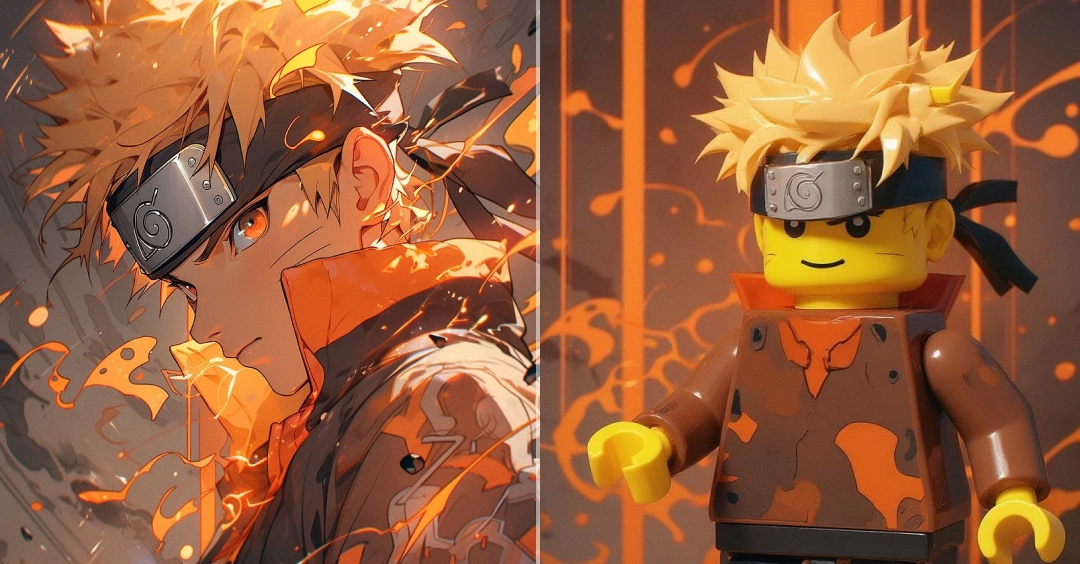
Create Futuristic & Attention-Grabbing Animation Videos
Create futuristic and unique animation videos in seconds by animating your original images. You can also use our Text-to-Image feature to bring your dream visuals to life and easily animate them with our tool to create eye-catching, engaging videos.