Black Background Photo
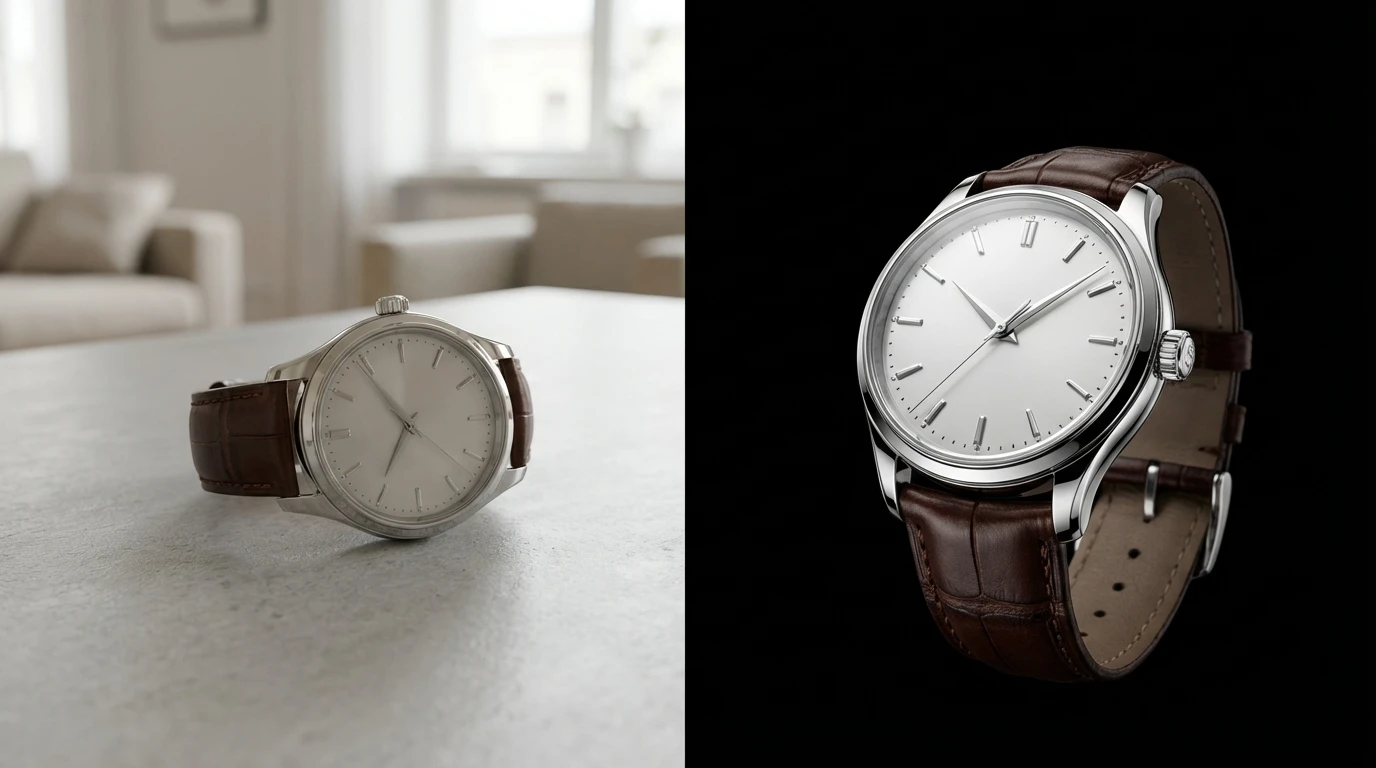
Create a striking black background photo from any image using AI. This dark background maker removes the original backdrop and replaces it with deep black ideal for portraits, headshots, and product photography.
How to Add Black Background to Photo?
Upload Your Image
Select the photo you want to place on a black background. JPG, PNG, and WEBP formats accepted.
AI Applies Black Background
Click Generate. The AI detects your subject, removes the existing background, and sets a clean black backdrop behind it.
Save Your Photo
Preview the result and download your black background photo in full resolution, ready to use anywhere.
Key Features of Black Background Photo
Dramatic Dark Background Maker
A black background brings focus directly to your subject. This dark background maker strips away busy or distracting backdrops and replaces them with pure black. Portraits gain a studio-quality feel.
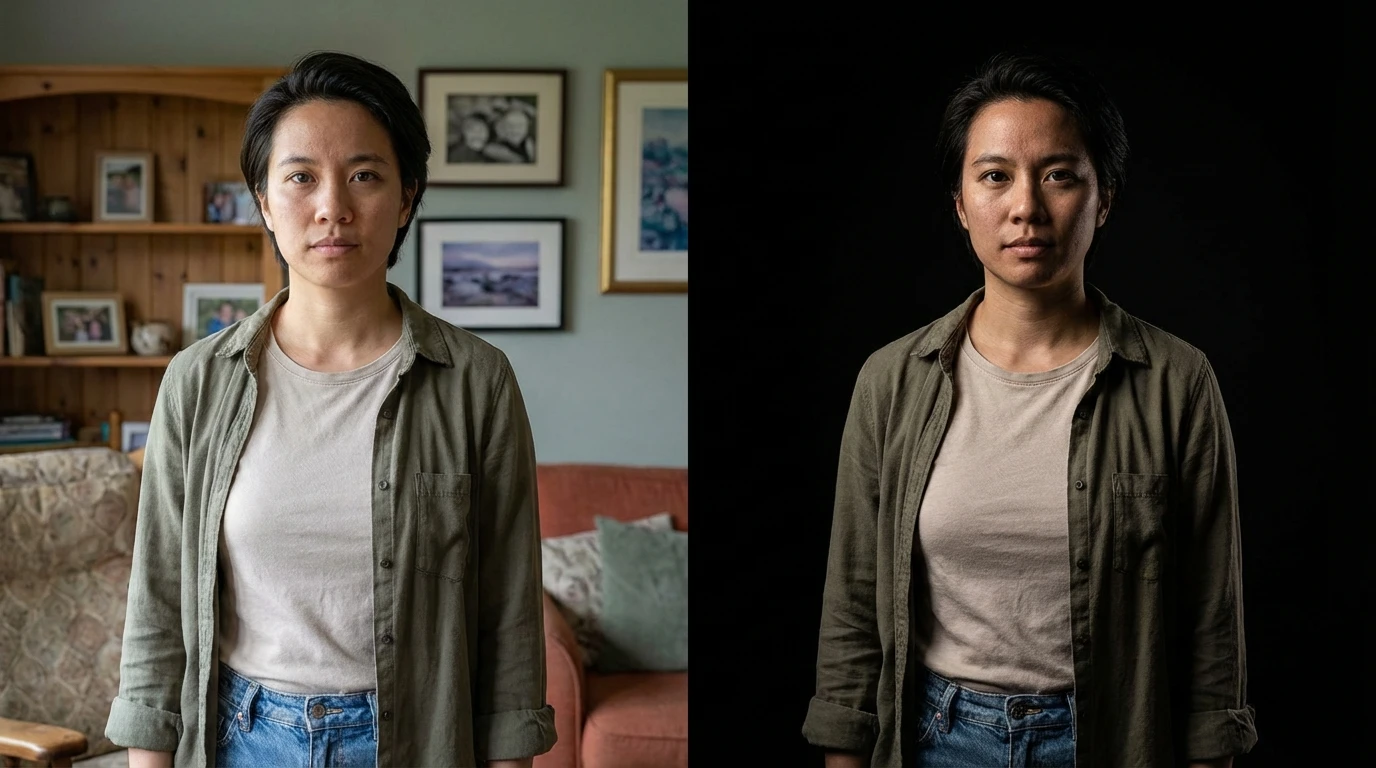
Flawless Subject Isolation
Adding a black background demands precision any leftover fringe or rough edges become obvious against dark tones. Our AI handles that by tracing your subject with pixel-level accuracy. Hair, jewelry, glasses, and translucent fabrics all get clean separation. Add black background to any photo and the cutout looks hand-crafted, not automated.
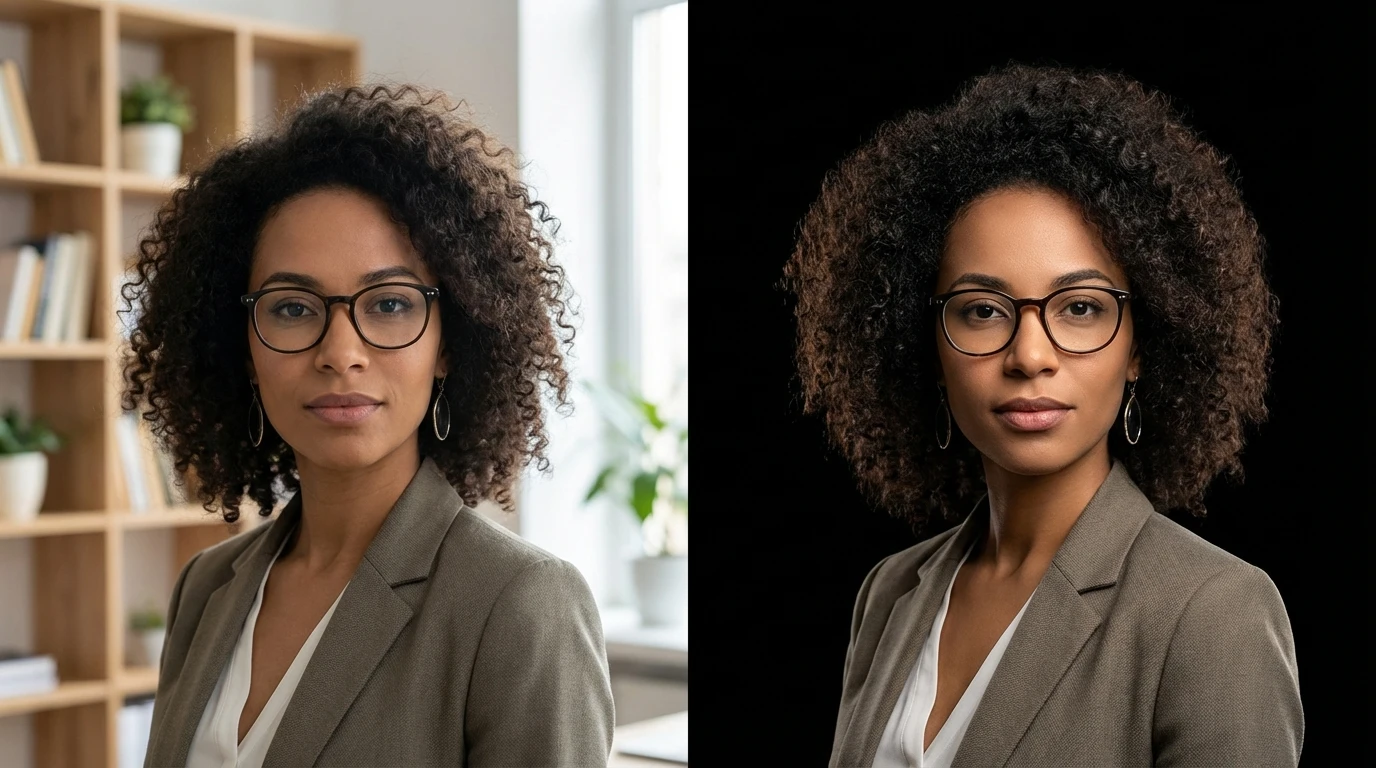
Built for Every Use Case
Whether you need a black background photo for a LinkedIn headshot, an Amazon product listing, a portfolio piece, or a social media post this tool adapts to your needs. Change background to black on selfies, full-body shots, product images, or artwork.