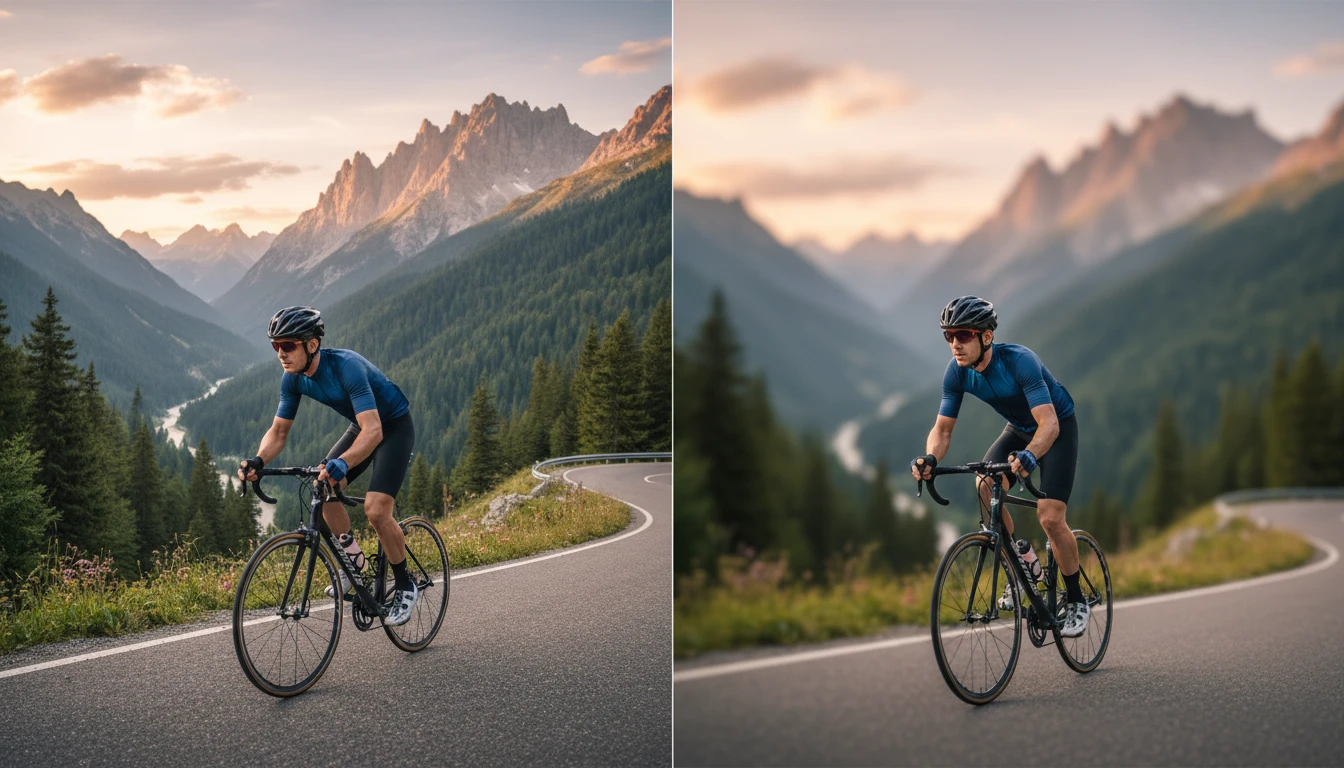
Blur Background
Blur background of any photo instantly with AI. Our background blur tool detects your subject automatically and applies a smooth, professional blur photo background online.
How to Use Blur Background?
Upload Your Photo
Upload the image where you want to blur the background. Supports JPG, PNG, and WEBP formats.
AI Applies Background Blur
Click Generate. The AI detects your subject and applies a smooth, natural blur to the background automatically.
Download Blurred Photo
Download your photo with the blurred background in high resolution, ready for social media, portfolios, or presentations.
Key Features of Blur Background
Professional Depth Blur
AI identifies the subject in your image and applies a natural depth-of-field blur to everything behind it. The result looks like it was shot with a portrait lens, clean subject focus with a beautifully soft background.
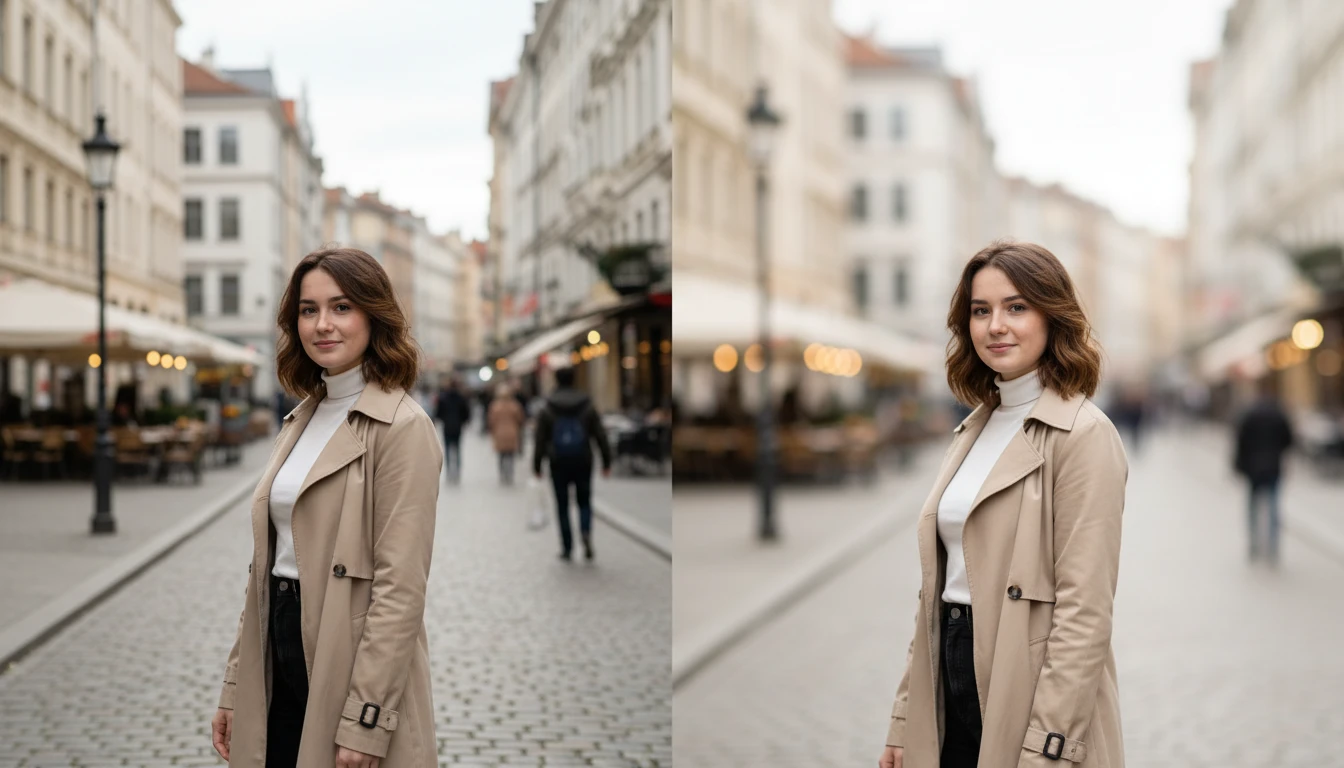
Smart Subject Detection
Our background blur tool uses AI to separate people, pets, products, and objects from the background with pixel-level accuracy. Even tricky edges like hair, glasses, and fine details are handled cleanly, so your blur looks natural, not like a rough cutout.
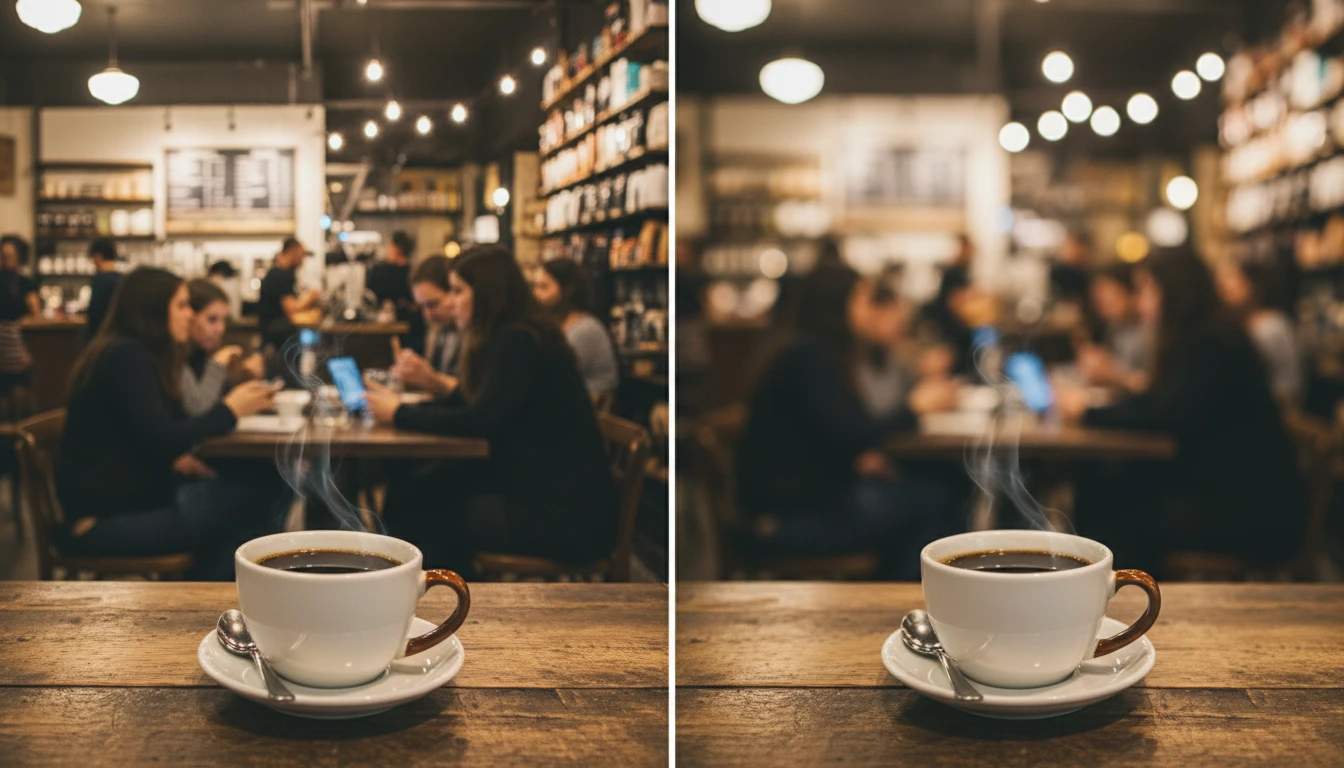
Works on Any Photo
Blur photo background online in one click. The AI adapts to any scene and applies the right amount of blur to make your subject stand out while keeping the image looking professional and polished.