Cleanup Pictures
Cleanup pictures in seconds with AI. Remove unwanted objects, blemishes, photobombers, and distractions from your photos,our magic eraser online tool makes every image look clean and polished effortlessly.
How to Use Cleanup Pictures?
Upload Your Photo
Upload the image you want to clean up from your device. Supports JPG, PNG, and WEBP formats.
Mark What to Remove
Brush over the unwanted objects, people, or blemishes you want erased. The AI will detect and remove them automatically.
Download Clean Image
Download your cleaned-up photo in high resolution with all distractions removed and the background seamlessly restored.
Key Features of Cleanup Pictures
Remove Unwanted Objects
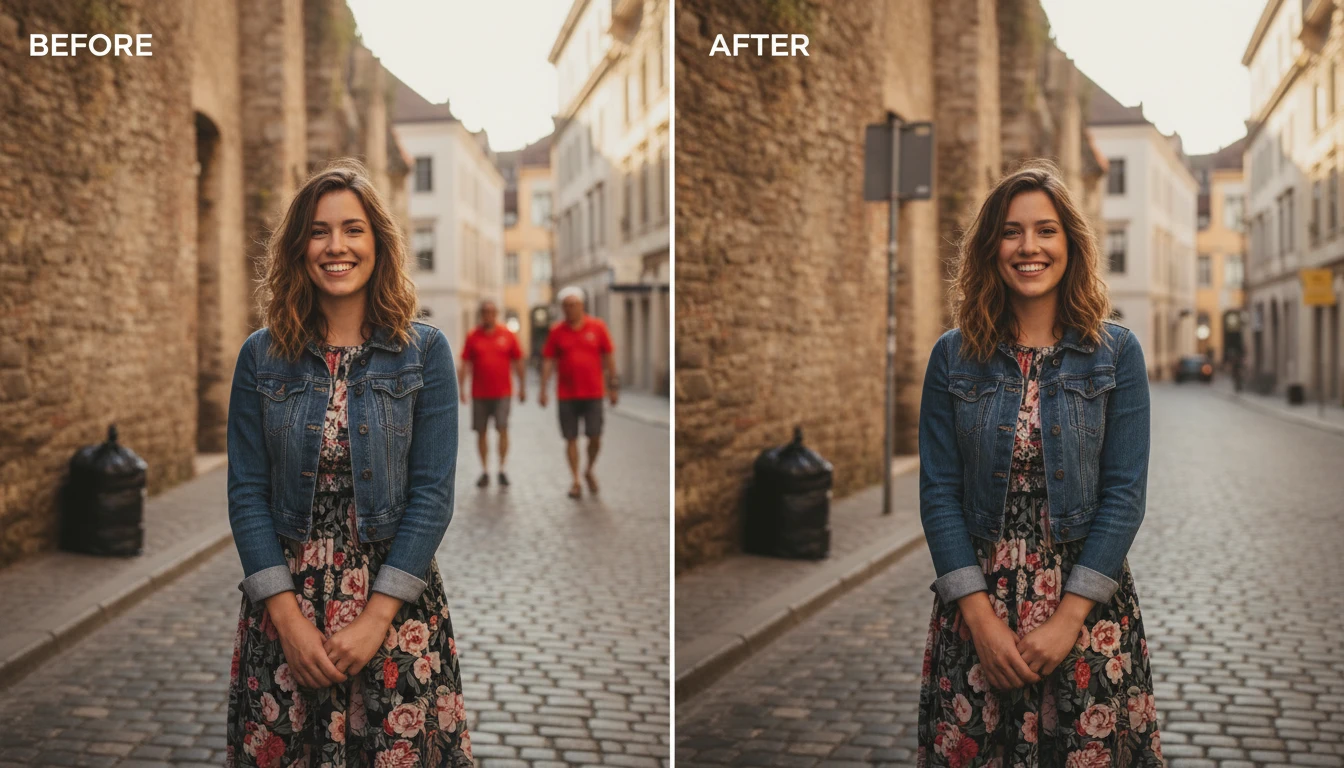
Clean up pictures with distracting objects. Brush over the area you want gone and our AI erases it completely. Whether it's a trash can in a landscape, a stranger in the background, or a stray wire ruining the shot,the tool removes it and fills in the space naturally.

Fix Skin and Blemishes
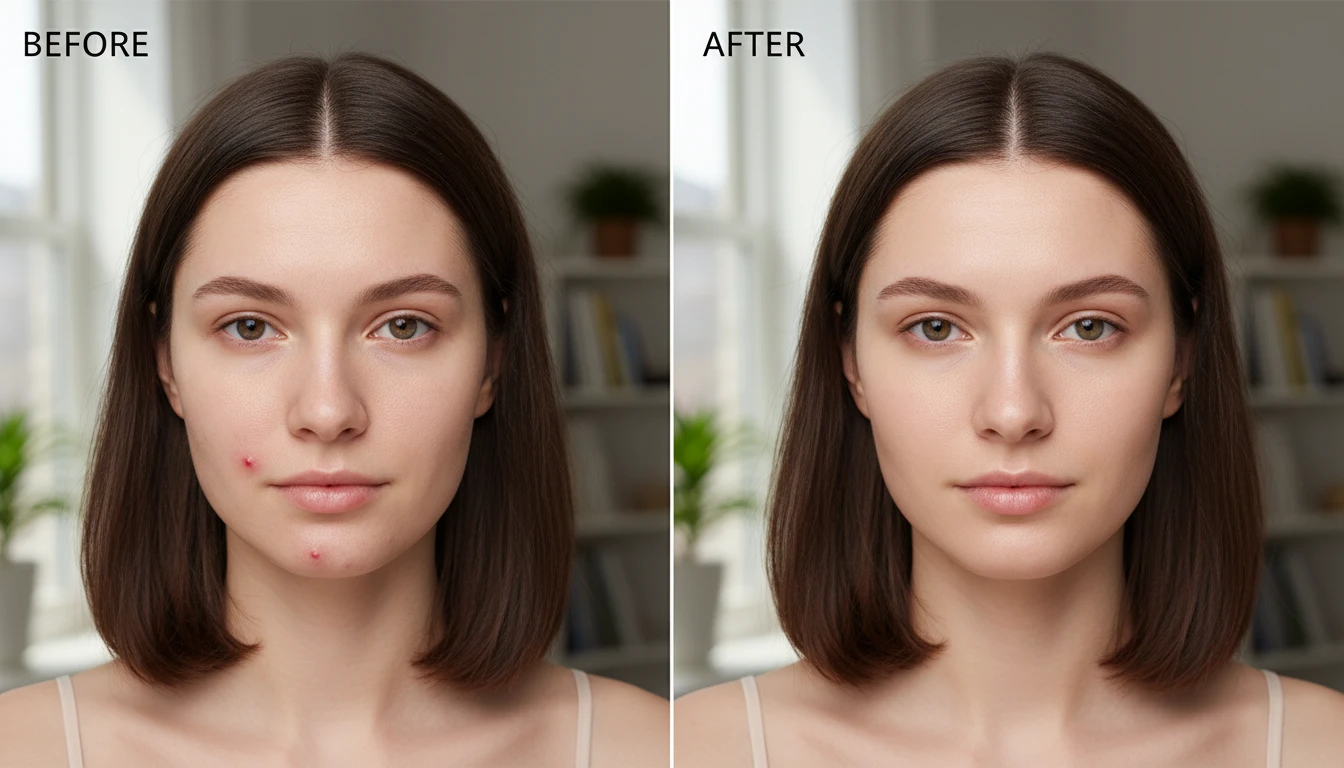
Photo cleanup tool goes beyond object removal. Clean up photo imperfections like acne, scars, wrinkles, or dust spots on scanned images. The AI retouches the affected areas while keeping skin texture and details intact,giving you a polished result without the airbrushed look.
Erase Like Magic
Think of it as a magic eraser online for your photos. Select what you want removed, and the AI intelligently reconstructs the background behind it. No layers, no cloning, no complicated tools, point, erase, and download a clean version of your image.