Expand and Enlarge Images
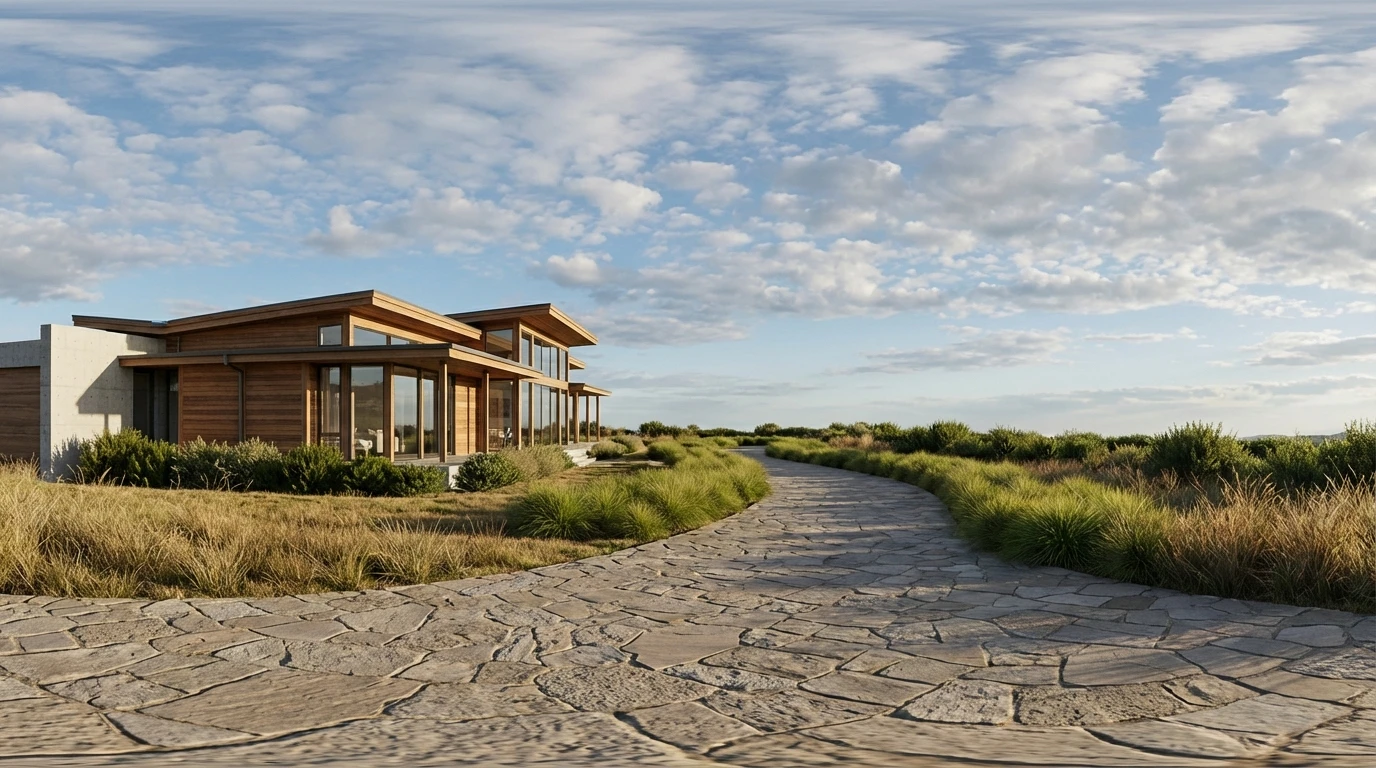
Enlarge photo with AI to increase resolution or expand image borders beyond the original frame. Our AI image expander fills in new areas with realistic content while keeping your subject sharp and detailed.
How to Expand Images?
Upload Your Image
Select the photo you want to expand or enlarge. JPG, PNG, and WEBP formats are all supported.
Choose Your Mode
Pick whether you want to extend the image borders outward, upscale the resolution, or both. Adjust the direction and scale as needed.
Download the Result
Hit Generate and the AI expands or enlarges your image. Download the final version in high resolution, ready for any use.
Key Features of Expand and Enlarge Images
Extend Image Beyond Borders
Expand the image with AI to push the boundaries of your photo outward. The AI studies what's already in the frame, sky, ground, walls, scenery and generates matching content to fill the extended canvas.
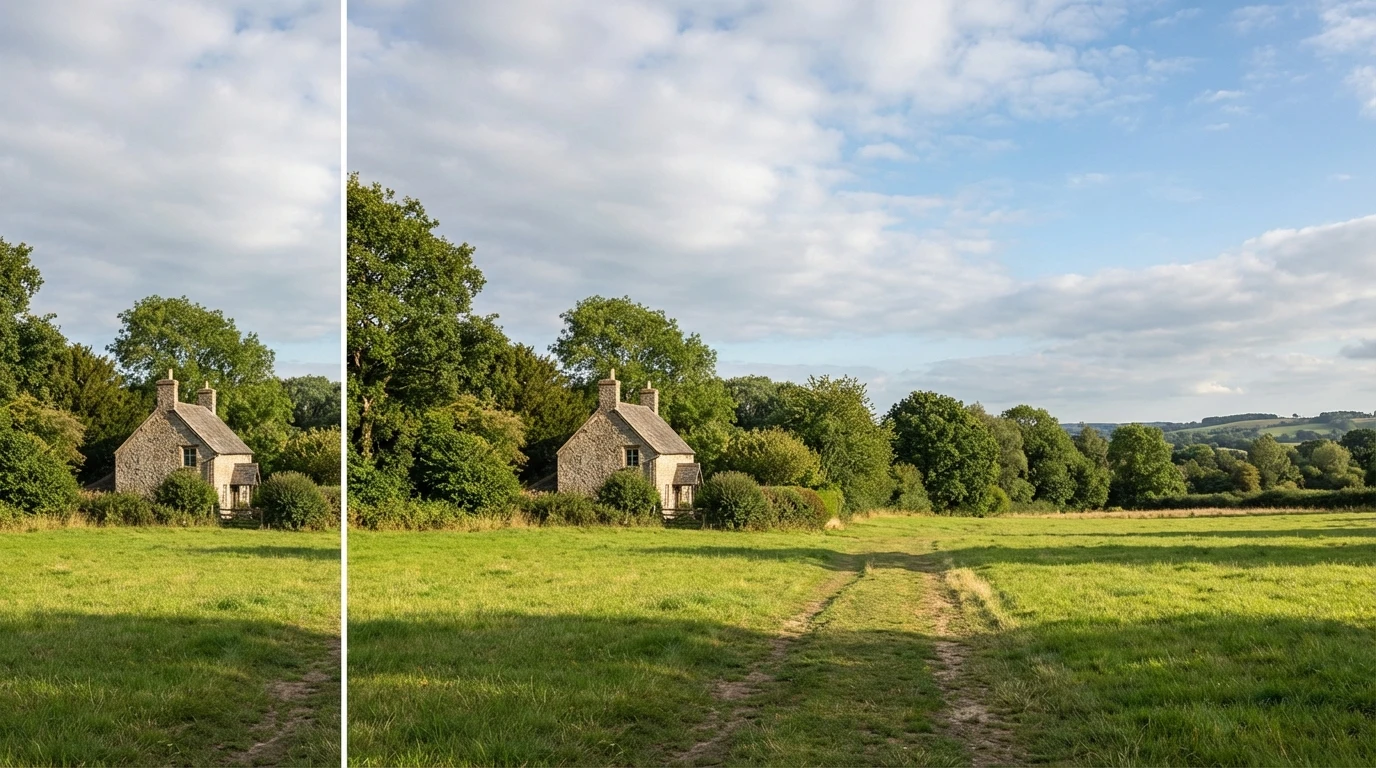
Enlarge Photo Without Blur
Scaling up a small image normally destroys clarity. Our AI takes a different approach: it analyzes textures, edges, and patterns in your photo and reconstructs them at higher resolution. Enlarge photo for printing, presentations, or high-res displays without the fuzzy, pixelated look that comes from basic upscaling.
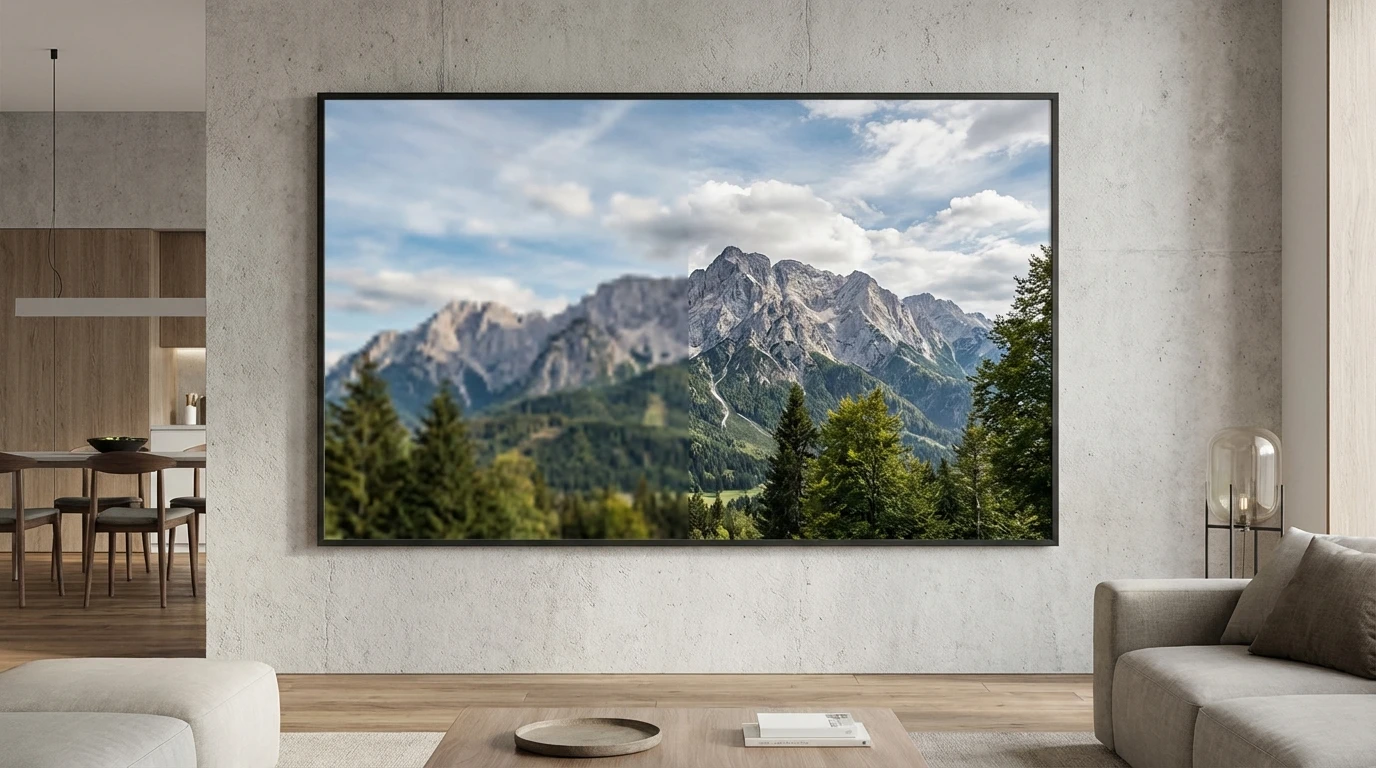
AI-Powered Image Intelligence
Whether you need to amplify image resolution or expand the canvas, the AI adapts to your photo's content. It understands context clouds continue naturally, architectural lines stay straight, and ground textures repeat without obvious tiling.