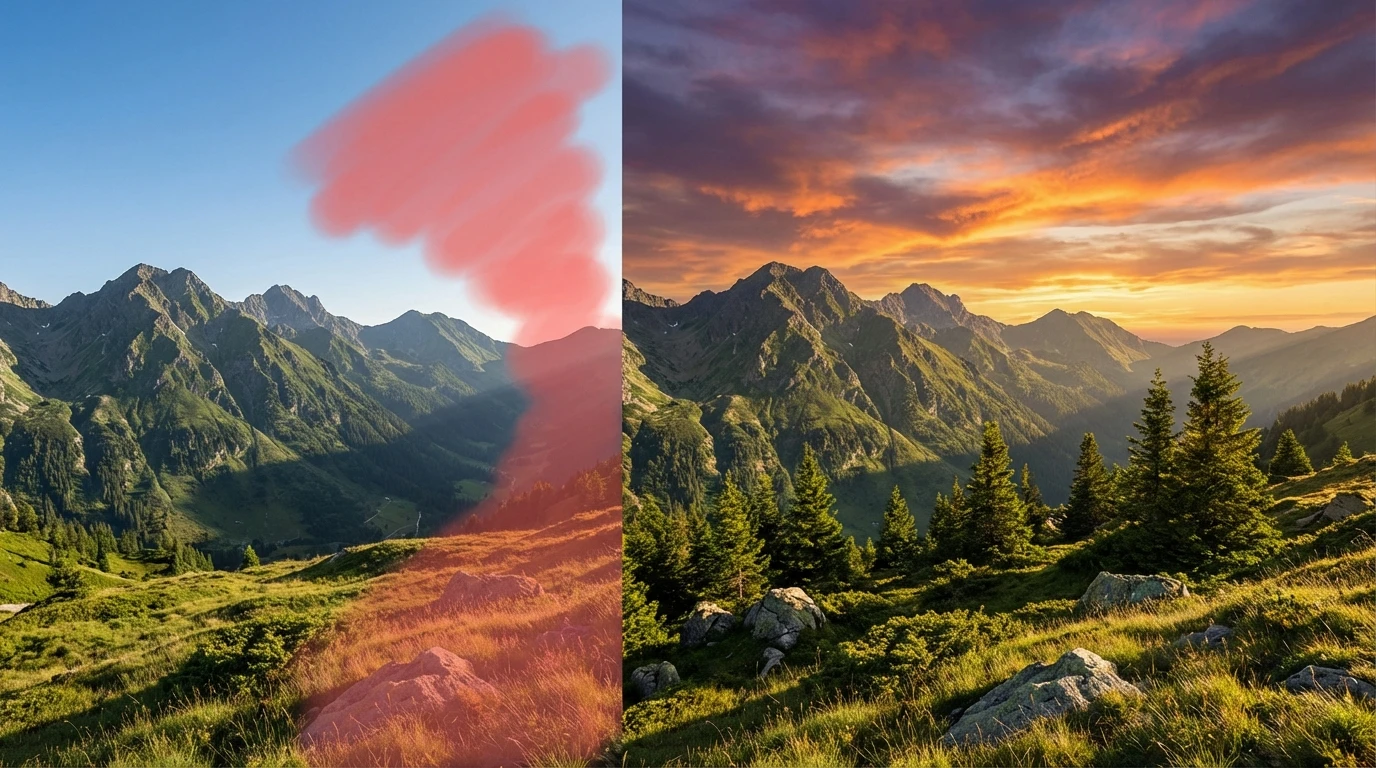
Generative Fill
Fill image with AI to replace, extend, or reimagine any part of your photo. This inpainting tool online lets you select an area and generate new content that blends perfectly with the original,no design experience required.
How to Use AI Generative Fill?
Upload Your Image
Add the photo you want to edit. All common formats including JPG, PNG, and WEBP are accepted.
Select & Describe
Brush over the area you want to fill and type a short description of what should appear there. The AI uses both the selection and your prompt to generate the result.
Generate & Download
Click Generate to let the AI create the new content. Preview the result and download your edited image in full resolution.
Key Features of Generative Fill
Replace Anything with AI
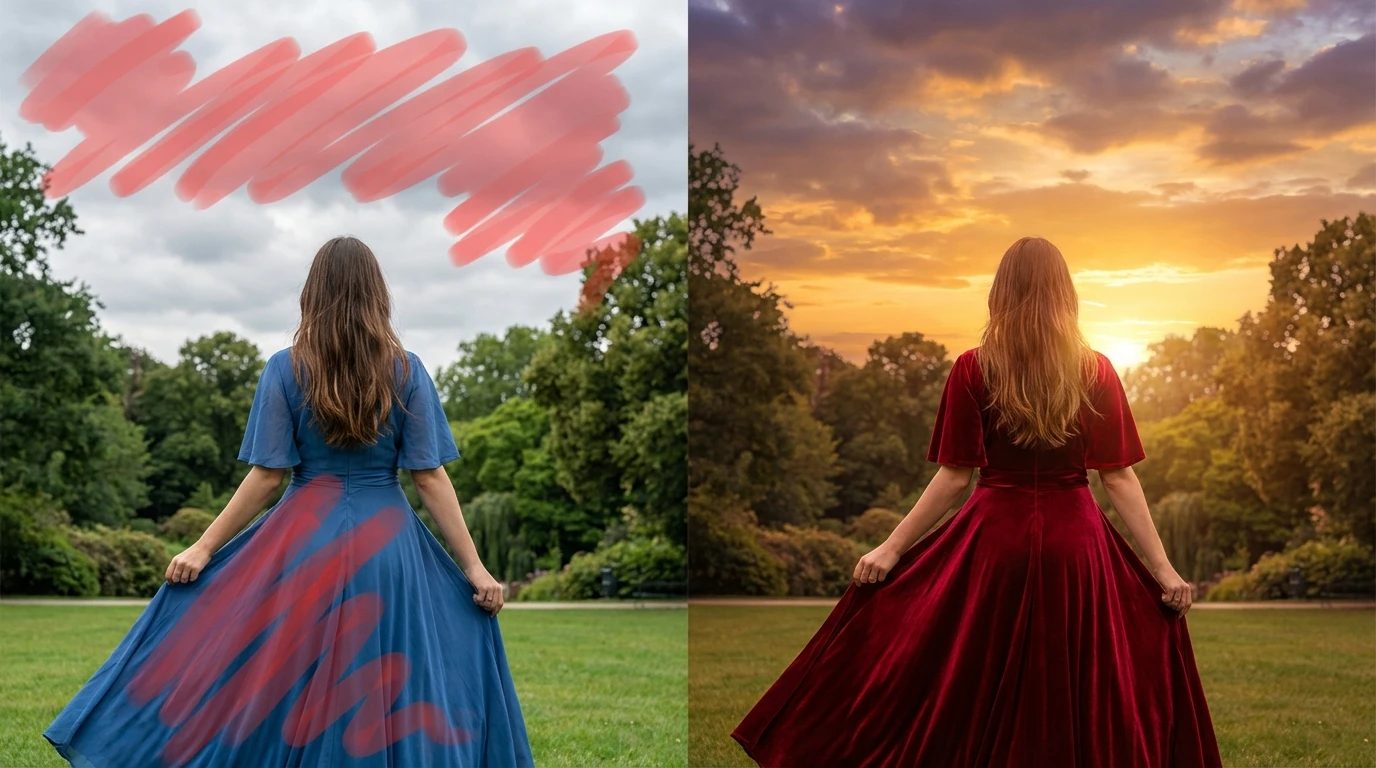
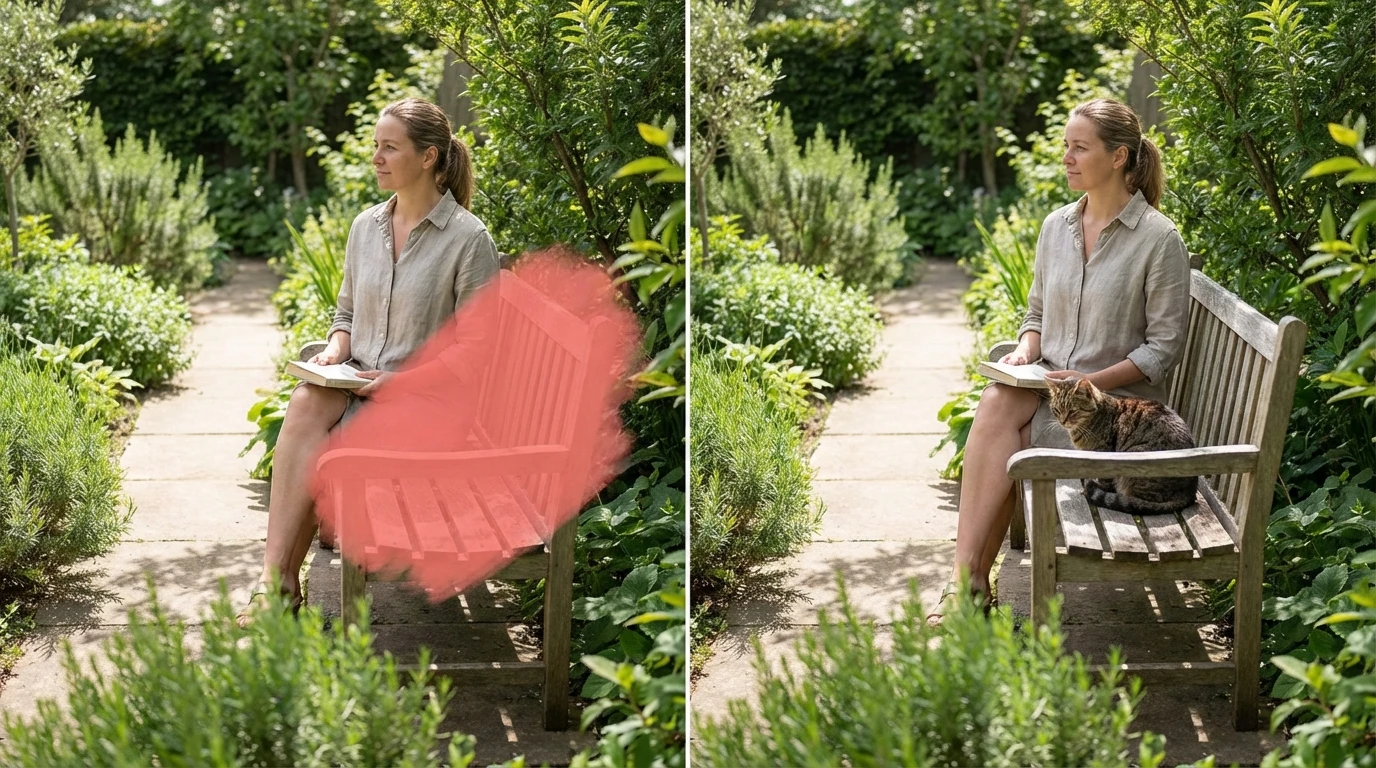
Select a region of your photo and describe what should appear there instead. Want to swap a cloudy sky for a sunset? Change the color of a dress? Add a plant to an empty corner? AI generative fill understands your prompt and generates content that matches the lighting, perspective, and style of the rest of your image.
Seamless AI Inpainting
Traditional editing leaves visible seams and awkward transitions. This inpainting tool online blends generated pixels with existing ones at a level that's hard to distinguish from the original. Shadows fall correctly, textures continue naturally, and colors stay consistent across the edited boundary.
Creative Freedom Without Limits
Generative fill isn't just for fixing photos,it's a creative playground. Expand a cropped landscape, add missing elements to a composition, or completely reimagine parts of an image. Designers, marketers, and content creators use it to prototype ideas, build mockups, and produce visuals that would otherwise need a full photoshoot.