AI Sticker Generator
Create eye-catching stickers with our AI sticker generator. Describe your idea in words and get your custom sticker design ready to use in seconds.
Try These Example Outputs
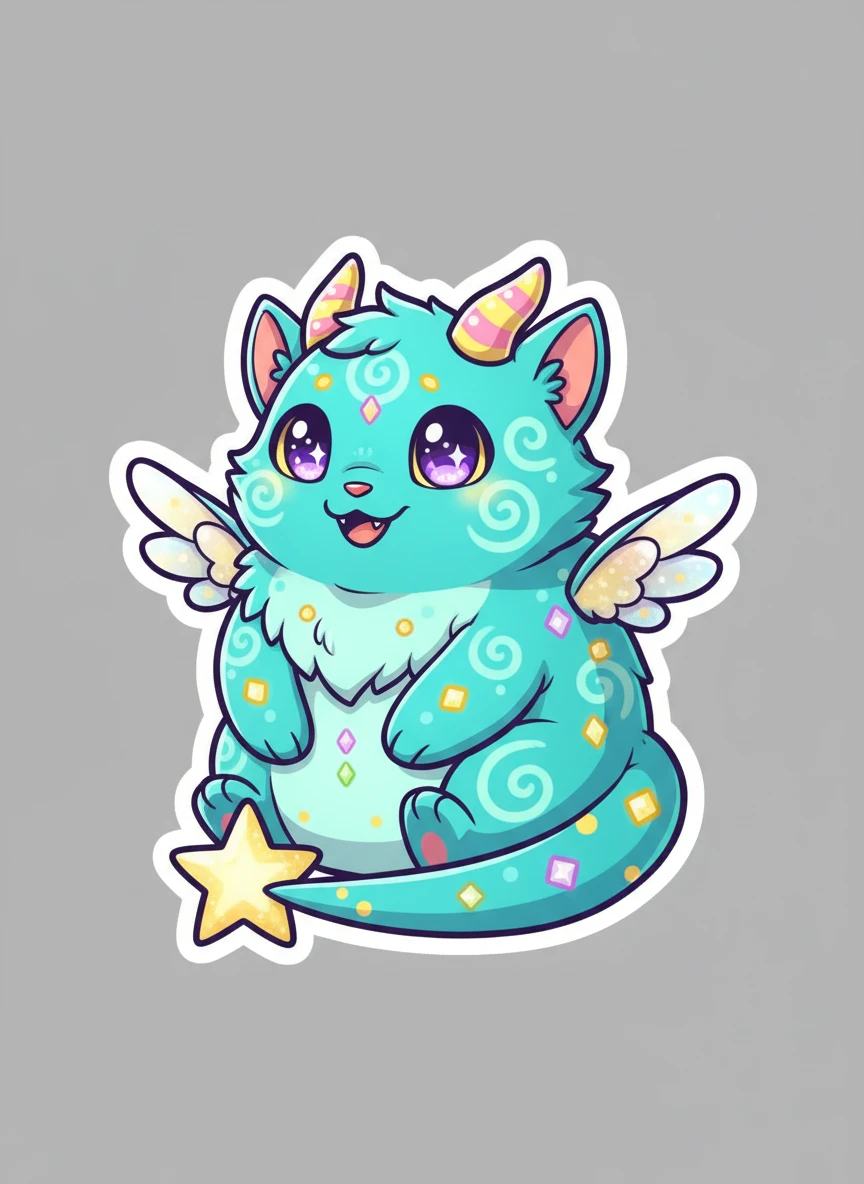
Create a cute fantasy creature sticker using the AI Sticker Generator, blending magical elements with a friendly cartoon style. Use bright colors, simple shapes, and a compact pose to ensure sticker clarity. Include a clean die-cut outline on a transparent background. fantasy, cute creature, cartoon, sticker — NEG: dark realism, complex armor, background landscape, gritty texture, blur
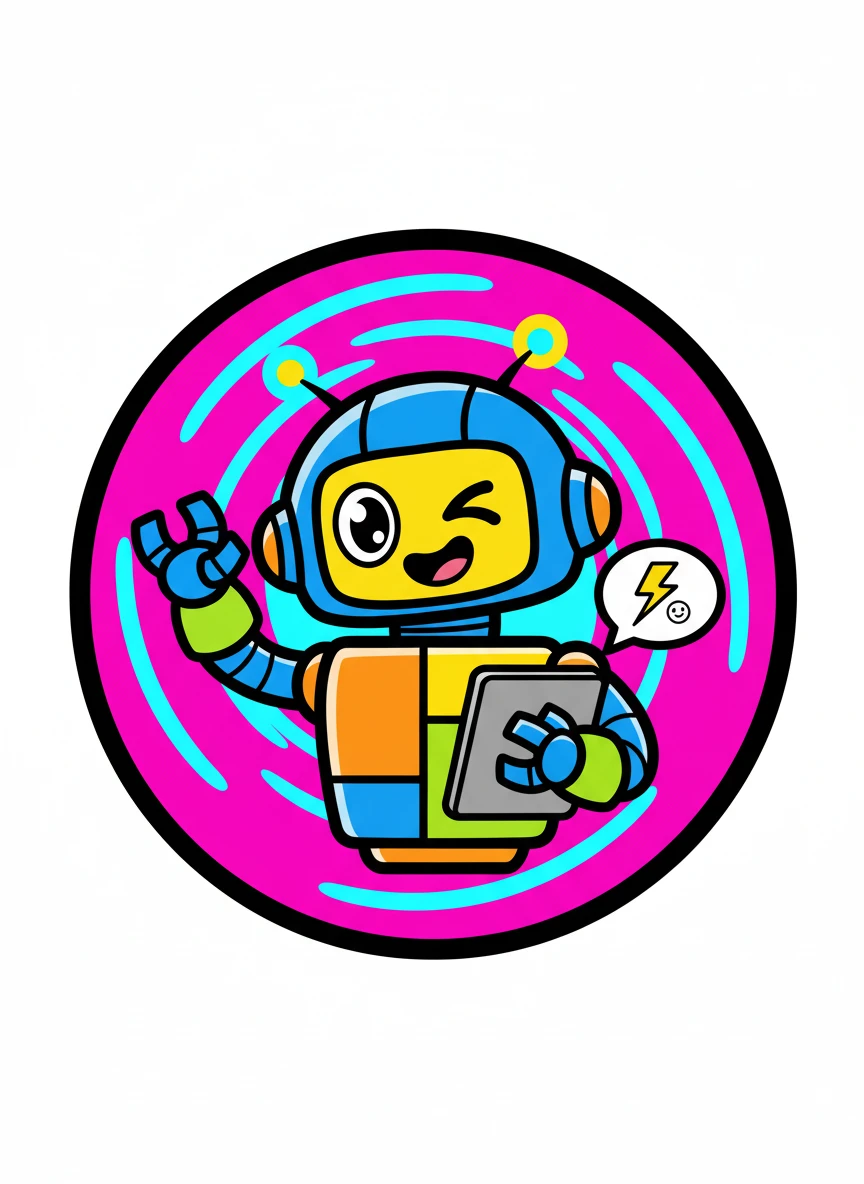
Design a bold cartoon icon sticker with the AI Sticker Generator, using thick outlines and high-contrast colors. The subject should feel playful and energetic, optimized for messaging apps and quick reactions. Keep the silhouette strong with a crisp white sticker outline. cartoon, bold lines, high-contrast, sticker — NEG: gradients banding, tiny details, realistic texture, noise, dull colors, shadow bleed
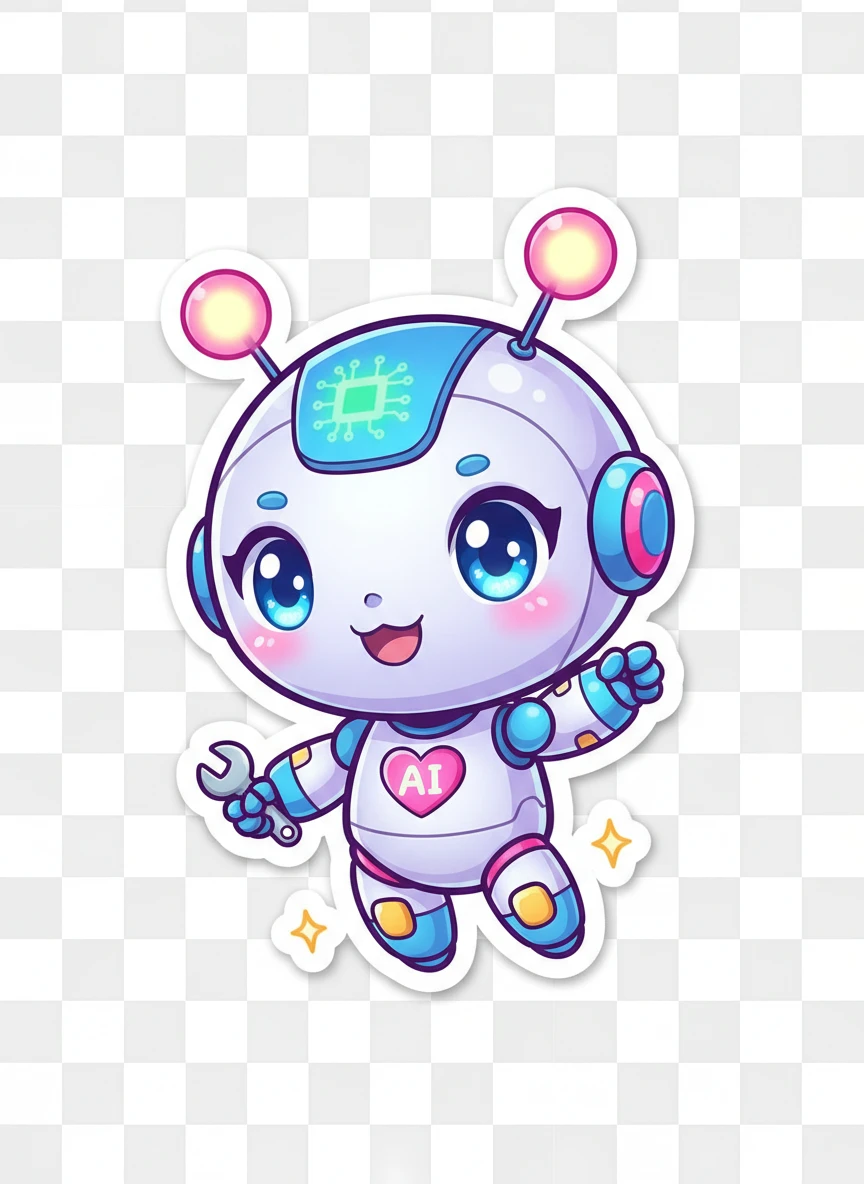
Create a chibi-style mascot sticker with the AI Sticker Generator, featuring an oversized head and tiny body proportions. Use bright colors and a cheerful pose to maximize cuteness and appeal. Finish with a crisp white outline for clear separation. chibi, cute, mascot, sticker — NEG: realistic anatomy, dark lighting, background scene, muted colors, blur, distortion
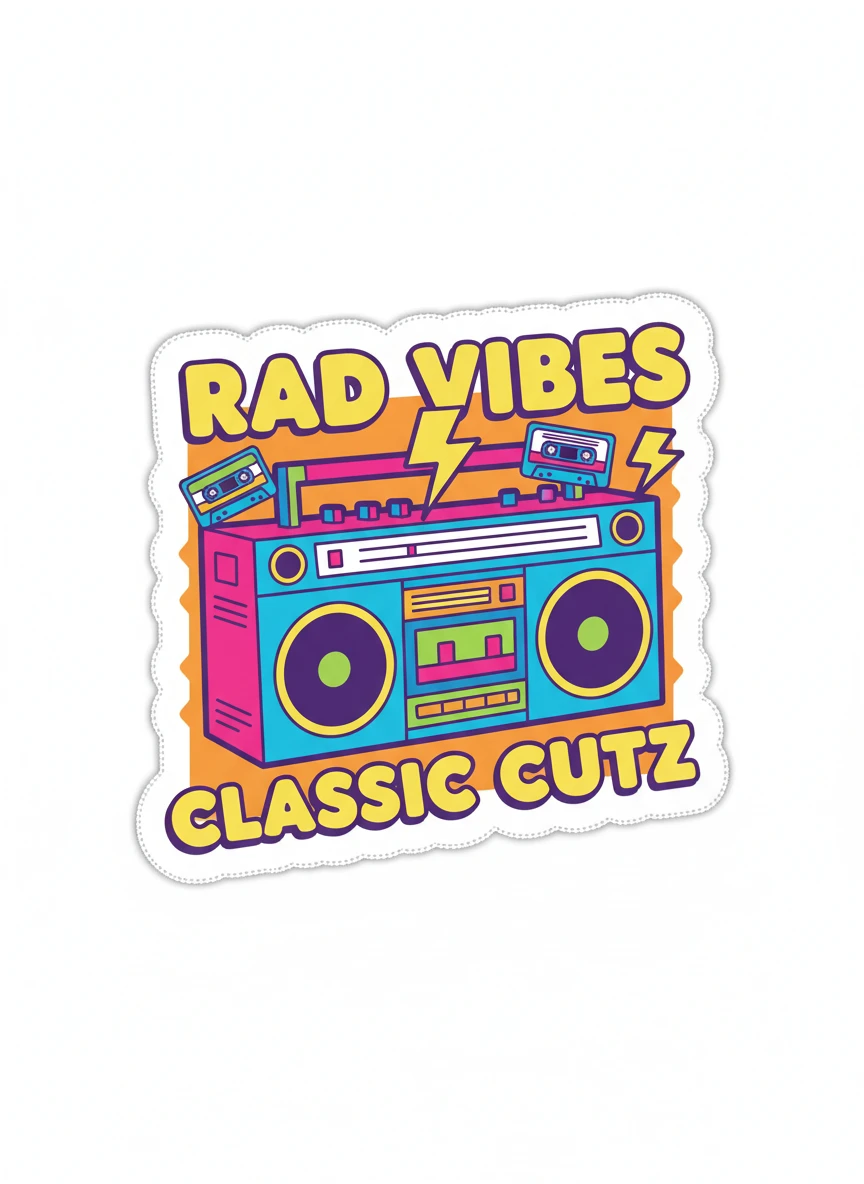
Produce a retro-inspired cartoon sticker using the AI Sticker Generator, influenced by 80s–90s animation aesthetics. Apply punchy colors, simple shading, and nostalgic shapes while keeping the design flat. Add a classic sticker border for authenticity. retro, vintage cartoon, flat, nostalgic — NEG: modern UI style, photorealism, smooth gradients, excessive detail, realism, lens effects
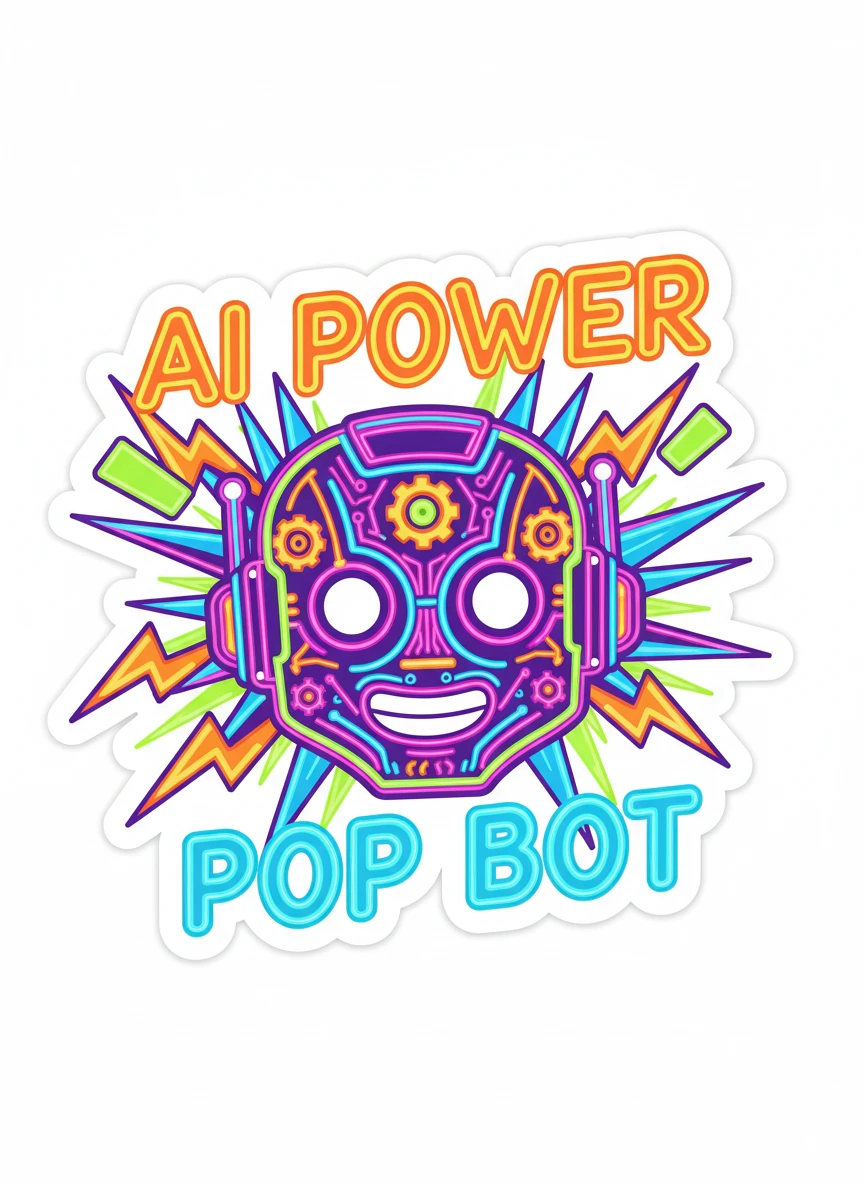
Create a neon-pop style sticker using the AI Sticker Generator, with vibrant glowing colors and exaggerated cartoon shapes. The design should pop visually while remaining flat and sticker-ready. Balance the brightness with a strong white outline. neon, vibrant, pop art, bold — NEG: dark muddy colors, photoreal lighting, background textures, blur, color banding
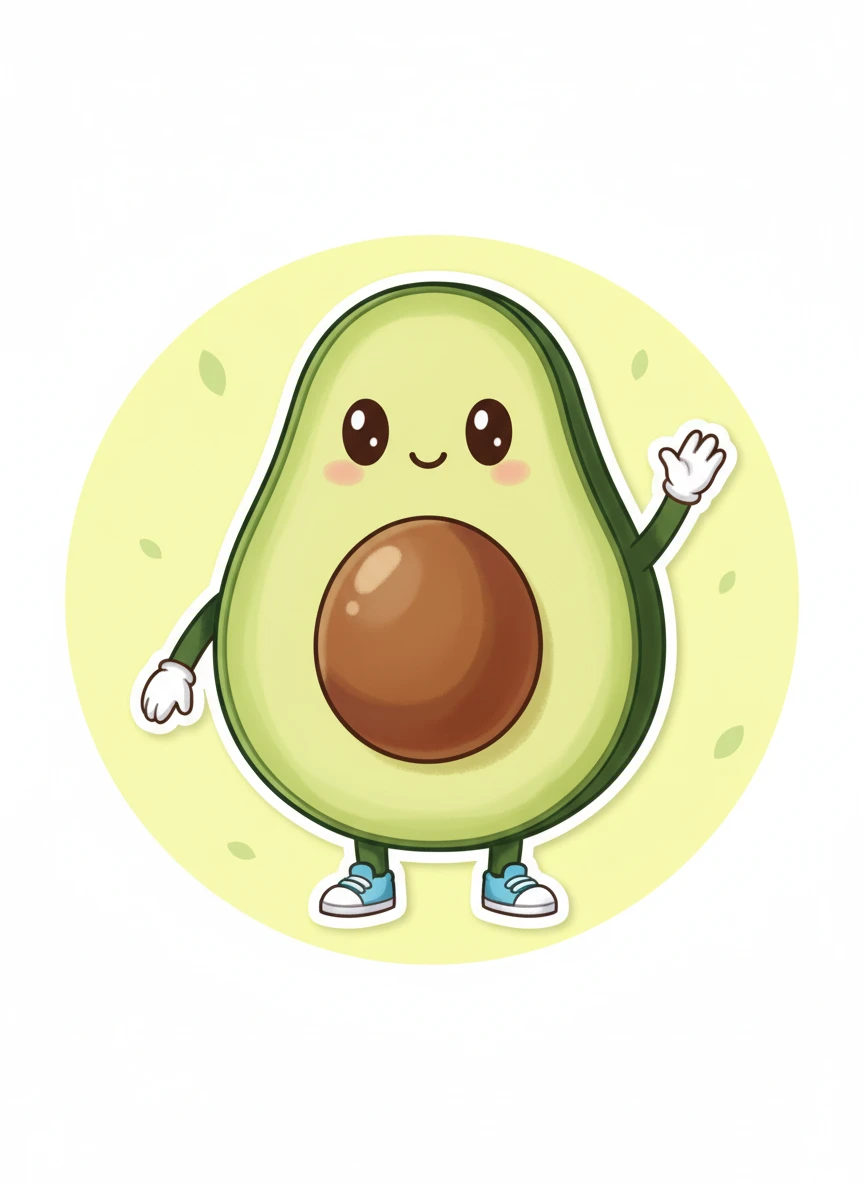
Generate a cute food-themed character sticker using the AI Sticker Generator, turning a simple food item into an expressive mascot. Use soft shading, friendly eyes, and a compact composition. Finish with a smooth die-cut outline for chat sticker use. food mascot, cute, soft shading, sticker — NEG: realistic food texture, greasy shine, complex background, text, noise
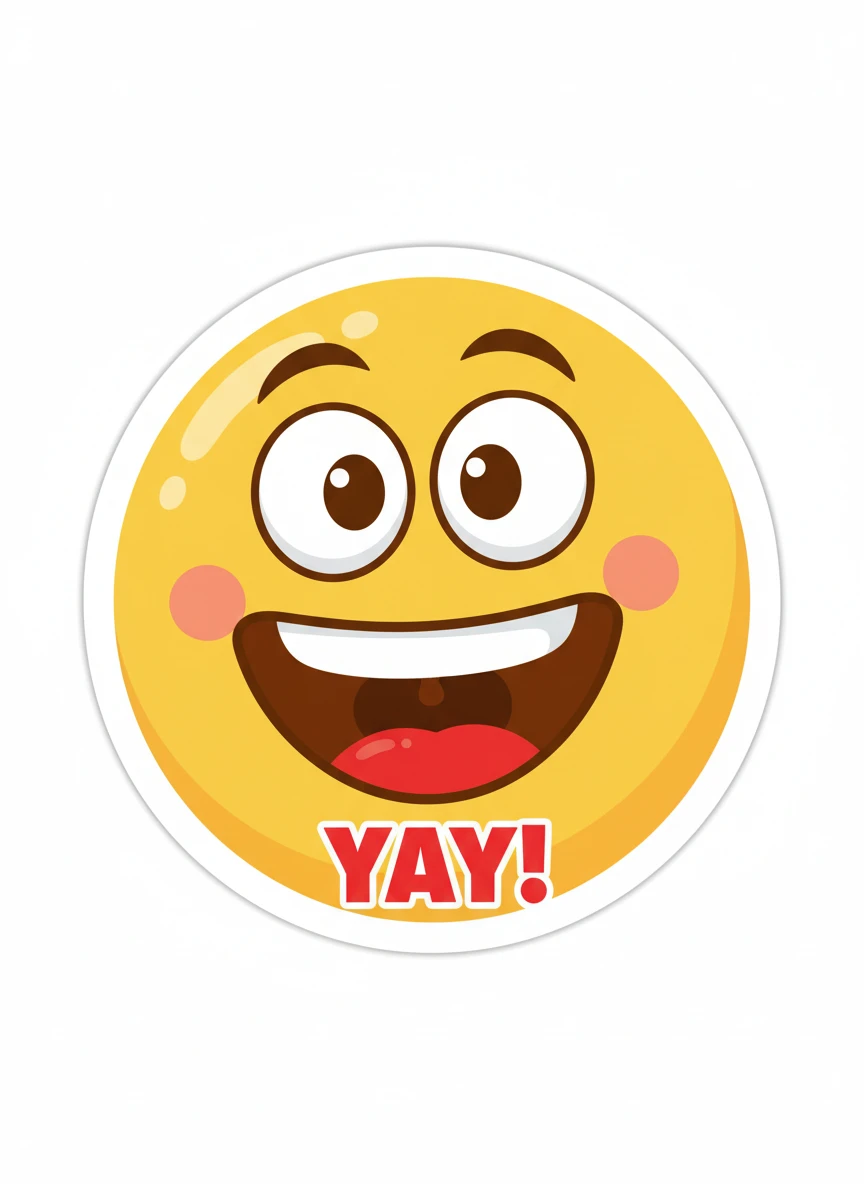
Design an emoji-style reaction sticker with the AI Sticker Generator, focused on a single strong emotion. The face should be centered, exaggerated, and instantly readable. Keep colors clean and add a white sticker border. emoji-style, expressive, simple, flat — NEG: subtle expression, realism, background scenes, fine detail, low saturation
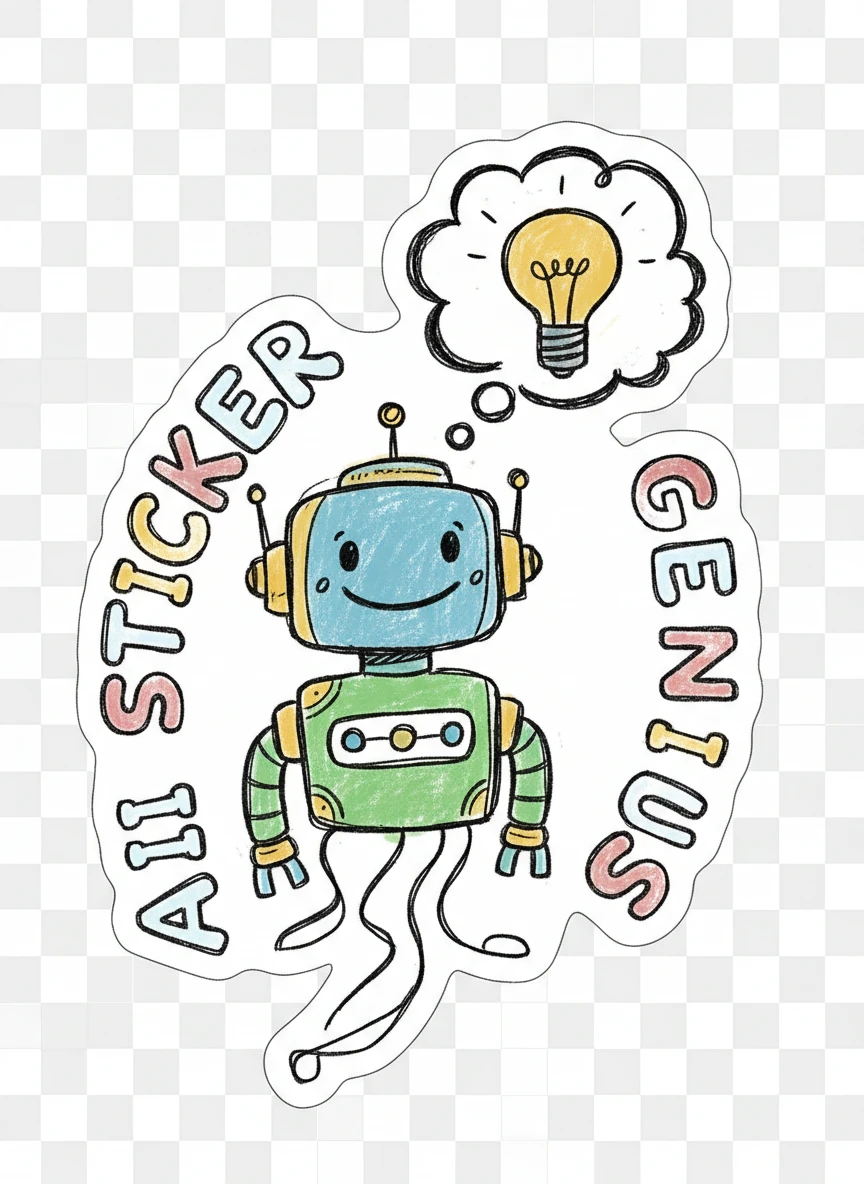
Design a hand-drawn doodle sticker with the AI Sticker Generator, featuring sketchy lines and playful imperfections. The illustration should feel casual, friendly, and expressive like a notebook drawing. Keep a clear cut-line border and transparent background. hand-drawn, doodle, sketchy, playful — NEG: clean vector perfection, realism, polished gradients, symmetry, heavy shadows
How to Use the AI Sticker Generator?
Describe Your Sticker
Enter a description of what you want your sticker to look like. You can describe emotions, characters, objects, or styles to help the AI understand your idea better.
Generate with AI
Click the generate button and let the AI do the work. In a few seconds, it will create a unique, high-quality sticker with clean and vibrant colors.
Download and Share
Preview your sticker, then download it in high resolution. Use it on social media, messaging apps, and printing.