AI Villain Character Generator
The AI Villain Character Generator allows you to design dark, powerful, or mysterious villain characters with full control over style, features, costumes, and expressions.
Explore Generated Results
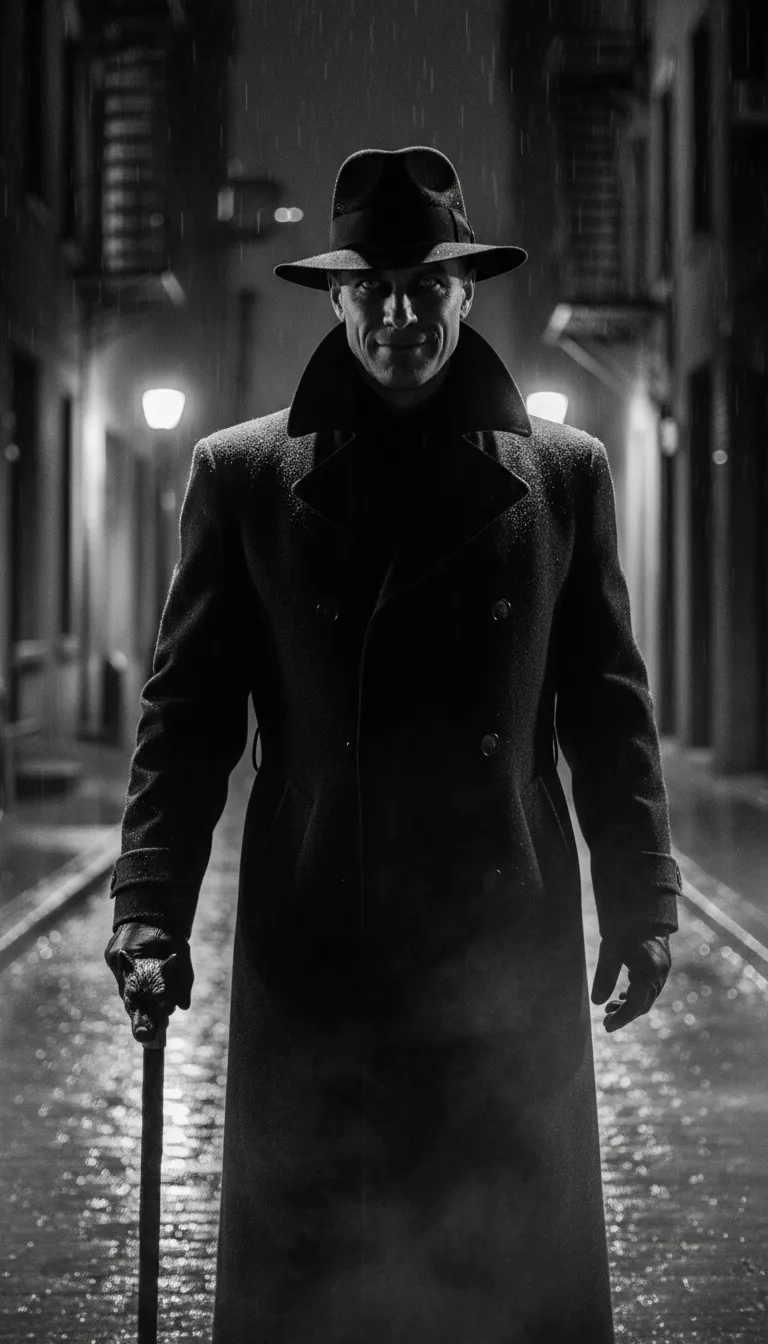
Create a hyper-realistic portrait of an original villain with a commanding, shadow-filled presence. Use sharp noir-style lighting, emphasizing dramatic contrasts and moody highlights. Develop the villain’s expression and outfit to reflect calculated menace or cold intelligence. The environment should adapt naturally—rainy alleyways, dim street lamps, or foggy rooftops—blending seamlessly with the character’s monochrome tone and atmosphere.
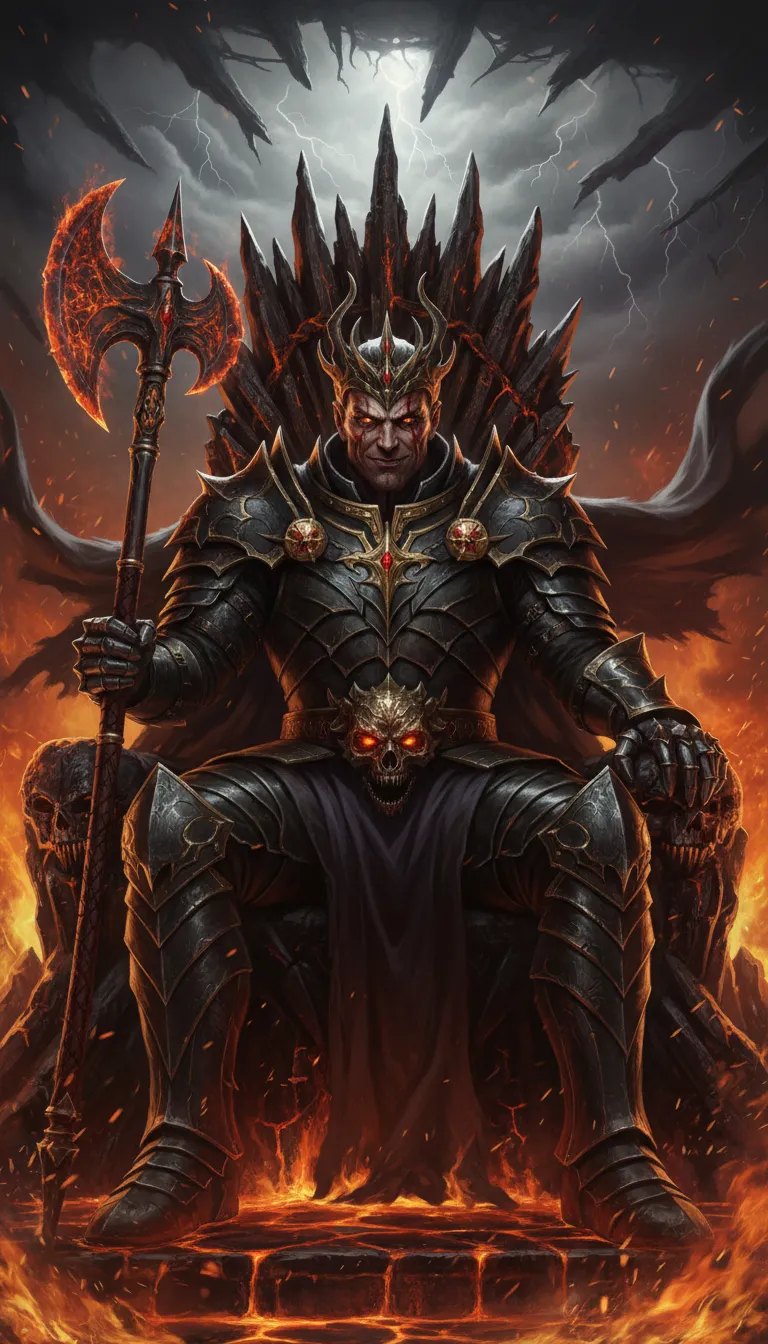
Generate an ultra-realistic portrait of a villainous fantasy ruler with an intimidating and regal aura. Craft detailed facial features, glowing eyes, and ornate armor with lifelike texture. Surround them with an adaptive environment such as a fiery throne room, storm-filled battlefield, or ancient ruins. Use epic, dramatic lighting to create a powerful, poster-like composition.
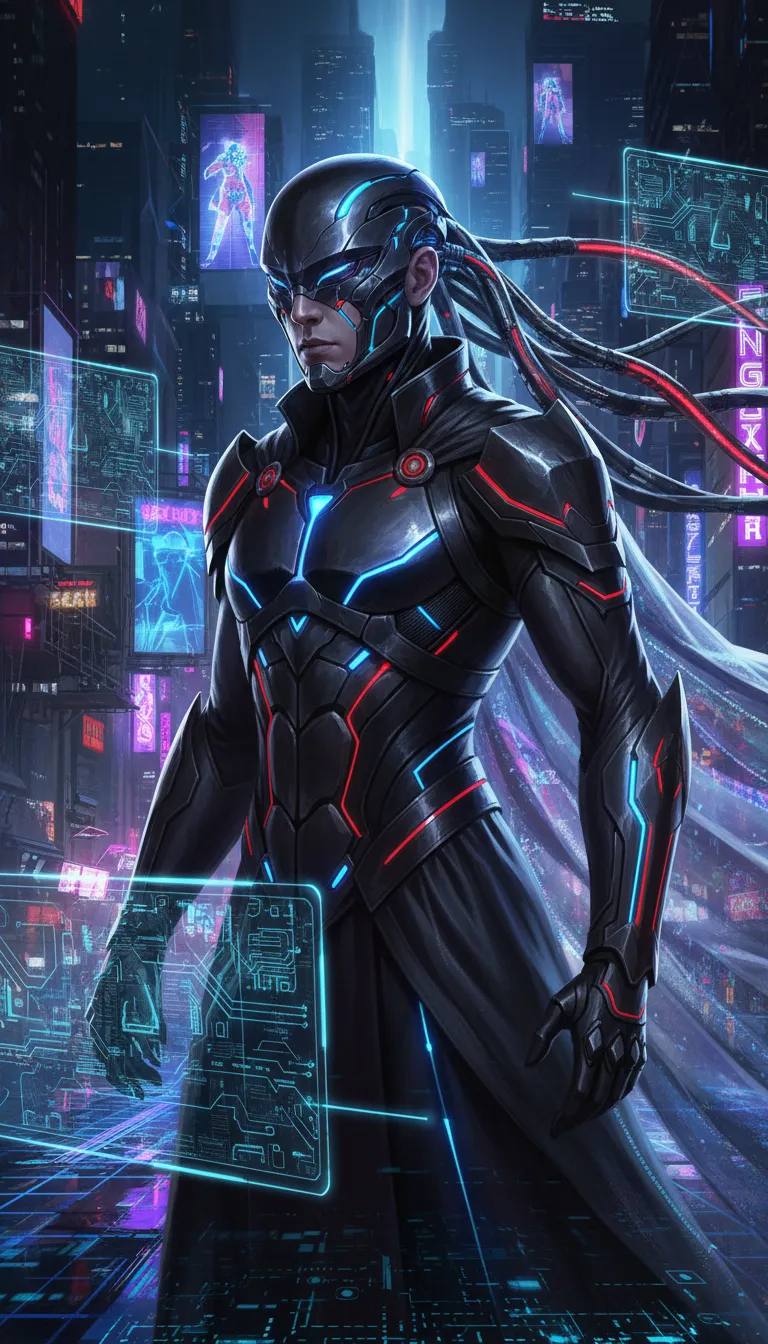
Create a lifelike portrait of a high-tech villain with a sleek, menacing presence. Design their cyber-enhanced appearance, glowing accents, and sharp futuristic attire. Let the environment automatically match their style: neon skylines, holographic panels, or digital grids. Ensure the color palette flows naturally between the character and the cyberpunk setting, with crisp, cinematic lighting.
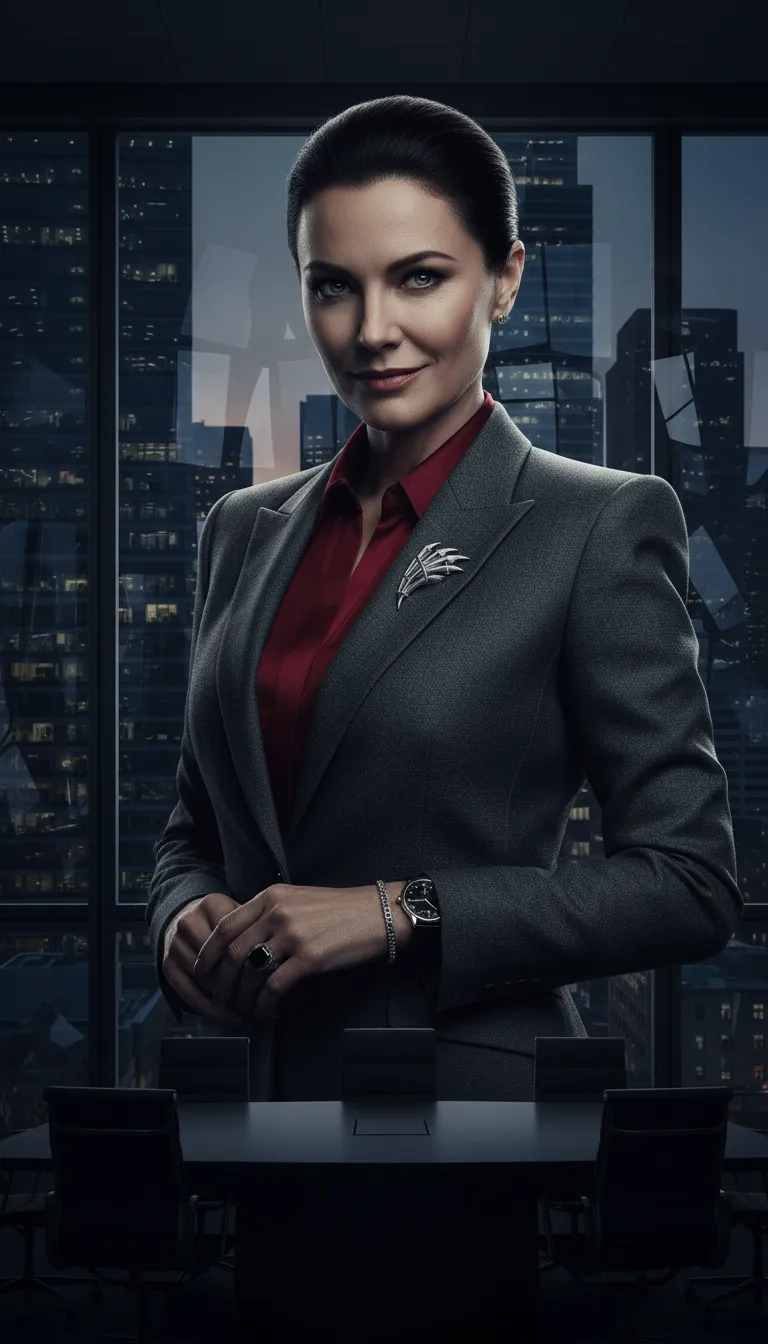
Produce a realistic portrait of a polished, cunning villain who radiates intelligence and power. Style them in luxury corporate fashion with subtle, threatening nuances. Use soft but dramatic lighting to highlight expression and texture. The background should adapt into a high-rise skyline, boardroom shadows, or glass-filled architecture that matches their controlled, strategic persona.
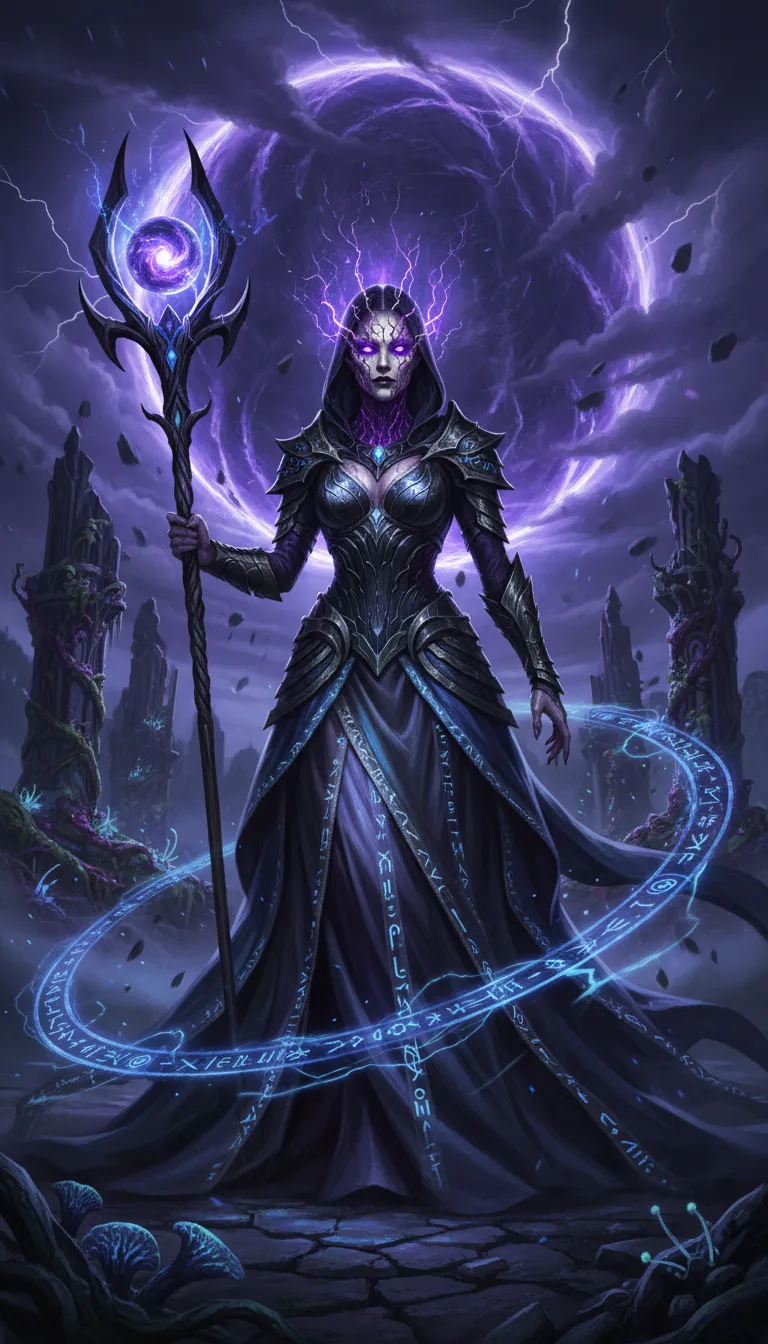
Design an ultra-realistic portrait of a villain who wields arcane power. Give them ethereal, haunting beauty or a corrupted, ancient look. Their outfit should blend mystical fabrics, glowing runes, and otherworldly materials. The environment should adjust to swirling magical energy, dark portals, stormy skies, or enchanted ruins, blending seamlessly with the character’s color palette and mood.
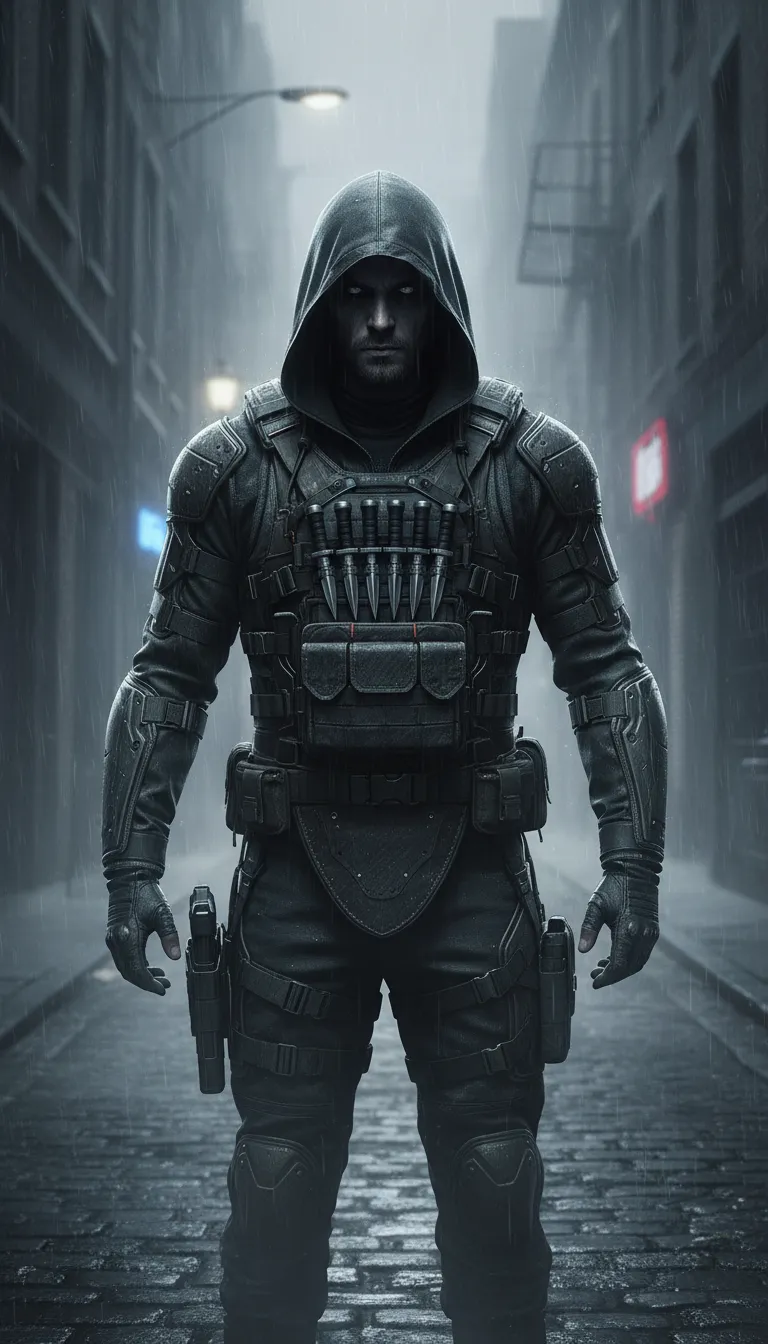
Craft a photorealistic portrait of a dangerous, enigmatic assassin. Their expression should be cold and unreadable, with tactical gear or sleek stealth attire rendered in detailed textures. Use moody, directional lighting to build tension. Automatically adapt the environment to shadowy alleys, dim rooftops, or fog-filled backstreets that merge effortlessly with their tone.
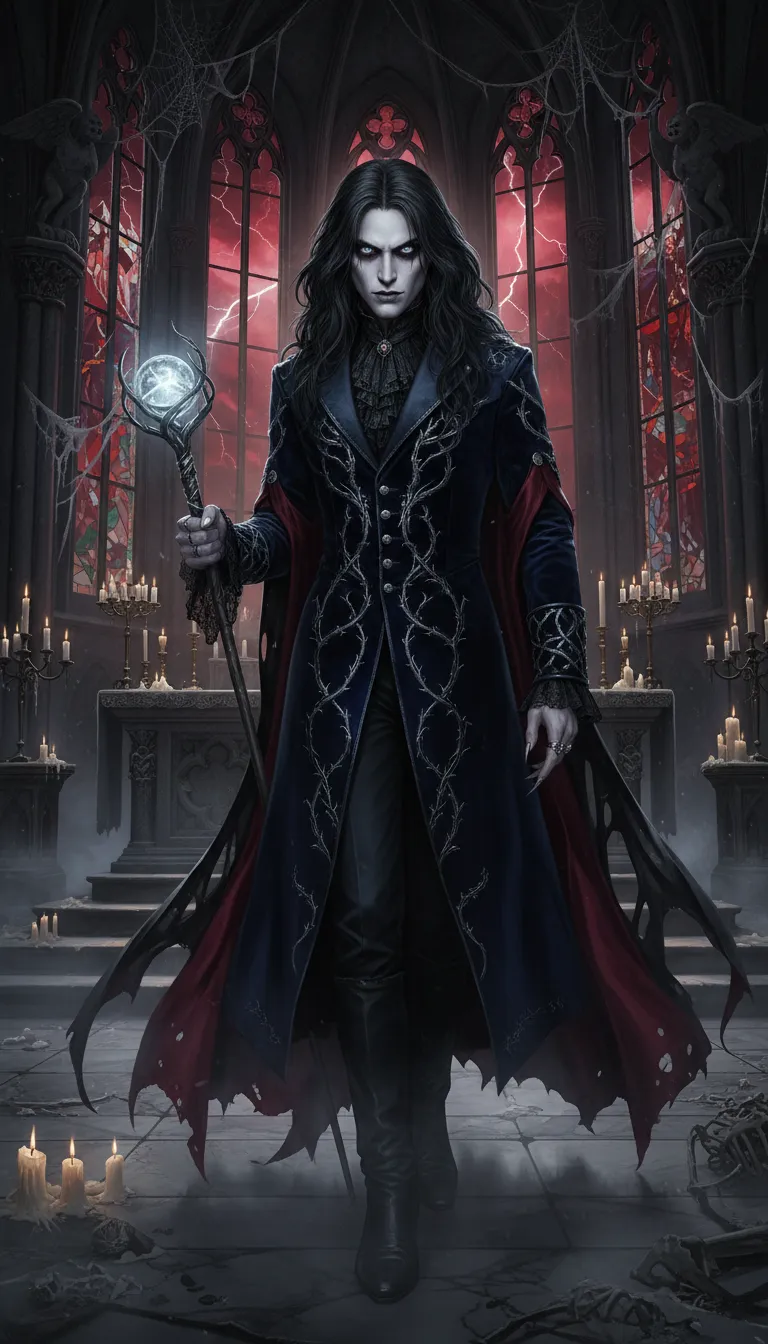
Create an incredibly realistic portrait of a gothic-inspired villain with a haunting and dramatic presence. Sculpt pale skin tones, piercing eyes, and elegant yet unsettling attire. The environment should adapt to candlelit halls, crumbling cathedrals, misty graveyards, or blood-red skies. Use bold, atmospheric lighting to form a dark, cinematic composition.
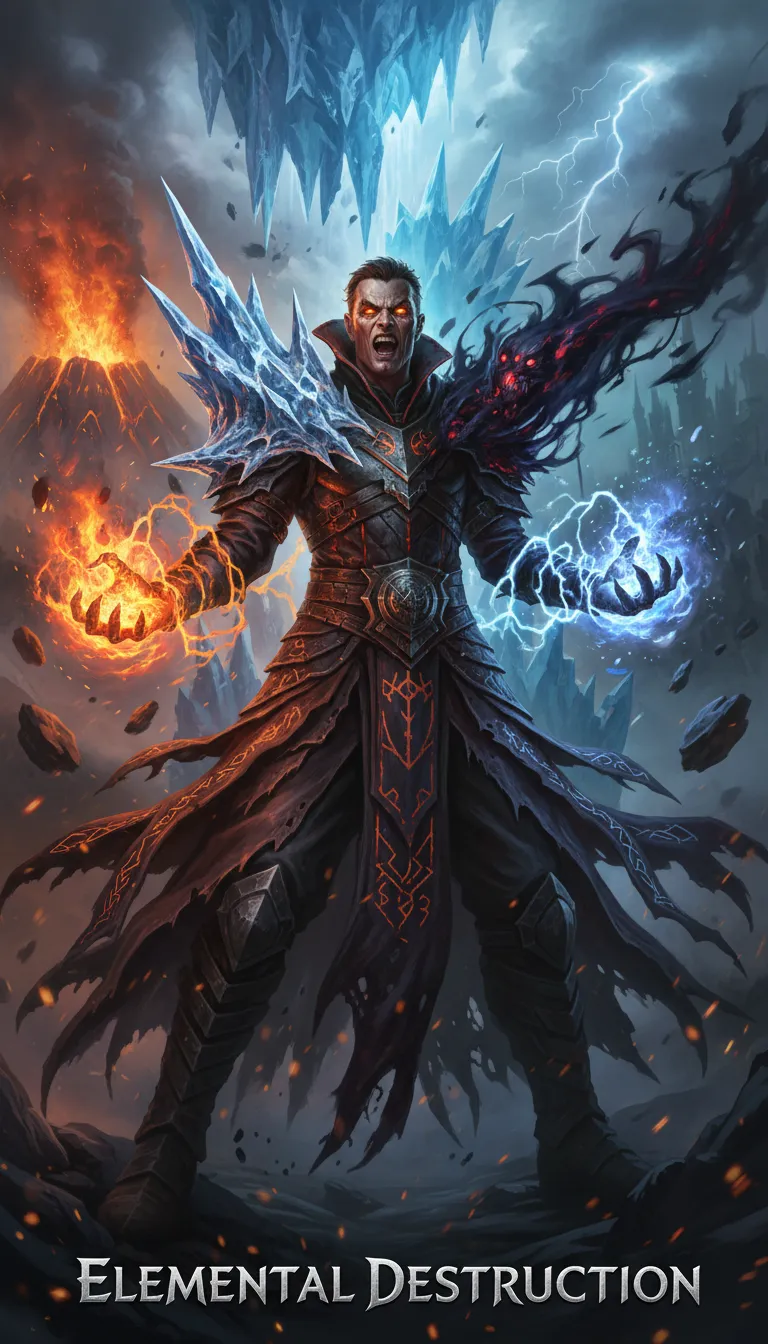
Generate a detailed, lifelike portrait of a villain channeling elemental power—fire, ice, lightning, or shadows. Build their expression and clothing around their destructive nature, using textured fabrics and glowing highlights. The environment should shift to match the element: fiery landscapes, icy caverns, storm clouds, or swirling shadows. Maintain a striking movie-poster intensity.
How to Use AI Villain Character Generator?
Write Your Villain Character Prompt
Start by choosing the model you’d like to use, then write a clear prompt describing the villain character you want to create.
Select Model & Generate Character
Click on the 'Generate' button. This will activate the AI Villain Character Generator, which will produce a unique villain-inspired character based on your description.
Preview and Download Your Villain Character
Preview the generated character image. If it matches your expectations, download the final image and use it however you like.