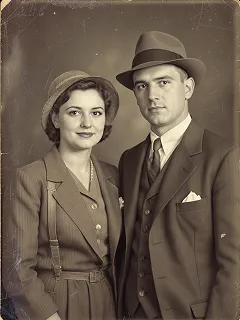
Add a 1980s Filter To Photo
Give your photo a classic 80s vibe using 1980s filter. Add retro colors, vintage grain, neon tones, and nostalgic style in just a moment.
How 1980s Filter Works?
Step 1
Upload Photo
Select & Upload photos from your device to apply 1980s Filter, and make sure uploaded photos must be in high quality with a well-lit background.
Step 2
Apply 1980s Filter
After the photo is uploaded click on the “Generate Now” button to apply 1980s Filter to your photo.
Step 3
Download & Share
Download your generated 1980s Filter to your device and share it on your favorite social media platform, and with your friends and family.