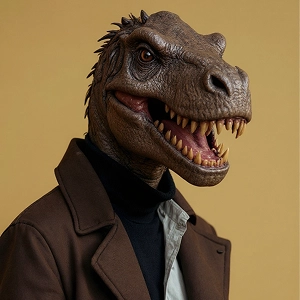
Add Fire to Photo
Using our AI fire filter add natural-looking flames to your images in one click. Try it below for free.
How Does It Work?
Step 1
Upload Photo
Upload a photo from your device to apply the Add Fire to Photo effect. Use a clear image so the AI can understand it better.
Step 2
Apply Fire Effect
After the photo is uploaded, click the “Apply Image Effect” button and the AI will automatically create your image.
Step 3
Download & Share
Download your final image in high quality and share it instantly on social media to show off your fire effect with friends.