Add Ghost to Photo
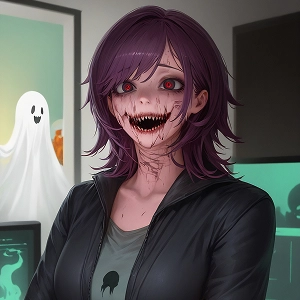
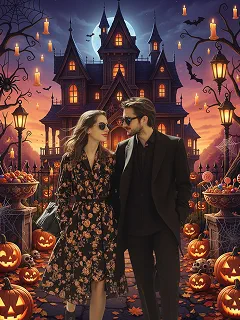
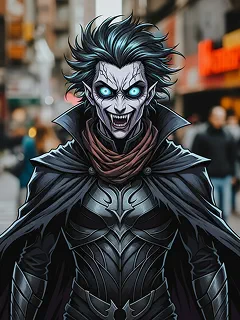
Add a ghost to any photo in seconds with Chroma Studio's free AI. Upload a picture, describe the ghost, and get a spooky, realistic result — no editing skills needed.
How to Add a Ghost to Your Photo
Step 1
Upload Your Photo
Pick any photo where you want a ghost to appear — JPG or PNG works best. A clear, well-lit shot gives the AI more to work with, whether it's a selfie, a room, or an outdoor scene.
Step 2
Describe Your Ghost
Type what kind of ghost you want — a shadowy figure in the corner, a translucent face in the mirror, a smoky demon behind someone. The more detail you give, the closer the result matches your vision.
Step 3
Generate and Download
Hit Generate and the AI blends the ghost into your photo in seconds. Download your finished image as a PNG and use it for Halloween posts, pranks, or wherever you need a good scare.