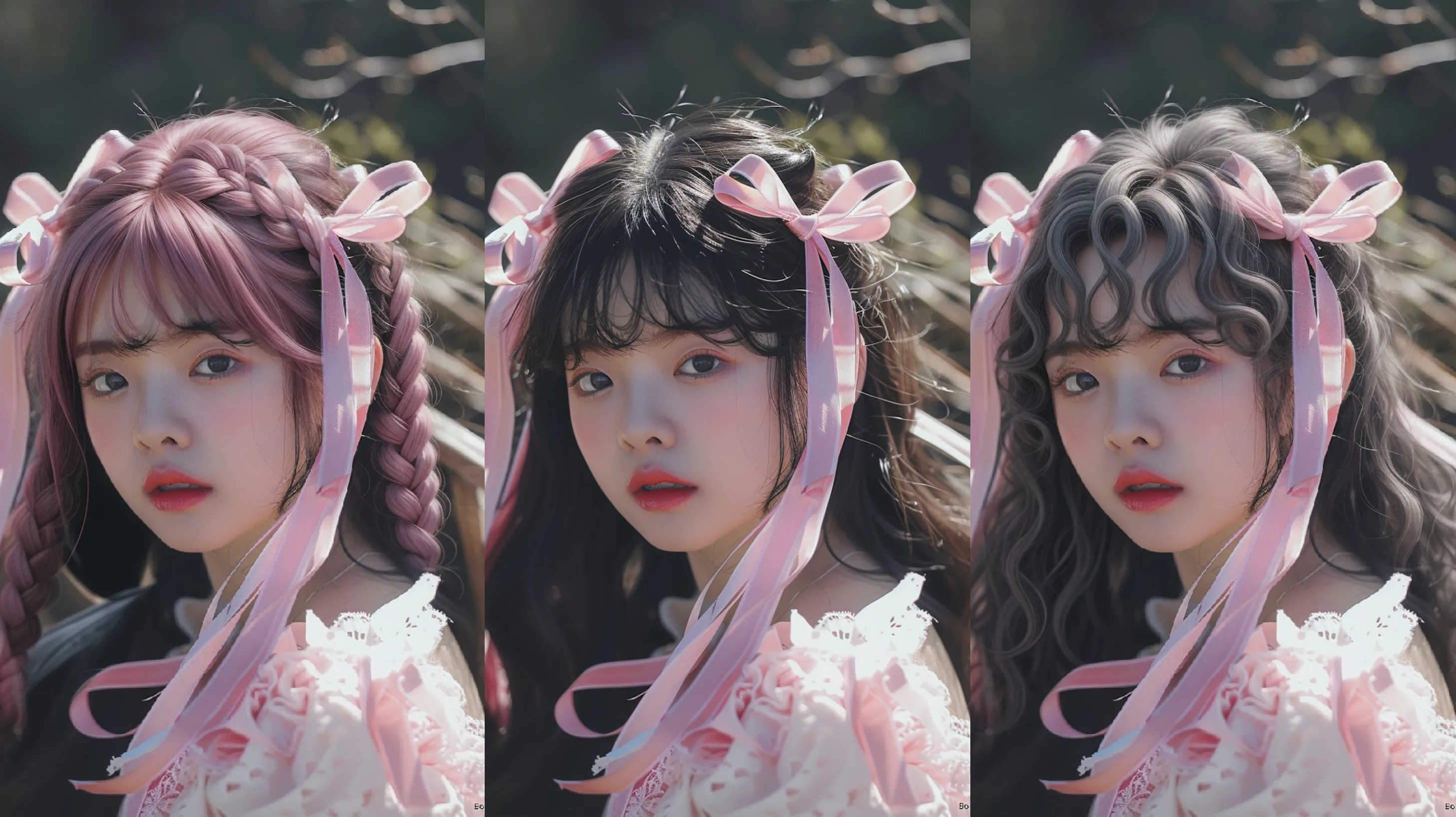
Add Natural Background to Photo
Replace your photo background with realistic natural scenery like forests, lakes, mountains, and outdoor landscapes using AI.
How to Add a Natural Background to a Photo
Step 1
Upload Your Photo
Choose a clear photo with the main subject visible. Portraits, product photos, pets, and other subject-focused images work well.
Step 2
Describe the Natural Background
Enter the scene you want, such as a forest, lake, mountain, beach, garden, or other outdoor landscape. Add details like lighting, weather, or time of day for a more specific result.
Step 3
Generate and Download
Let AI replace the existing background and blend the new natural scenery with your subject. Preview the result, then download your finished image.