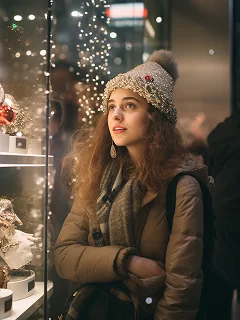
Add Santa to Photo
Add Santa to your photos online with Chroma Studio. Create festive images of Santa in your home, taking selfies with you, delivering gifts, or posing with your pets.
How Does It Work?
Step 1
Upload Image
Start by uploading a clear photo that you want to add Santa to. For best results, use a high-quality image with enough empty space for Santa to fit naturally.
Step 2
Generate Image
Click the “Add Santa” button. The AI will instantly and realistically place Santa Claus into your photo, creating a magical Christmas scene.
Step 3
Download & Share
Once your Add Santa to Photo is ready, you can download it to your device or share it with friends and family.