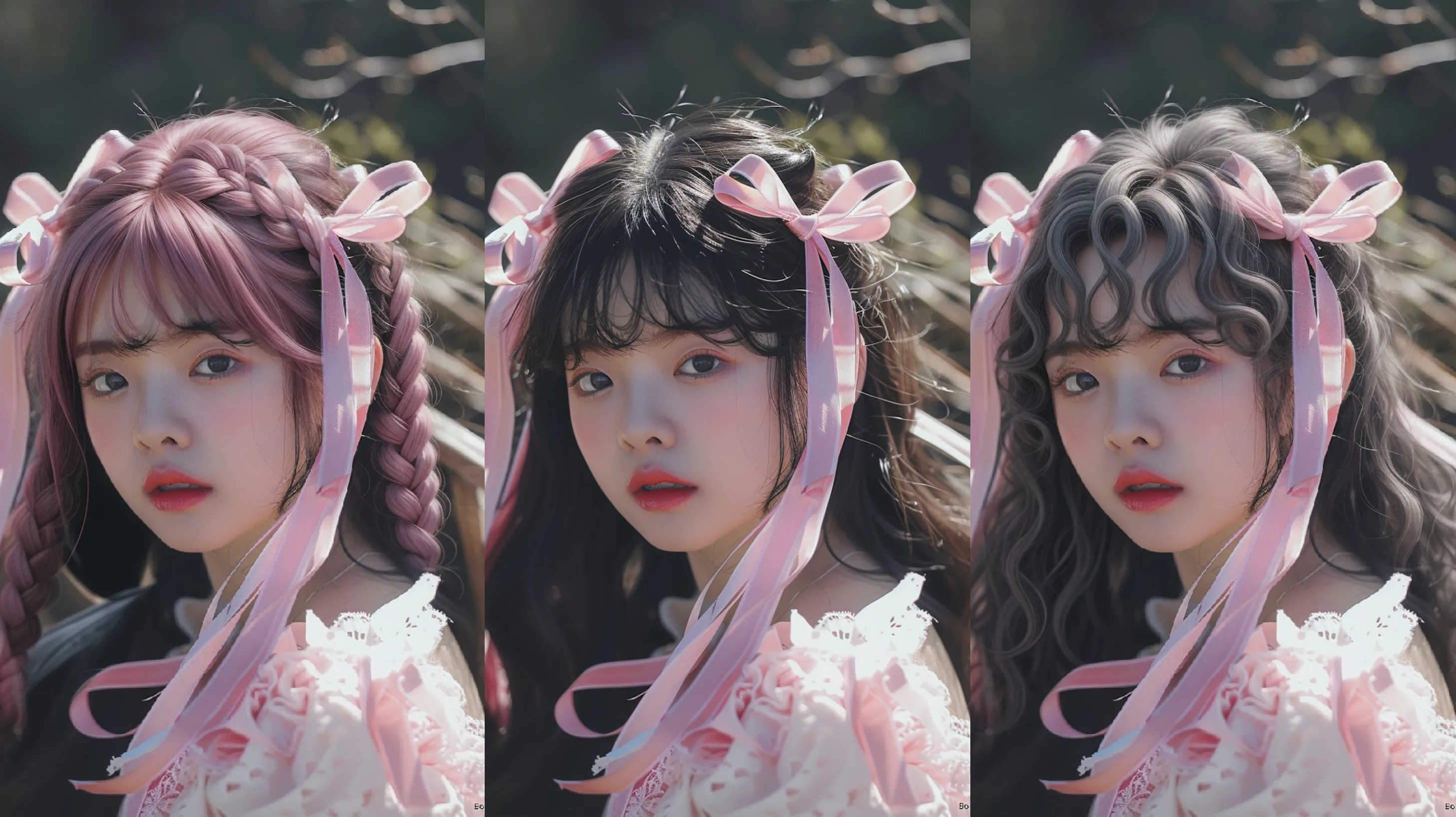
AI 3D Pop-out Effect
The AI 3D Pop-Out Effect on Chroma Studio takes your flat photo and makes the subject look like it's jumping out of the image — the same eye-catching look trending across Instagram and design tools. Upload a photo, describe the look you want, and the AI builds the depth and layering for you.
How to Create Your 3D Pop-Out Effect
Upload Your Photo
Pick a clear photo where your subject stands out from the background — JPG or PNG works best. The cleaner the shot, the better the AI can separate your subject and build the 3D effect.
Describe the Pop-Out Look You Want
Type a short description of how you want the effect to look — like whether the subject should break out of a frame, cast a shadow, or have extra depth. The AI uses your prompt to shape the final result.
Generate and Download
Hit Generate and the AI delivers your 3D pop-out image in seconds. Download it as a PNG or JPG, ready to post, share, or use in a design project straight away.