AI Black Eye Filter
Use our AI Black Eye Filter to turn your eye color to black with natural results. Try it now.
Sample Results to Inspire You
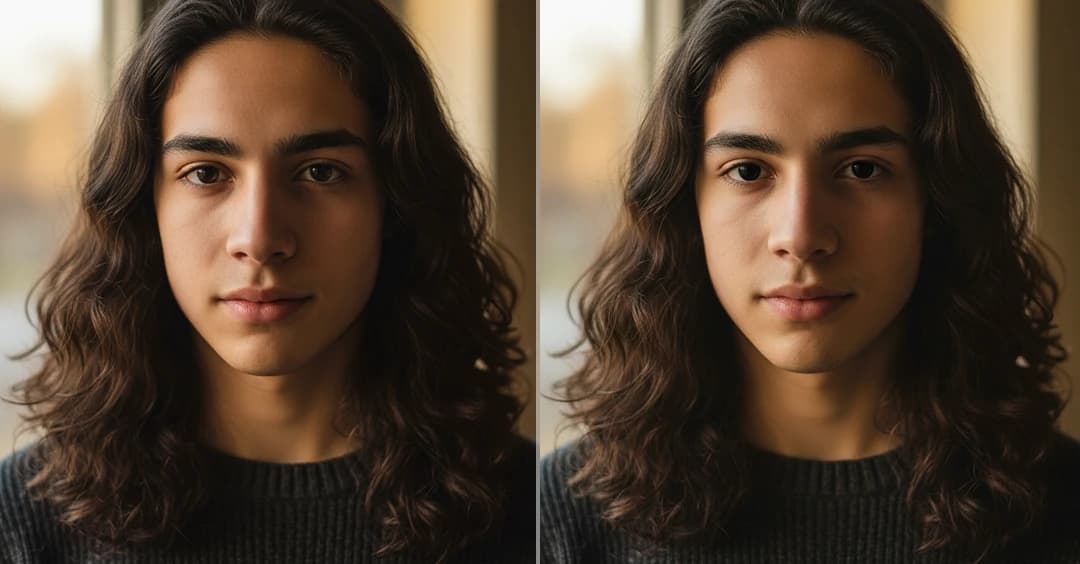
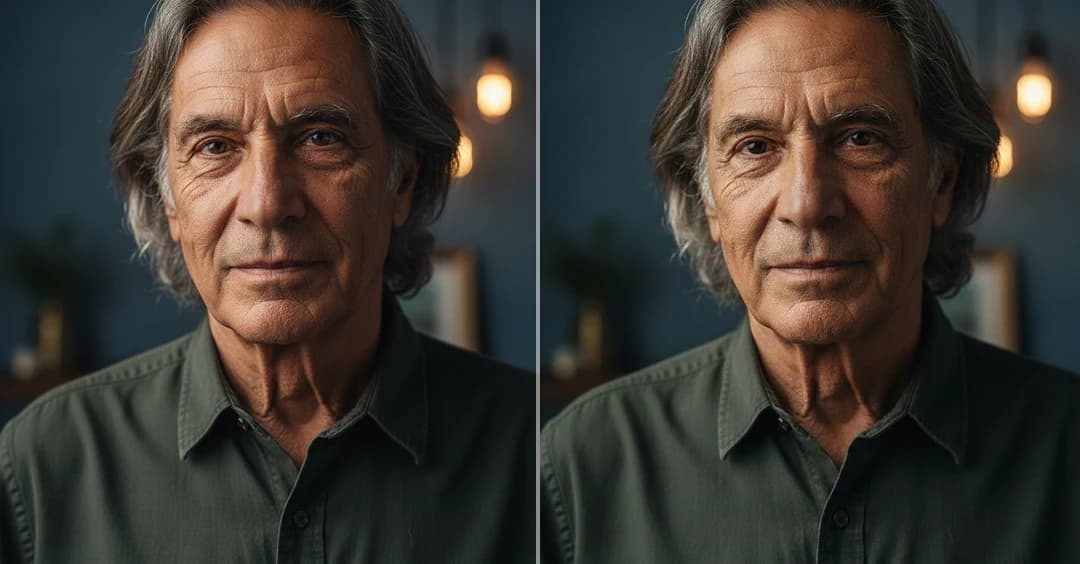
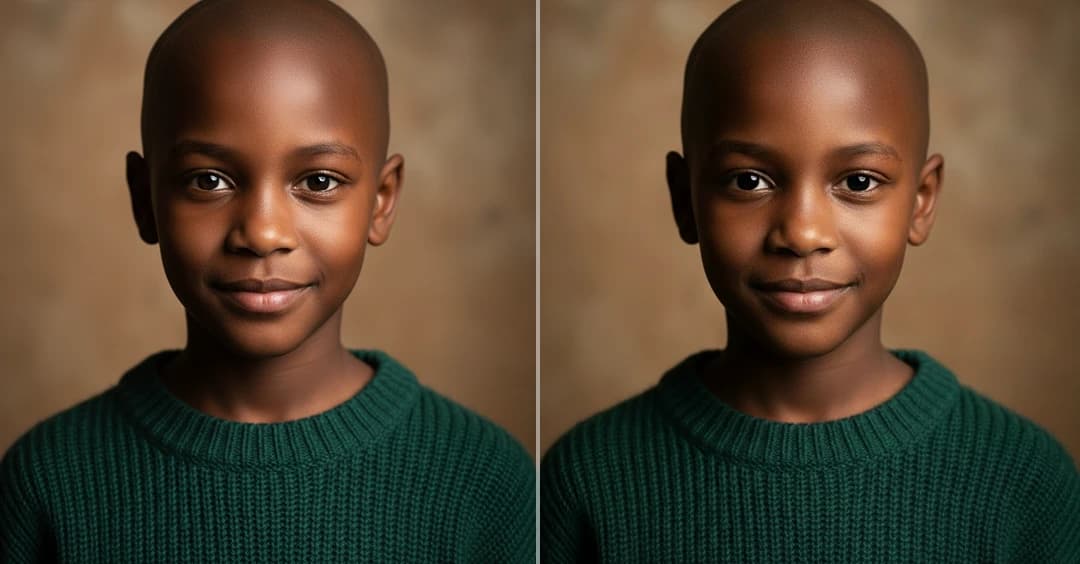
How to Use AI Black Eye Filter
Step 1
Upload Your Photo
Choose the photo you want to edit and upload it directly from your device. Make sure the image is clear and the eyes are visible for better results.
Step 2
Apply Black Eye Filter
Click on Generate button to AI automatically detect your eyes and change them to black with a realistic effect.
Step 3
Download & Share
Once the image is ready, preview the result and download the photo to your device. You can then share it on social media platforms.