AI Wink Filter
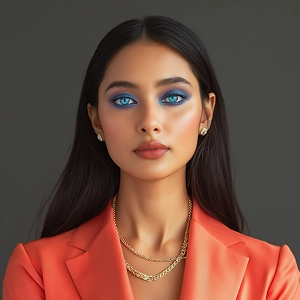
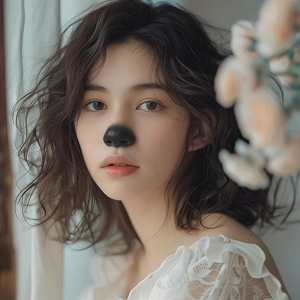
The AI Wink Filter on Chroma Studio adds a natural, playful wink to any photo — selfies, portraits, even pet shots — in seconds. Upload your photo, describe the look you want, and hit Generate.
How to Add a Wink to Your Photo
Upload Your Photo
Pick a clear, front-facing photo where the eyes are visible — JPG or PNG works great. Selfies, portraits, and close-up shots tend to give the best results since the AI needs to read the face clearly.
Describe the Wink You Want
Type a short description — something like "subtle left-eye wink" or "playful wink with a smile." The AI uses your words to figure out which eye to close and how expressive the final look should be.
Generate and Save
Hit Generate and your winking photo is ready in moments. Download it as a JPG or PNG and use it for social posts, memes, profile pictures, or anywhere you want a little personality.