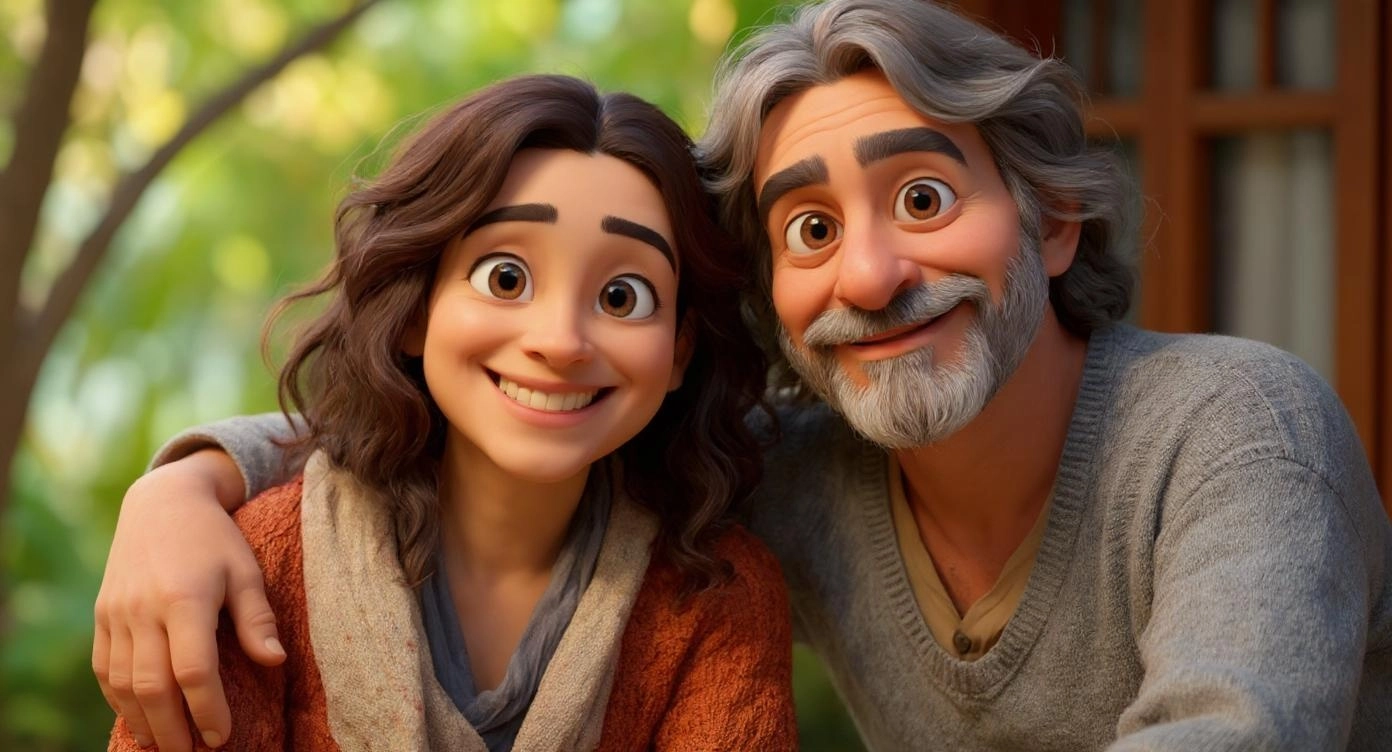
AI Multiple Views
Try our free AI Multiple Views for an instant photo transformation.
How to Use AI Multiple Views?
Step 1
Upload Your Photo
Choose a clear, front-facing photo with good lighting. This becomes the base for your Multiple Views transformation.
Step 2
Describe Your Multiple Views Look
Write what you want the AI to add — like styling, lighting, and detail, or any other detail you have in mind.
Step 3
Generate & Download
Click "Generate" and the AI applies your Multiple Views look to the photo. Download or share when ready.