Image Resizer
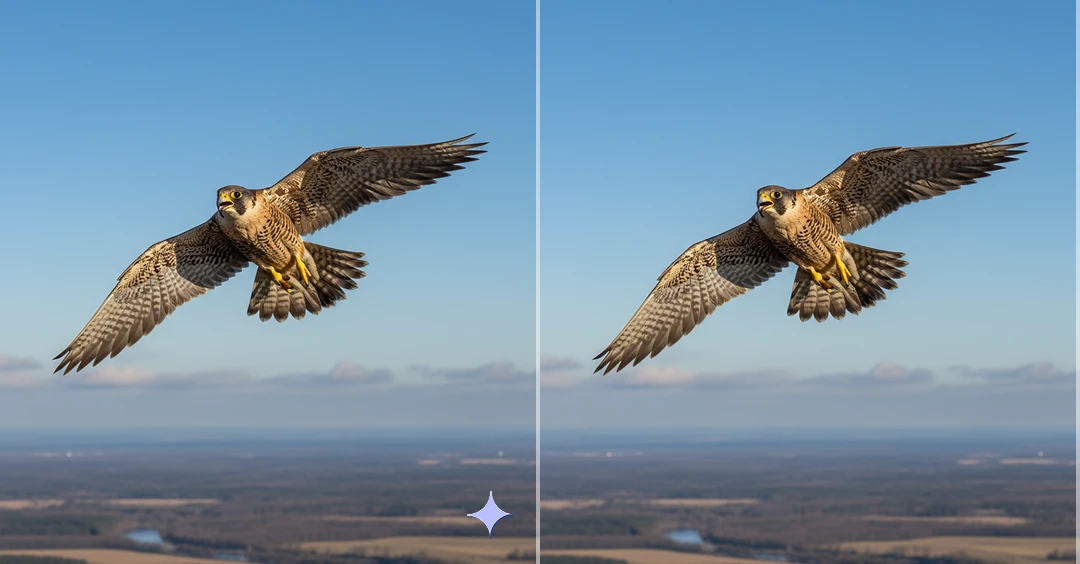
Image Resizer is a tool that helps you quickly change the width and height of your photos without losing quality. Upload your image, adjust the size the way you want, crop if needed, and download your perfectly resized photo in few seconds.
How to Use Image Resizer?
Upload Your Image
Choose the image you want to resize from your device. You can upload JPG, PNG, or WebP files of any size.
Resize Your Image
Enter your desired width and height or select preset dimensions. You can also crop the image to frame it perfectly before resizing.
Download Your Resized Image
Once you're happy with the size, click the resize button and download your high-quality resized image instantly.
Key Features of Image Resizer
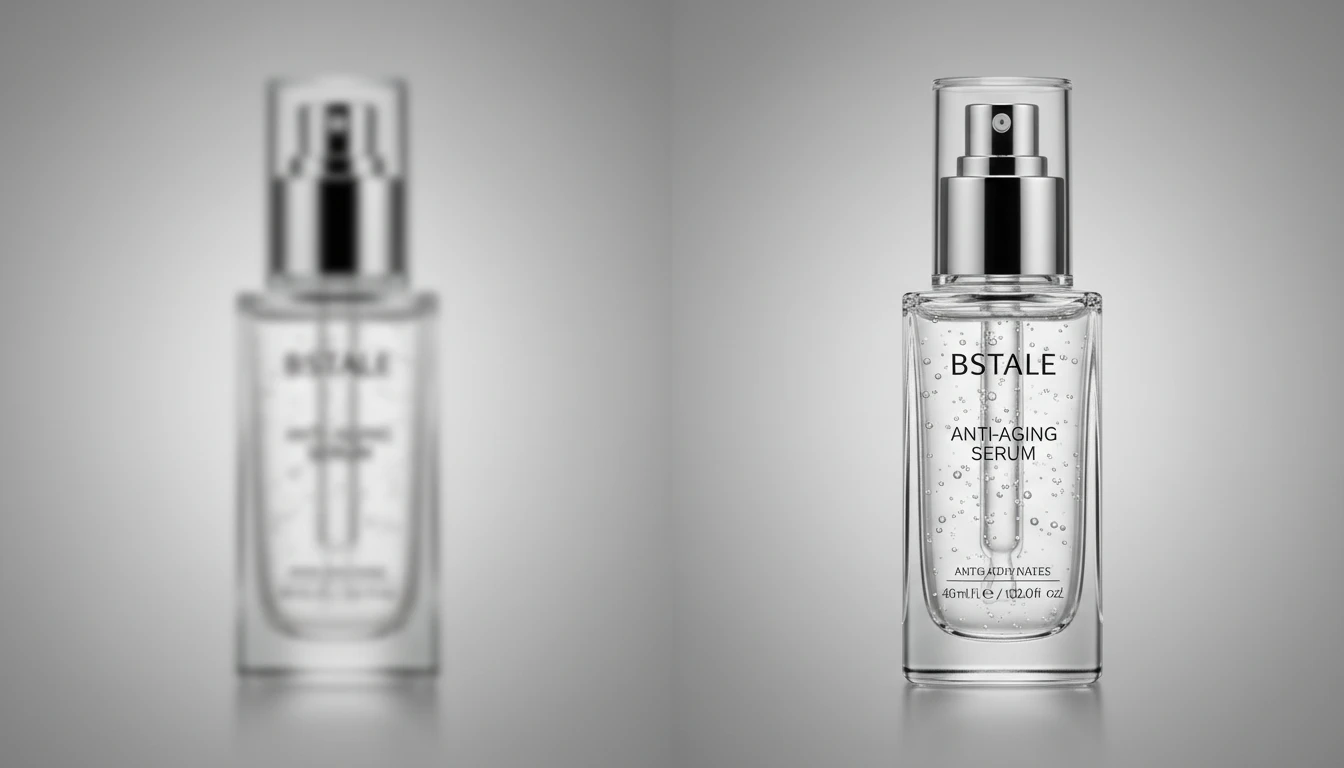
Resize Image Without Losing Quality
Adjust the width and height of your images without affecting clarity or sharpness. Our image resizer maintains the original resolution and proportions, preventing distortion or pixelation. Whether you're reducing image size for a website or enlarging it for a banner.
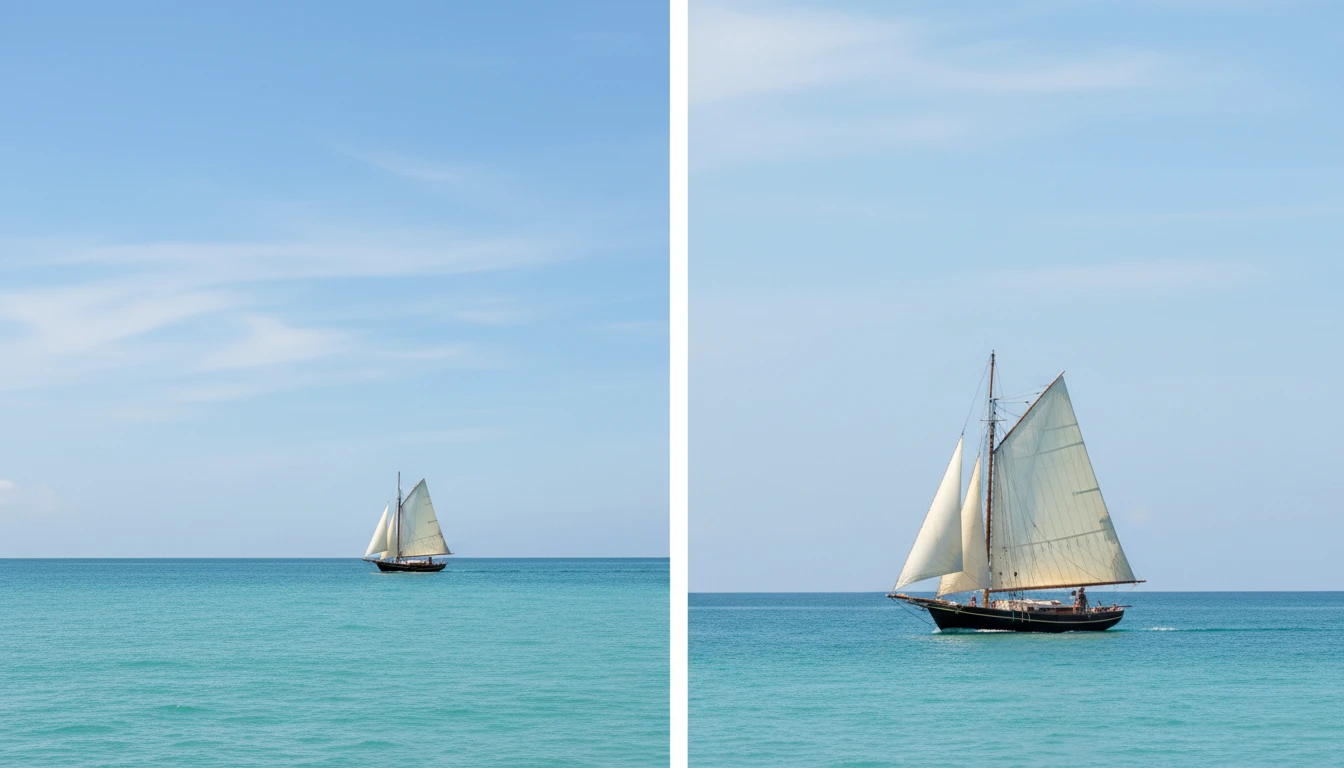
Crop & Resize in One Place
Easily remove unwanted areas and focus on the important part of your image before resizing. You can drag and adjust the crop area to frame your photo perfectly, then resize it to your desired dimensions. This all-in-one feature saves time and ensures precise results.
Supports Multiple Image Formats
Upload and resize popular image formats including JPG, JPEG, PNG, and WebP. The tool processes different file types smoothly, so you don’t need to convert your image before resizing. It preserves format compatibility while delivering high-quality output.
Fast Online Processing
Resize your images instantly using your browser. The tool is optimized for quick performance, allowing you to upload, edit, and download your resized image in a few seconds.