Qwen Image 2.0
Create high-quality images with Qwen Image 2.0, an AI image generator and editor for text-to-image, clear text rendering, realistic visuals, and fast, easy image editing in one place.
Upload Image
Explore More Qwen Image Models
Key Features of Qwen Image 2.0 Image Model
- •Advanced Text & Layout Creation:Creates clear and professional text layouts for infographics, presentations, posters, comics, and other visual designs using detailed text instructions.
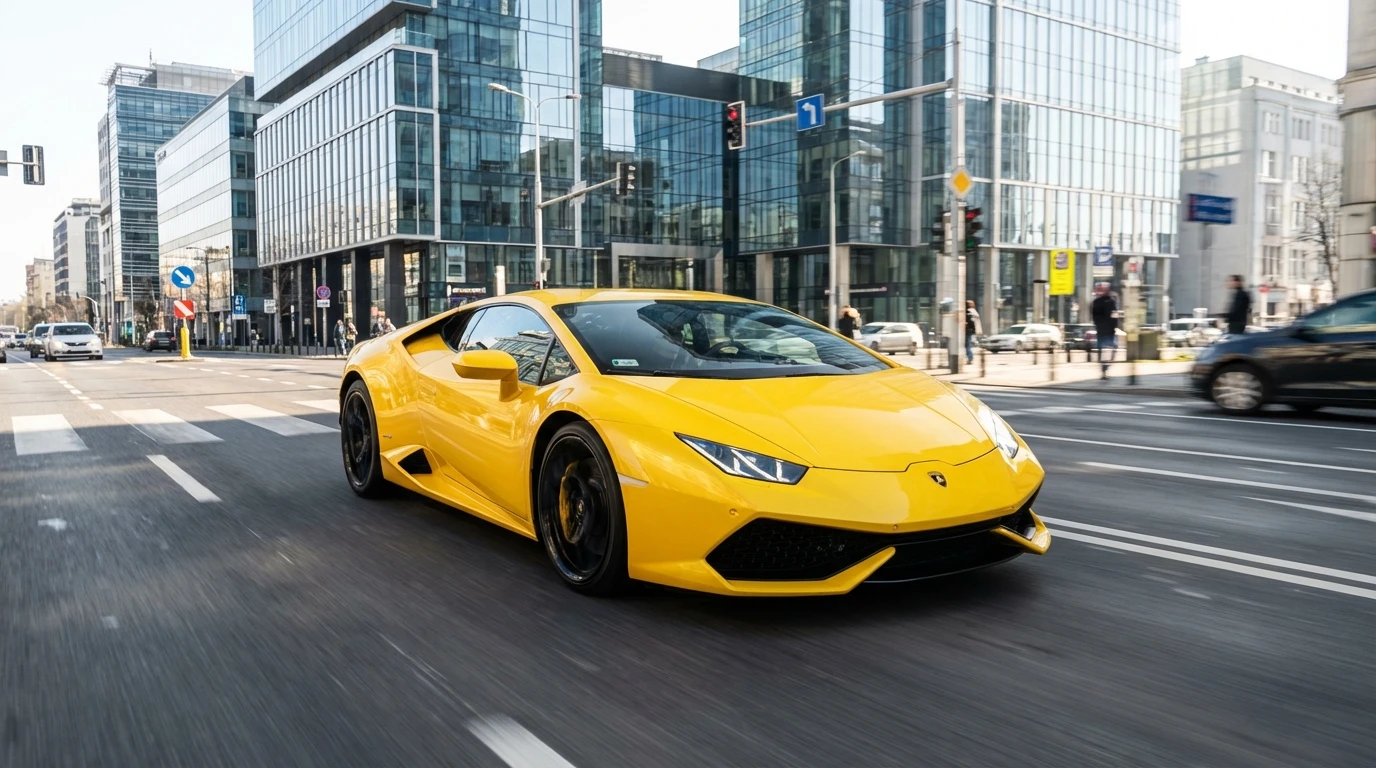
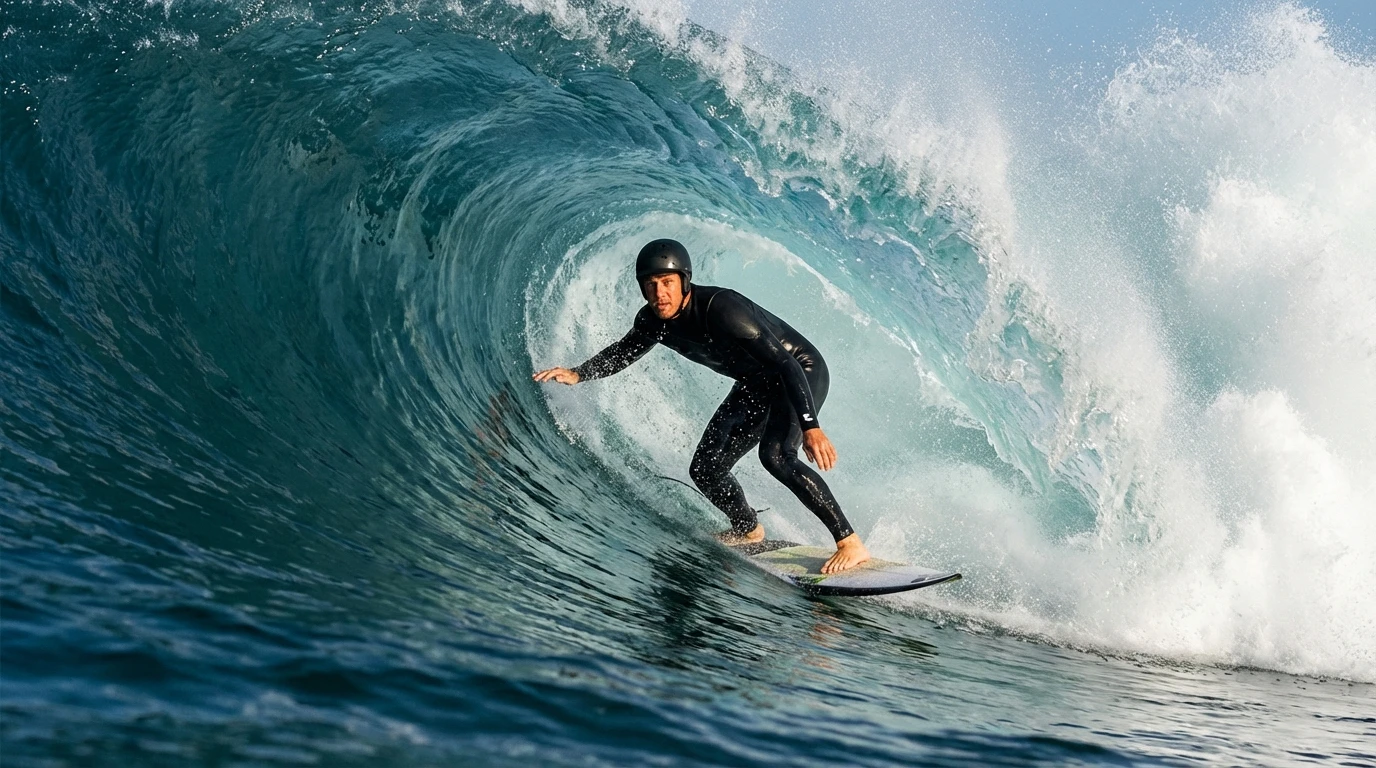
- •Better Prompt Understanding:Accurately follows your prompt to generate high-quality images with fine details, including people, nature, buildings, and real-world scenes in high resolution.
- •Image Generation and Editing Together:Generates and edits images in one smooth process, making it easy to place, change, or refine text and visuals without switching tools.
- •Fast and Efficient Performance:Uses a lightweight and optimized model design to generate images quickly, reduce processing time, and deliver smooth results while maintaining high visual quality.
How to Use Qwen Image 2.0?
Step 1
Describe What You Want
Type what you want to create, or upload a reference image to guide the style or details.
Step 2
Create or Edit the Image
The image is generated from your text, or the uploaded image is updated based on your instructions. You can make changes using simple text.
Step 3
Download Your Image
Review the final result and download the image in high quality for your use.
Discover Other AI Image Models
Example Images Generated by Qwen Image 2.0