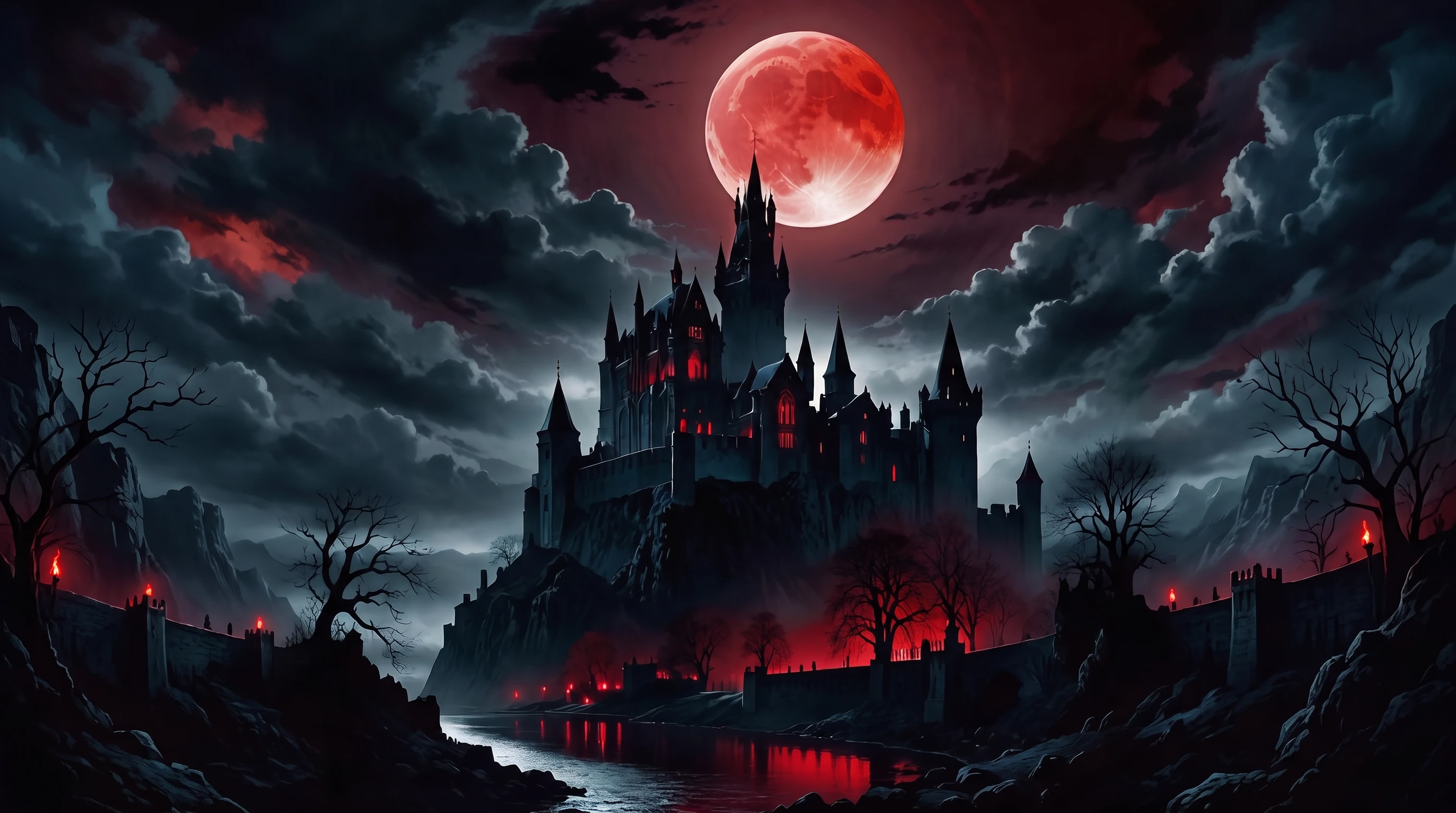
Z-Image Omni (Omni-Base): Unified AI Image Generation + Editing
Try Z-Image Omni (Omni-Base) on Chroma Studio. Generate and edit high-quality images using a single unified AI diffusion model designed for efficient, consistent workflows.
Explore Z-Image Models
Key Features of Z-Image Omni
- •Unified Image Generation and Editing:Z-Image Omni uses a single training approach that allows it to both create new images and edit existing ones. This removes the need to switch between different models, resulting in a simpler and more consistent workflow.
- •Efficient 6B Foundation Model:With around 6 billion parameters, Z-Image Omni is designed to deliver high-quality images while remaining efficient. It offers strong performance without relying on extremely large or costly models.
- •Single-Stream Diffusion Architecture:Built on a Single-Stream Diffusion Transformer (S3-DiT), the model enables both image generation and editing to operate smoothly within the same system.
- •Photorealistic Output and Bilingual Text Rendering:Z-Image Omni focuses on producing realistic, natural-looking images and supports bilingual text rendering, making it suitable for global and localized creative projects.
How to Use Z-Image Omni
Step 1
Enter Your Text or Upload an Image
Type a text prompt to generate a new image or upload an existing image to edit it. You can describe styles, objects, backgrounds, or specific changes in natural language.
Step 2
Generate the Image
Click the Generate button and Z-Image Omni processes your request using its unified AI system to create or edit images with consistent and realistic results.
Step 3
Download and Share
Preview the final image, make additional refinements if needed, then download or share it for creative, marketing, or professional use.
Discover Other AI Image Model
Example Images Generated by Z-Image Omni