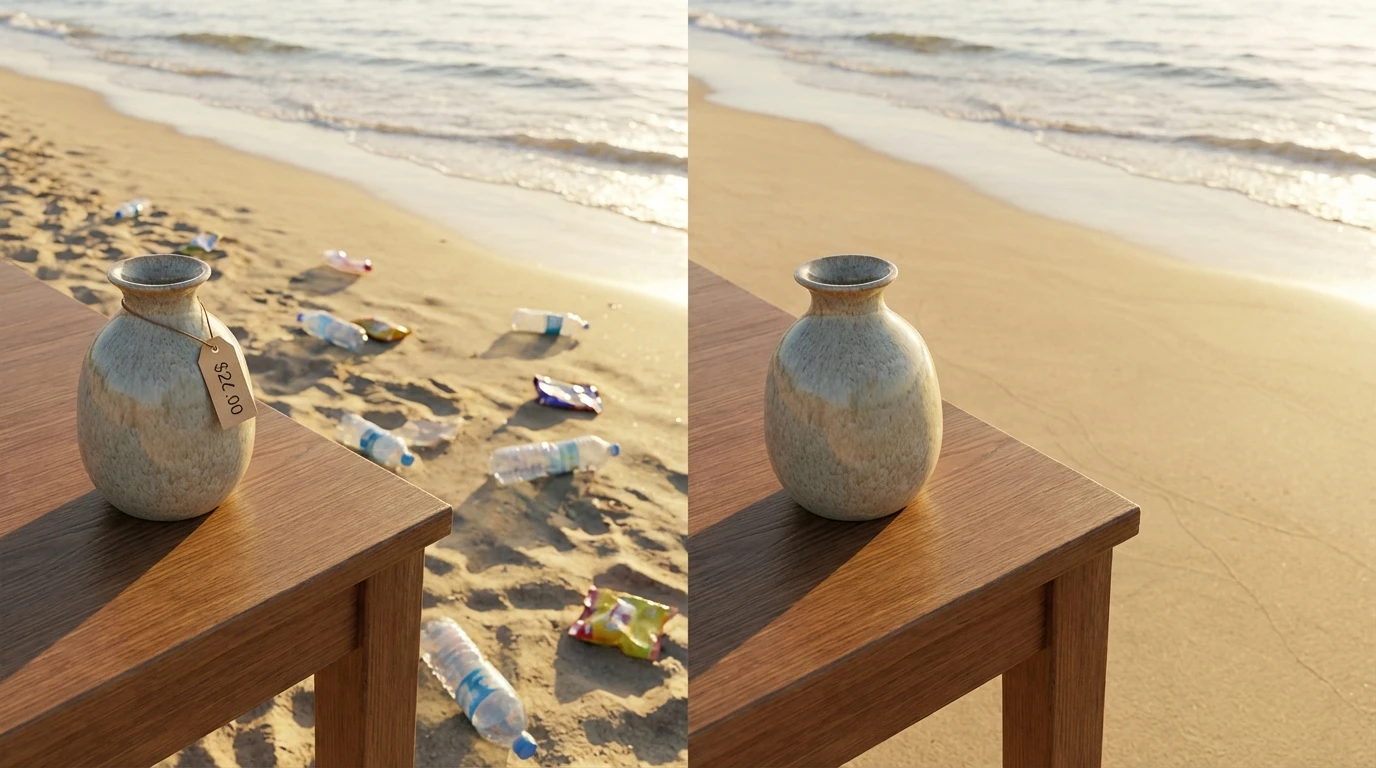
Magic Eraser for Erasing Objects
Remove elements from photo with a simple brush stroke. This magic eraser for erasing objects wipes away distractions, clutter, and unwanted items while AI rebuilds the background to look completely natural.
How to Use the Magic Eraser?
Upload Your Photo
Choose the image with objects you want erased. Supports JPG, PNG, and WEBP from any device.
Brush Over Unwanted Items
Paint over each object or element you want removed. Select as many areas as needed in a single pass.
Download the Clean Image
Click Generate. The magic eraser removes everything you marked and delivers a polished photo ready to save.
Key Features of Magic Eraser
Remove Things from Photo Effortlessly
The magic eraser lets you remove thing from a photo with a single brush stroke. Paint over signs, trash, cables, stickers, timestamps, or any visual distraction and watch it disappear. It studies what surrounds the erased area and fills it in with content that belongs there.
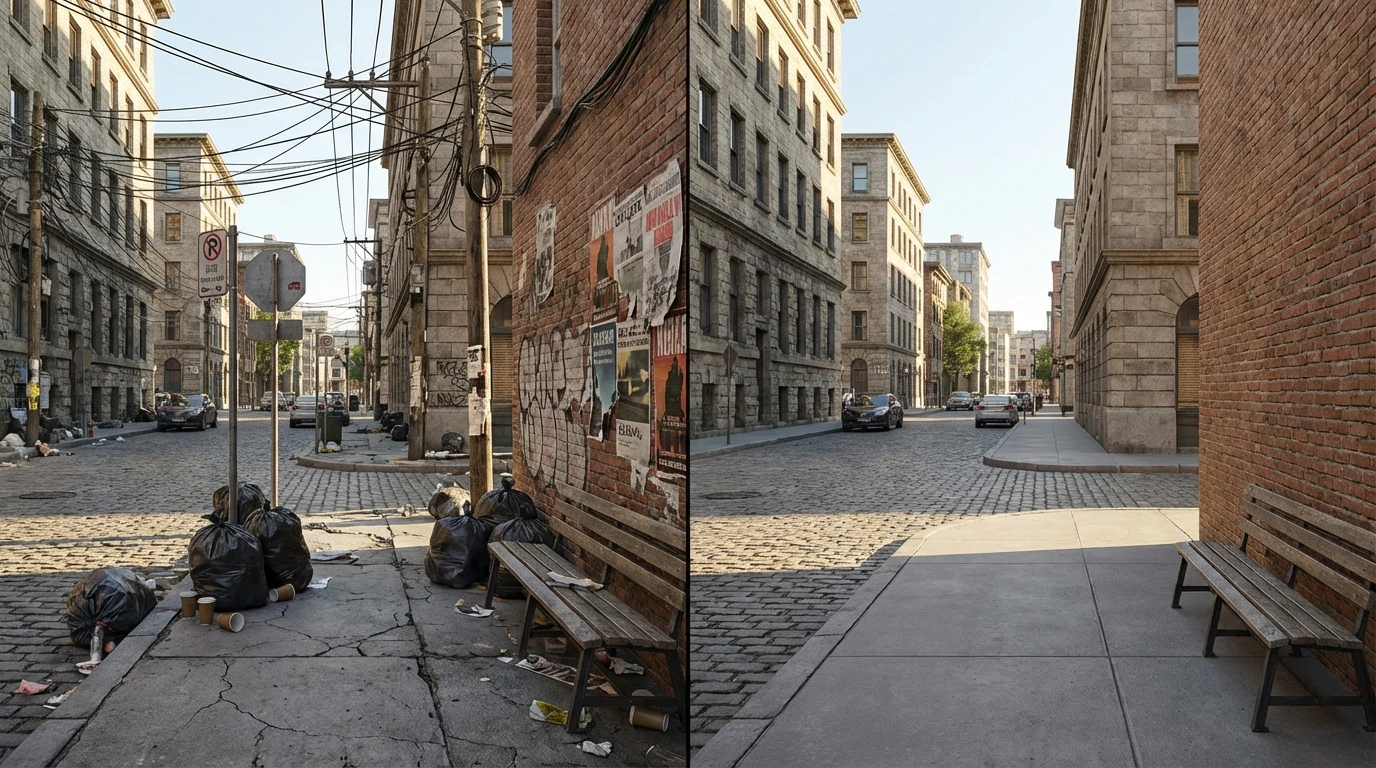
Erase Objects from Photo Online
No software downloads, no complex layer masks. Erase objects from photos online right in your browser. Upload the image, paint over what you want gone, and the AI handles the reconstruction. Whether it's a small blemish or a large item taking up the frame.
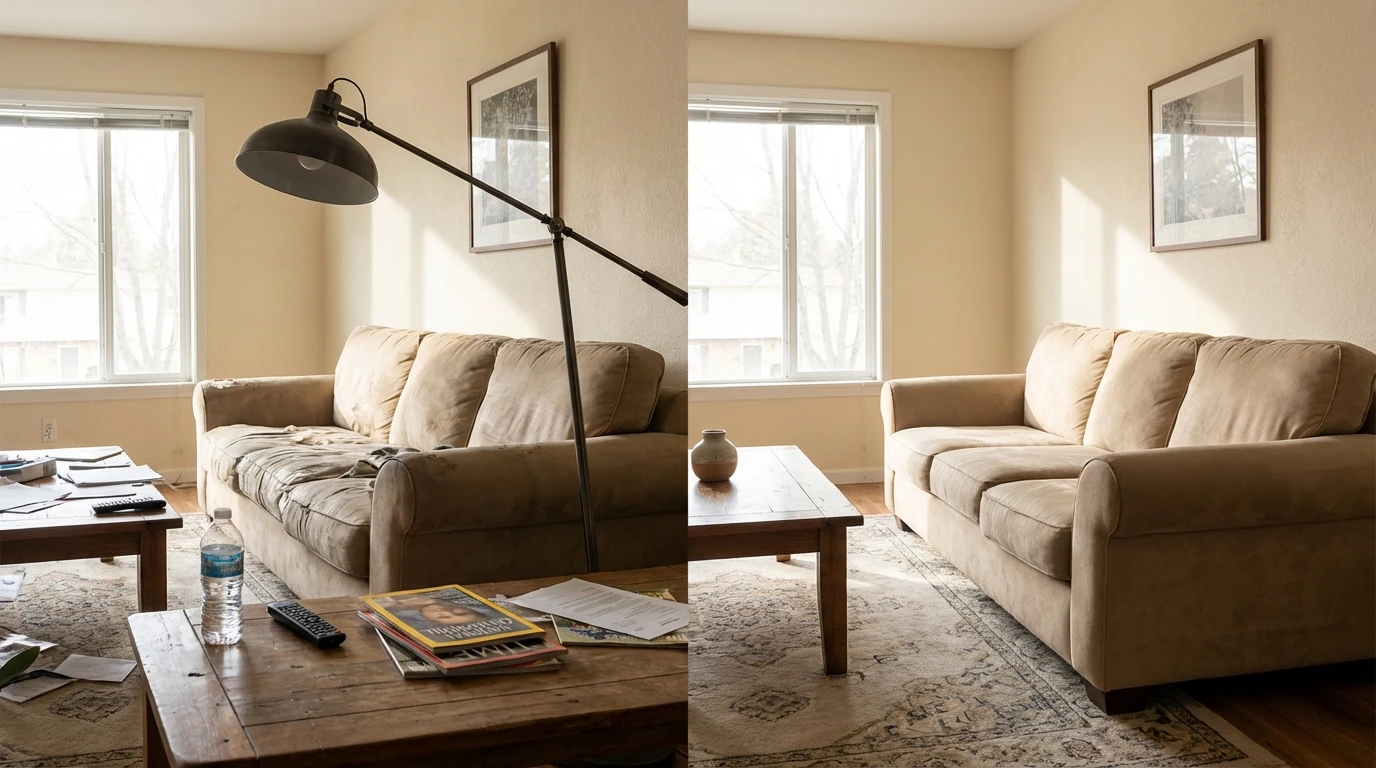
Clean Up Any Image Type
From product shots with price tags still visible to travel photos with litter in the background remove elements from photos across every category. The AI works on indoor scenes, outdoor landscapes, close-ups, and wide shots alike. Real estate images, social media content, and professional portfolios.