Remove Objects from Photo
Erase unwanted objects from any photo using AI. Whether it's photobombers, clutter, or distracting elements, this object remover online cleans up your images without a trace, completely free.
How to Remove Objects from Photo?
Upload Your Image
Drop in the photo that has unwanted objects you want gone. JPG, PNG, and WEBP files are all supported.
Brush Over the Object
Use the brush tool to paint over the item you want erased. The AI identifies the object boundaries and prepares the removal area.
Download the Clean Photo
Press the Generate and the AI erases the selected object, fills in the background, and delivers a polished result ready to save.
Key Features of Remove Objects from Photo
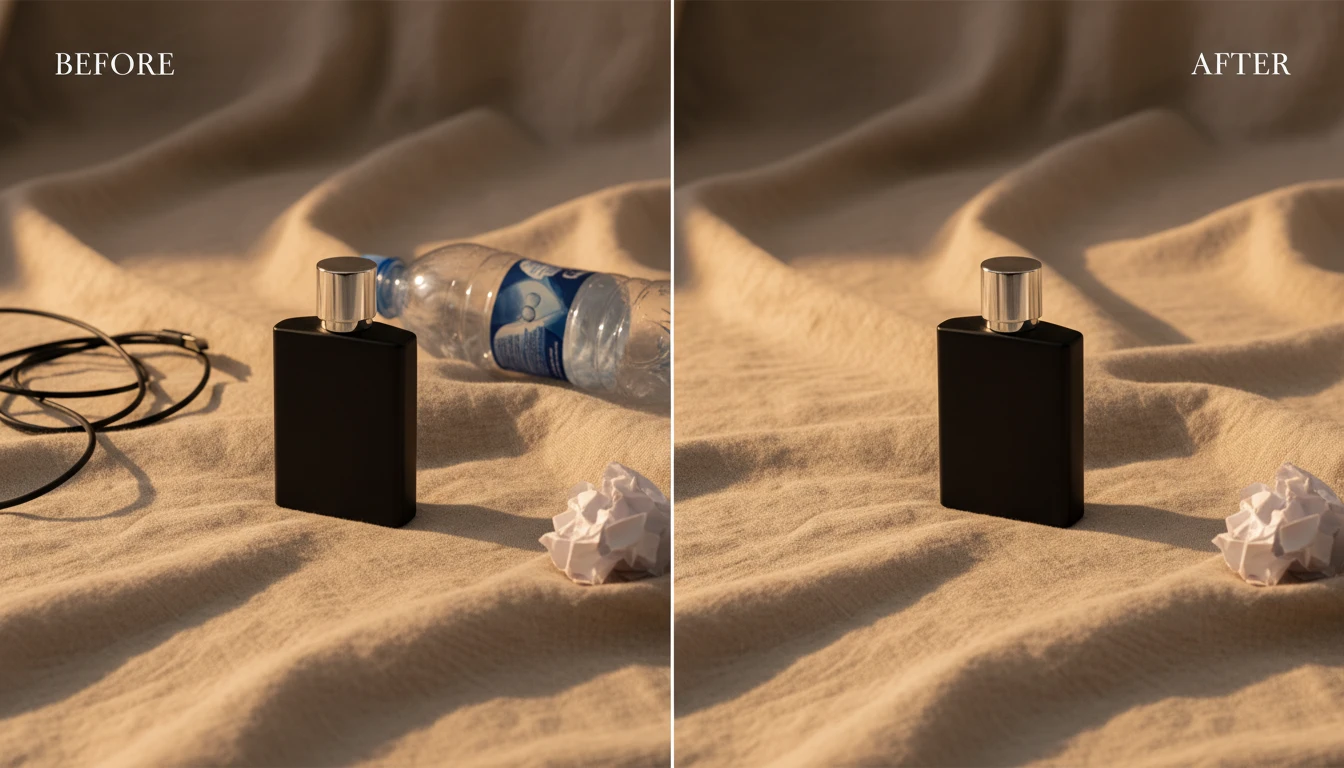
Erase Any Unwanted Element
Brush over the unwanted object and let AI fill in the gap naturally. Remove people, signs, wires, trash cans, watermarks, or anything else cluttering your shot. The object remover online rebuilds the area behind the erased element so the final image looks untouched.
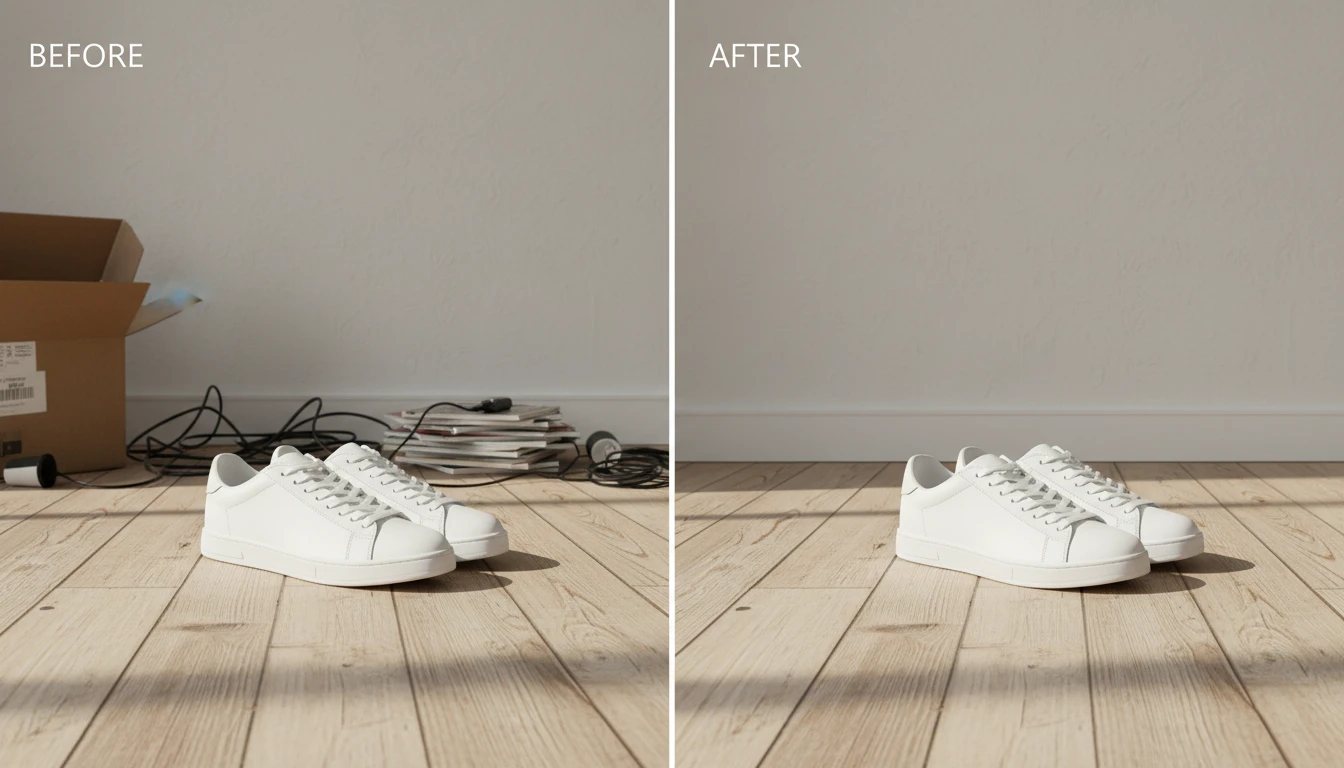
Smart Background Reconstruction
AI analyzes the surrounding pixels, textures, and lighting to reconstruct the background seamlessly. No smudges, no obvious patches. Even complex scenes with gradients, patterns, or shadows get handled with care.
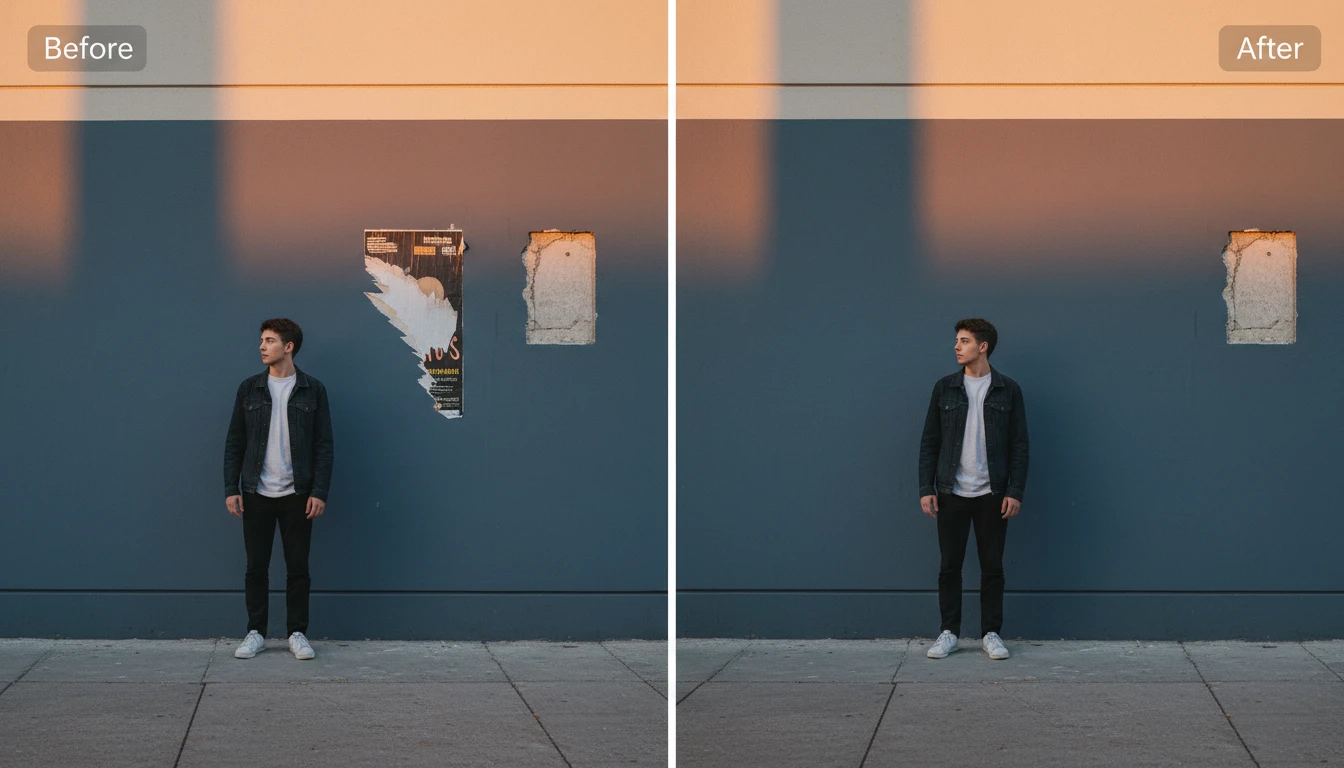
Batch Cleanup for Professionals
Photographers, real estate agents, and ecommerce sellers,stop spending hours retouching each image manually. Upload your photos, highlight the distractions, and let the AI do the heavy lifting. Remove unwanted objects from multiple product shots, property photos, or travel images without touching Photoshop.