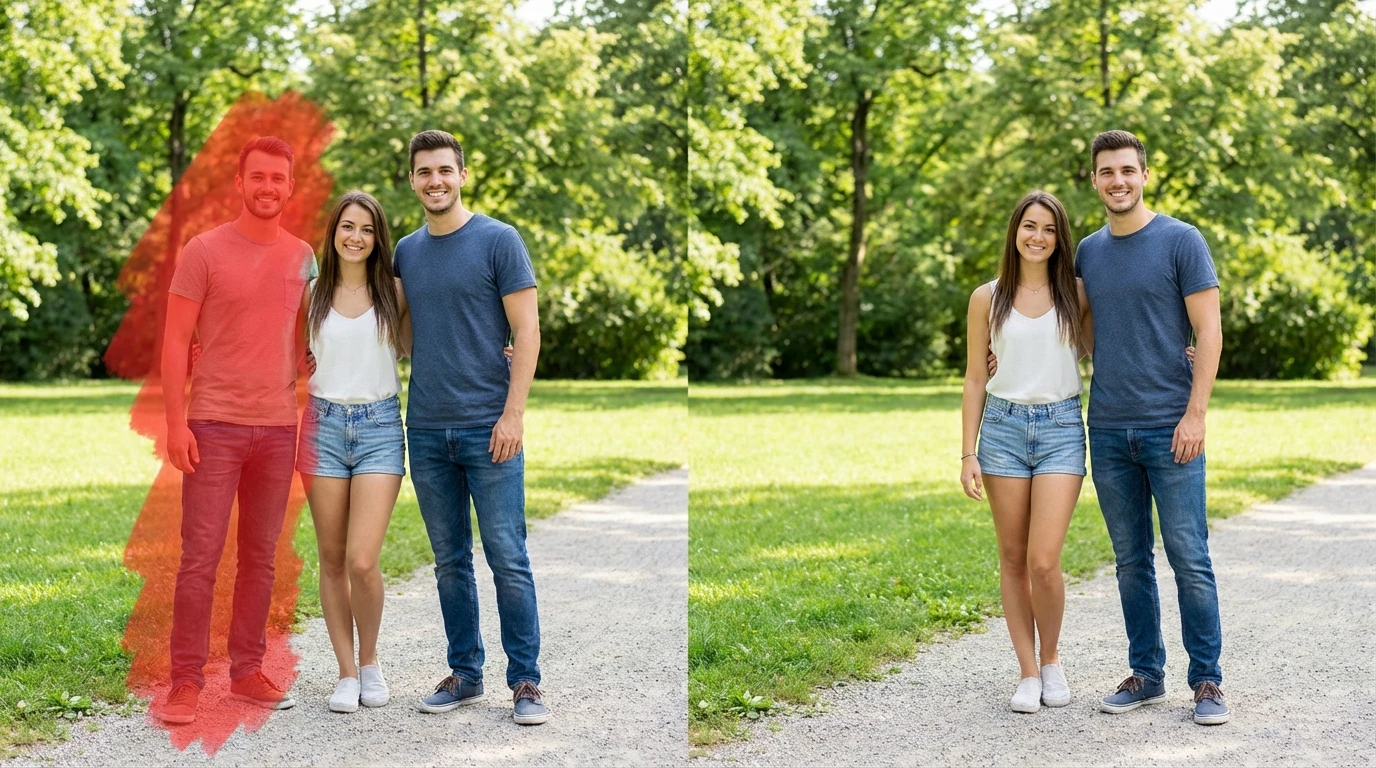
Remove People from Photo
Need to remove people from photos without ruining the background? Our AI person remover detects human figures and erases them cleanly,rebuilding the scene behind them so your image looks naturally empty.
How to Remove People from Photo with AI
Upload Your Photo
Choose the image with unwanted people. Supports JPG, PNG, and WEBP from any device.
Brush Over Each Person
Use the brush tool to paint over the people you want erased. Select one person or multiple,the AI processes all marked figures together.
Download Your Clean Photo
Click Generate. The person remover erases the selected figures, reconstructs the background, and delivers a clean image ready to save.
Key Features of Remove People from Photo
AI-Powered Person Remover
Whether it's a stranger walking through your shot or a crowd blocking the view, this person remover handles it all. Brush over the people you want gone and AI takes over,analyzing the scene, understanding depth and lighting, and filling in the space with a background that looks completely untouched.
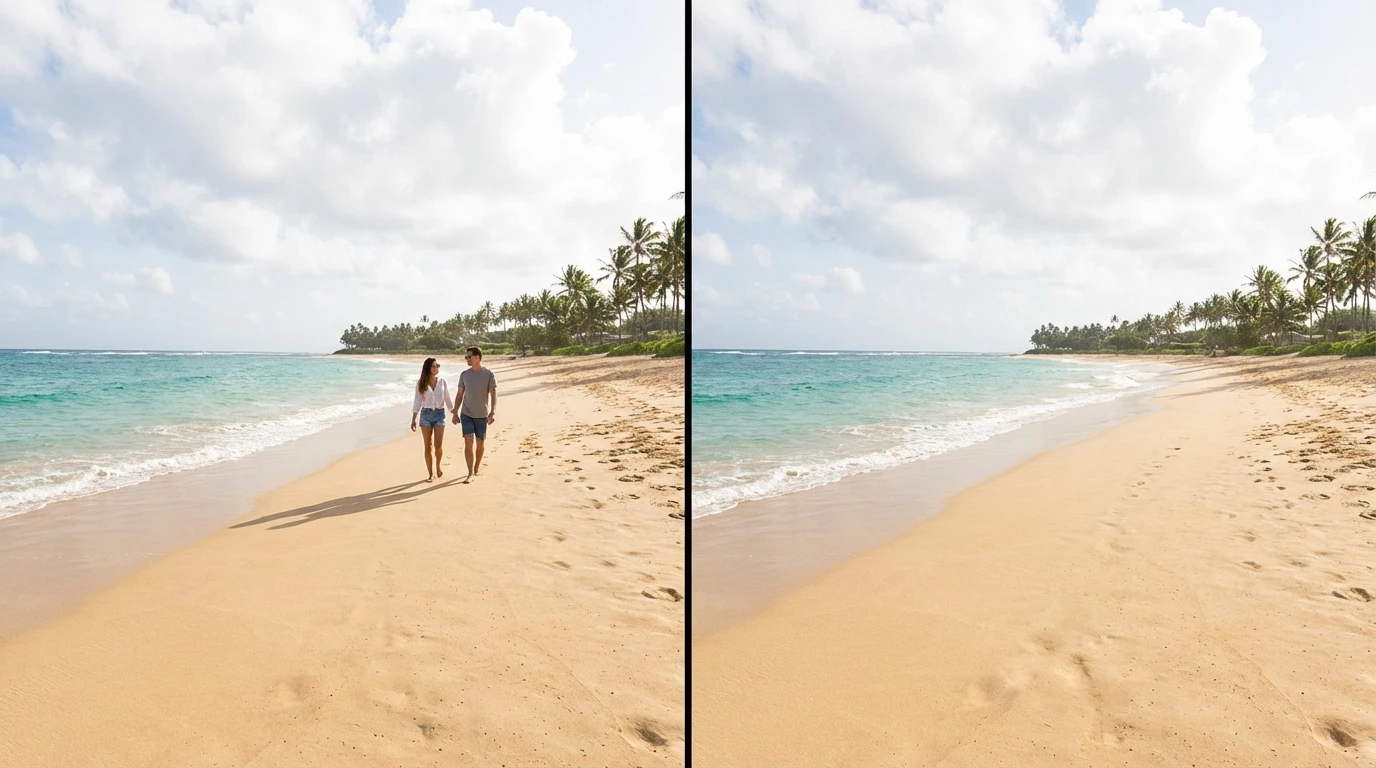
Erase People from Photo Cleanly
The hardest part of trying to erase people from a photo is making it look natural afterward. Our AI solves that by studying the textures, patterns, and light around each person before generating the replacement
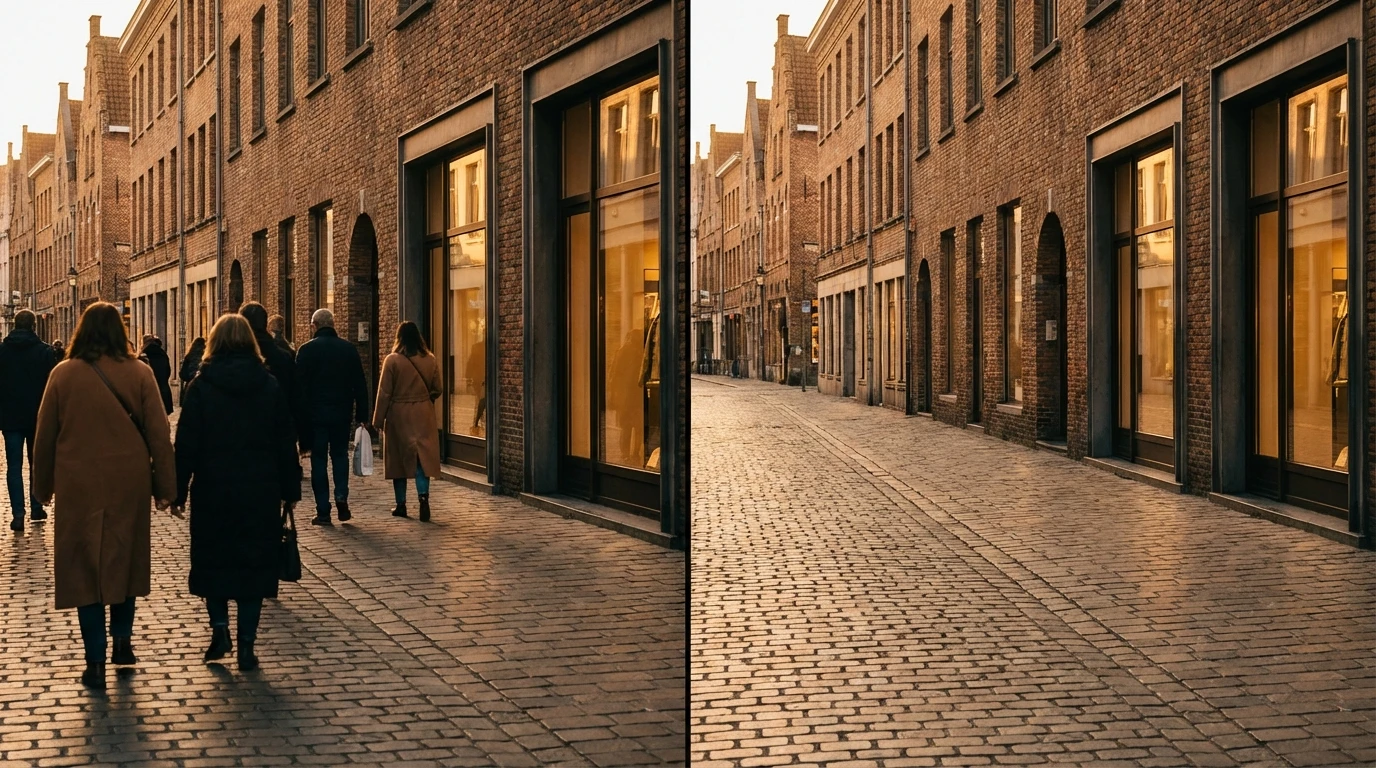
Remove Person from Image Selectively
You don't have to erase everyone. Remove a person from image one at a time,keep the people you want and delete only the ones you don't. This selective approach is ideal for group shots where one person needs to go, event photos with bystanders in frame, or real estate images where occupants should be removed before listing.