Remove Text from Image
Remove text from images online for free. Upload any photo with unwanted captions, watermarks, or labels and our AI delivering a polished, text-free result in seconds.
How to Remove Text from Images?
Upload Your Image
Upload the image with unwanted text from your device. Supports JPG, PNG, and WEBP formats.
Generate Image
Click the Generate button. The AI automatically detects all text in your image and erases it while reconstructing the background.
Download Your Clean Image
Download your text-free image in high quality. The original resolution and details are fully preserved.
Key Features of Remove Text from Image
Erase Any Text Instantly
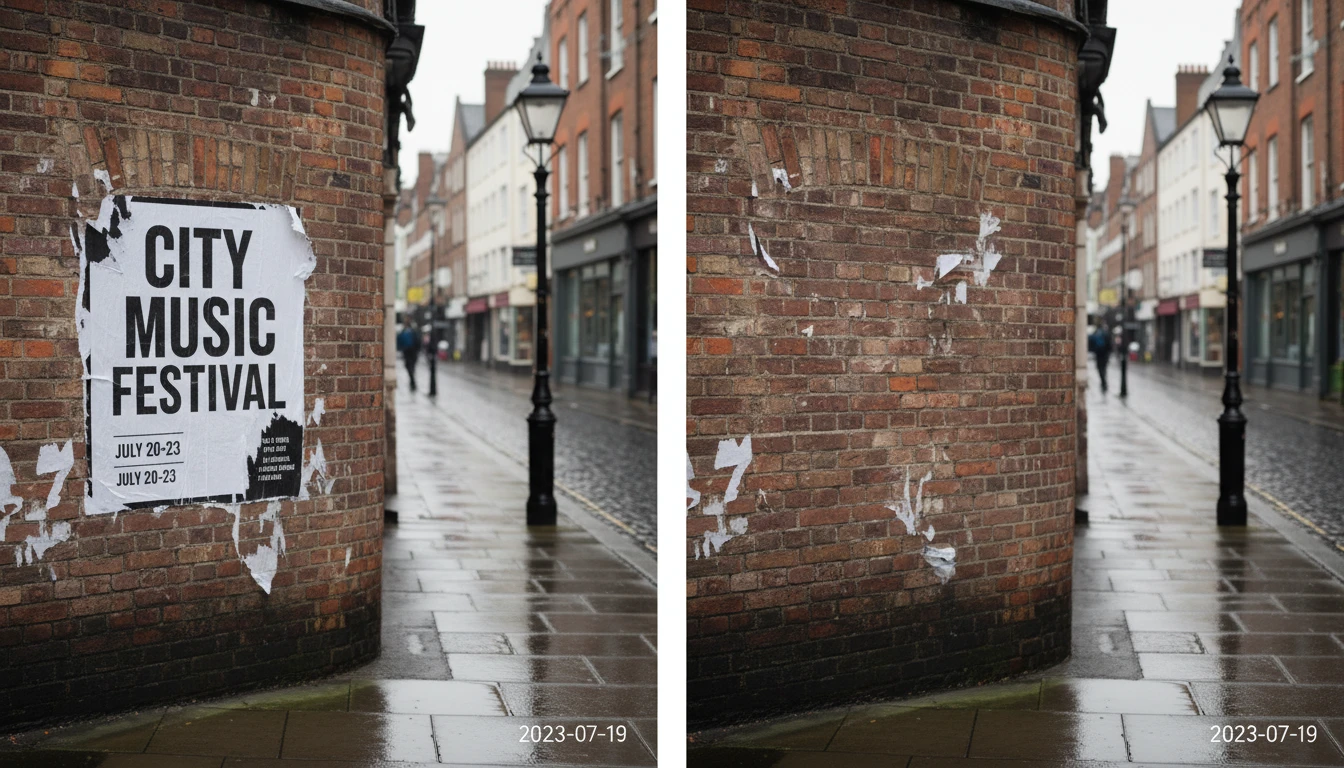
Upload your photo and let our AI do the rest. It detects and erases printed text, handwritten notes, captions, dates, and stamps from your images, all while keeping the background intact and looking natural. No manual brushing or cloning required.
Clean and Natural Results
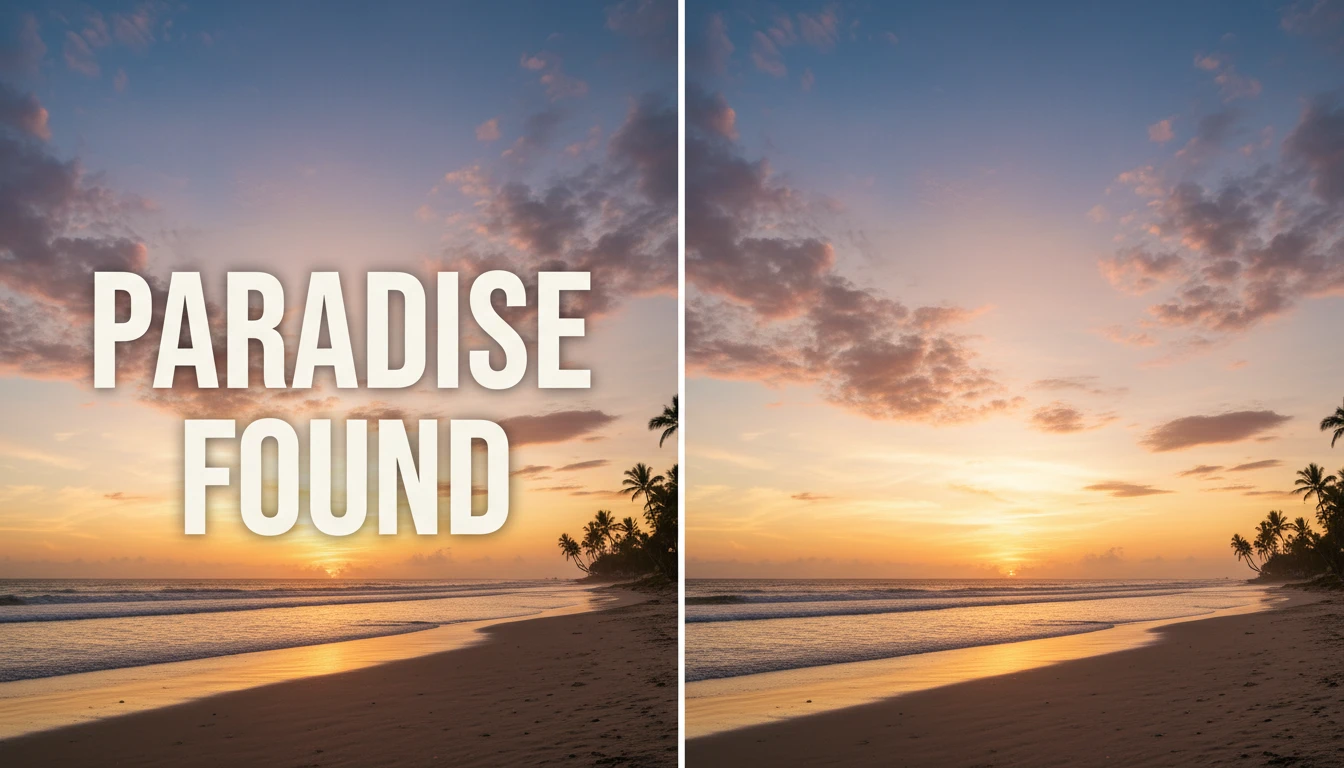
AI doesn't just blur or cover the text. It actually rebuilds the background behind it. Whether the text sits on a solid color, a gradient, or a complex photo, the tool fills in the area naturally so no one can tell anything was removed. Your images come out clean, sharp, and professional.
Works on Any Image Type
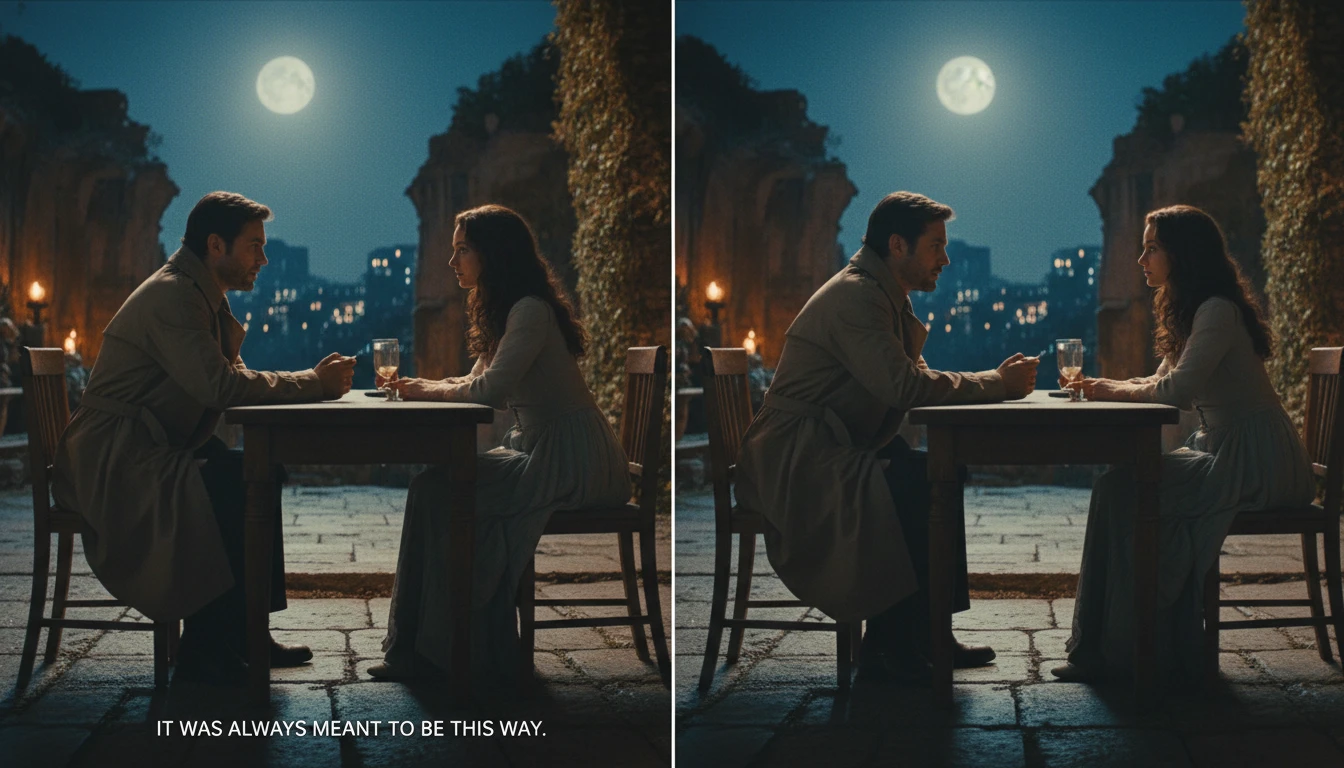
Remove subtitles from movie screenshots, erase text overlays from memes, clean up scanned documents, or strip out labels from product photos. AI adapts and removes the text cleanly without touching the rest of your image.