Uncrop Image
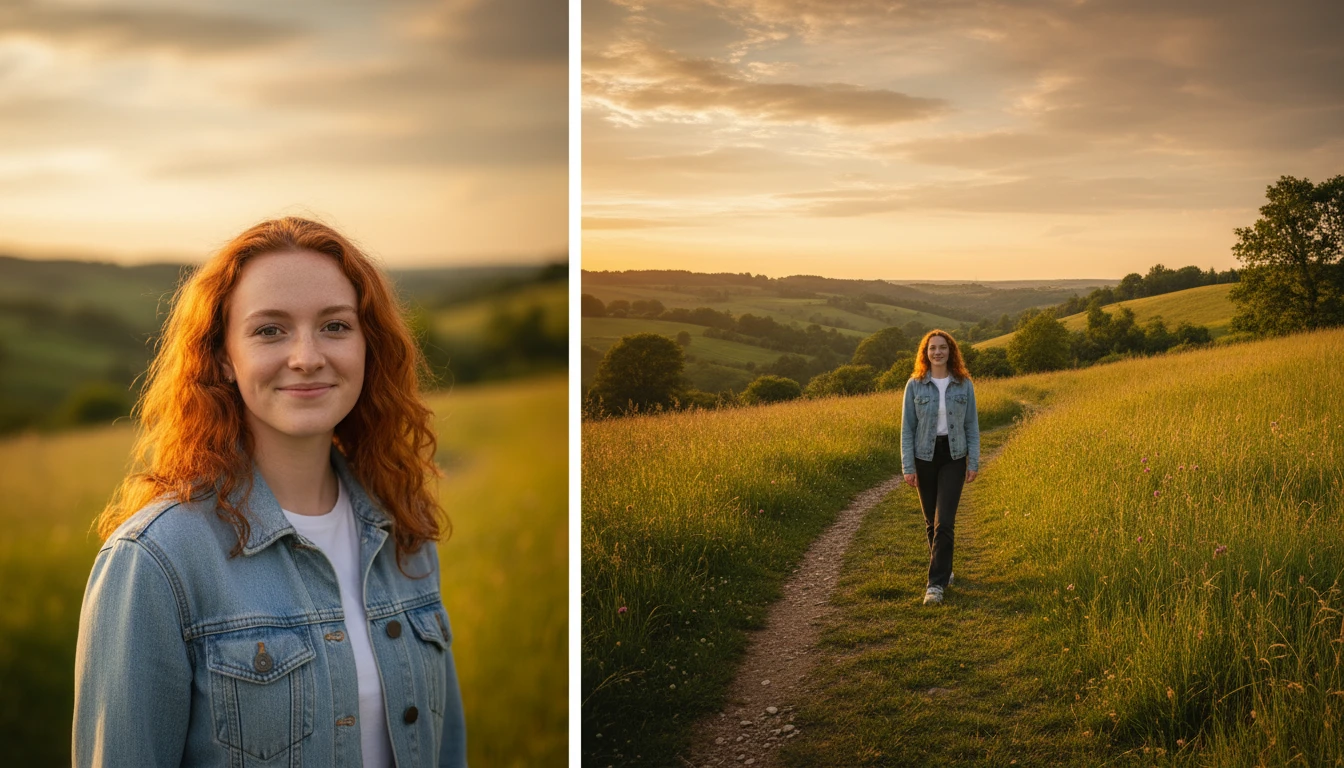
Uncrop image and extend image borders beyond the original frame using AI. Our AI image expander fills in the missing areas naturally, giving your photos more space and a wider perspective.
How to Uncrop Image?
Upload Your Photo
Upload the cropped image you want to expand from your device. Supports JPG, PNG, and WEBP formats.
Choose Expansion Direction
Select which sides you want to extend image borders, top, bottom, left, right, or all directions at once.
Download Expanded Image
Click Generate and download your uncropped image with AI-filled borders in full resolution.
Key Features of Uncrop Image
Expand Images in Any Direction
Need to uncrop image edges that were cut too tight? Our AI image expander lets you stretch your photo outward top, bottom, left, or right. The AI generates realistic content that blends perfectly with your original image, so the extended areas look completely natural.
AI Smart Fill
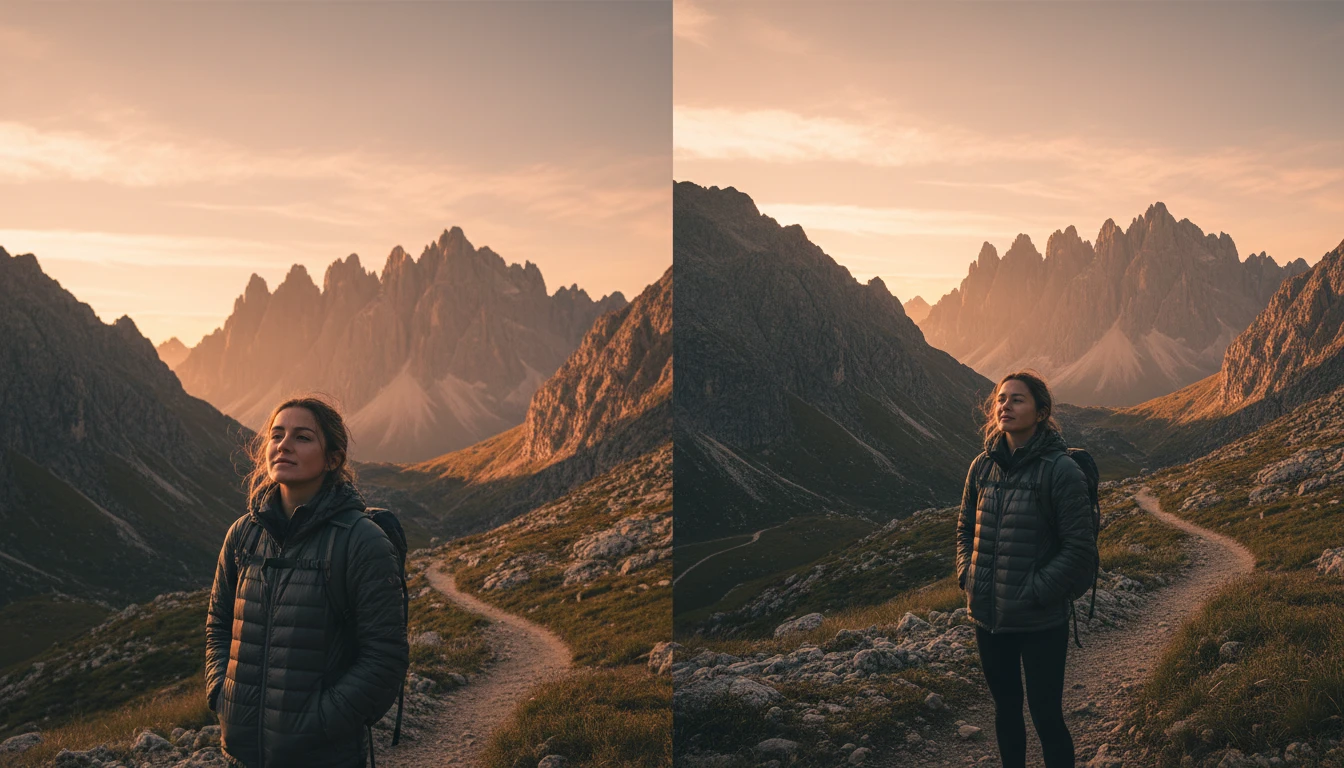
When you extend image borders, our AI doesn't just stretch or mirror pixels. It analyzes the scene, understands the context, and generates brand-new content that matches the colors, textures, and lighting of your original photo. The result looks like the photo was captured that way from the start.
Resize for Any Platform
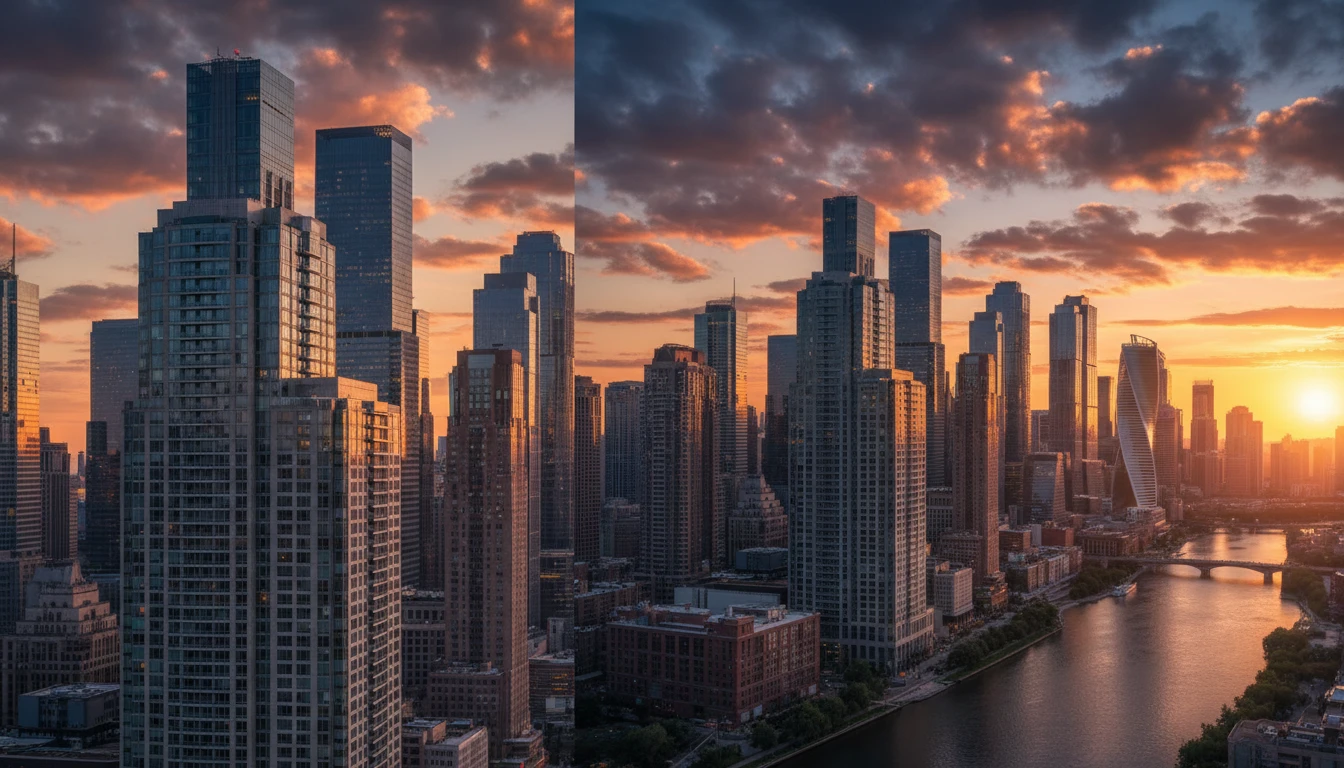
Easily uncrop photo compositions to fit different aspect ratios. Turn a portrait shot into a landscape banner, adjust cropped images for Instagram, YouTube thumbnails, or print layouts, all without losing any part of your original image. Just expand and download.