AI WhatsApp Sticker Maker
Create personalized chat stickers with the AI whatsapp sticker maker. Perfect for personal chats and social messaging.
What You Can Create
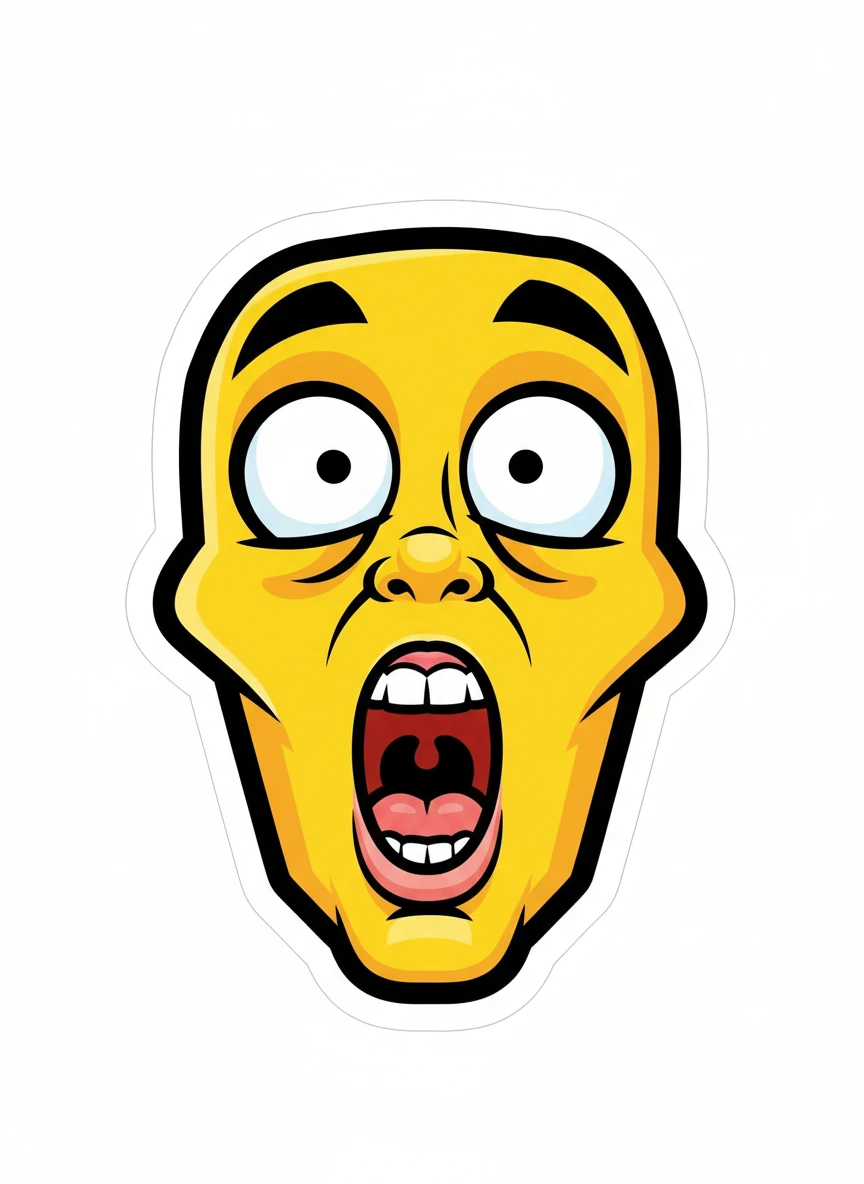
Funny Meme Reaction Face Design a whatsapp sticker maker image of a humorous exaggerated reaction face with wide eyes and an open mouth, perfect for chat replies. Keep the face centered with thick black outlines, high contrast shading, and a clean transparent background. The expression should be readable even at very small scale. Style: meme, cartoon, bold-outline, expressive | NEG: photorealism, cluttered background, muted colors, tiny details, noise, shadows, gradients
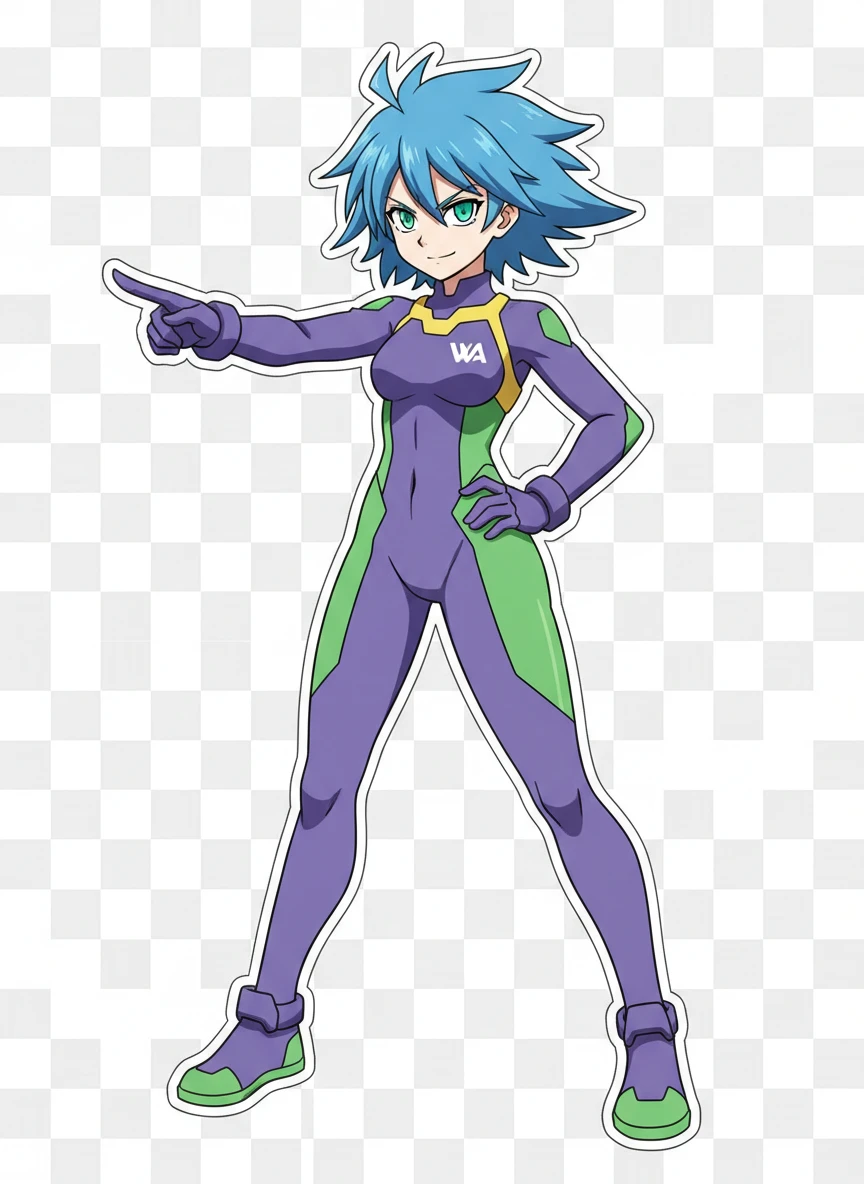
Cool Anime Character Pose Illustrate a whatsapp sticker maker anime-style character striking a confident pose with sharp eyes and simplified cel shading. Use limited colors, crisp linework, and a transparent background so the sticker pops in chat. The pose should be dynamic but not overly detailed. Style: anime, cel-shaded, clean-lines, sticker | NEG: realistic anatomy, soft focus, complex lighting, background objects, grain, text blocks
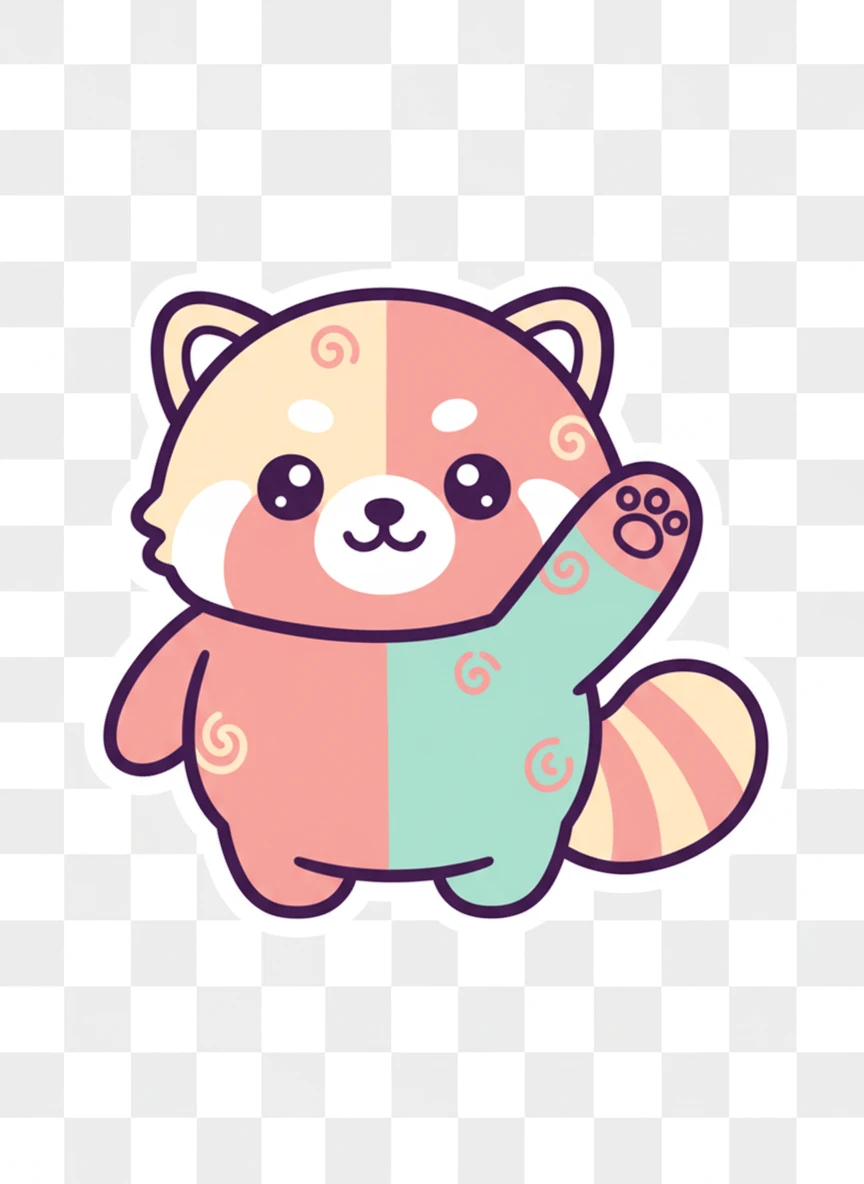
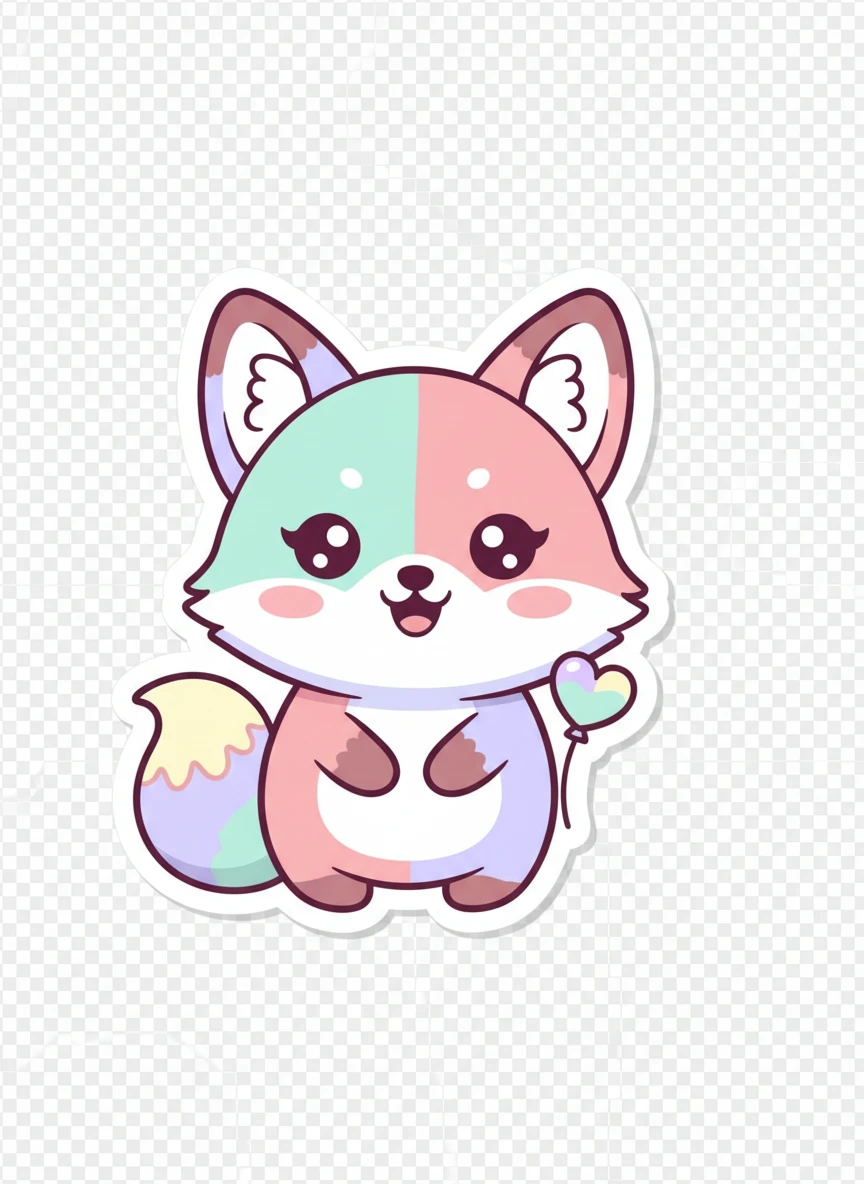
Cute Animal Mascot Create a whatsapp sticker maker design of a round, cute animal mascot (like a cat or panda) waving hello. Emphasize soft shapes, thick outlines, pastel colors, and a transparent background for easy sticker use. The emotion should be warm and friendly. Style: mascot, cute, pastel, flat | NEG: sharp realism, dark tones, busy background, thin lines, fur texture overload, watermark
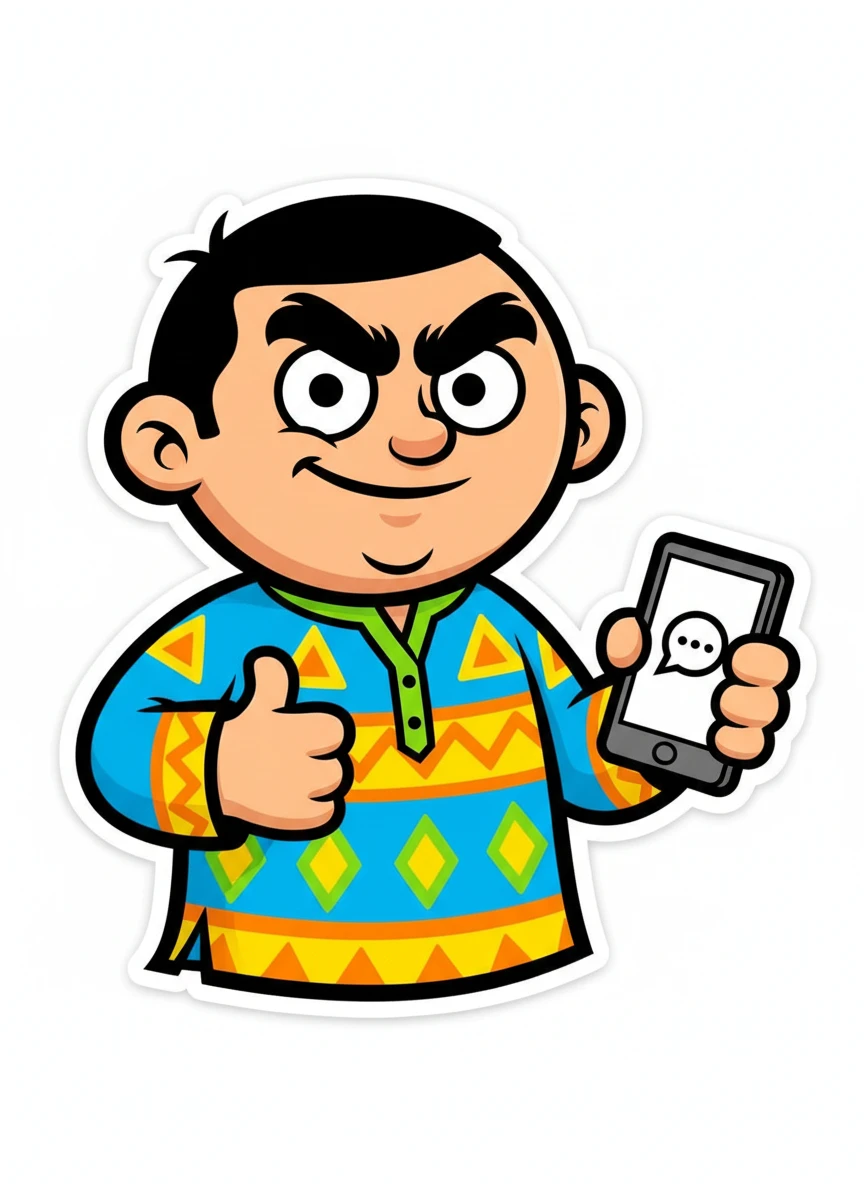
Desi Humor Character Illustrate a whatsapp sticker maker cartoon character inspired by Indian desi humor, with expressive eyebrows and a playful smirk. Use bright colors, bold outlines, and simplified shapes with no background. The sticker should feel relatable and instantly funny. Style: cartoon, desi-humor, bold, sticker | NEG: realism, dull colors, excessive detail, scenery, blur, text clutter
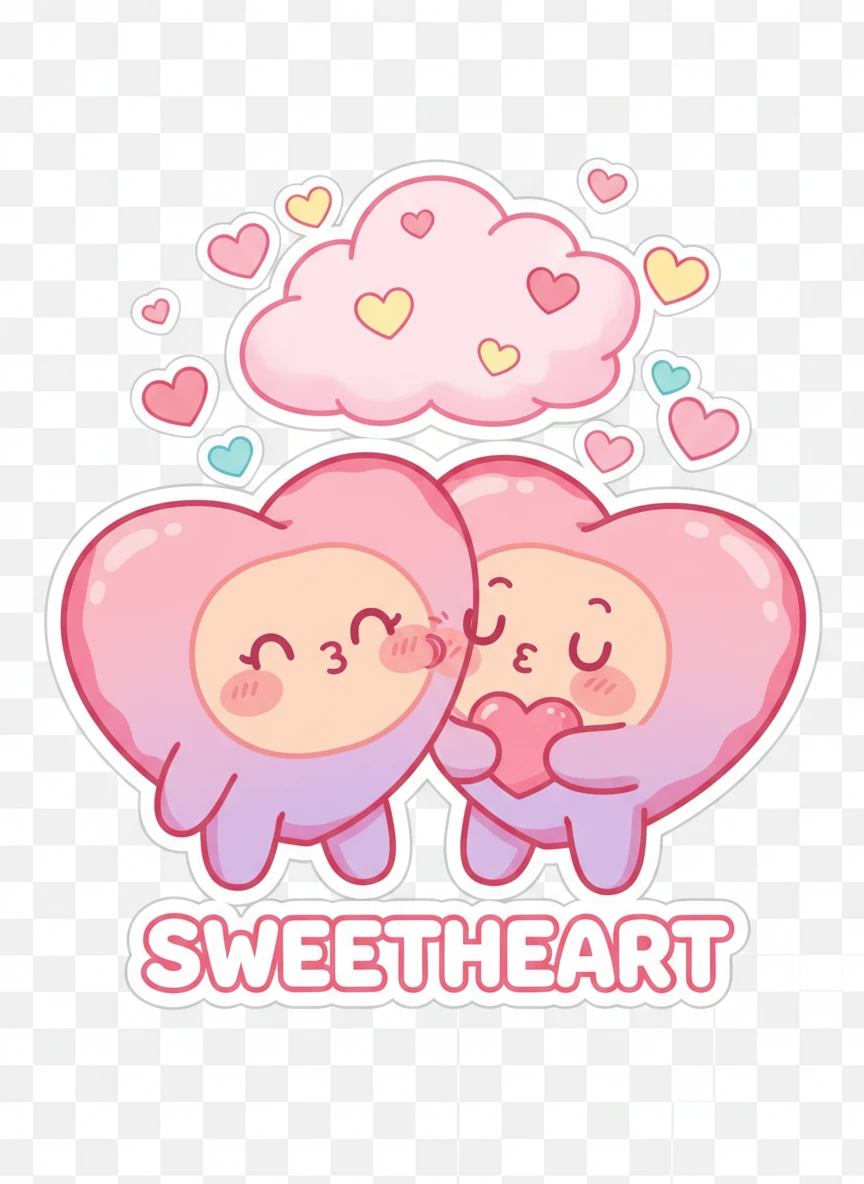
Romantic Love Sticker Create a whatsapp sticker maker design showing a cute couple or heart character expressing love with blushing faces. Use soft colors, rounded shapes, thick outlines, and a transparent background for chat use. The emotion should be sweet and instantly understandable. Style: romantic, cute, soft-colors, sticker | NEG: dark lighting, realistic faces, sharp shadows, complex backgrounds, noise, logos
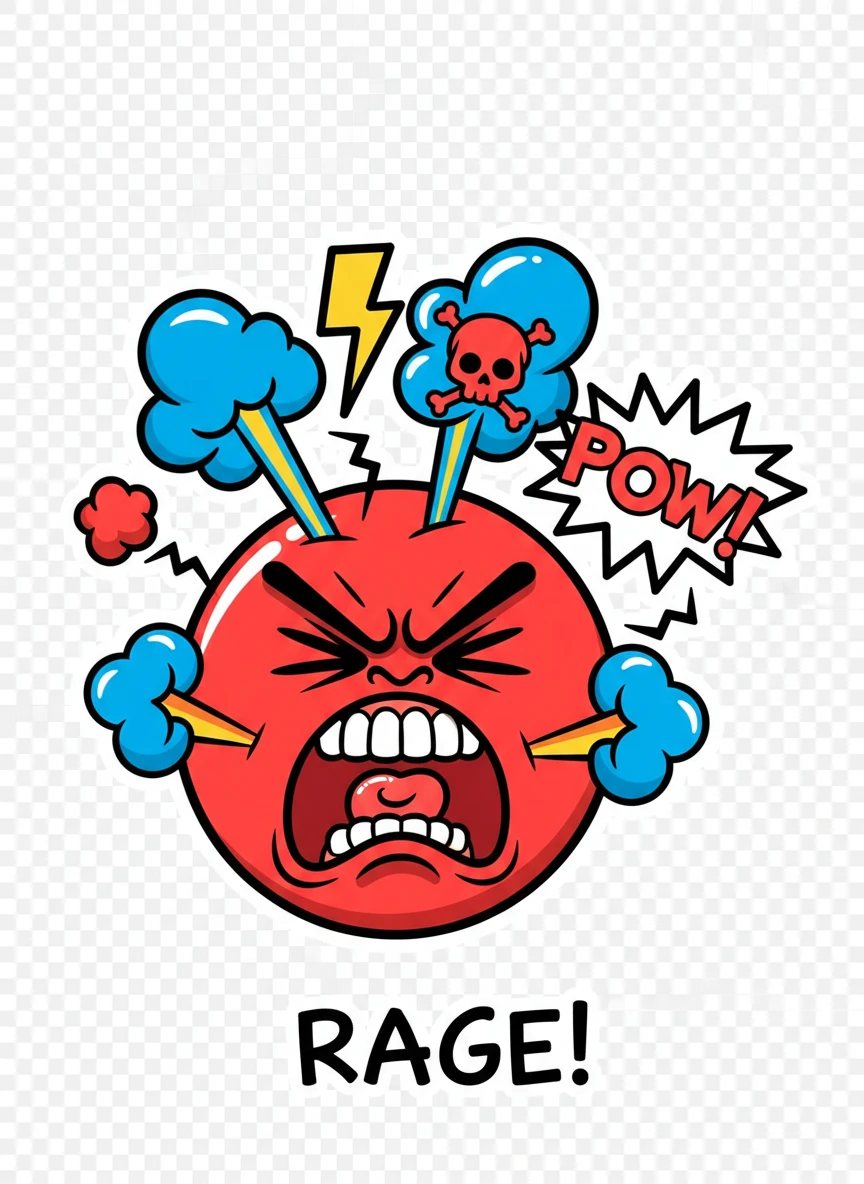
Angry Reaction Sticker Design a whatsapp sticker maker cartoon face showing exaggerated anger with steam or comic symbols. Keep bold outlines, high contrast colors, and a transparent background so the emotion reads clearly at small size. The style should feel fun, not scary. Style: cartoon, reaction, bold, expressive | NEG: horror, realism, muted palette, fine details, background clutter, blur
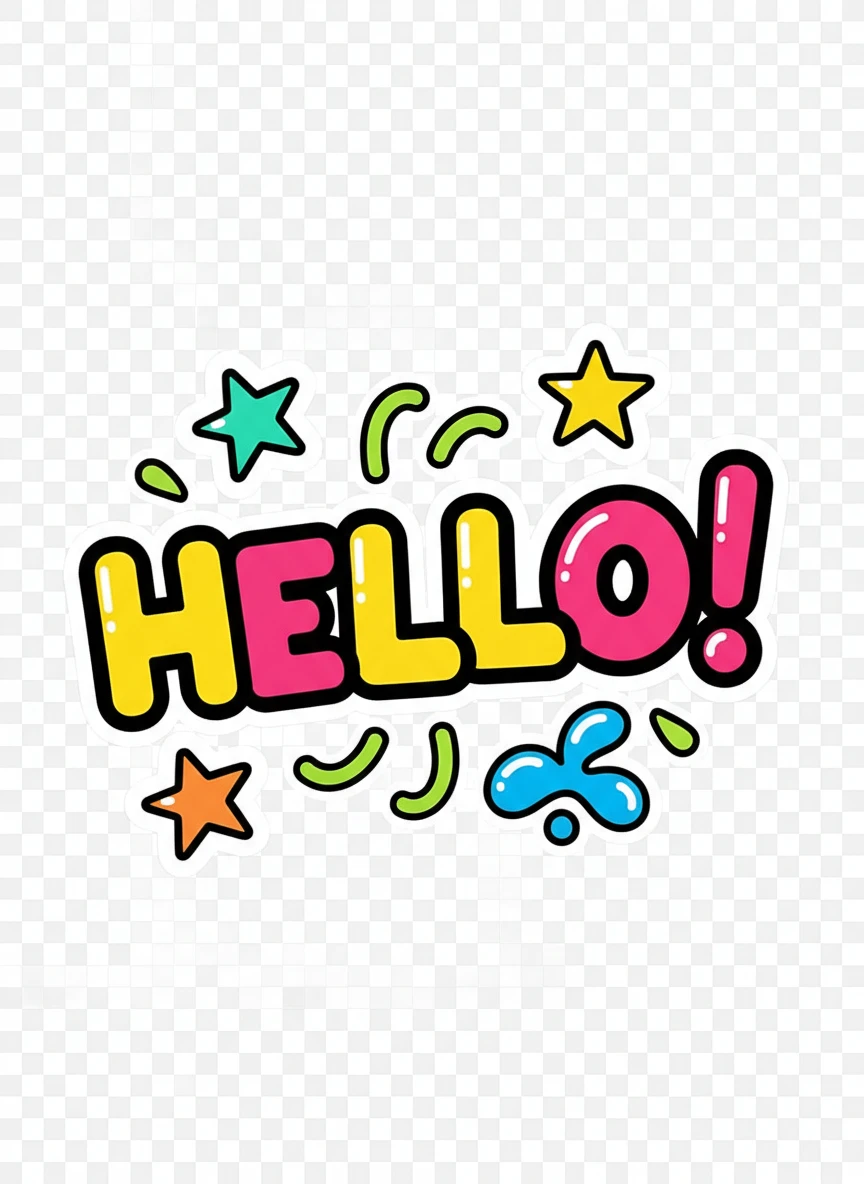
Cool Typography Sticker Create a whatsapp sticker maker design focused on a bold hand-drawn word or short phrase with playful lettering and simple decorative elements. Use thick strokes, high contrast colors, and a transparent background for maximum readability. The typography should feel fun and expressive. Style: typography, hand-drawn, bold, sticker | NEG: thin fonts, long sentences, textured backgrounds, blur, low contrast, realism
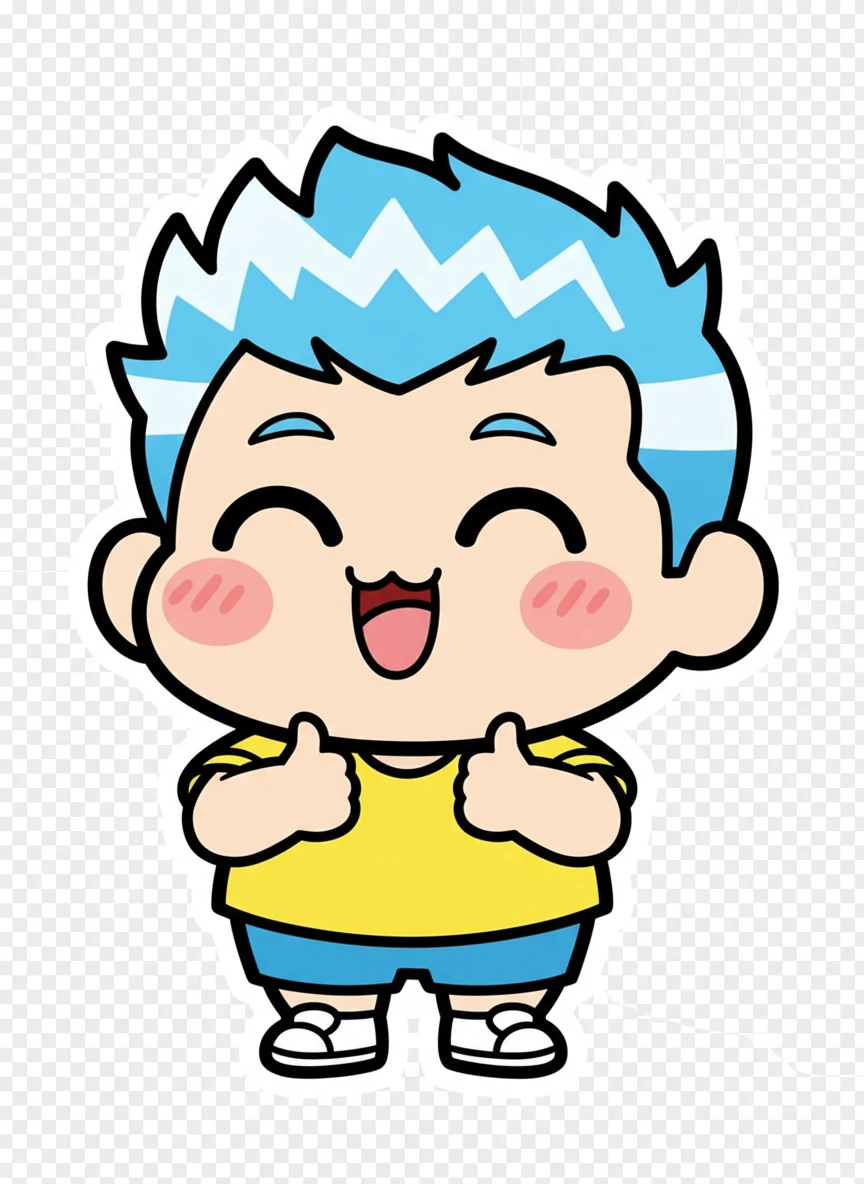
Cute Chibi Emotions Create a whatsapp sticker maker design featuring a chibi-style character with an oversized head and tiny body, expressing a joyful thumbs-up. Use bold outlines, flat vibrant colors, and a transparent background optimized for small sticker viewing. The character should feel friendly and instantly readable at chat size. Style: chibi, kawaii, flat-color, sticker-art | NEG: blurry, realistic skin, background scenery, text paragraphs, low contrast, watermark, logo
How AI WhatsApp Sticker Maker Work?
Enter Prompt
Type a short description of the sticker you want to create like a funny reaction, cute character, emoji face, or text sticker.
Generate Your Sticker
Click generate and the AI will instantly turn your idea into a WhatsApp-ready sticker.
Save and Share
Download your new sticker and share it on social media platforms.