AI Logo Background Remover
Use our AI Logo Background Remover to erase your logo background automatically. Upload your logo and AI removes unwanted backgrounds, giving you a transparent logo ready for websites, branding, marketing, and social media.
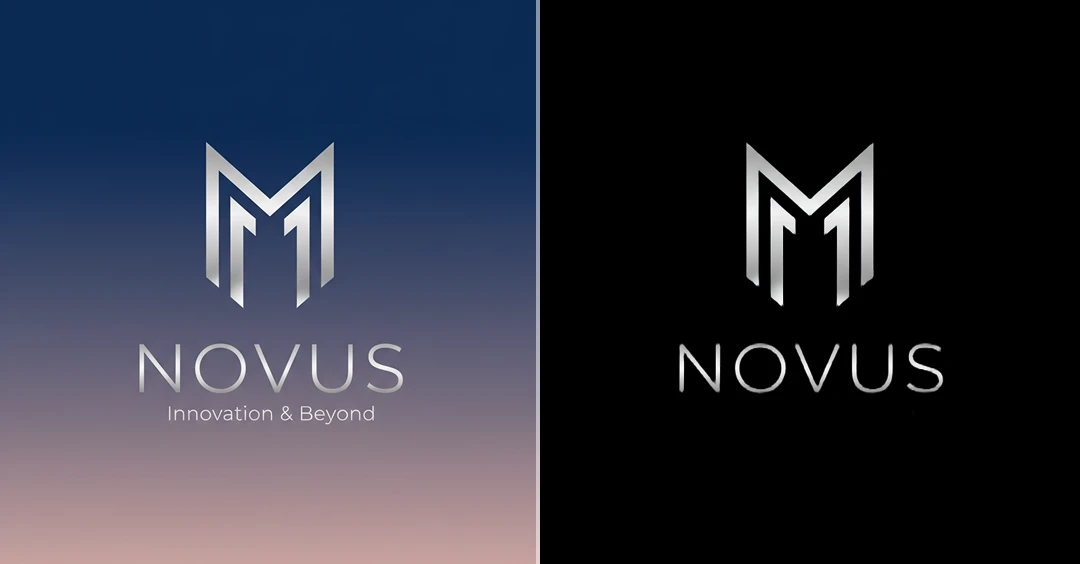
Some Quick Examples of Results


How to Use AI Logo Background Remover?
Step 1
Upload Your Logo
Select and upload your logo image from your device. A clear logo helps the AI detect edges more accurately.
Step 2
Removes the Background
Click the remove background button to AI automatically detects your logo and removes the unwanted background.
Step 3
Download & Share
Preview your logo with a transparent background and download it instantly. Your logo is now ready for websites, branding, marketing, and social media use.