AI Logo Remover
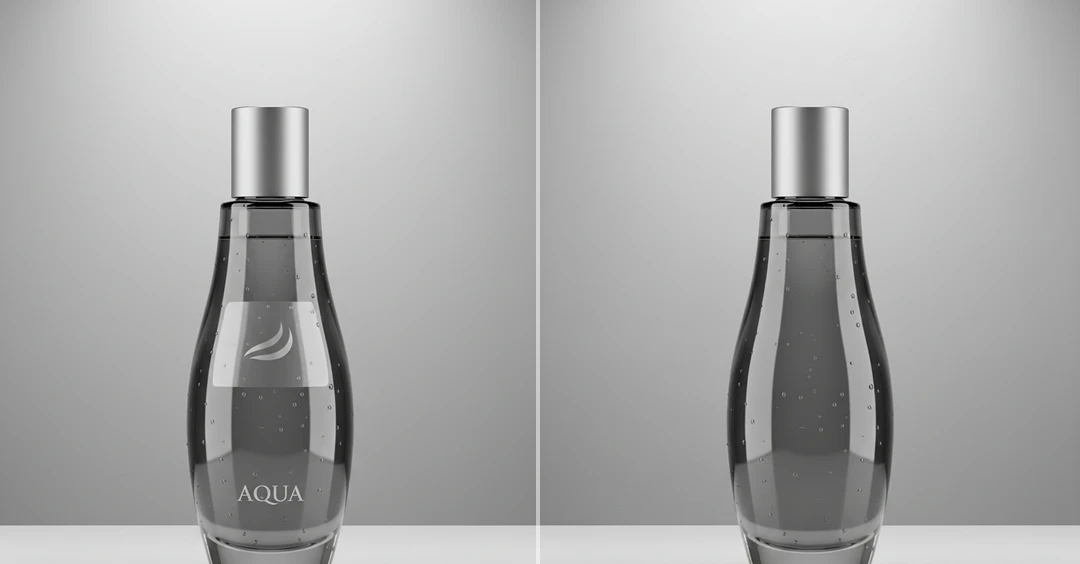
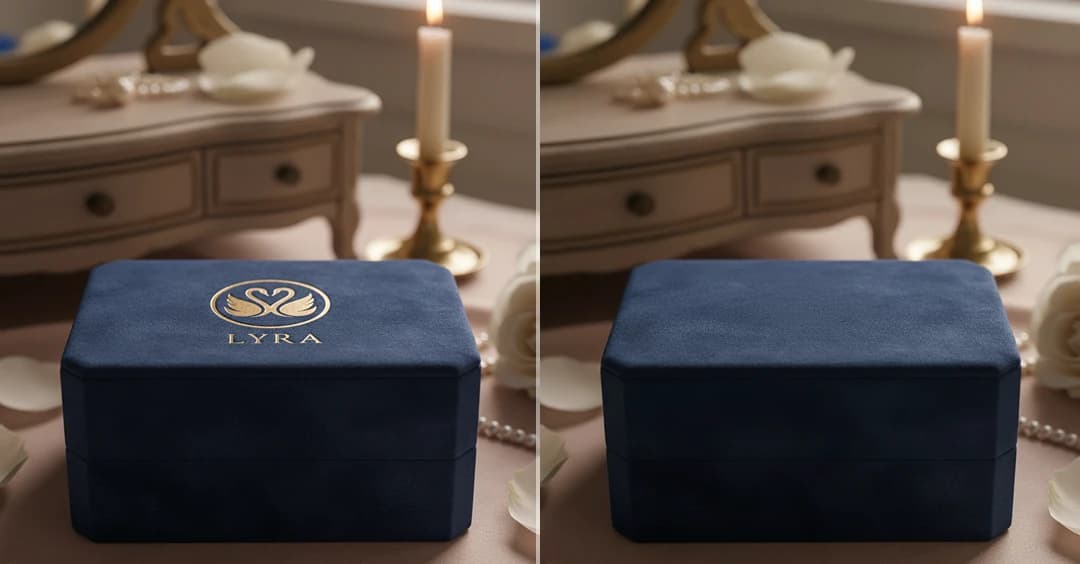
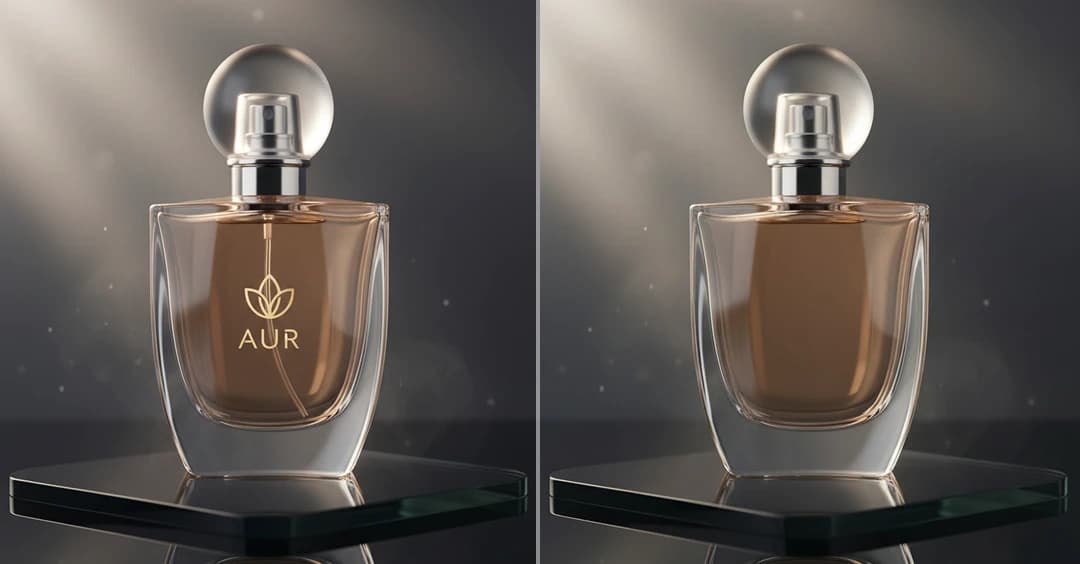
AI Logo Remover automatically removes unwanted logos from photos, helping you get clean and clear images instantly.
See the Stunning Results
How Does It Work?
Step 1
Upload Image
Start by uploading a photo that you want to remove the logo from. For best results, use a high-quality image with a clearly visible logo.
Step 2
Remove Logo
Click the “Remove Logo” button. The AI will instantly detect and erase the logo.
Step 3
Download & Share
Once your logo-free image is ready, you can download it to your device or share it with friends.