Kling Image O1
Kling O1 Image Model is an AI tool that creates clear, high-quality images from text or reference photos. It keeps characters, objects, and style consistent, making it useful for design, ads, product images, and creative projects.
Upload Image
Explore More Kling AI’s Models
Key Features of Kling O1 Image Model
Kling O1 Core Capabilities
•Maintain Core Image Features:
Kling O1 uses up to 10 reference images to keep shapes, colors, and key details consistent, making it ideal for characters, comics, branding, and repeat designs.•Fast and Precise Image Editing:
Edit images using simple text prompts to add, remove, or change objects while keeping the original style, lighting, and texture natural and seamless.•Accurate Control of Style and Tone:
Kling O1 captures style details like colors, composition, and strokes from references, helping create consistent visuals, cinematic scenes, and branded artwork.•Beyond Imagination:
Blend multiple reference images smoothly using text instructions. Kling O1 keeps important details balanced and avoids awkward or unnatural combinations.•Quick Concept Visualization:
TApply styles like realistic, anime, cartoon, or 3D while keeping core shapes and details unchanged, making it easy to experiment with new looks.•Flexible Style Adaptation:
Apply realistic, anime, cartoon, or 3D styles while keeping core shapes and details unchanged, making creative experimentation simple.•Enhanced Creative Exploration:
Remix ideas, combine references, and explore unique compositions with balanced results, helping creators test concepts quickly and confidently.
How to Use Kling O1 Image Model?
Step 1
Input Your Text or Reference Images
Enter a text prompt describing the image you want to create, or upload one or multiple reference images to guide the style, objects, or characters.
Step 2
Generate Your Image
Click “Generate” and let Kling O1 Image Model produce high-quality visuals. The model will maintain consistency in style, characters, and key details from your references.
Step 3
Preview, Download & Share
Preview your final image, save it to your device, or share it on social media or creative platforms. You can also generate multiple versions for comparison or further refinement.
Discover Other AI Image Models
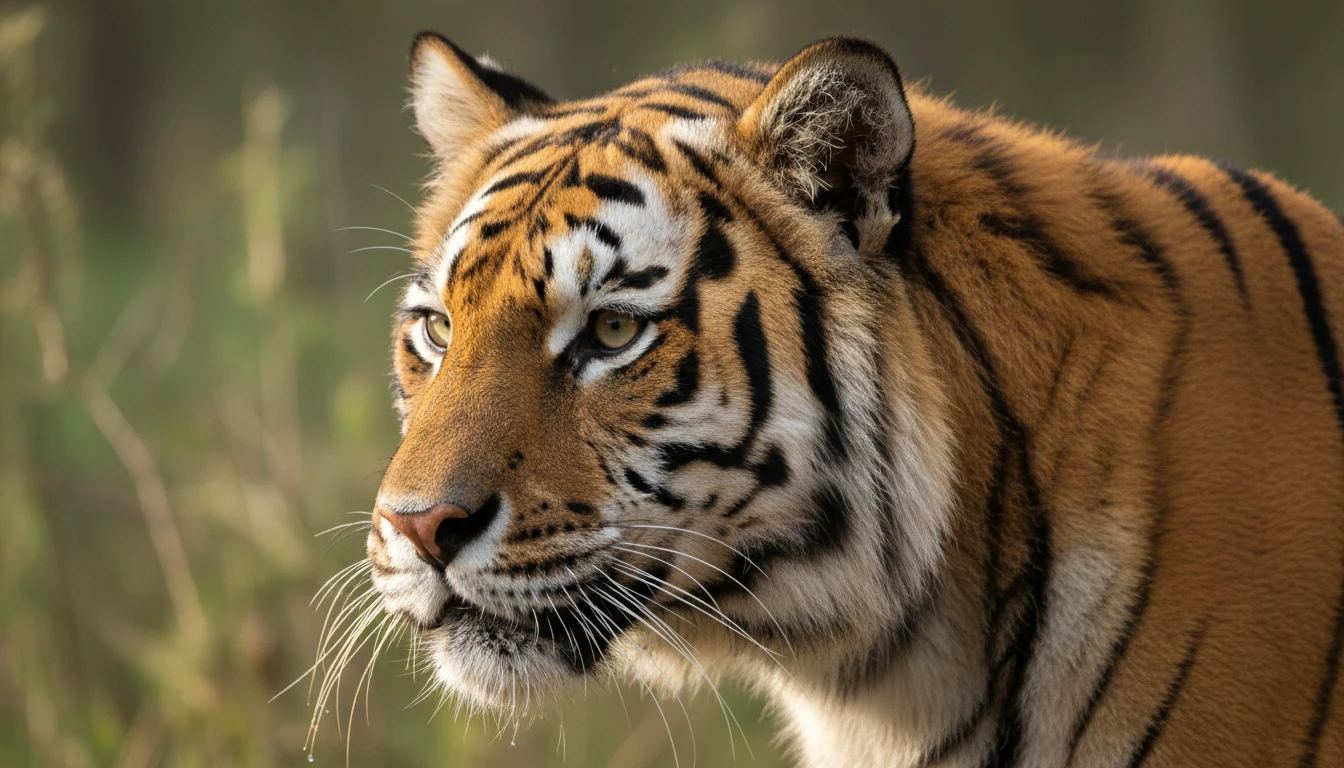
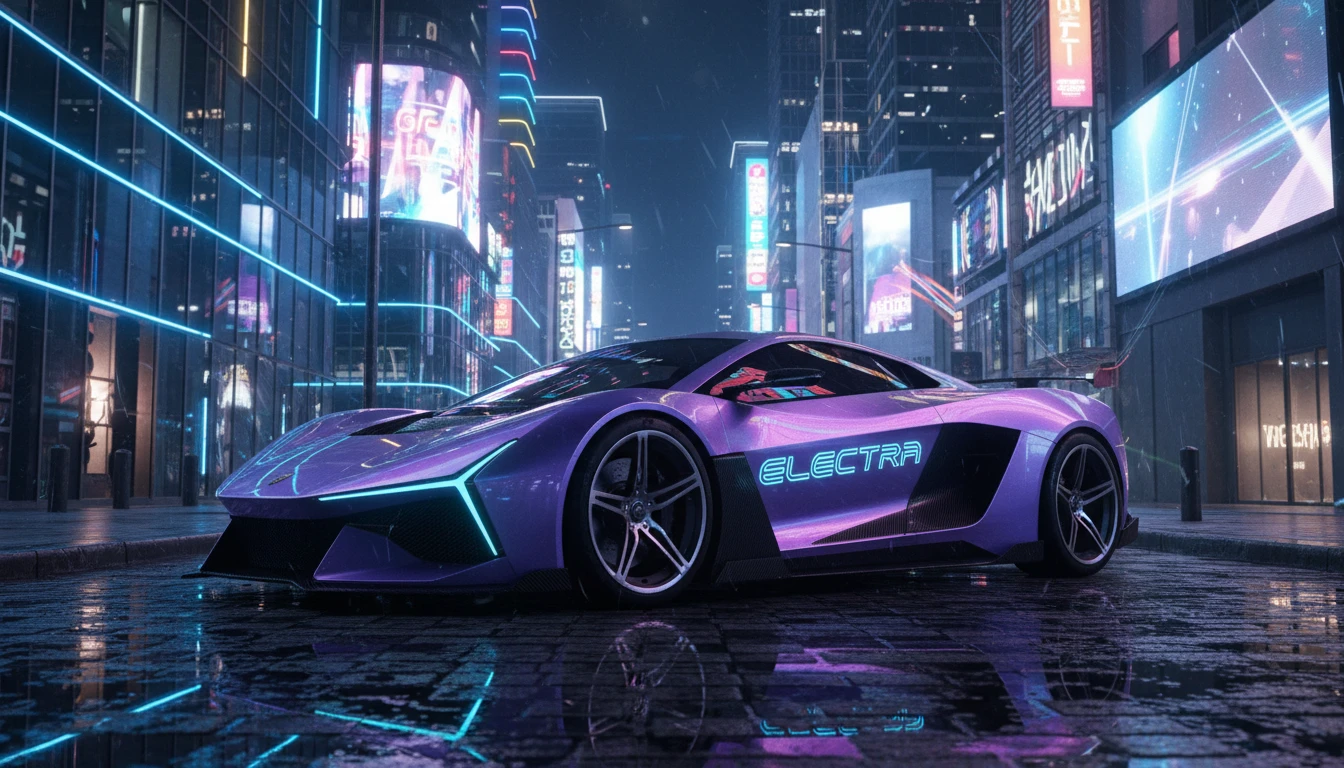
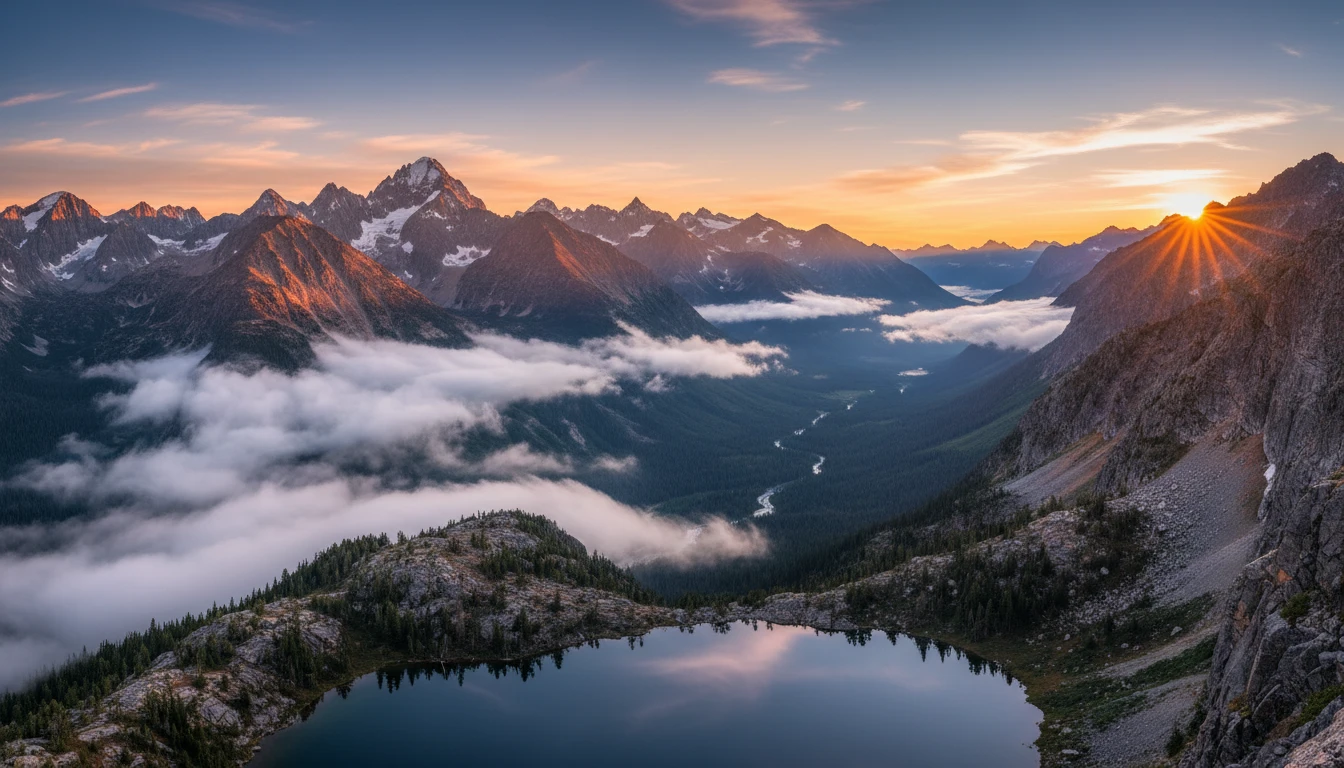
Example Images Generated by Kling O1 Image Model