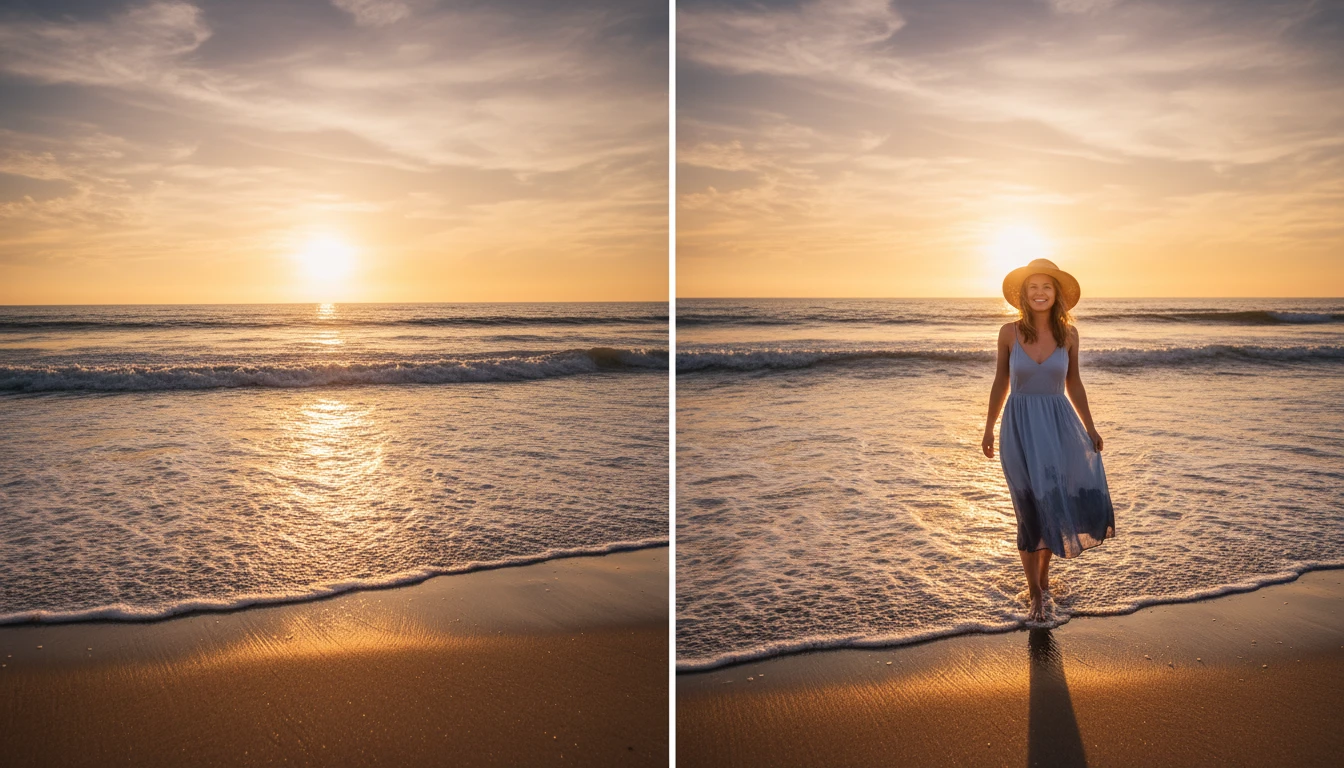
Add Person to Photo Online
Add Person to Photo helps you easily add someone into an existing picture using AI. Upload your photos, and the AI will naturally blend the person into the scene.
How to Add Person to Photo Online?
Upload Your Photos
Upload the main photo where you want to add a person. Then upload the image of the person you want to insert into the picture.
Describe or Select the Placement
Write a short prompt or choose where the person should appear in the photo. The AI will understand your instructions and automatically prepare the placement.
Generate and Download
Click the Generate button and the AI will blend the person into the photo with natural lighting and shadows. Once the image is ready, download the final photo in high quality.
Key Features of Add Person to Photo
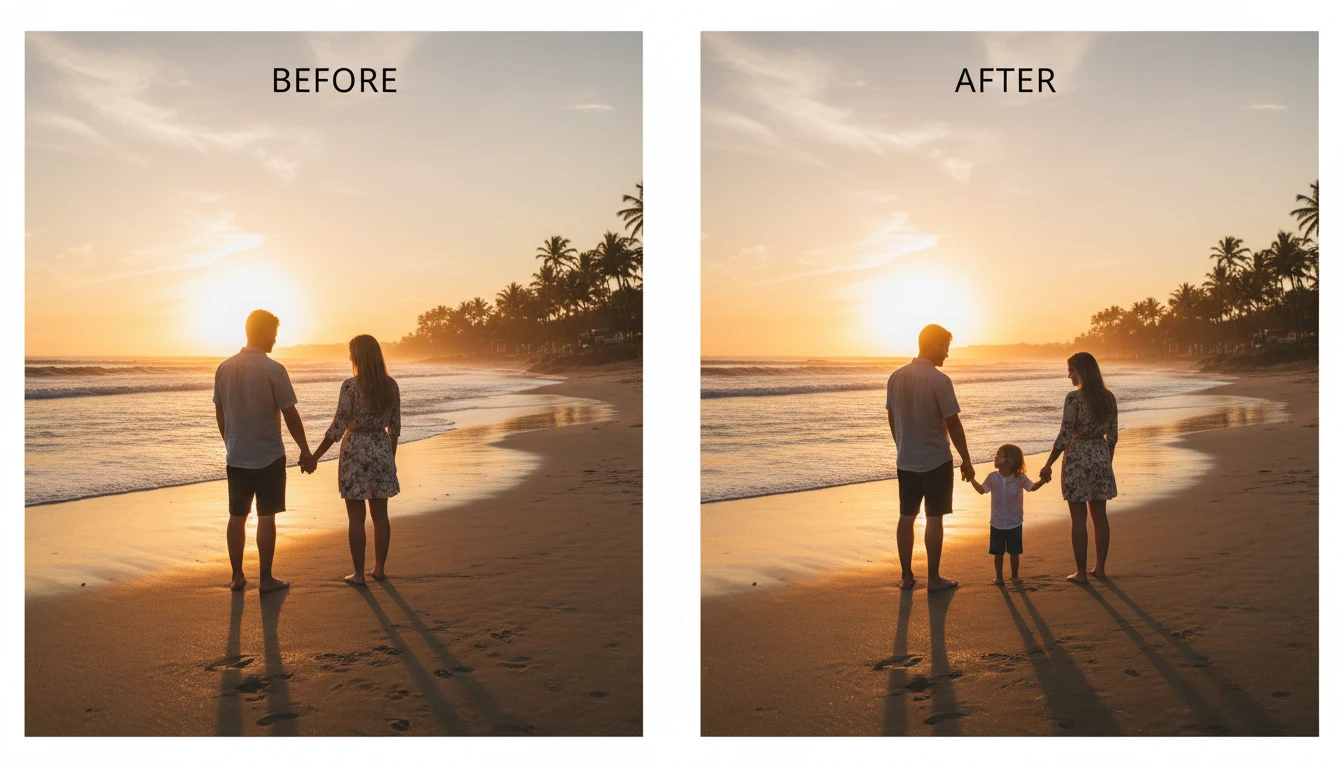
Prompt-Based Placement
Use a simple text prompt to control where and how a person appears in your photo. Describe the position, and the AI will automatically place the person in the scene. This makes editing faster and easier without manual adjustments.
Natural Lighting and Shadow Matching
AI analyzes the lighting and shadows in your photo and adjusts the added person to match them. This helps the person blend naturally into the scene. The final image looks realistic and well balanced.
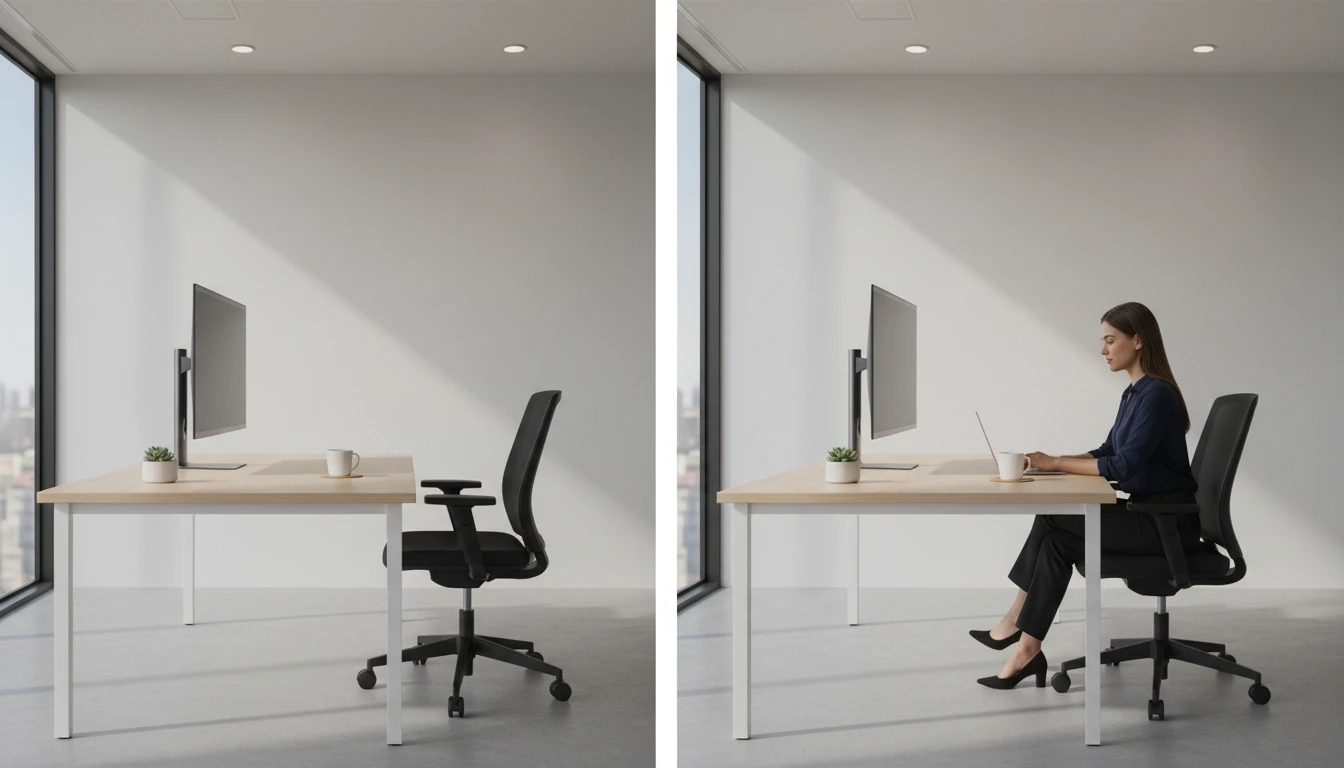
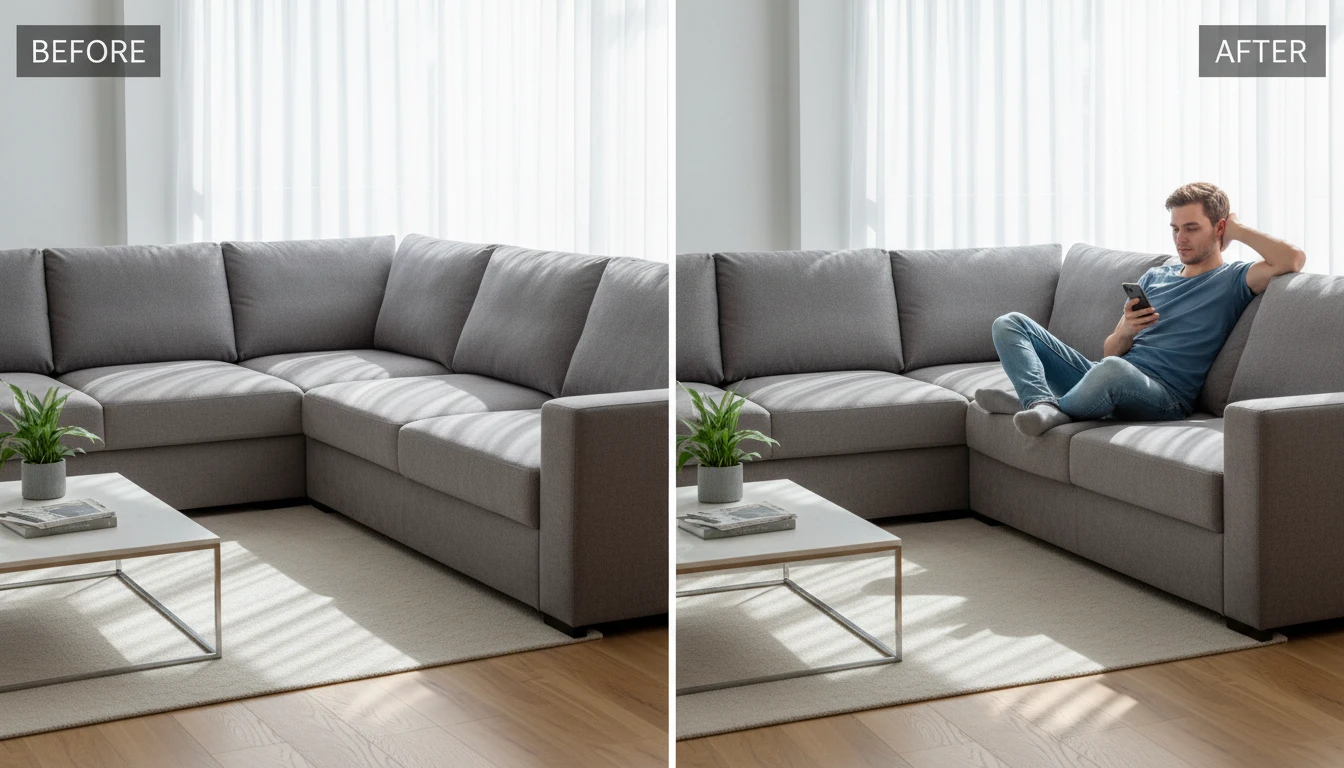
Automatic Background Blending
The tool automatically blends the added person into the background. It adjusts colors, edges, and depth to make the scene look natural. No manual background editing is needed.
High-Resolution Output
The final photo is generated in high resolution with clear details. This ensures your edited image looks sharp and professional. You can easily download and share it anywhere.