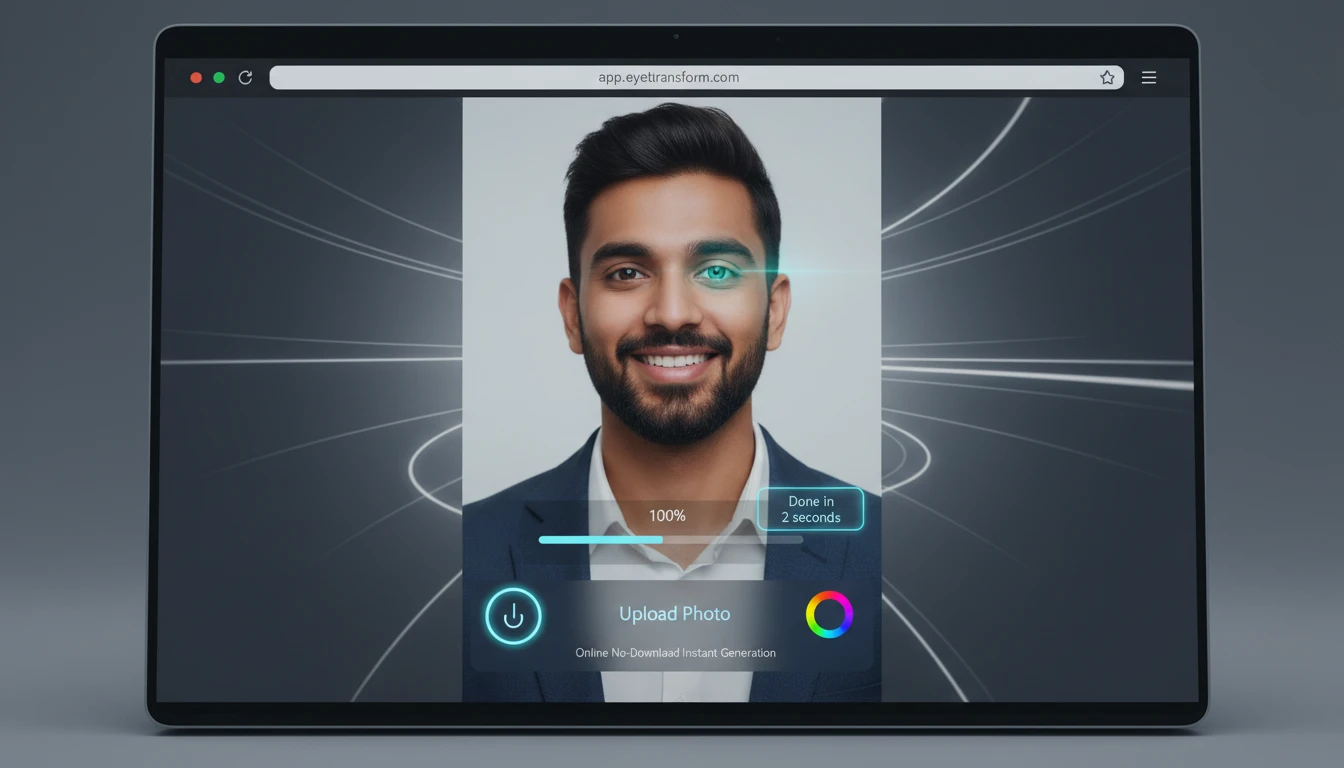
AI Eye Color Changer
Change your eye color in photos using AI. Upload a picture, pick any color you like, and the tool will update your eyes color with a natural and clean look.
How to Use AI Eye Color Changer?
Upload Your Photo
Choose a clear portrait where the eyes are visible so the AI can detect them accurately.
Enter the Desired Eye Color
Type the color you want to apply, such as brown, blue, green, violet, or any custom shade.
Generate & Download
Apply the change, preview the new eye color, and download the final edited image.
Key Features of AI Eye Color Changer
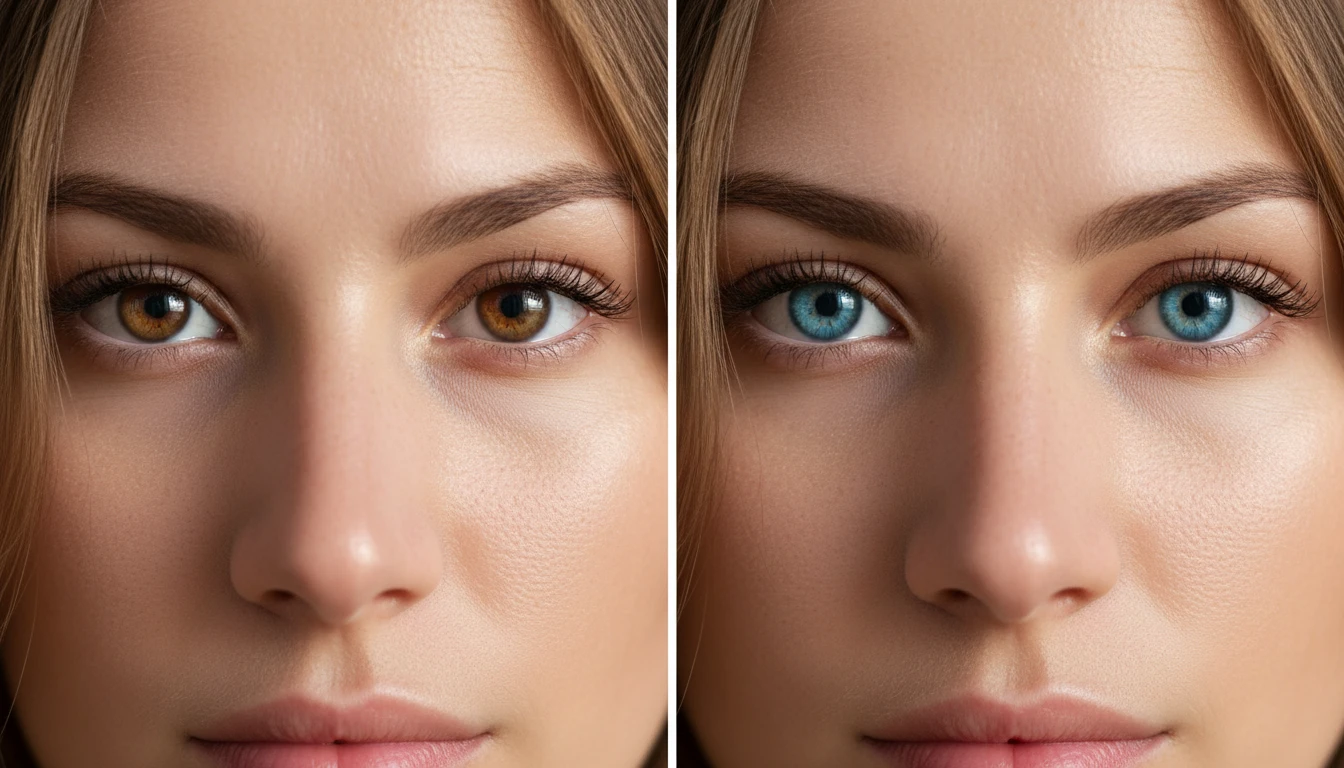
Precise Eye Area Detection
AI automatically finds the iris and applies color only to the eye area, keeping the rest of the face untouched and natural.
Natural Light & Reflection Matching
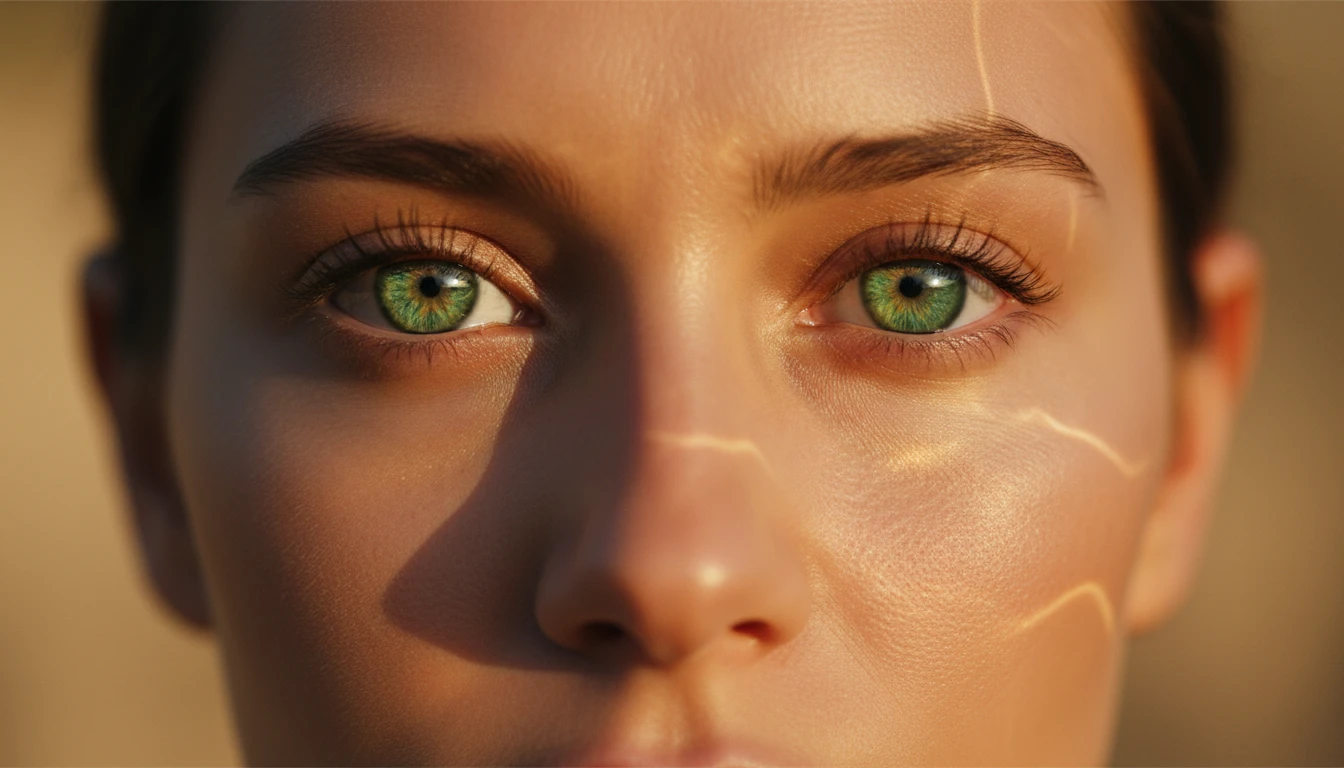
New eye shades blend smoothly with existing light and reflections, so the result looks realistic and not edited.
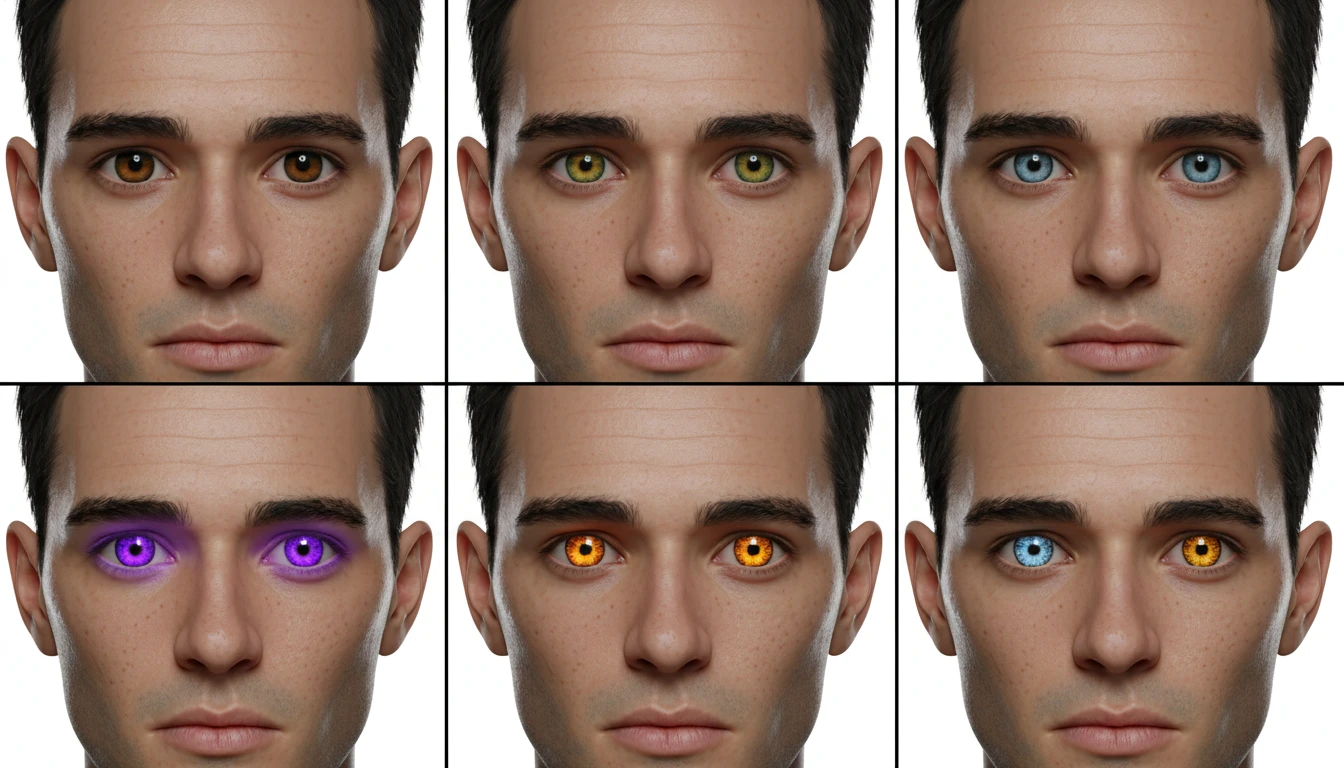
Wide Range of Color Choices
Many color options are available, from natural tones to bold fantasy shades, allowing different looks from the same photo.
Fast Processing
Everything runs online and delivers results in seconds, with no need for software or manual photo editing.