AI Brighten Image
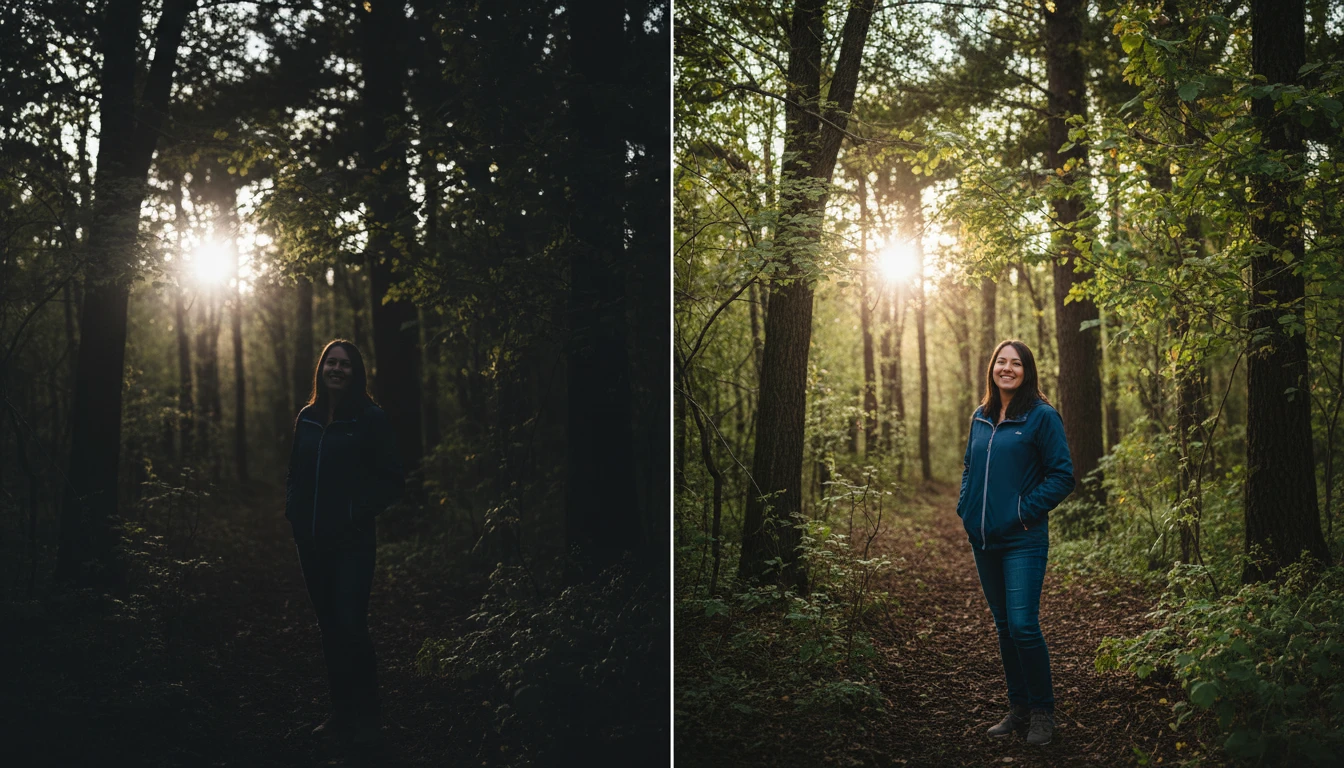
AI Brighten Image that improves lighting in dark photos. It adjusts brightness, enhances colors, and restores hidden details to make images clearer and more vibrant instantly.
How to Use AI Brighten Image?
Upload Your Photo
Upload the photo you want to brighten from your device. The tool supports common image formats such as JPG, PNG, and WEBP, making it easy to edit photos from any device.
Generate Your Image
Click the Generate button and AI will automatically analyze your photo. It improves brightness, exposure, and lighting while enhancing dark areas and adjusting colors.
Download & Share
Download the brightened photo in high quality and use it for social media, websites, or personal projects. You can also easily share it on your favorite social media platforms.
Key Features of AI Brighten Image
AI-Powered Brightness Enhancement
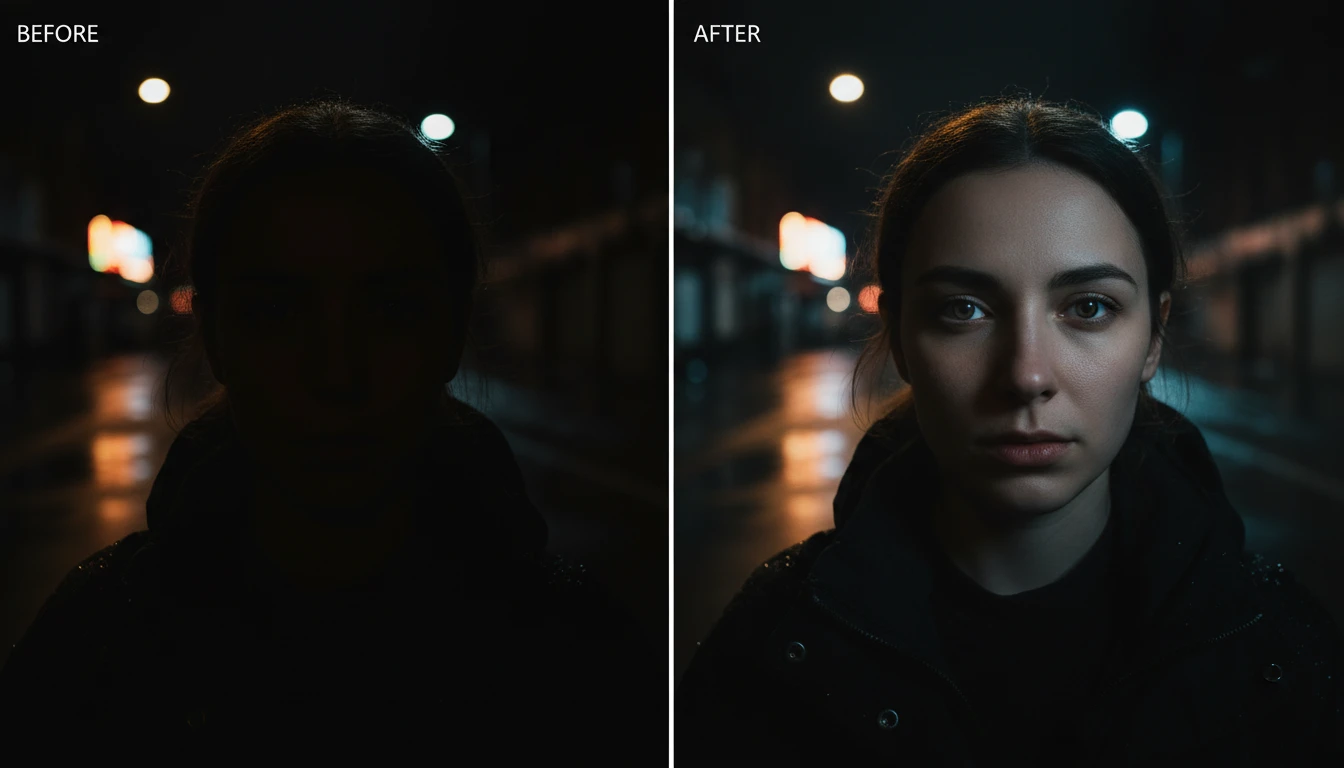
AI analyzes your photo and detects areas that are dark or poorly lit. It automatically increases brightness and balances the lighting to make the image clearer and easier to see while keeping the result natural.
Shadow and Detail Recovery
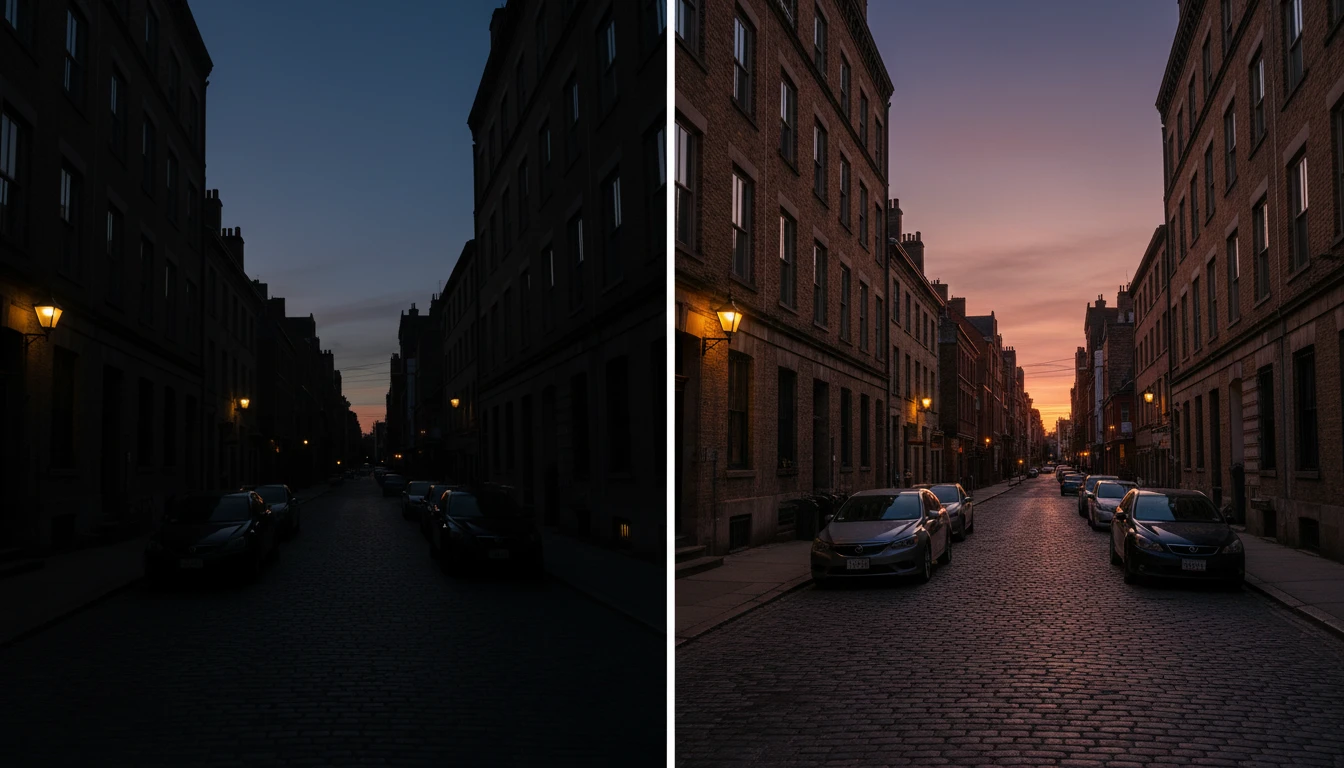
Dark shadows can hide important details in a photo. This feature restores details from shadowed areas and reveals textures, objects, and facial features that may not be visible in the original image.
Natural Color Enhancement
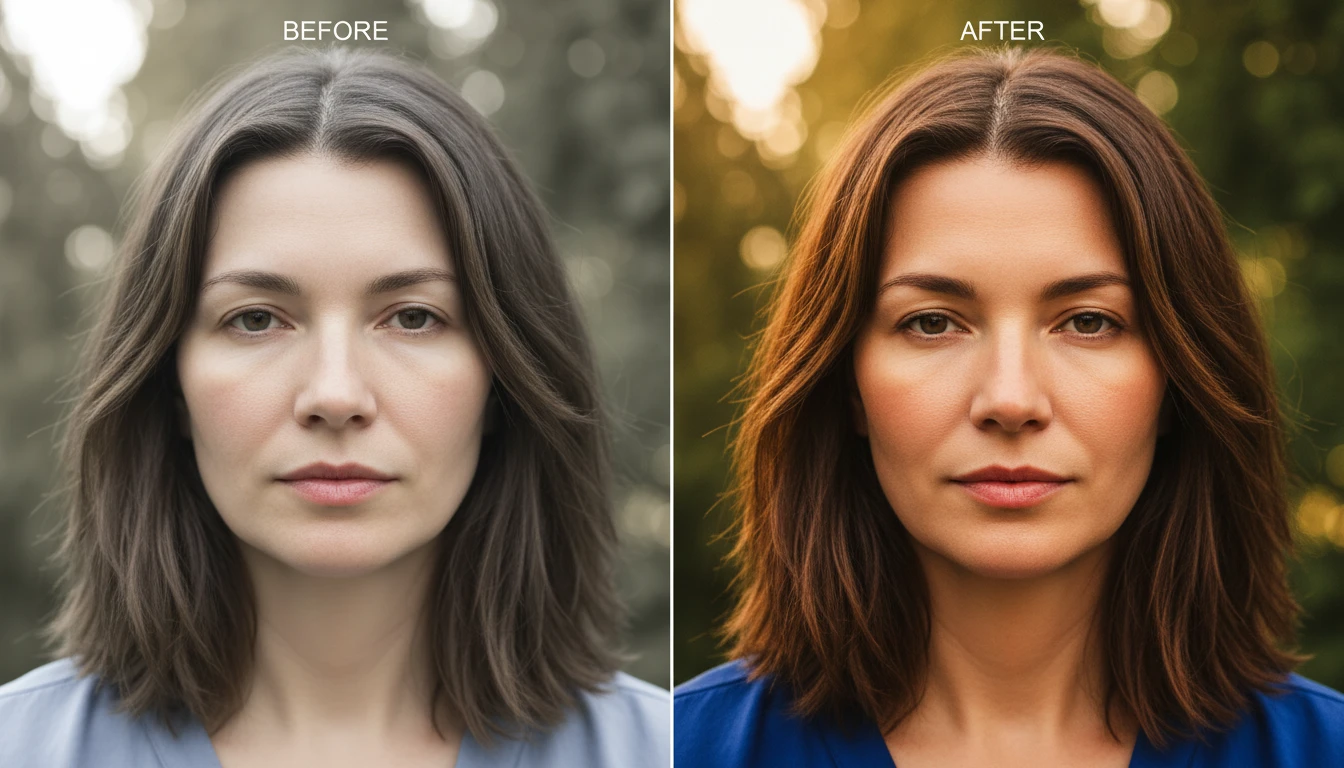
When a photo is brightened, colors can sometimes look dull. This feature improves color tones and vibrancy while keeping them natural, so your image looks bright, balanced, and realistic.
High-Quality Image Output
AI brighten image improves lighting while maintaining the original quality of your photo. Your image remains sharp and clear, and you can download it in high resolution for sharing or professional use.