AI Portrait Generator
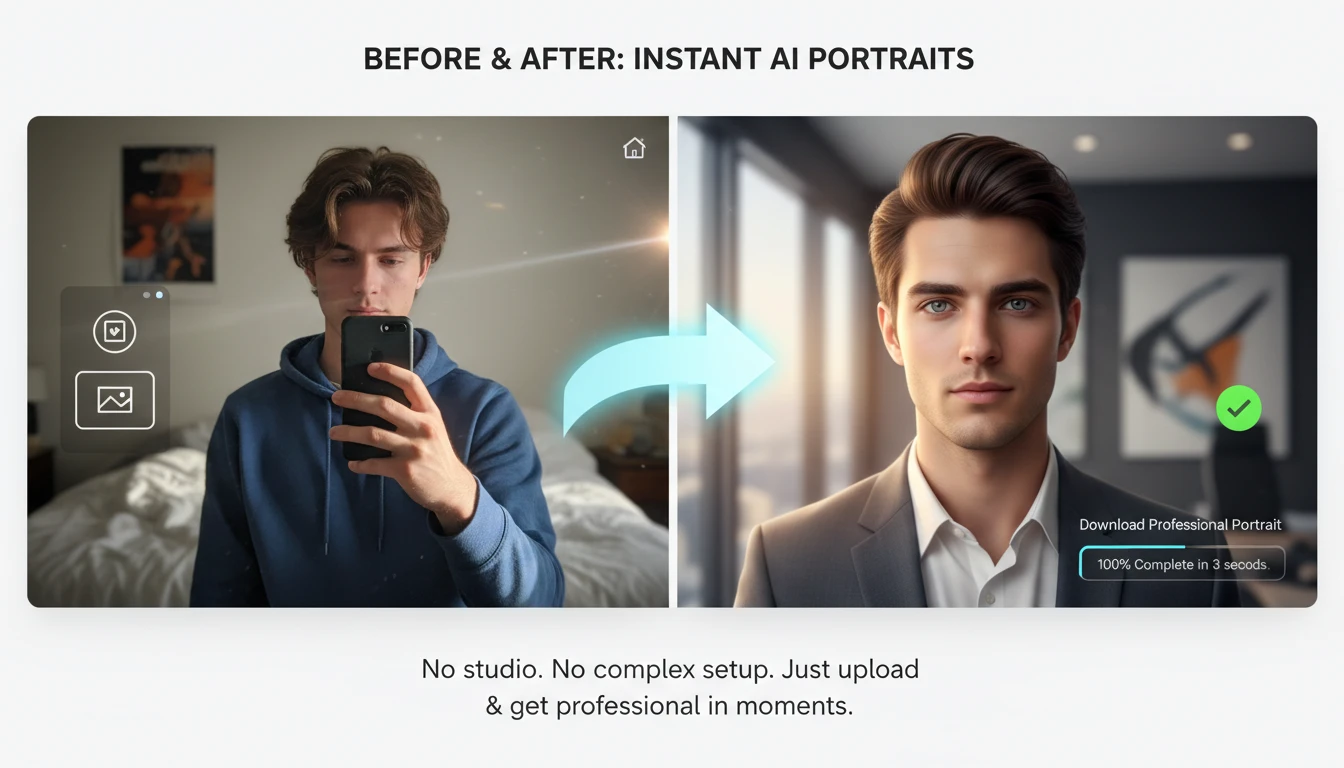
AI portrait generator helps you create studio-quality headshots and creative portraits from one photo or text, letting you change background, lighting, style, and outfits easily.
How to Use AI Portrait Generator
Upload Your Photo
Upload a clear photo of yourself or the person you want to create a portrait of. A well-lit, front-facing image gives the best result.
Enter Your Text Description
Write a short text prompt describing the background, lighting, and overall look you want for your portrait.
Generate & Download
Click generate to let the AI create your portrait. Preview the image and download the final high-quality result instantly.
Key Features of AI Portrait Generator
Professional Headshot Creation
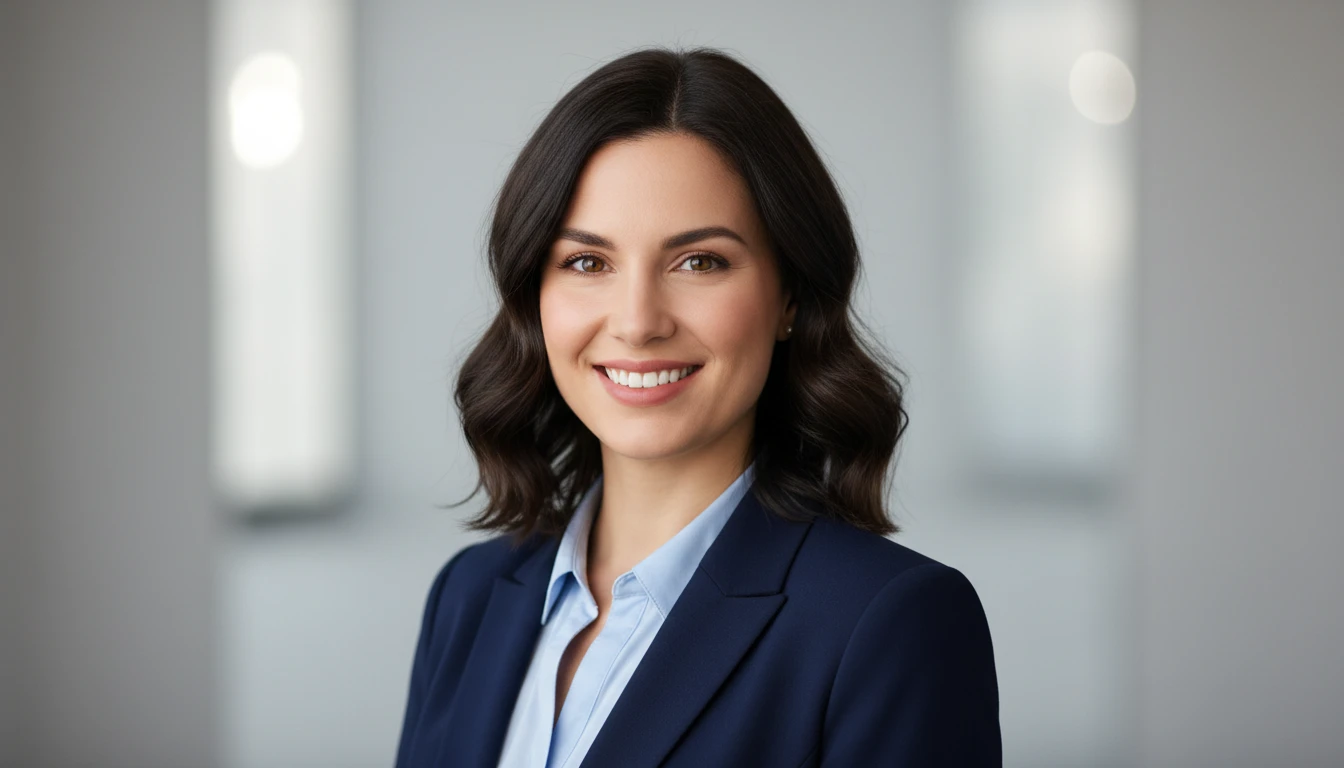
The AI converts an ordinary photo into a studio-quality portrait with balanced lighting, clear facial details, and a polished, professional look suitable for business and personal use.
Text-Based Appearance Control
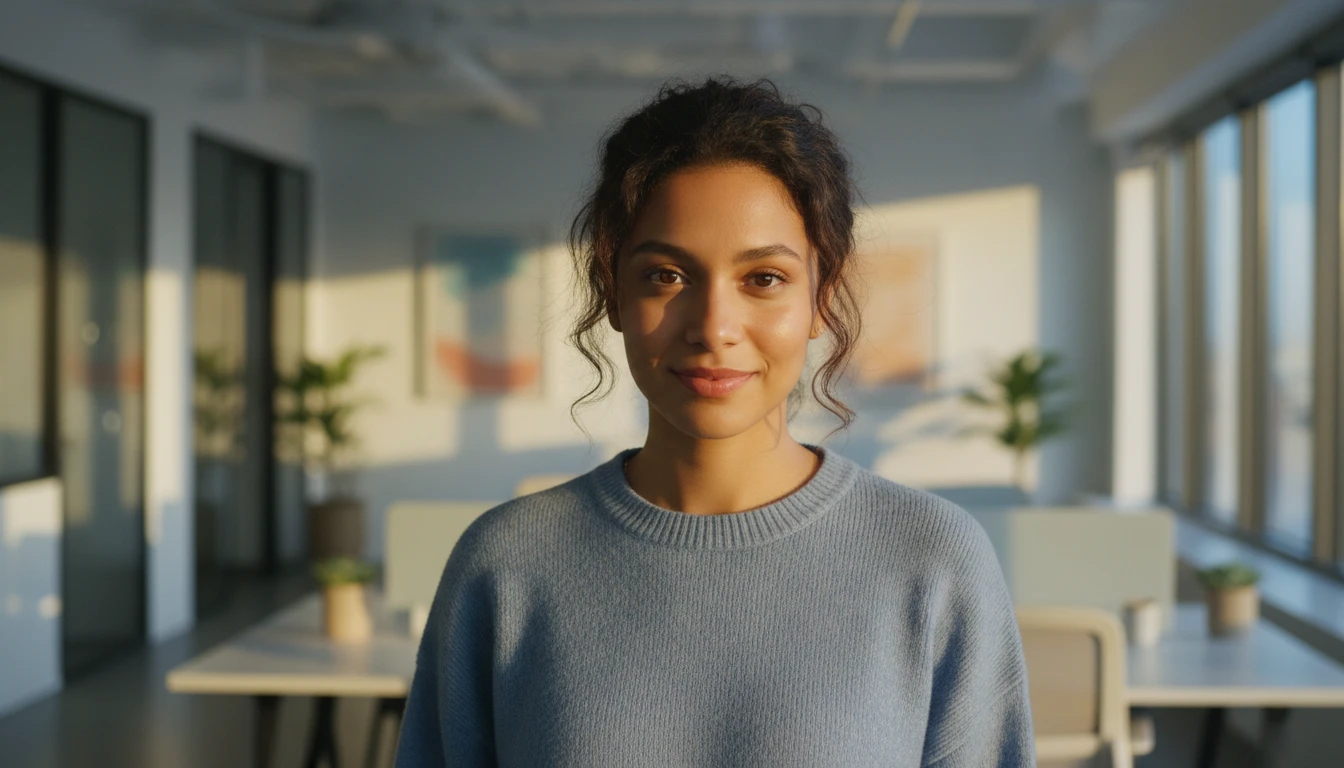
Users can describe the background, lighting, and overall mood in simple text, and the AI adjusts the portrait to match the requested style and environment.
High Resolution Support
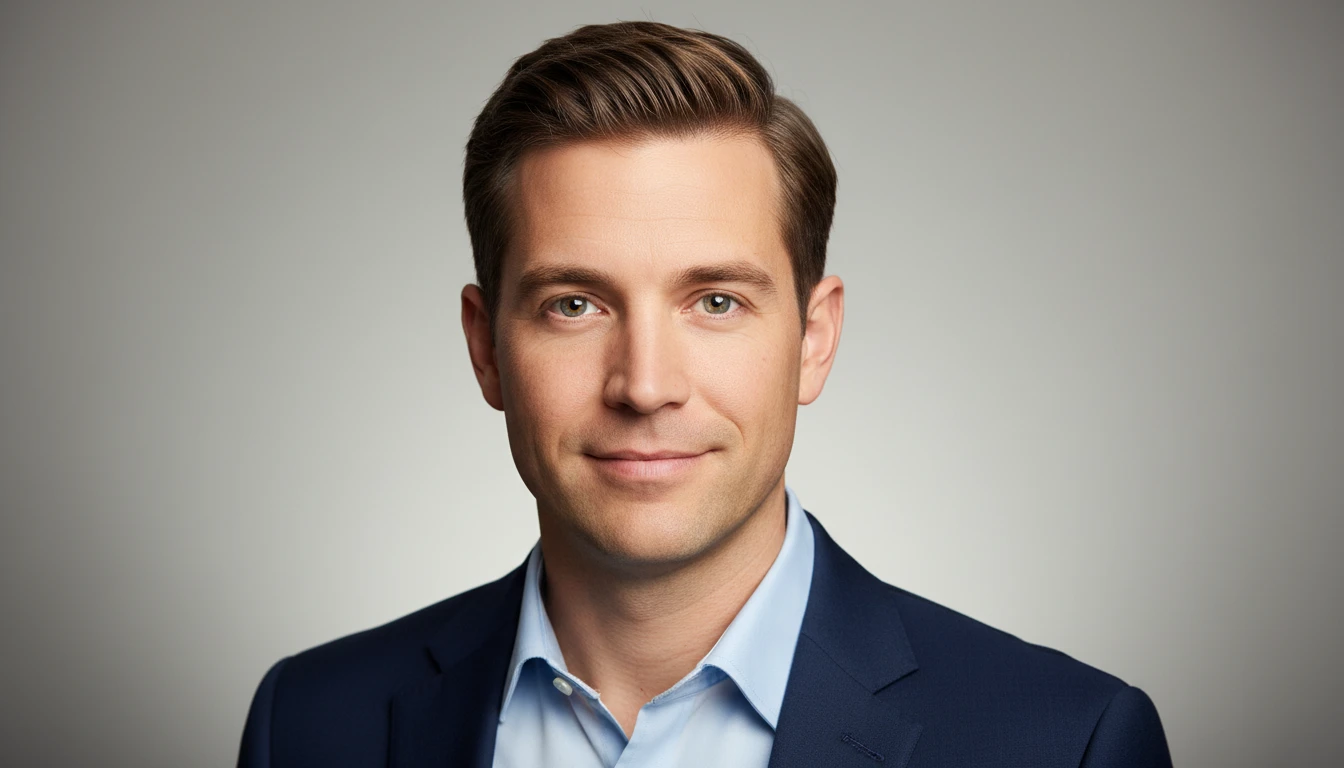
The generated portraits are produced in high quality, making them ideal for resumes, LinkedIn profiles, websites, and other platforms that require sharp, clear images.
Fast Processing Output
The entire process runs online and delivers results within seconds, allowing anyone to create professional portraits without photography equipment or editing skills.