AI Image Detector
AI Image Detector allows you to quickly check and detect AI-generated images. It helps you verify image authenticity in a few seconds.
How to Use AI Image Detector?
Upload the Image
Upload the photo you want to analyze from your device. The tool accepts most common image formats and prepares the file for detection.
Click Detect AI Image
Press the detect or analyze button. The system scans the image using AI detection models and analyzes visual patterns, textures, and structure.
View the Results
In a few seconds, the tool shows whether the image is AI-generated or real, along with detection insights to help verify authenticity.
Key Features of AI Image Detector
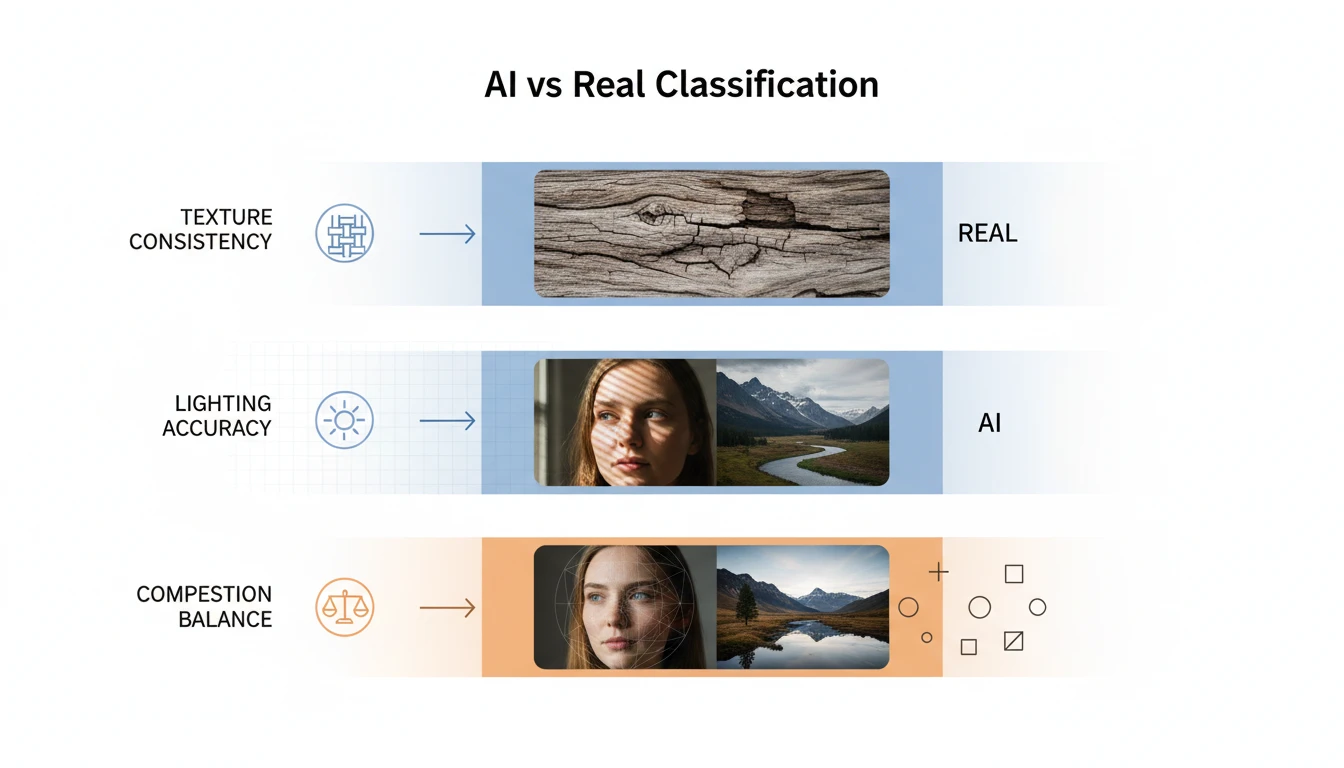
AI vs Real Classification
This feature determines whether an image was generated by AI or captured by a real camera. The system analyzes visual structure, texture consistency, lighting behavior, and image composition to classify the photo as AI-generated or real.
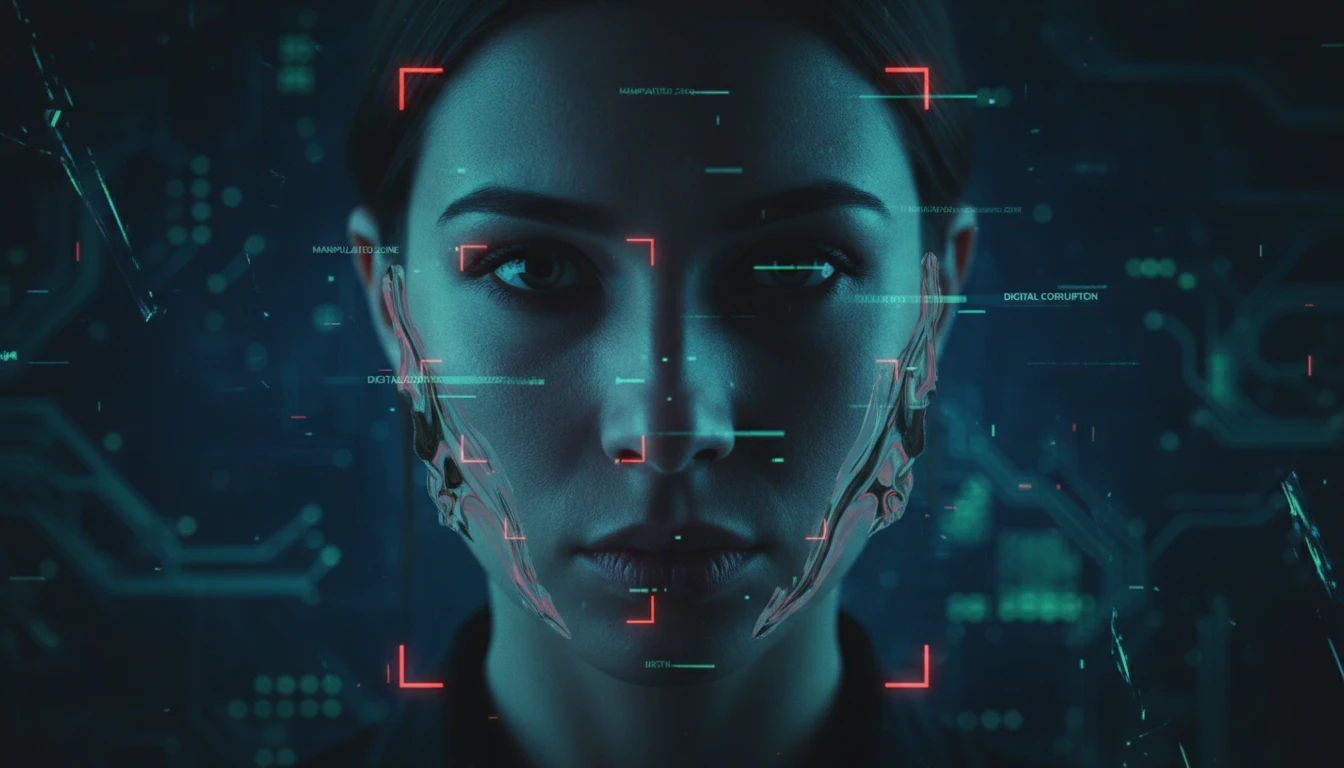
Deepfake & Synthetic Face Detection
This capability focuses on identifying artificially generated or manipulated human faces. It detects unnatural facial symmetry, distorted features, inconsistent skin textures, irregular eye reflections, and blending artifacts commonly found in deepfake or AI-created portraits.
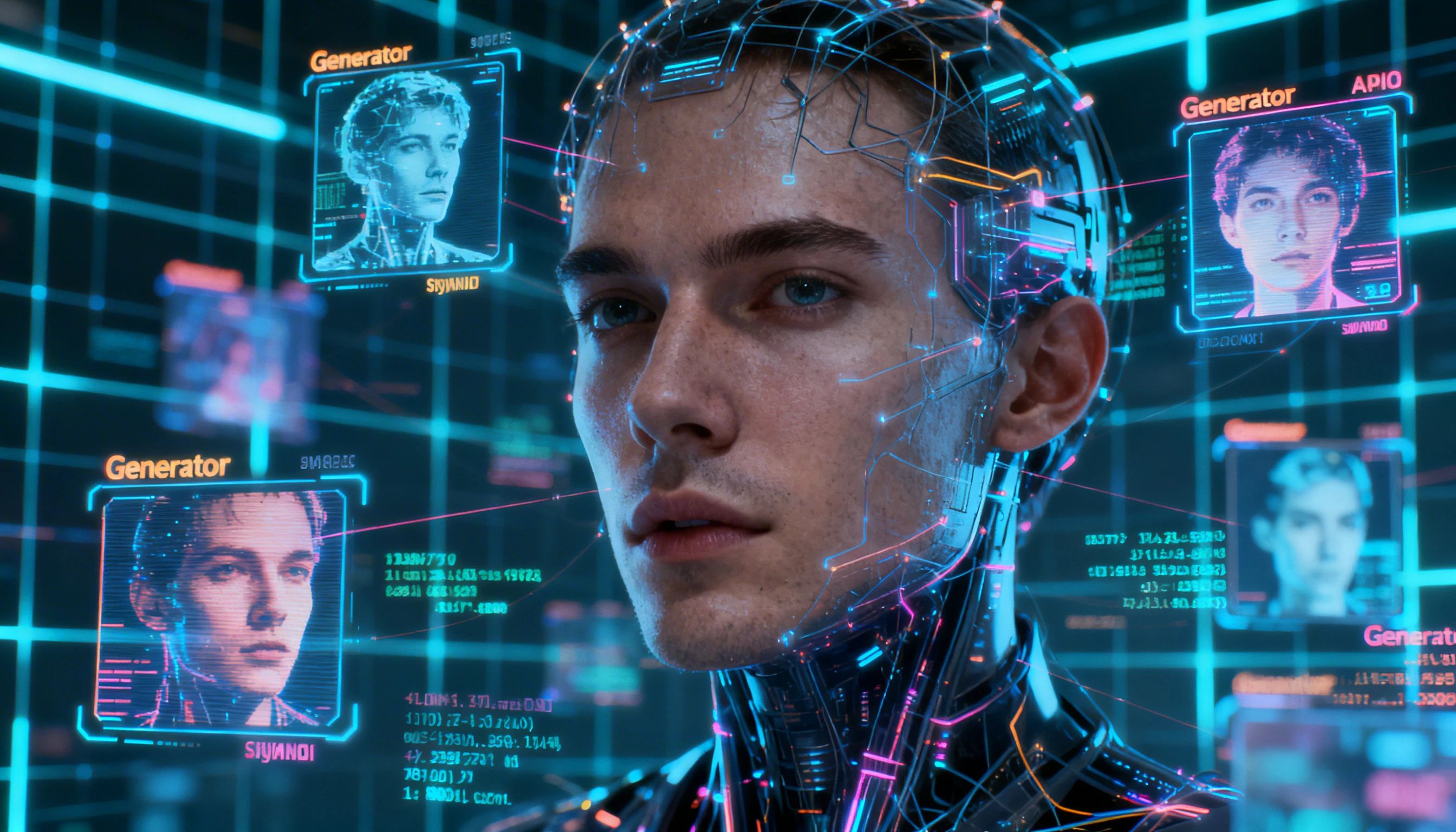
Detector for Multiple AI Models
The system is trained to recognize output patterns from various popular AI image generators. It analyzes broader generation signatures found in tools like Midjourney, DALL·E, Stable Diffusion, and other advanced AI platforms.
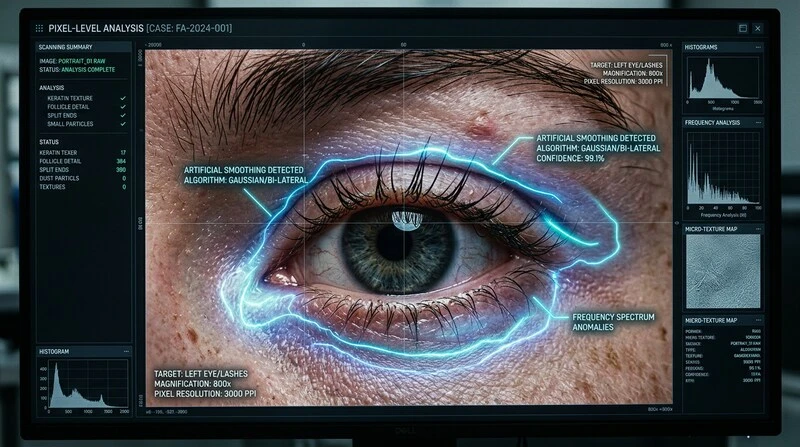
Pixel-Level Pattern Analysis
Rather than relying on watermarks or metadata, this feature examines the actual pixel data of an image. It looks for subtle anomalies in texture repetition, lighting gradients, shadow rendering, edge transitions, and fine details that are difficult for AI models to perfect.