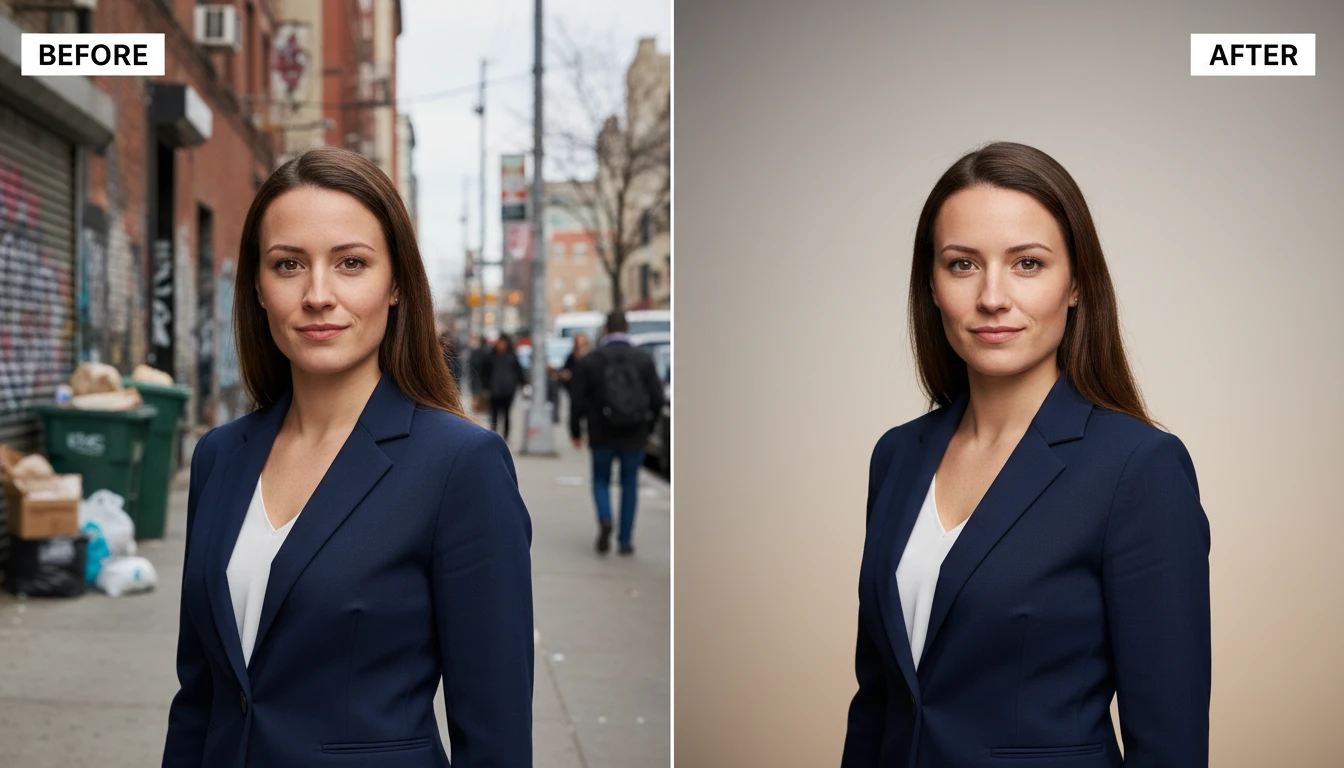
AI Photo Retouching
Retouch your photo with our AI photo retouching. It improves skin tone, fixes lighting, and removes blemishes, wrinkles, and spots for a cleaner photo.
How to Use AI Photo Retouching?
Upload Your Photo
Start by uploading the photo you want to retouch from your device. You can upload portraits, selfies, or any image that needs improvement.
Select the Retouch Area & Describe Changes
Choose the specific area of the photo you want to retouch. Describe the changes you want, like removing blemishes, fixing lighting, or removing objects.
Download & Share
Preview the enhanced photo to see the improvements. Then download the retouched image in high quality and share it on social media.
Key Features of AI Photo Retouching
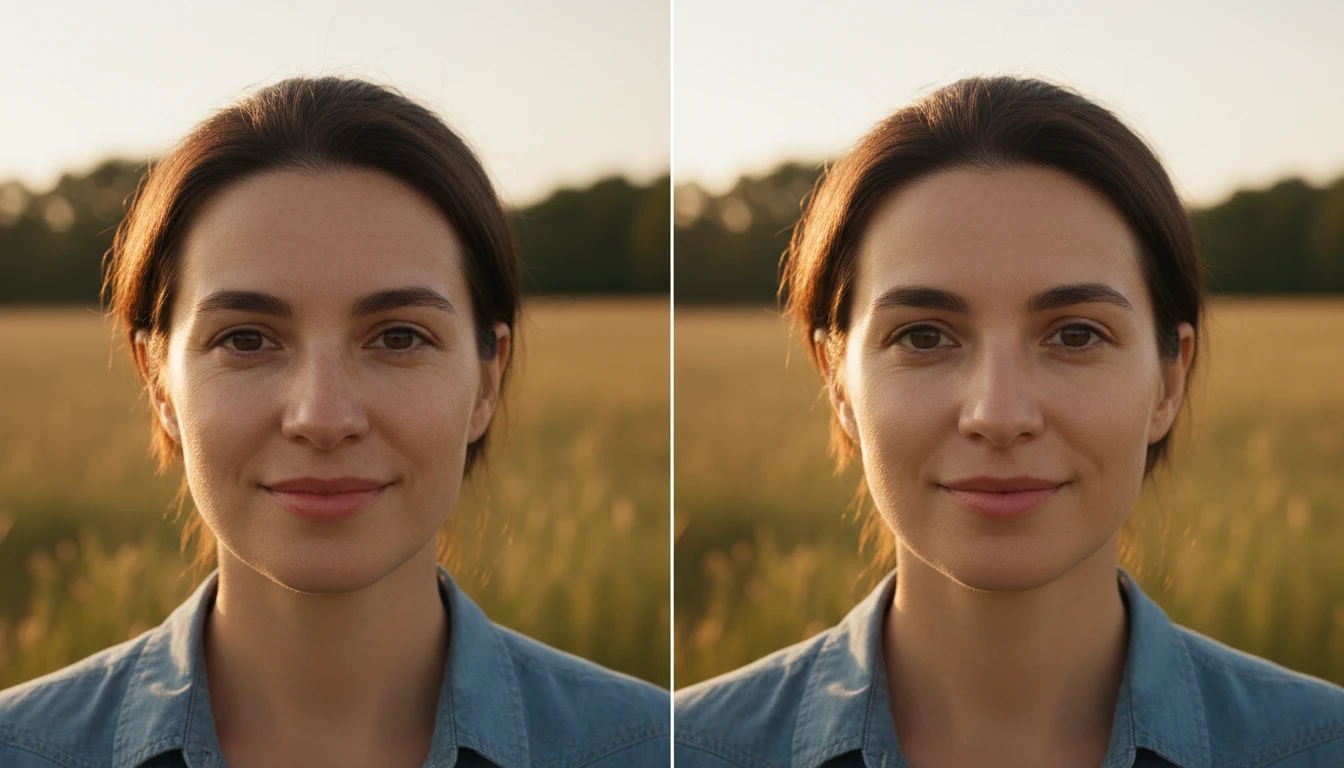
Skin Smoothing
AI photo retouching helps make skin look smoother and more even. It reduces small imperfections like rough texture and fine lines while keeping the skin looking natural.
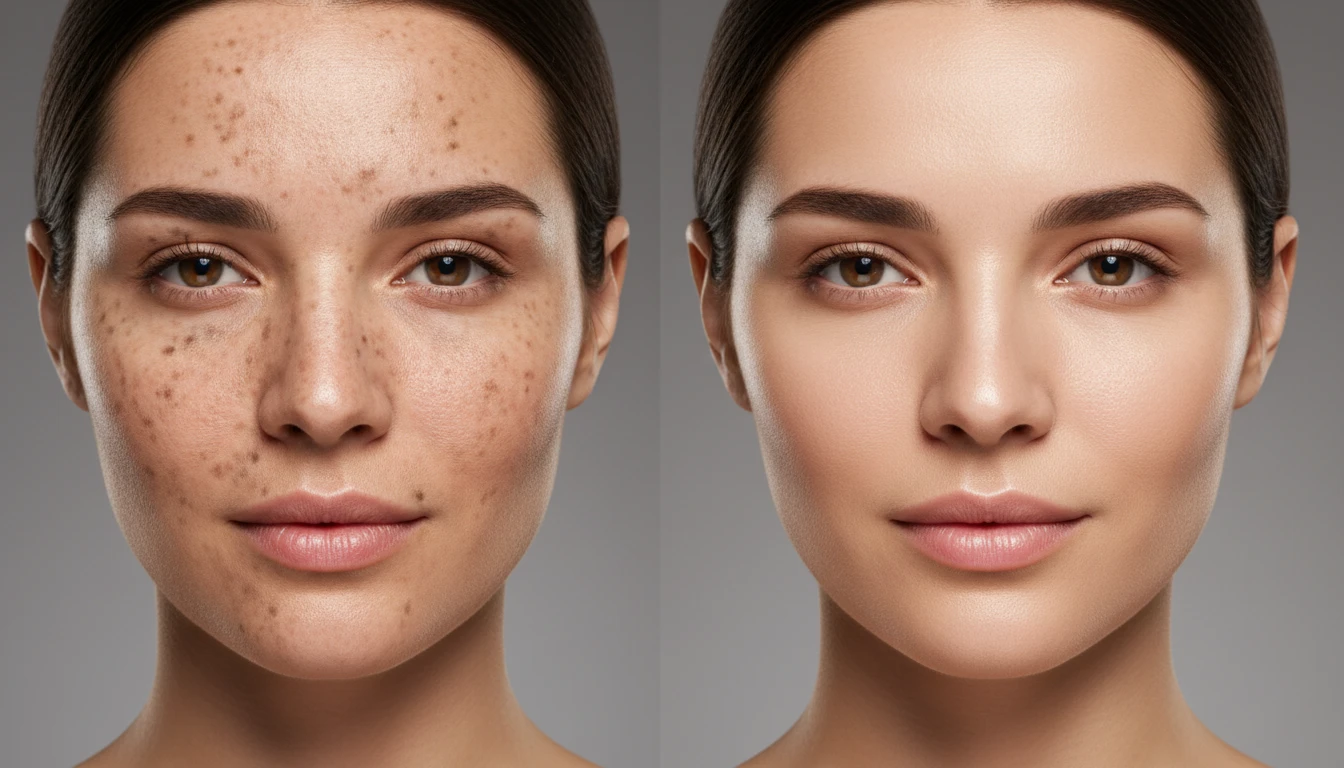
Blemish & Spot Removal
AI automatically finds and removes marks such as pimples, acne, dark spots, and small skin imperfections. This helps improve the overall appearance of the photo while keeping the natural details of the face.
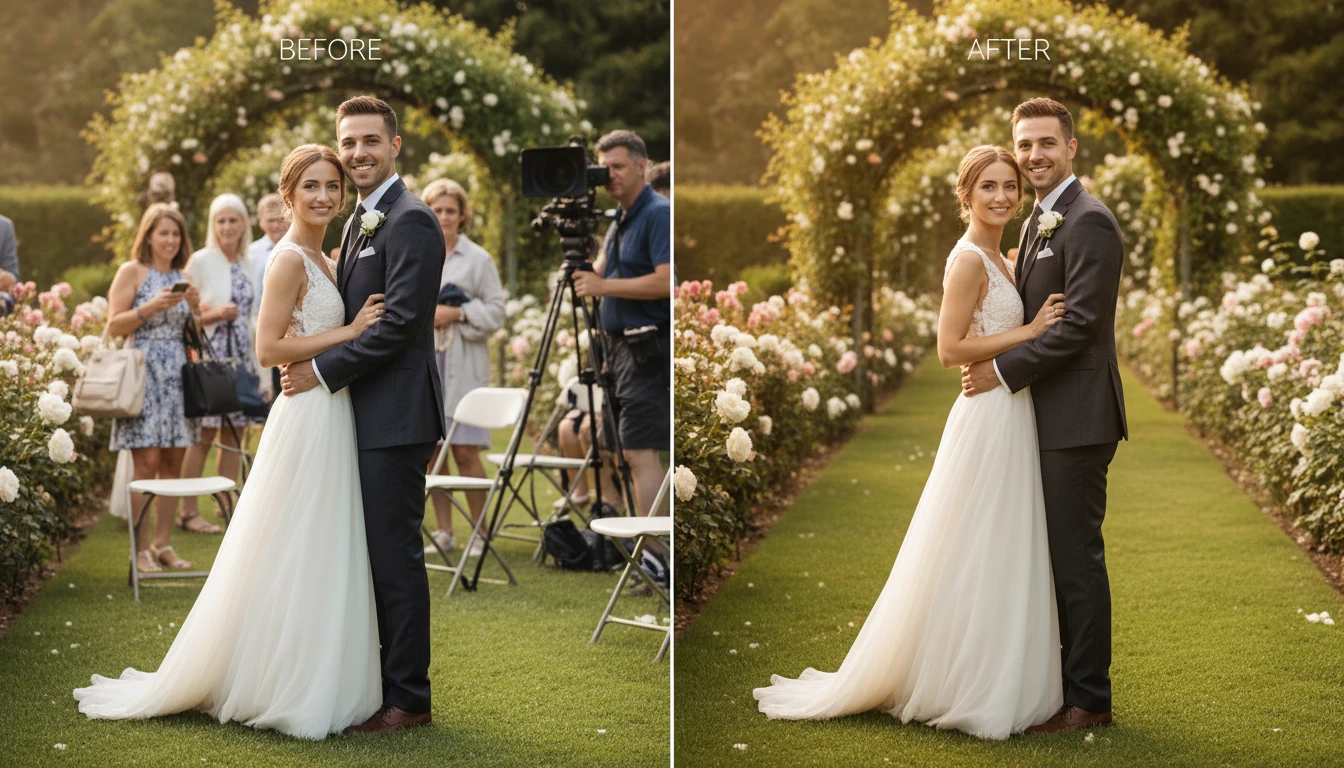
Remove Unwanted Objects
Sometimes photos include distracting objects like random people, clutter, wires, or unwanted items in the background. AI can detect and remove these objects and fill the area naturally so the image looks clean.
Background Removal / Replacement
AI can easily separate the subject from the background. You can remove the background completely or replace it with a different scene, color, or design. This helps create more professional-looking photos.