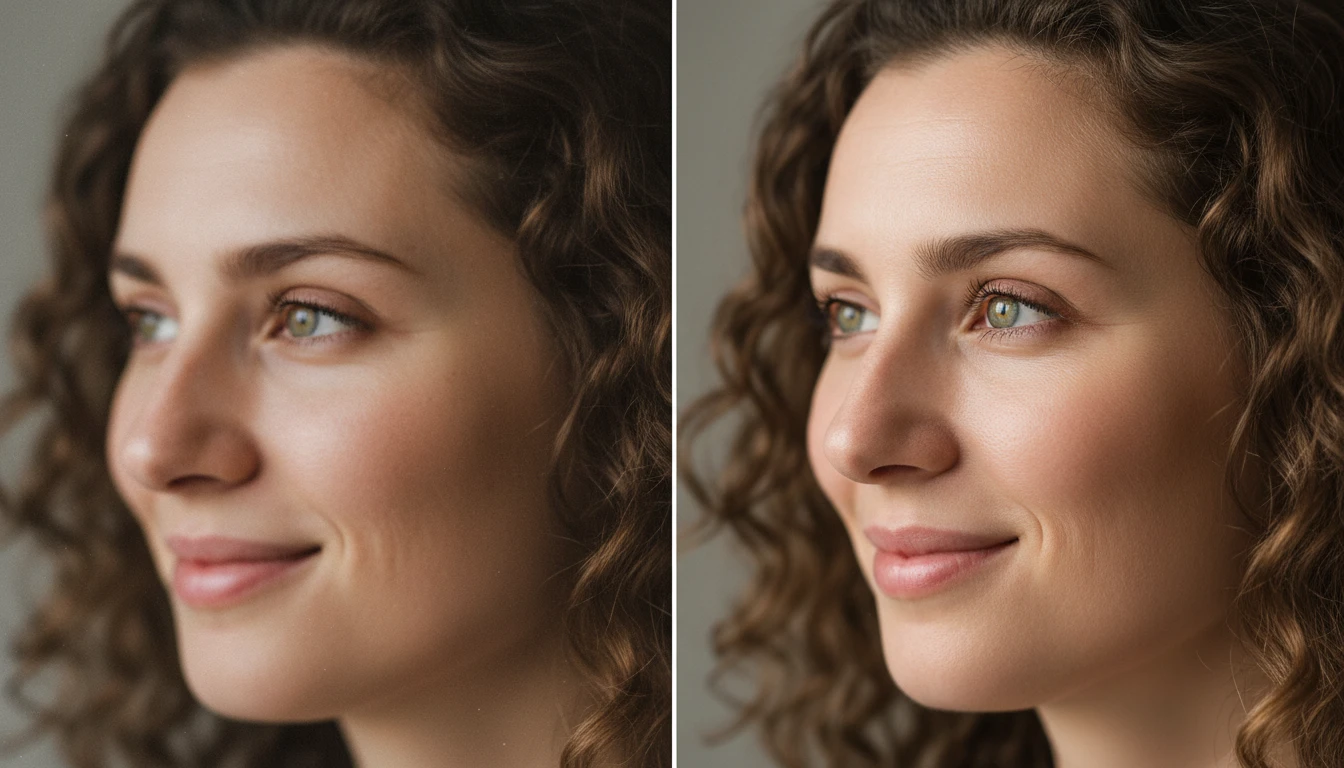
AI Profile Picture Generator
Create professional profile pictures with our AI Profile Picture Generator. Upload your photo and generate high-quality PFPs for LinkedIn, social media, resumes, and more.
How to Use AI Profile Picture Generator?
Upload Your Photo
Start by uploading a clear photo of yourself. Make sure your face is visible and the image is not blurry. A simple selfie with good lighting usually works best and helps the AI generate a better profile picture.
Select Your Preferred Style
Choose the background style or portrait look you want for your profile picture. You can pick from different styles such as office, nature, city, or simple studio backgrounds to match your preference.
Generate and Download
Click the generate button and let the AI process your photo. Within a few seconds, your new profile picture will be ready. You can preview the result and download the image to use on your profile.
Key Features of AI Profile Picture Generator
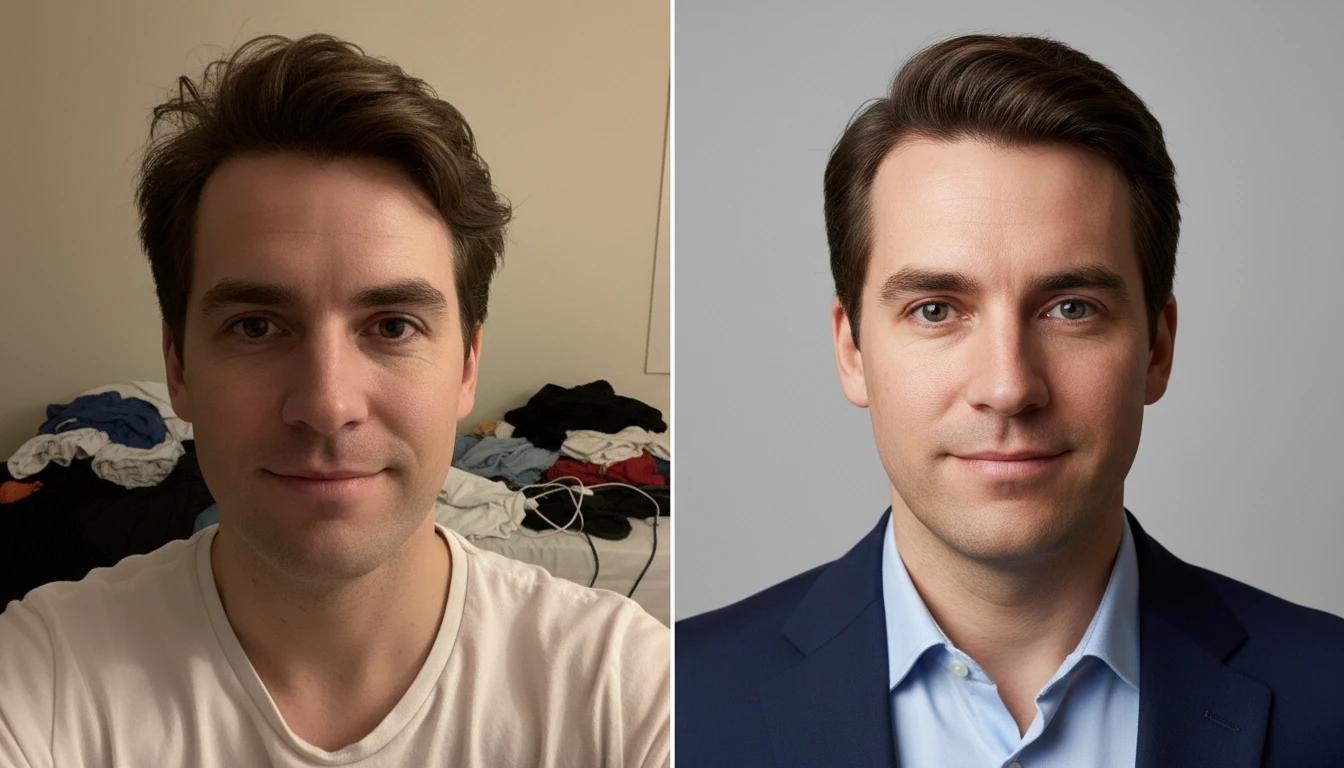
Professional Headshot Generation
AI Profile Picture Generator helps you turn a normal photo into a professional-looking headshot. AI enhances facial details, improves clarity, and adjusts the overall appearance to create a clean and polished profile photo
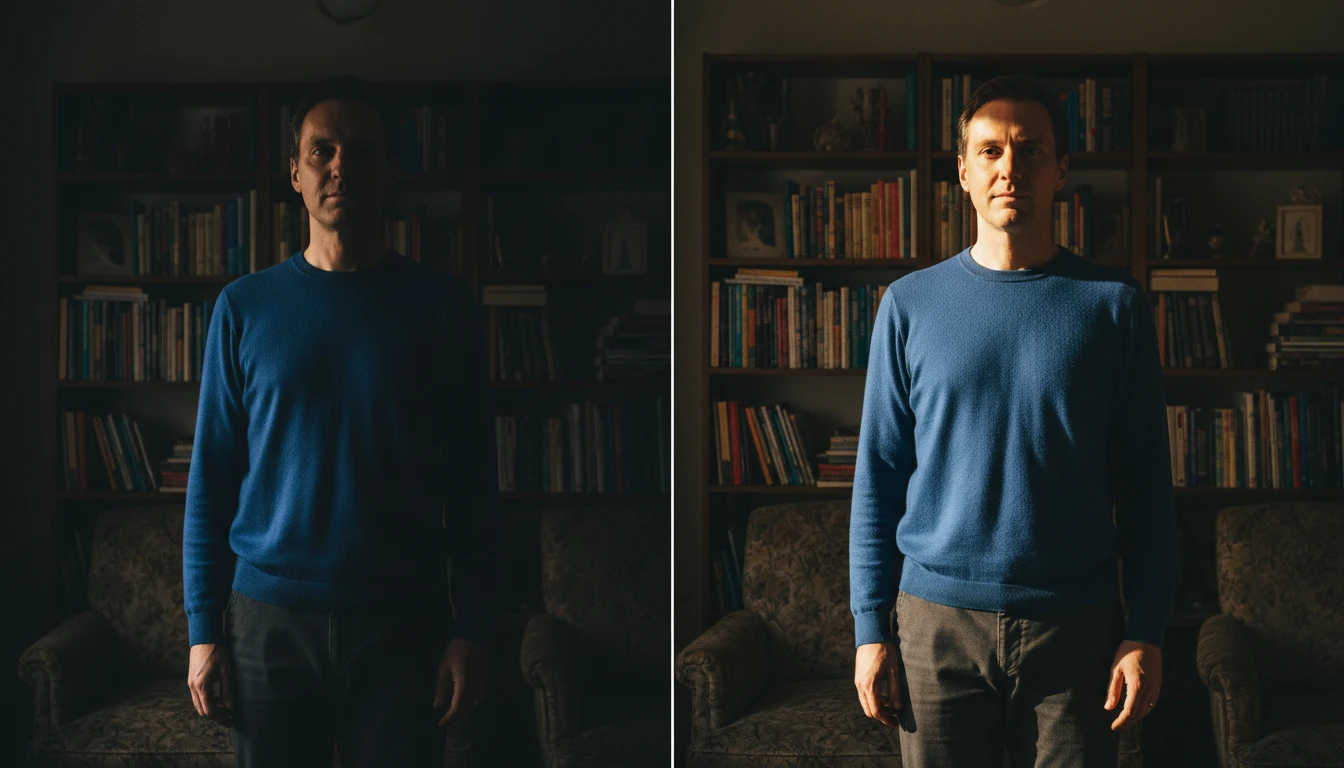
Natural Lighting Enhancement
AI automatically improves brightness, contrast, and shadows to create balanced and natural lighting. Even if your original photo was taken in poor lighting, the tool enhances it so your profile picture looks clear, well-lit, and more visually appealing.
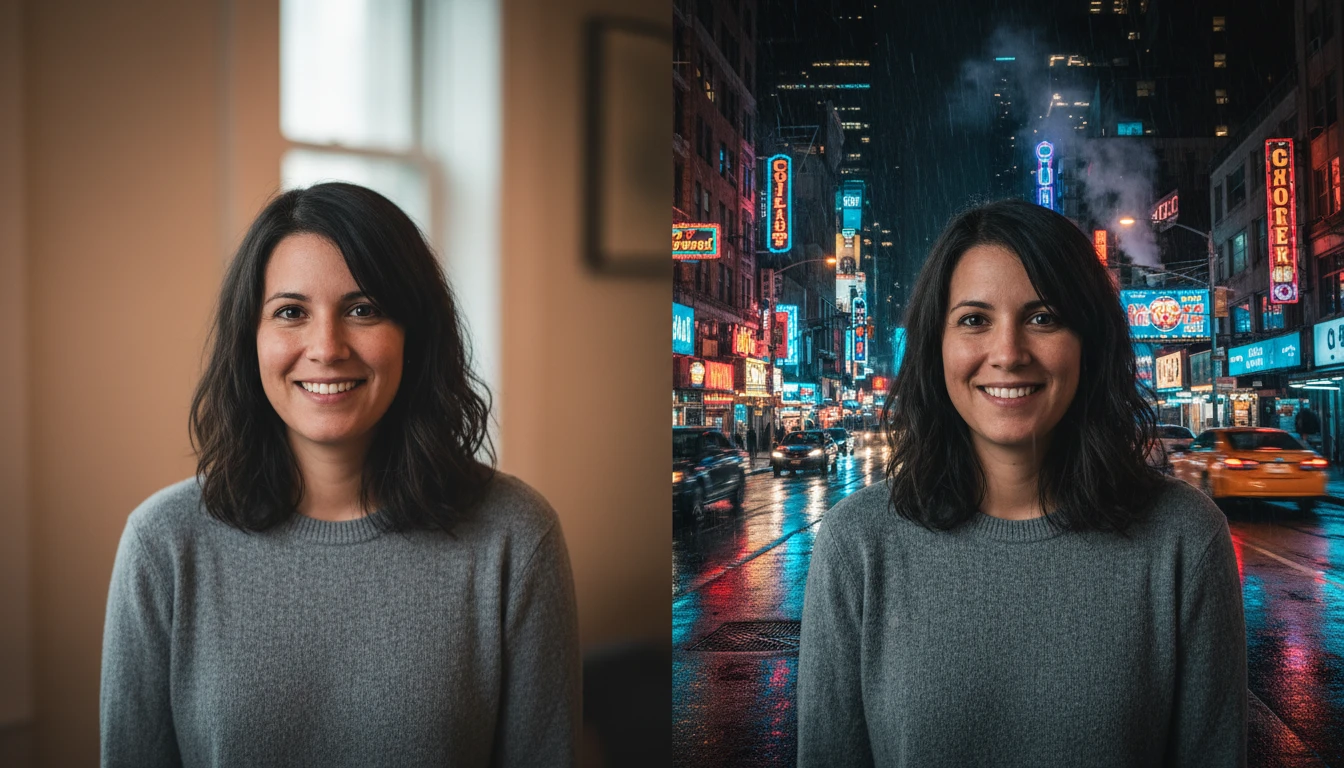
Multiple Background Styles
You can choose from a variety of background styles to match the look you want for your portrait. Options include professional environments like offices, natural scenes such as mountains or lakes, and creative settings like streets or cafes.
High-Quality Image Output
Your generated profile picture is produced in high resolution to ensure sharp and detailed results. AI keeps the image clear while enhancing the overall quality, making it perfect for profile photos on different platforms.