AI Graffiti Generator
Explore your wall creativity with our AI Graffiti Generator. Design street artwork in seconds.
Try These Example Outputs
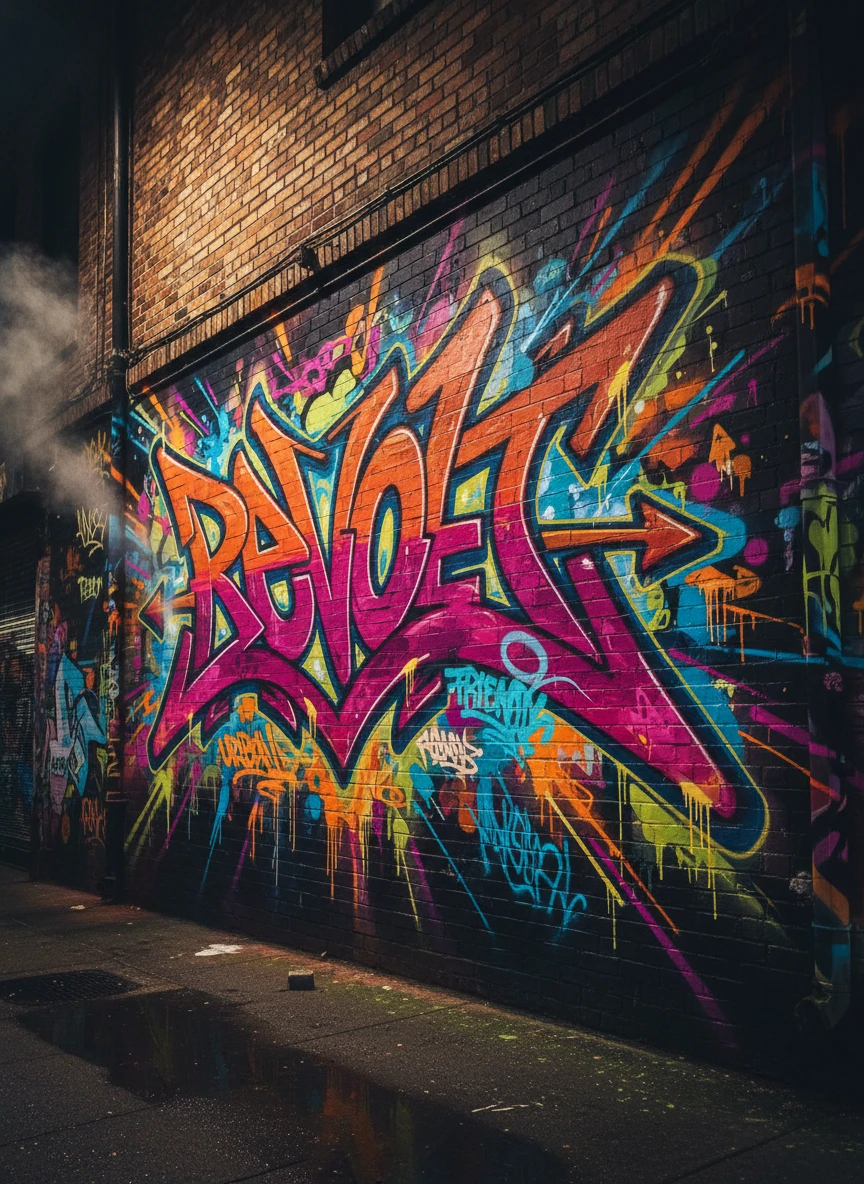
Create a high-energy street mural using a graffiti generator that explodes with wildstyle lettering and electric neon colors. The scene is a narrow urban alley at night with glowing paint drips and layered tags overlapping brick textures. Dynamic motion lines and sharp angles give the composition an underground, rebellious feel. Style tags: wildstyle, neon, urban, street-art NEG: blurry, low-resolution, flat lighting, watermark, logo, distorted text, oversharpen, noise
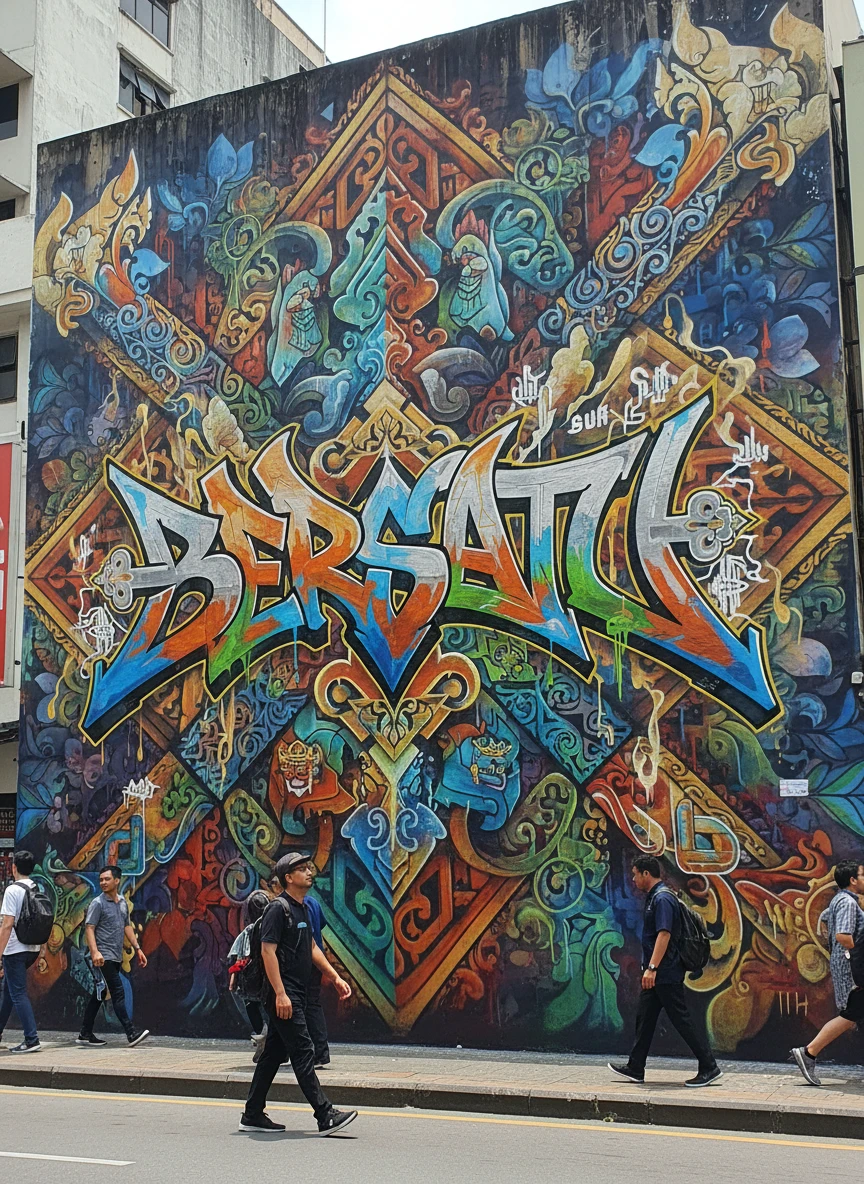
Design a large-scale cultural fusion mural with a graffiti generator combining local motifs and street lettering. Traditional patterns merge seamlessly with modern spray techniques on a public wall. The final image feels respectful, vibrant, and powerful. Style tags: fusion graffiti, cultural, mural, expressive NEG: cultural inaccuracies, generic symbols, low detail, watermark, muddy colors
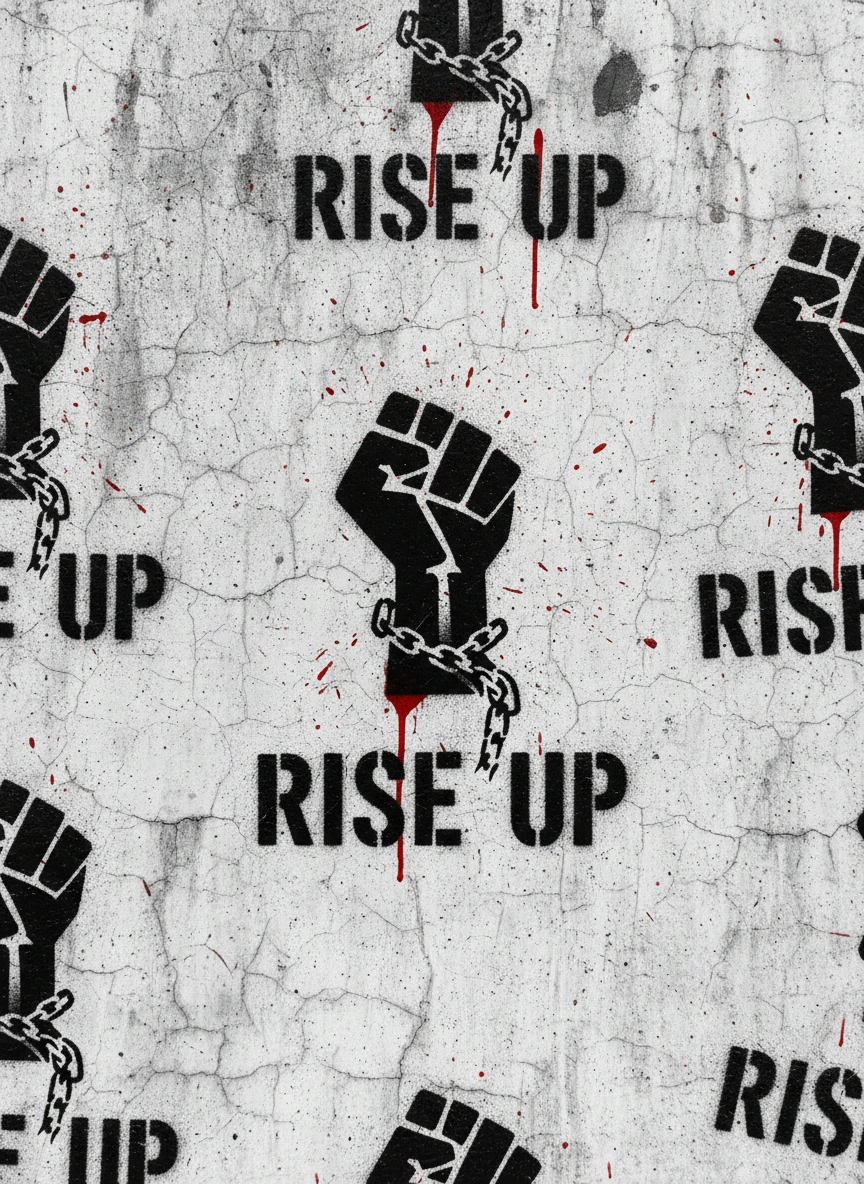
Design a bold political wall piece with a graffiti generator focused on stencil art and high contrast. A single powerful symbol and short phrase are sprayed repeatedly across a concrete wall, showing overspray and rough edges. The mood is raw, minimal, and confrontational. Style tags: stencil, protest, minimal, gritty NEG: soft focus, photorealistic people, pastel colors, glossy finish, watermark, misspelled text
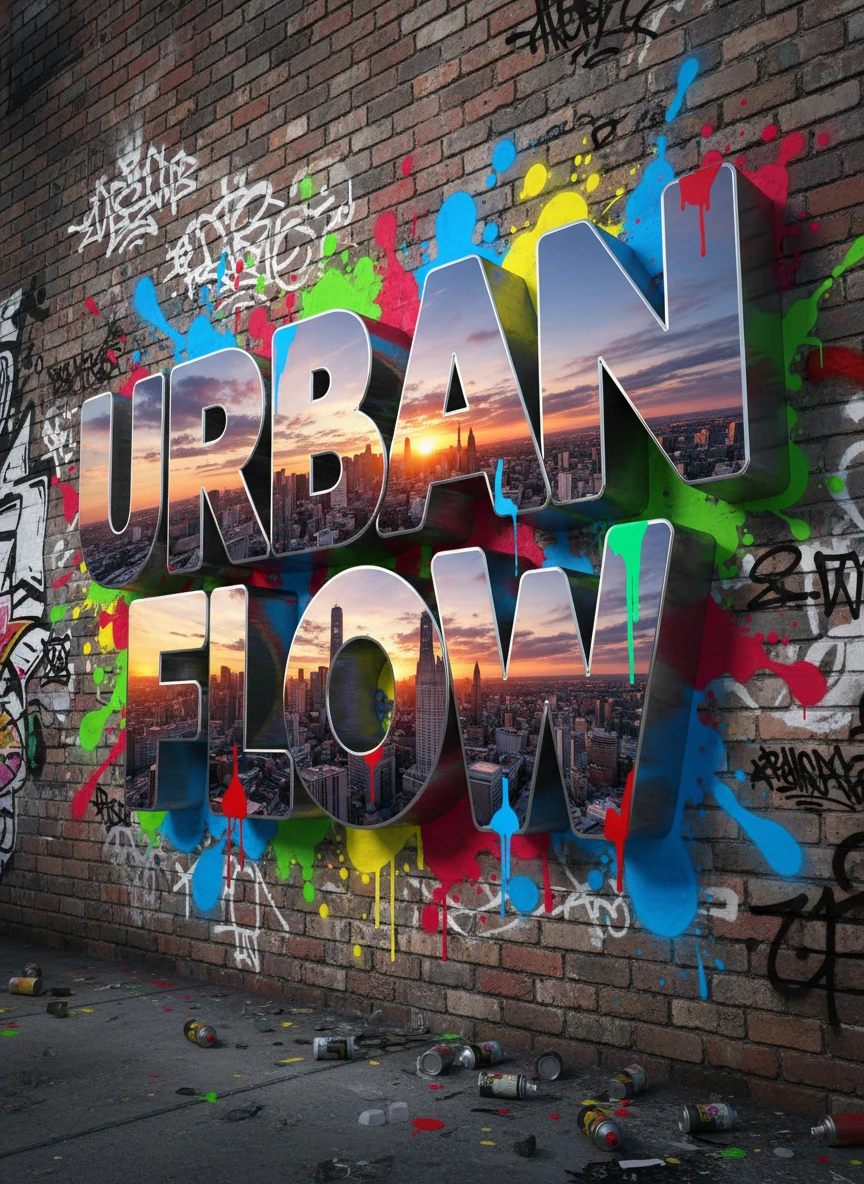
Use a graffiti generator to create massive chrome letters popping off a city wall in three dimensions. Reflections of the skyline bend across metallic surfaces while paint splashes add street realism. The composition feels bold, polished, and loud. Style tags: 3D graffiti, chrome, bold, urban NEG: flat shading, dull colors, low detail, warped geometry, watermark, extra limbs, artifacts
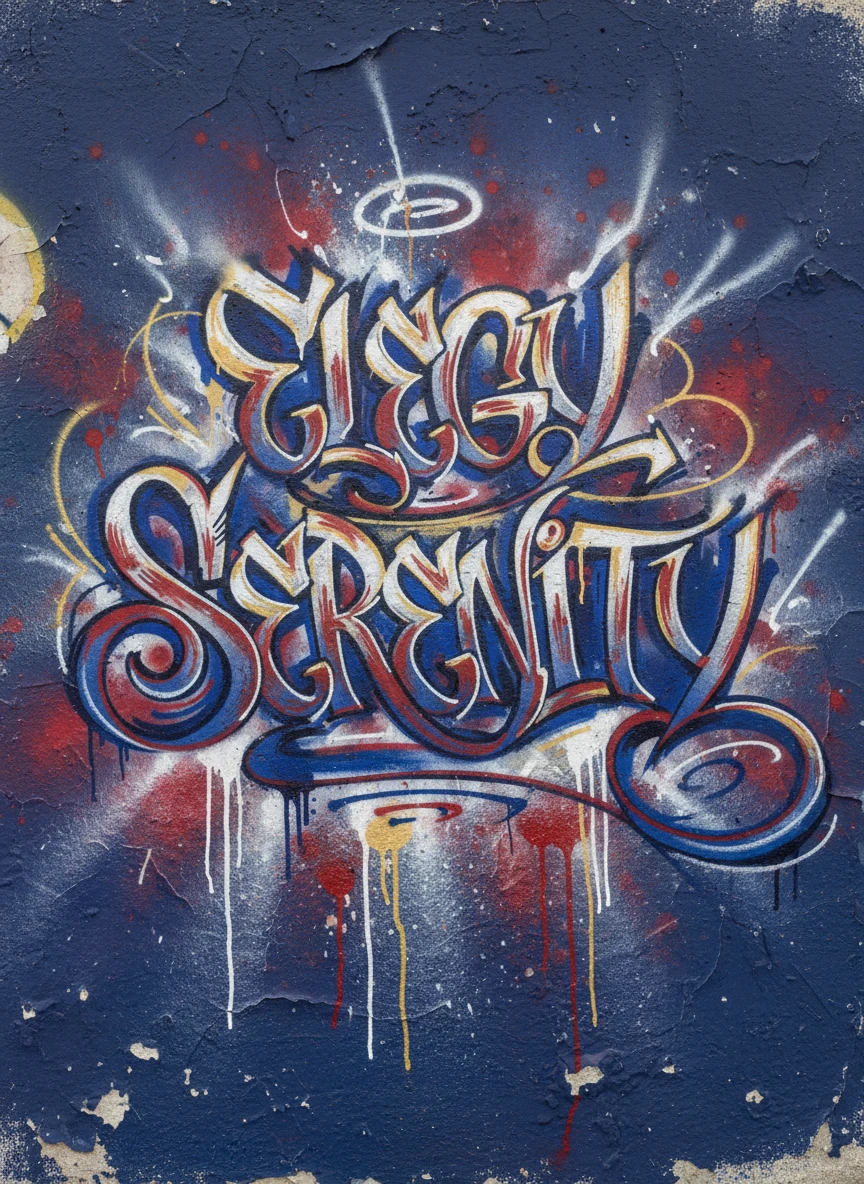
Generate elegant calligraffiti using a graffiti generator that blends traditional calligraphy with modern street art. Flowing letterforms sweep across a textured wall like ink in motion. The style balances refinement with raw spray-paint energy. Style tags: calligraffiti, flowing, expressive, street NEG: jagged lines, blocky fonts, pixelation, overexposure, watermark, random symbols
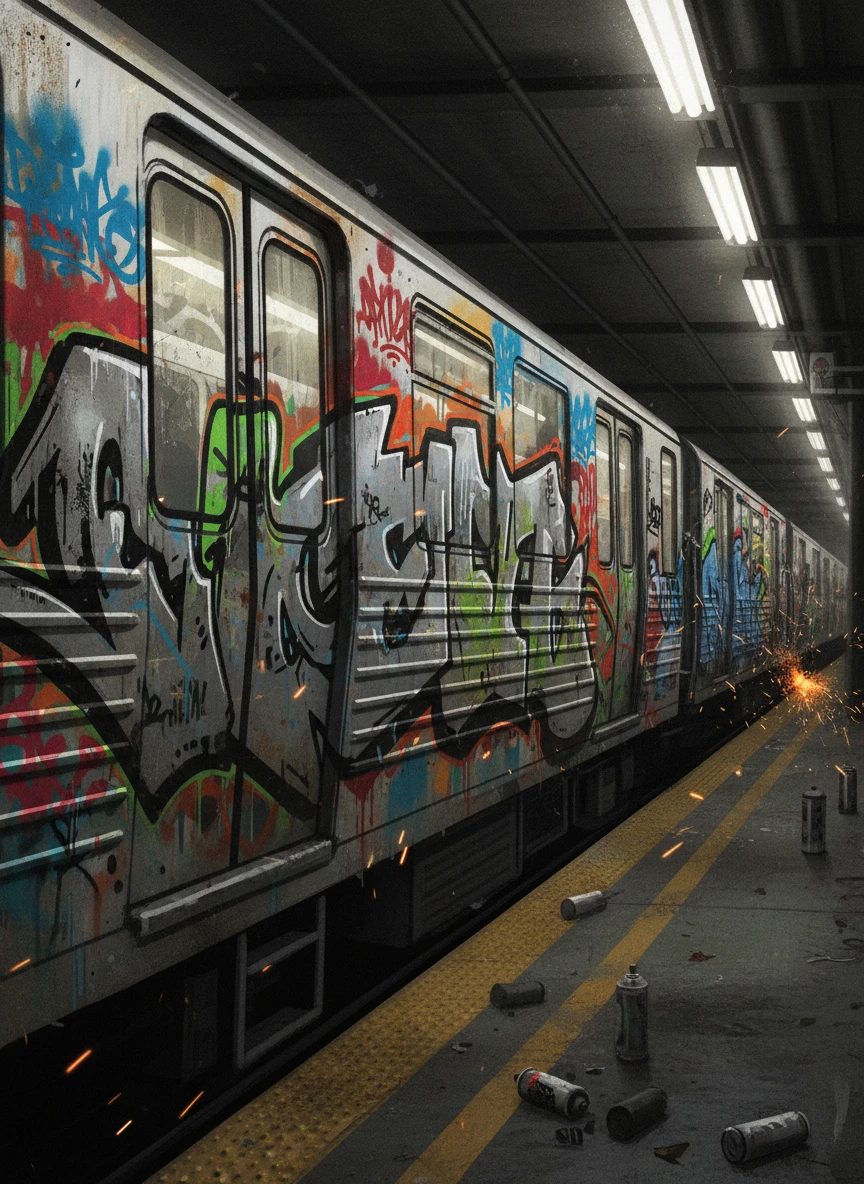
Illustrate a classic train bombing scene using a graffiti generator with fast, aggressive lettering. The side of a subway car is covered in layered tags, paint drips, and grime. Motion blur suggests the train is about to roll out. Style tags: train graffiti, tagging, gritty, urban NEG: clean surfaces, studio lighting, symmetry, watermark, cropped text, low contrast
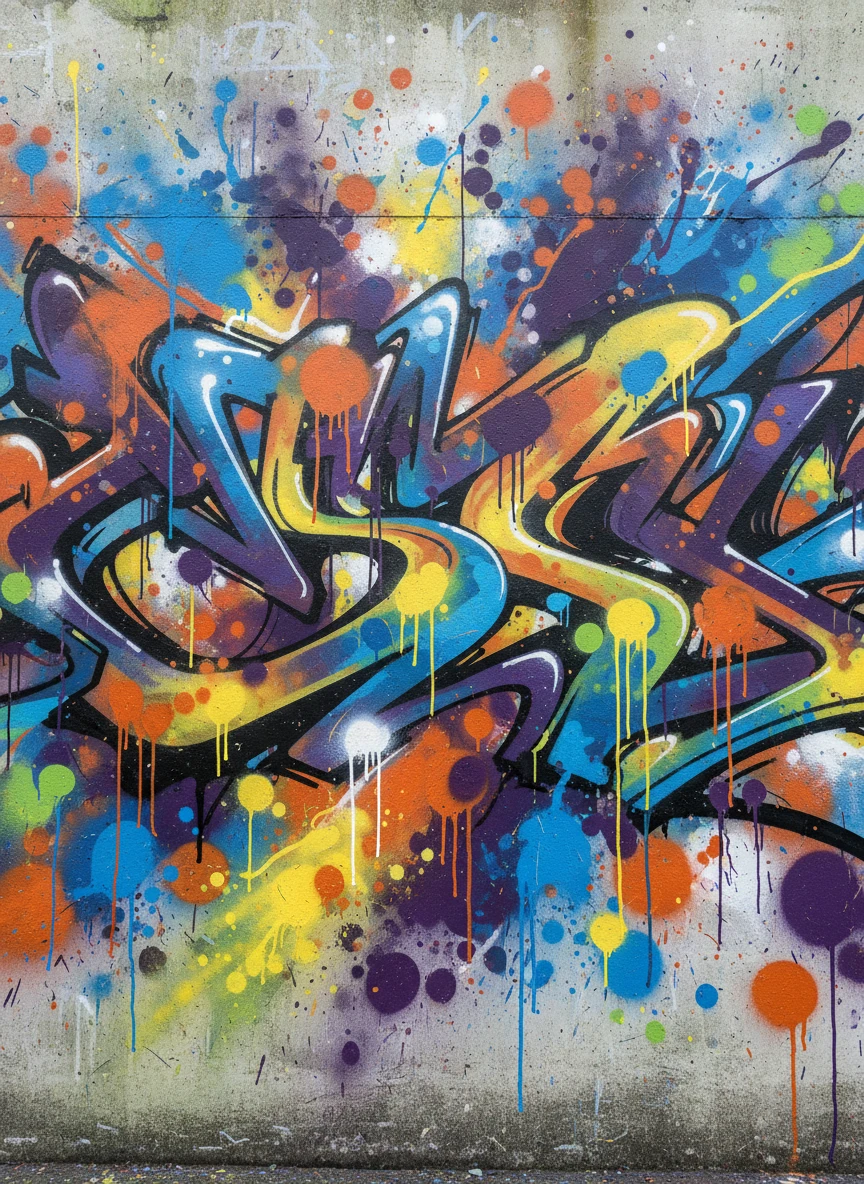
Produce an abstract wall piece through a graffiti generator focused on shapes, splashes, and color energy. Letters dissolve into dynamic forms that feel more expressive than readable. The wall becomes a canvas of pure motion and rhythm. Style tags: abstract graffiti, expressive, vibrant, street NEG: monochrome, flat design, sharp symmetry, watermark, banding, low saturation
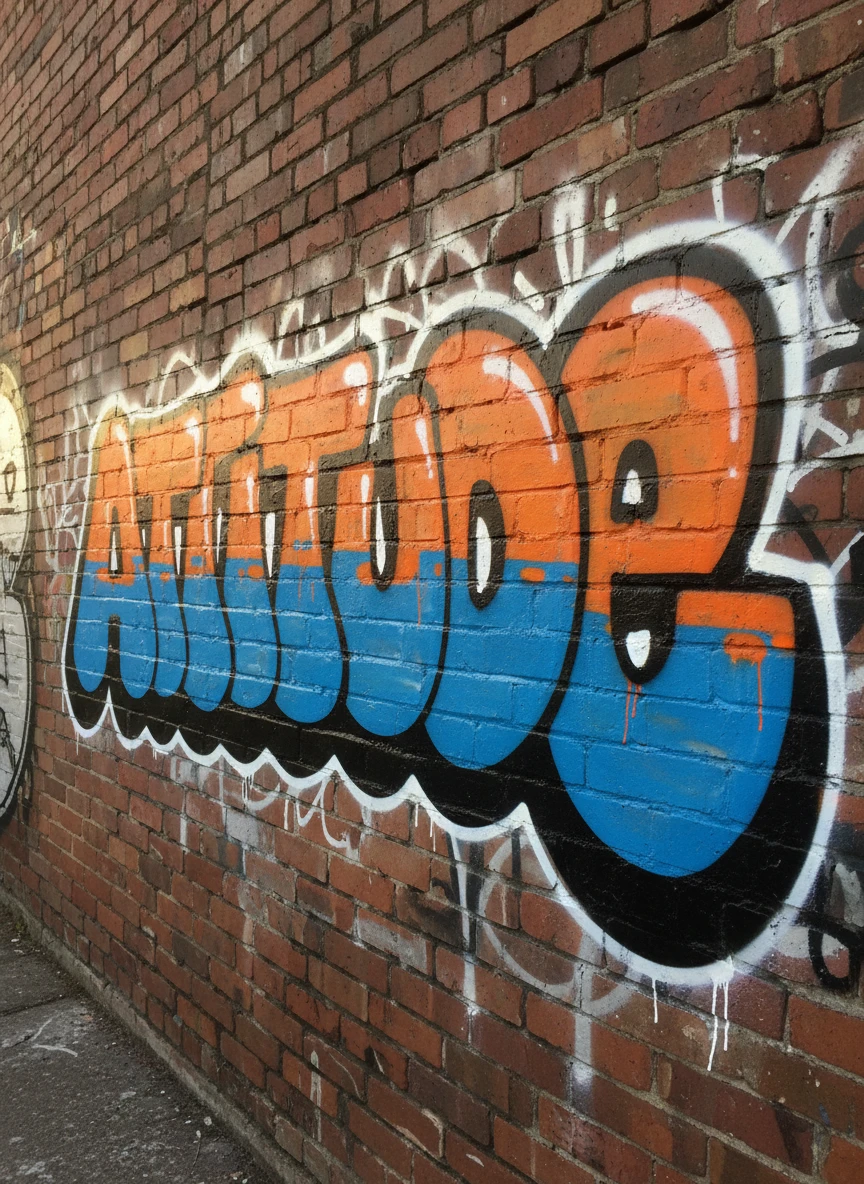
Use a graffiti generator to design an old school throw-up with chunky bubble letters and thick outlines. Simple color fills and quick spray textures emphasize speed and attitude. The vibe is nostalgic and raw. Style tags: old school, throw-up, bubble letters, retro NEG: thin lines, complex patterns, glossy look, watermark, realistic shadows
How to Use the AI Graffiti Generator?
Enter Your Prompt
Type the description of the graffiti artwork you want to create.
Generate Your Graffiti Image
Click the Generate button and AI transform your prompt into graffiti-style art design.
Download and Share
Save your graffiti image to your device or share it online with friends.