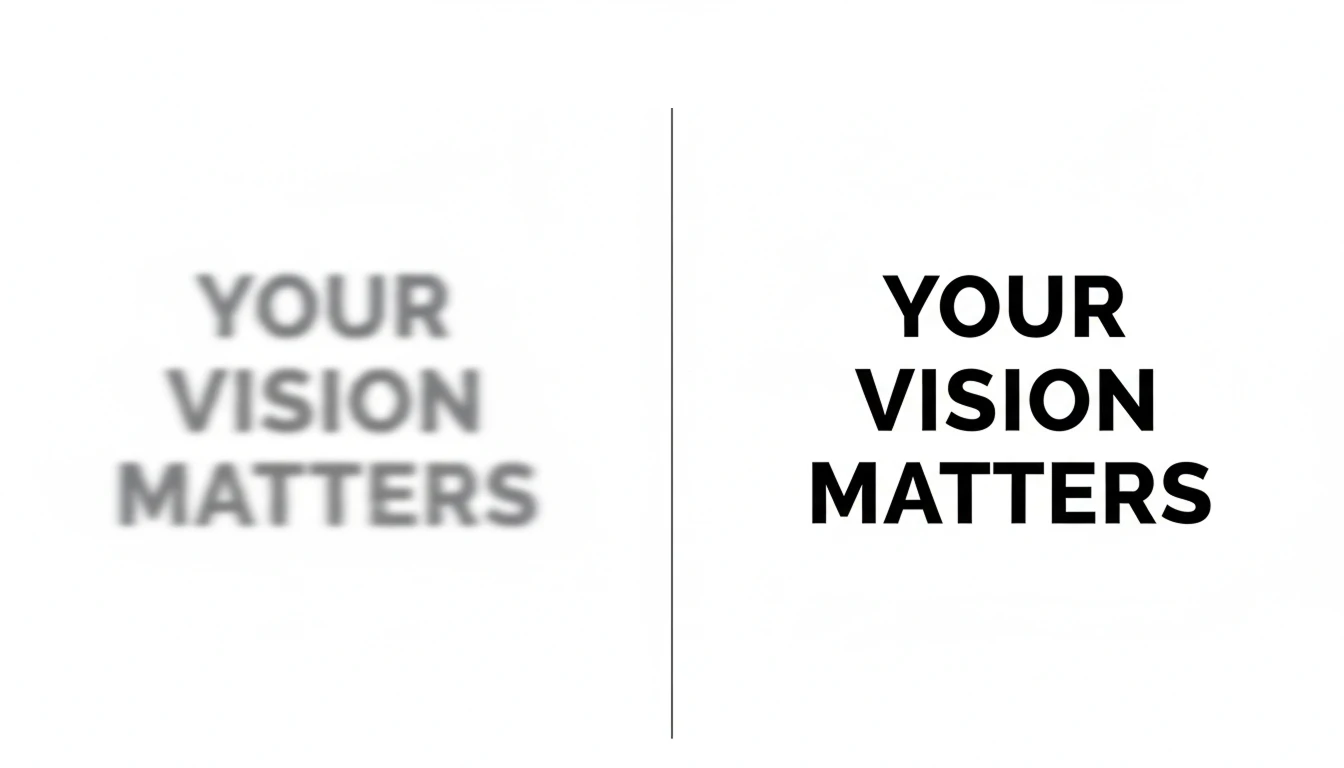
Sharpen Image Online
Sharpen image to make your photos clear and sharp. Enhance details and give your pictures a clean, professional look.
How to Use Sharpen Image?
Upload Your Image
Click the upload button and choose the blurry photo from your device. You can upload portraits, product images, old photos, or any picture that needs clarity improvement.
Generate Your Image
After uploading, click the generate button. The AI automatically detects blur, improves edges, enhances fine details, and reduces noise to make your image clearer and sharper.
Preview and Download
Once processing is complete, preview the before and after result. If you’re satisfied, download your sharpened image in high quality without losing resolution.
Key Features of Sharpen Image
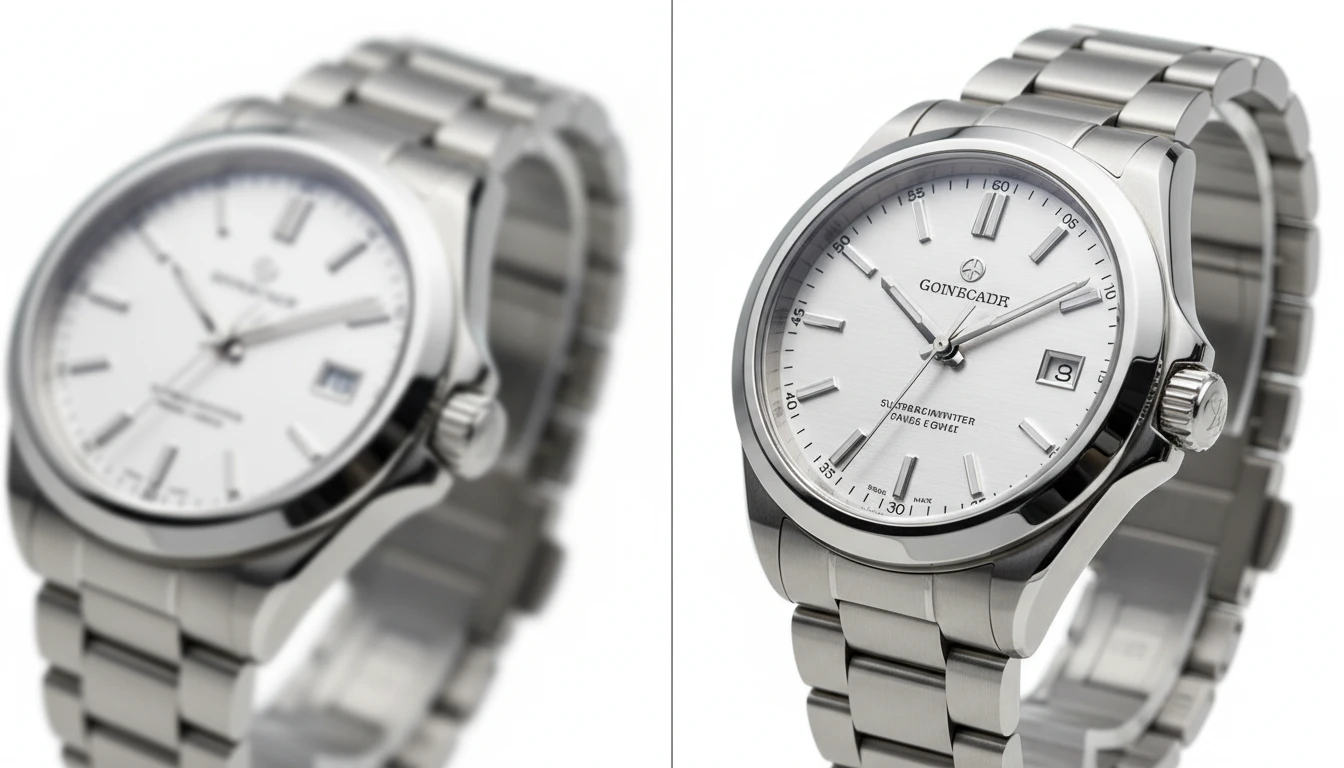
AI Image Sharpening
AI automatically detects blurry areas and enhances them instantly. It restores lost details, refines edges, and improves overall image sharpness without making the photo look unnatural or over-processed.
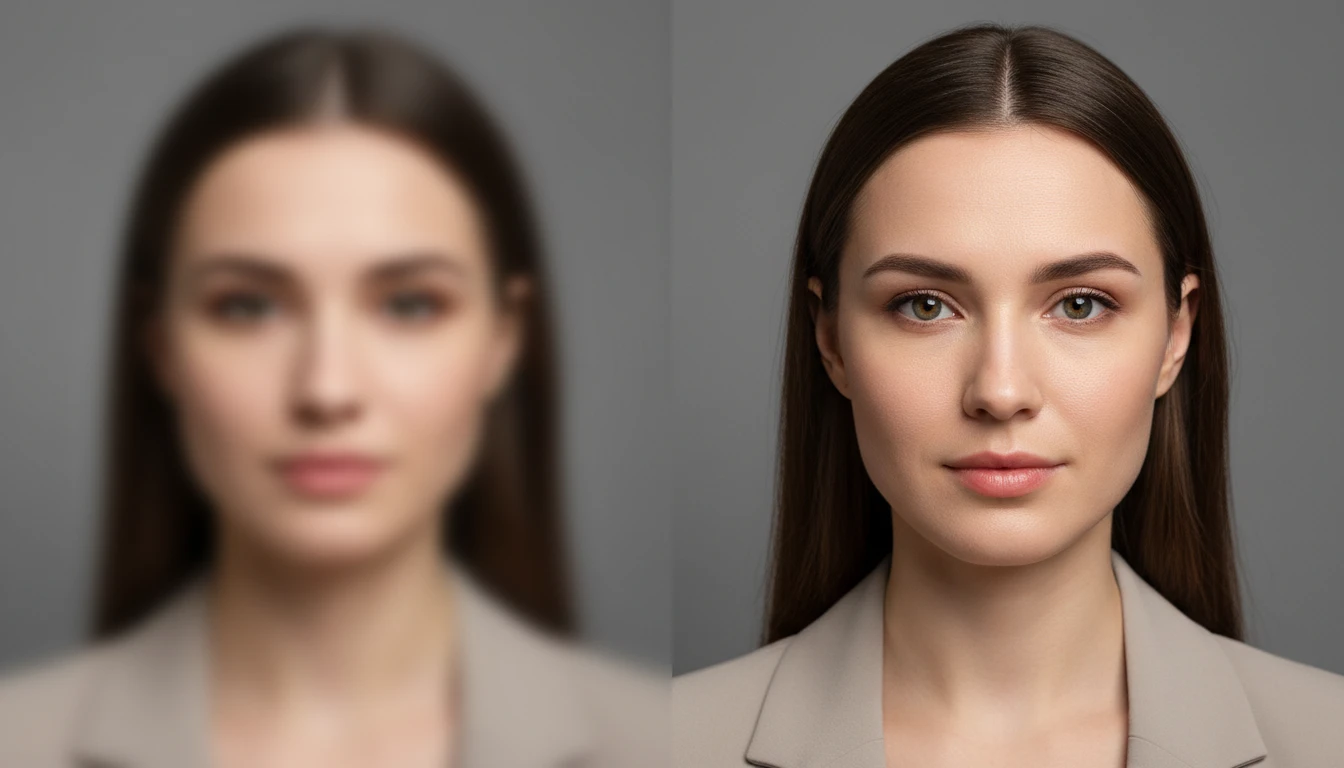
Face & Eye Clarity Enhancement
Specially designed to improve portraits, this feature enhances important facial details like eyes, eyebrows, hair, and facial contours. It makes faces look clearer and more defined while keeping skin tones smooth and natural.
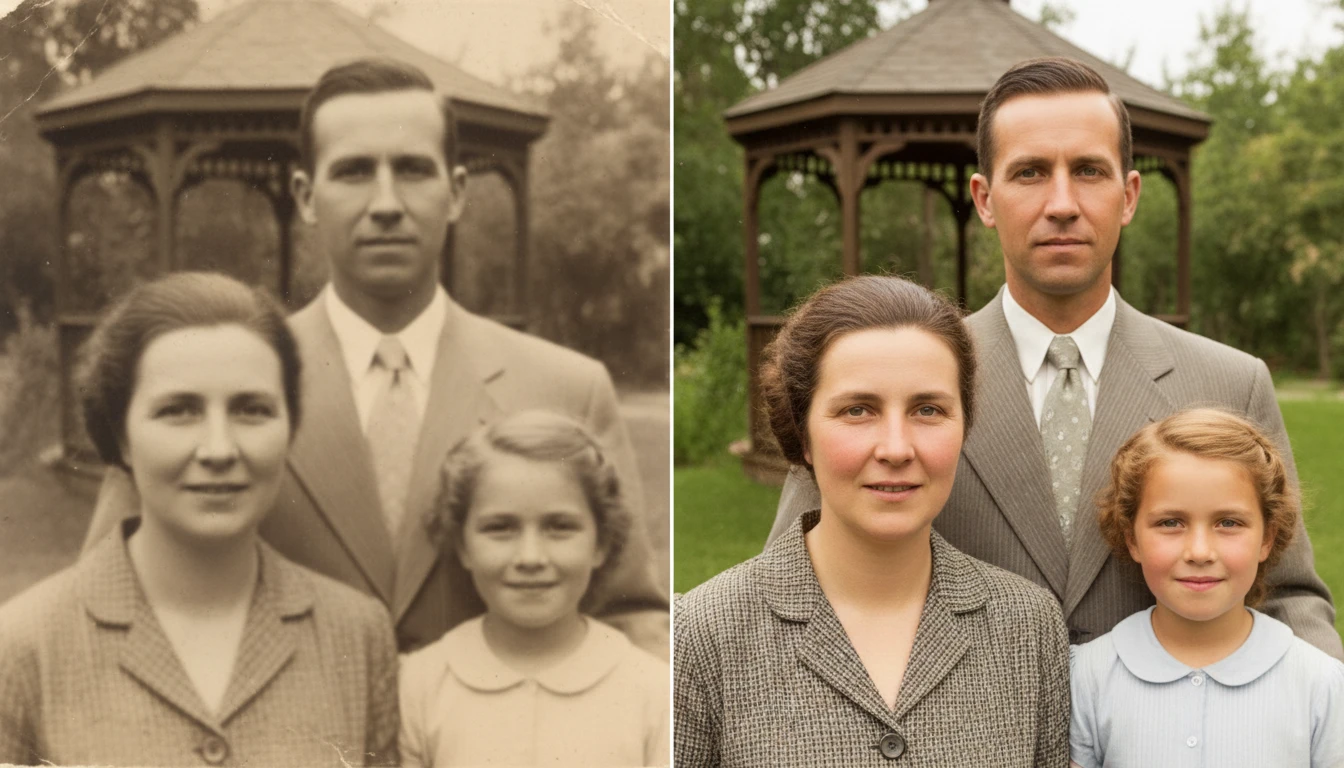
Improve Photo Clarity
This feature enhances overall image quality by refining edges, textures, and fine details. It removes softness and improves definition, giving your photos a clean, crisp, and professional appearance.
Text Sharpening
Blurry text in images, scanned documents, or screenshots becomes clearer and easier to read. The tool sharpens letters and improves contrast, making text look more precise and readable.