AI Sprite Generator
Create ready-to-use pixel sprites for your games with our AI sprite generator.
See Stunning Generator Outputs
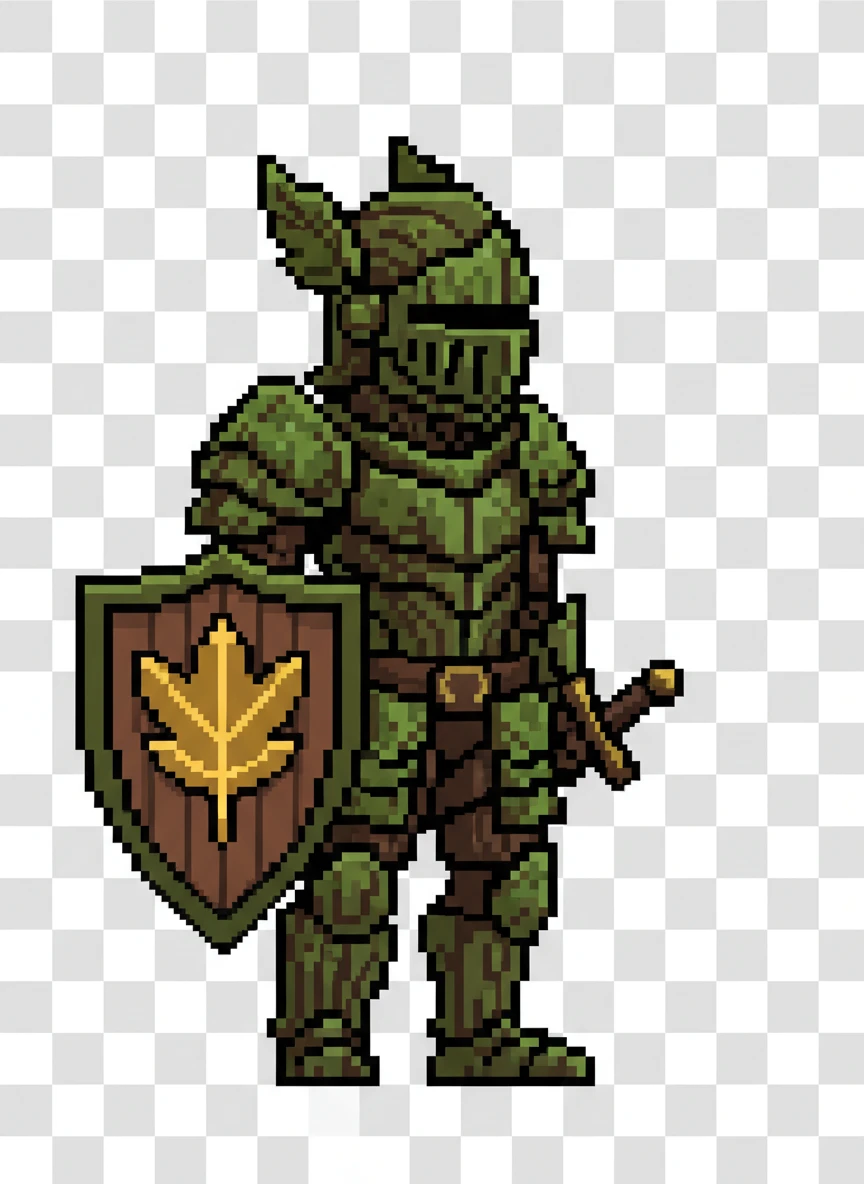
Forest Knight Idle Sprite — Create a sprite generator prompt for a pixel-art forest knight in idle pose, designed for a 16x16 game sprite with readable silhouette. The character wears mossy armor and a leaf-emblem shield, facing right on a transparent background. Emphasize clean outlines and a limited earthy palette suitable for looping idle animation. pixel art, game sprite, fantasy NEG: blur, realism, gradients, text, watermark, noisy background, 3d, photo
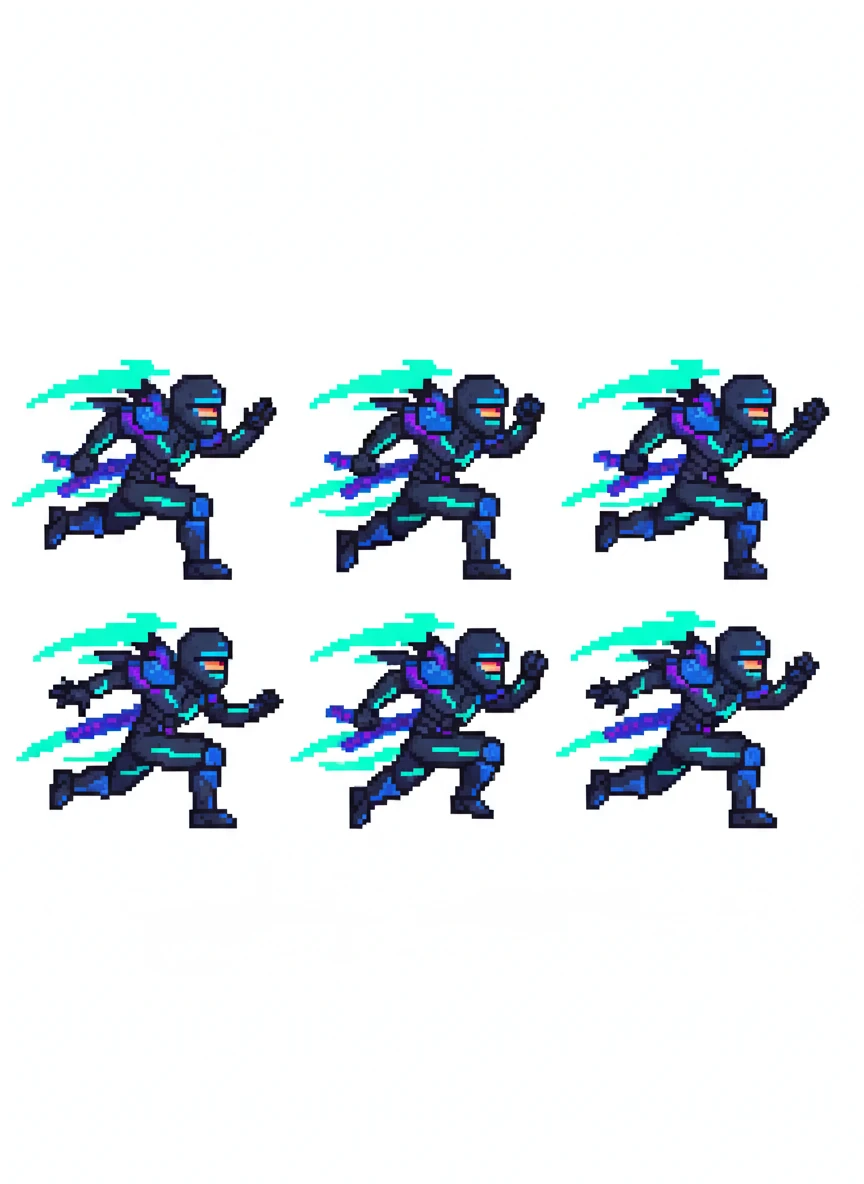
Cyber Ninja Run Cycle Sprite — Use the sprite generator to depict a cyberpunk ninja running, built as a 32x32 pixel sprite sheet with 6 frames. Neon accents and sharp motion arcs should convey speed while staying crisp at small scale. Keep the background transparent and lighting minimal for game integration. pixel art, cyberpunk, animation NEG: motion blur, soft shading, high detail, photo style, background scene, logo, artifacts
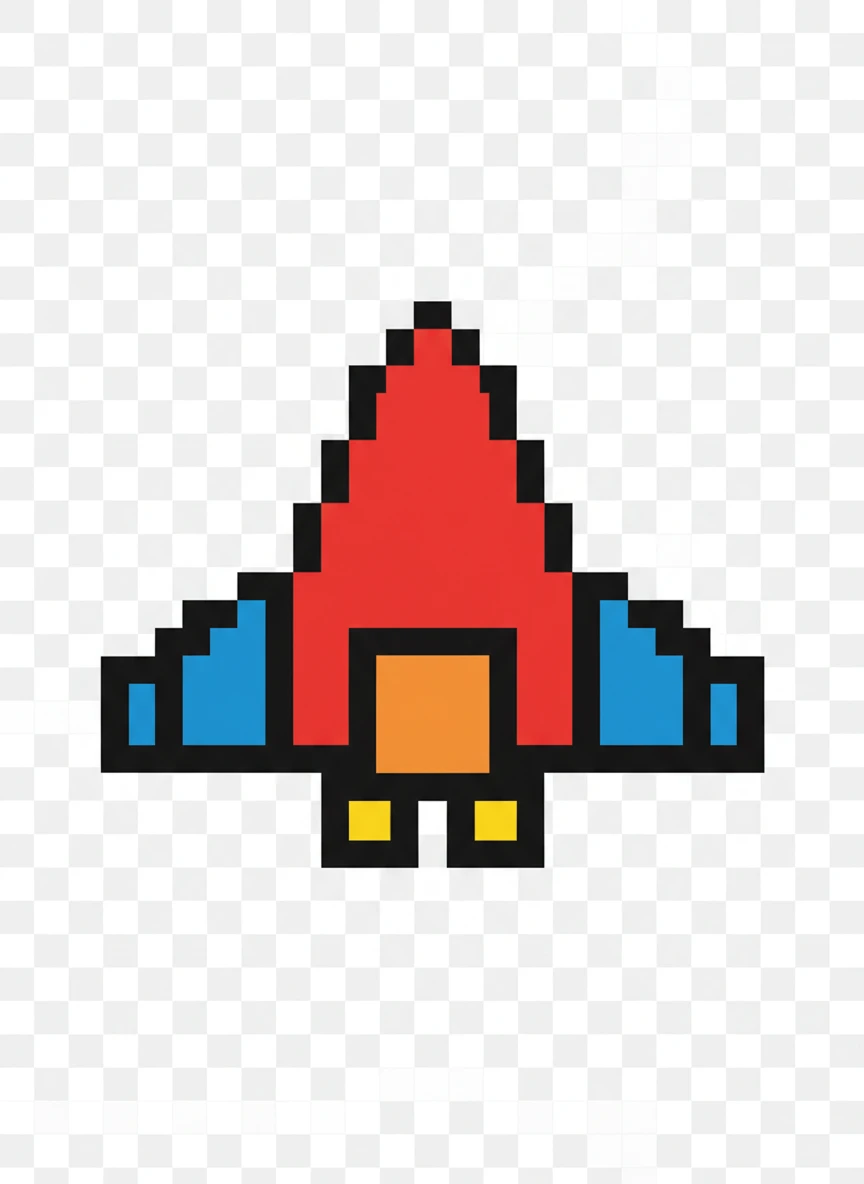
Retro Space Ship Sprite — Create a sprite generator prompt showing a retro arcade-style spaceship, top-down view, 16x16 pixels. Use bold contrast colors and simple geometry to keep it readable during fast gameplay. The sprite should be centered on a transparent canvas. pixel art, retro, sci-fi NEG: gradients, glow effects, photorealism, background stars, noise, text overlay
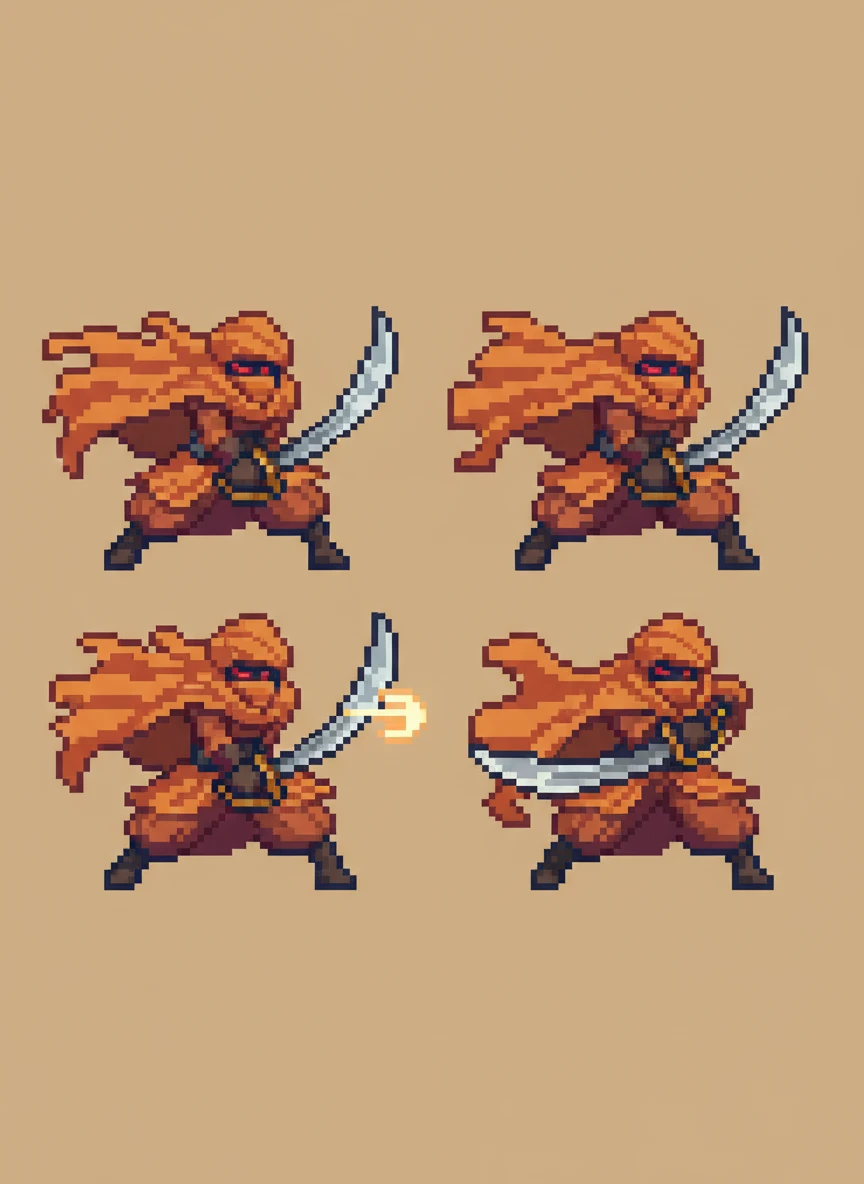
Desert Bandit Attack Sprite — Use the sprite generator to design a desert bandit attack animation as a 32x32 sprite with 4 frames. The bandit swings a curved blade, with flowing cloth and warm desert tones. Maintain strong poses and consistent proportions. pixel art, action, fantasy NEG: blur, extra limbs, inconsistent frames, realism, background scenery, watermark
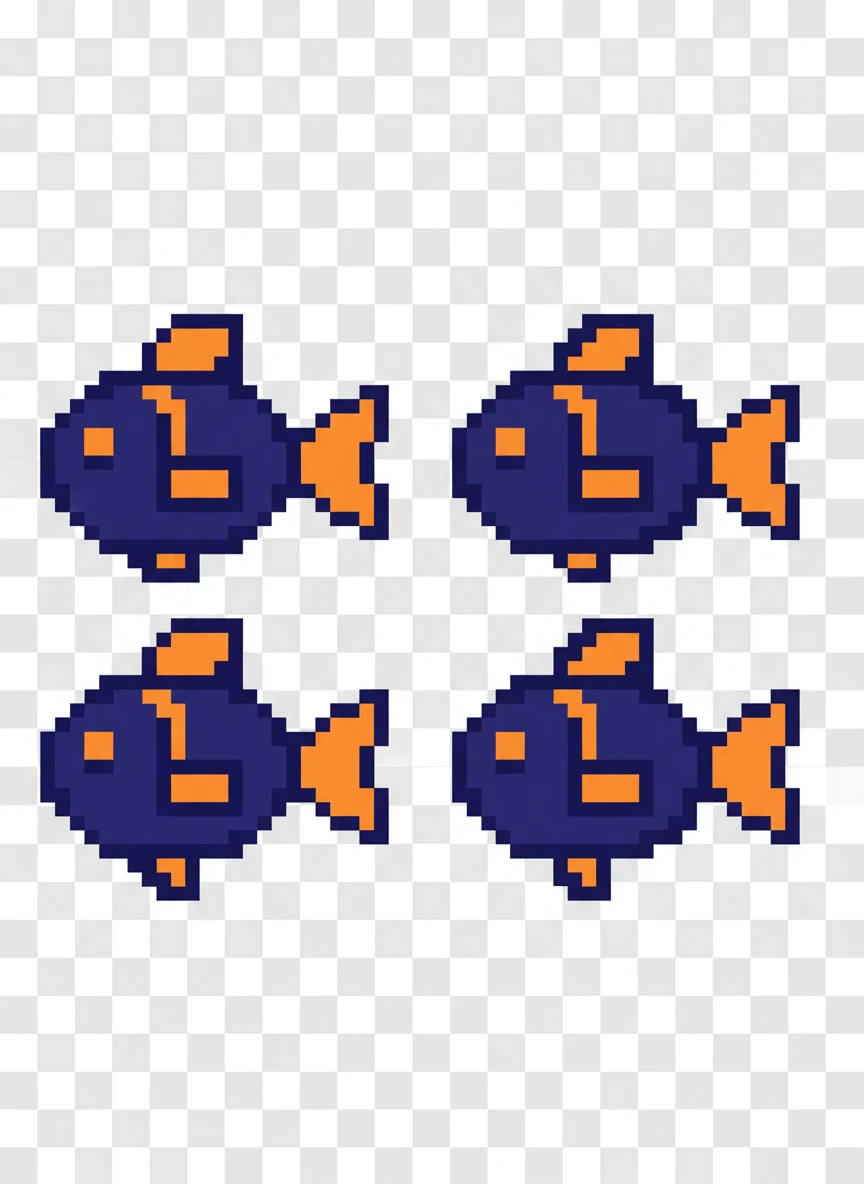
Underwater Fish NPC Sprite — Generate a sprite generator prompt for a small underwater fish NPC, idle swim loop in 16x16 pixels. The design should be simple with a bright accent color to stand out against dark water levels. Keep edges sharp and animation subtle. pixel art, aquatic, game asset NEG: bubbles background, gradients, realistic anatomy, blur, text, over-detail
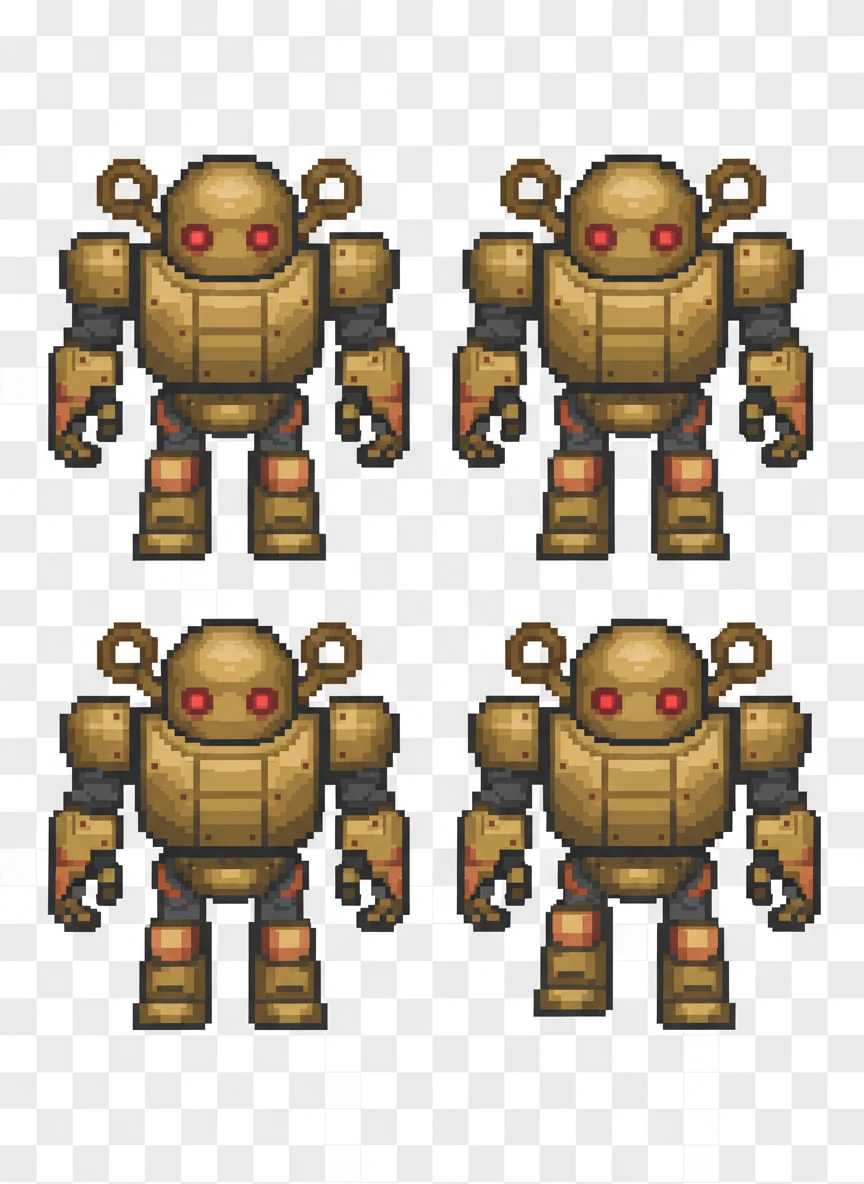
Steampunk Robot Walk Sprite — Create a sprite generator prompt featuring a steampunk robot walking, rendered as a 32x32 pixel sprite sheet. Brass tones, visible gears, and chunky limbs should read clearly at low resolution. Use a neutral stance and transparent background. pixel art, steampunk, robot NEG: fine textures, realistic metal, blur, lighting effects, background, logo
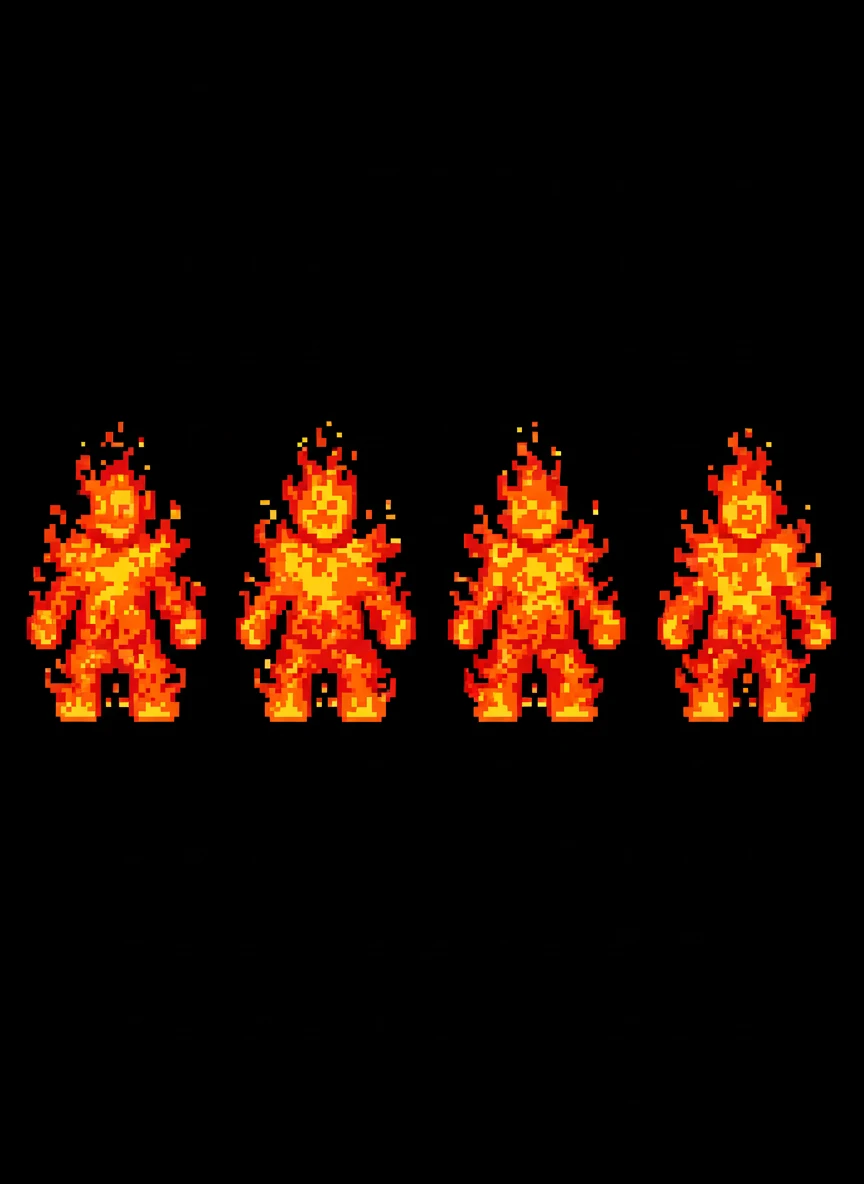
Fire Elemental Idle Sprite — Generate a sprite generator prompt for a fire elemental idle animation, designed for 16x16 pixels. Flames should flicker using clever pixel clusters rather than smooth gradients. The form must stay recognizable across frames. pixel art, elemental, fantasy NEG: gradients, smoke realism, blur, background fire, text, glow overload
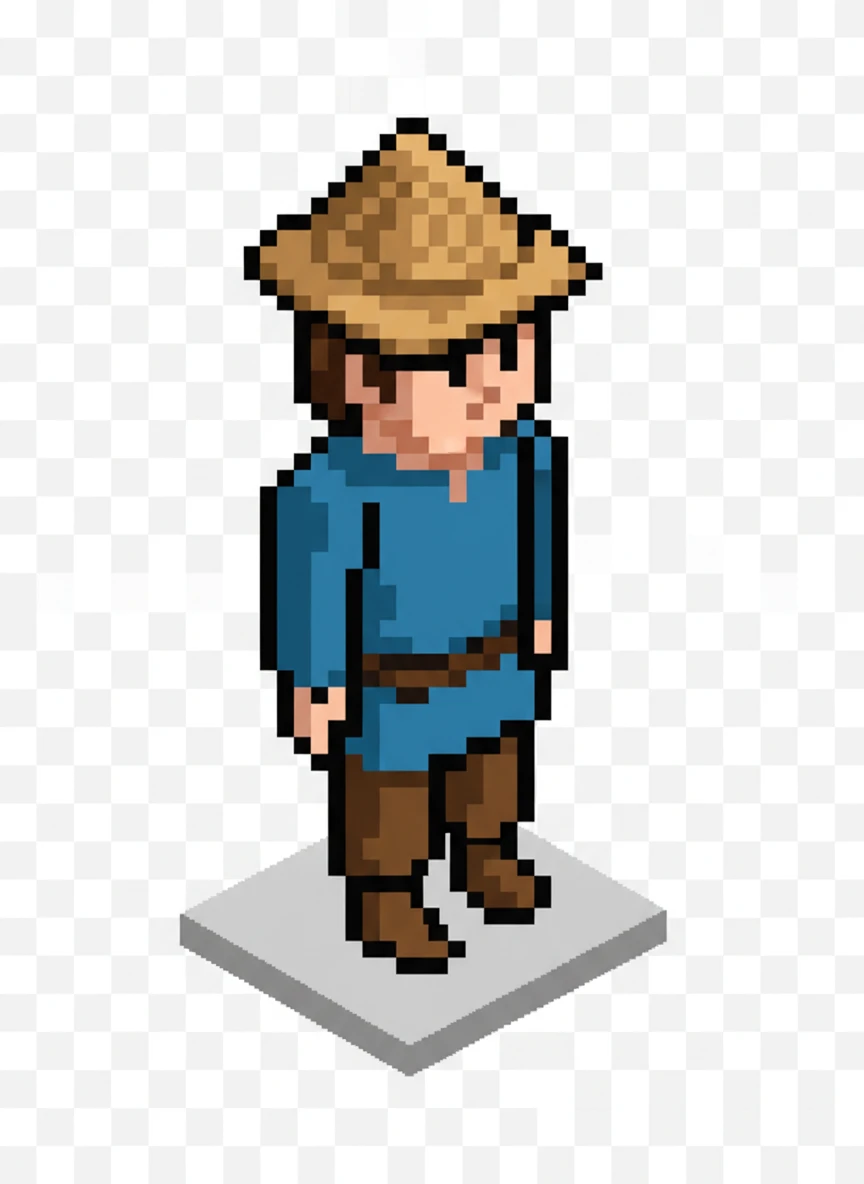
Isometric Town Villager Sprite — Create a sprite generator prompt for an isometric town villager standing idle, scaled for a 32x32 isometric grid. Use simple shading and clear color separation to match classic RPG assets. Keep the pose neutral and loop-friendly. pixel art, isometric, rpg NEG: perspective distortion, realism, background buildings, blur, text, watermark
How to Use AI Sprite Generator?
Describe Your Idea
Type a short description of the sprite you want, like a knight, robot, wizard, or game item.
Generate Your Sprite
Click on generate button and the AI will turn your idea into a pixel sprite in seconds.
Save and Share
Download your sprite image and use it in your game or share it on online platforms.